Quick thread for Installing ASWF OpenVDB in Houdini for Windows 11
Author: admin
Archived post by jan1376
27 march – Talk Conjured another Jan
Attachments in this post:
http://fx-td.com/houdiniandchill/wp-content/uploads/discord/20262103/27/26/talk.mp4
Archived post by mysterypancake
i put some info about worksets in this section github.com/MysteryPancake/Houdini-OpenCL?tab=readme-ov-file#worksets
the vellum thing above also uses worksets/graph color
there’s a few things that can be changed before running the kernel one is the number of workitems by using worksets as Jake said “`cpp // In VEX, runs the kernel 1 time with at least 6 workitems i[]@offsets = {0}; // this doesn’t affect any IDs but it gets passed as a kernel argument I[]@sizes = {6}; “` “`cpp // In OpenCL, the offset and size is passed from the VEX array // Note get_global_id(0) still starts at 0 even with multiple worksets kernel void kernelName( int color_offset, // offset number from i[]@offsets int color_size, // size number from i[]@sizes (not rounded up) … ) { … } “` the other is the [local workgroup size](github.com/MysteryPancake/Houdini-OpenCL?tab=readme-ov-file#changing-the-local-workgroup-size) “`cpp // Force the local workgroup size to 48 __attribute__((reqd_work_group_size(48, 1, 1))) @KERNEL { // This should print “Local size = 48” printf(“Local size = %d”, get_local_size(0)); } “`
The number of workitems it gives you always rounds up based on the local workgroup size
so if you did `i@[]sizes = {4}` but `get_local_size(0)` was 12, it gives you 12 workitems instead
this usually leads to [extra workitems you need to skip over](github.com/MysteryPancake/Houdini-OpenCL?tab=readme-ov-file#bounds-checking)
Archived post by sniperjake945
Id have to try it but potentially with the eikonal cop
Gimme like 10 and I can see if the idea works
im sure you can have it be one sided with some clever weighting but thats an exercise for another time. but this is all cops. you just use a black circle on a white background (where the white value is super high) as a source point/the initial distance and then use the letter outline as the speed parameter on the eikonal node. It’s worth noting that doing this with geometry is of course going to be way more controllable. But this way avoids any kind of geo
Attachments in this post:
http://fx-td.com/houdiniandchill/wp-content/uploads/discord/20262203/27/26/cops_carve.mp4
http://fx-td.com/houdiniandchill/wp-content/uploads/discord/20262203/27/26/cops_carve_JR.hip
Archived post by pixel_bender
Does anyone have a good approach to (in USD) – 1) Culling by object volume or 2) using %bound %closerthan over a shot range?
In SOPs I’d always trail and timeshift a camera frustum to the end frame – generating a shotlength frustum volume and cull objects based on it – in USD, as far as I can tell, this isn’t possible in any meaninfgul way – which is incredibly problematic
If I could cull by object volume, I could do the heavy lifting in SOPs by generating the frustum there
alternatively, if I could do a ‘cumulative closerthan / bound(cam)’, I’d get the same benefit
Oh shit.. maybe this is accounted for
well shit, this works amazingly
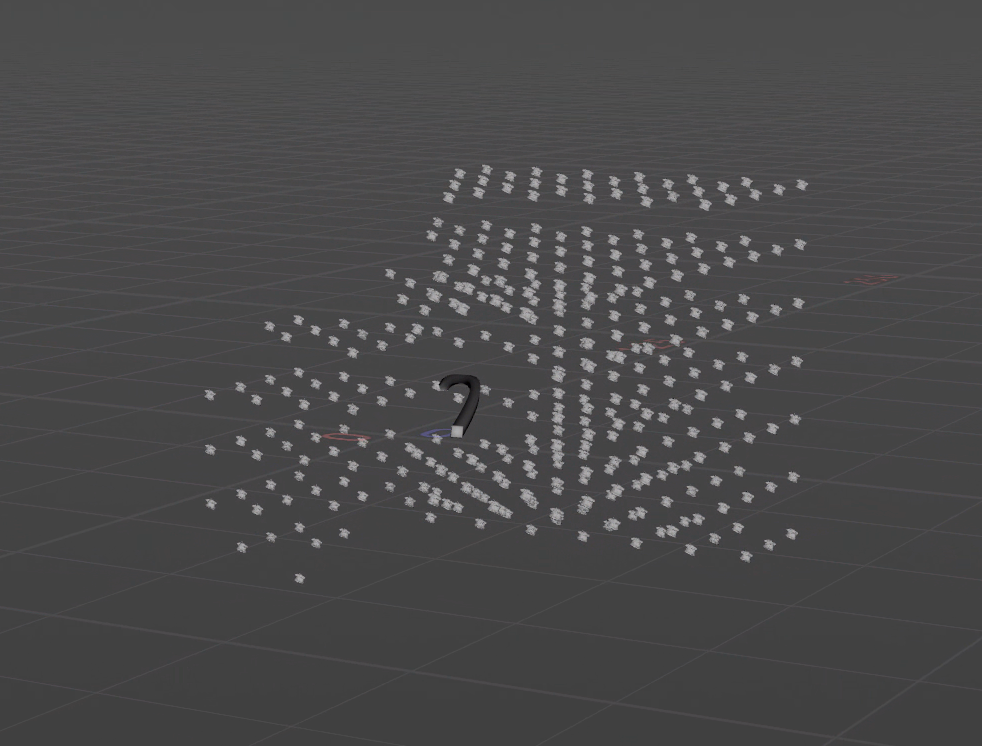
canera path and its prims
no time dependency introduced
`%bound(path/to/cam, bound = 20, t = ($FSTART, $FEND)) & %type:Mesh`
on a prune node seet to prune unselected
this is so great- beats even the sops workflow of frustum/trail/timeshift/group/delete
Here it is culling outside bounds, then using %closerthan in another prune to remove points getting to close to camera
seriously, beyond useful, and fast
Im just not sure if it works with instances…
Now the problem is with payloads and instances…
Attachments in this post:
http://fx-td.com/houdiniandchill/wp-content/uploads/discord/20265503/24/26/image.png
Archived post by mattiasmalmer
got it to work! thanx.
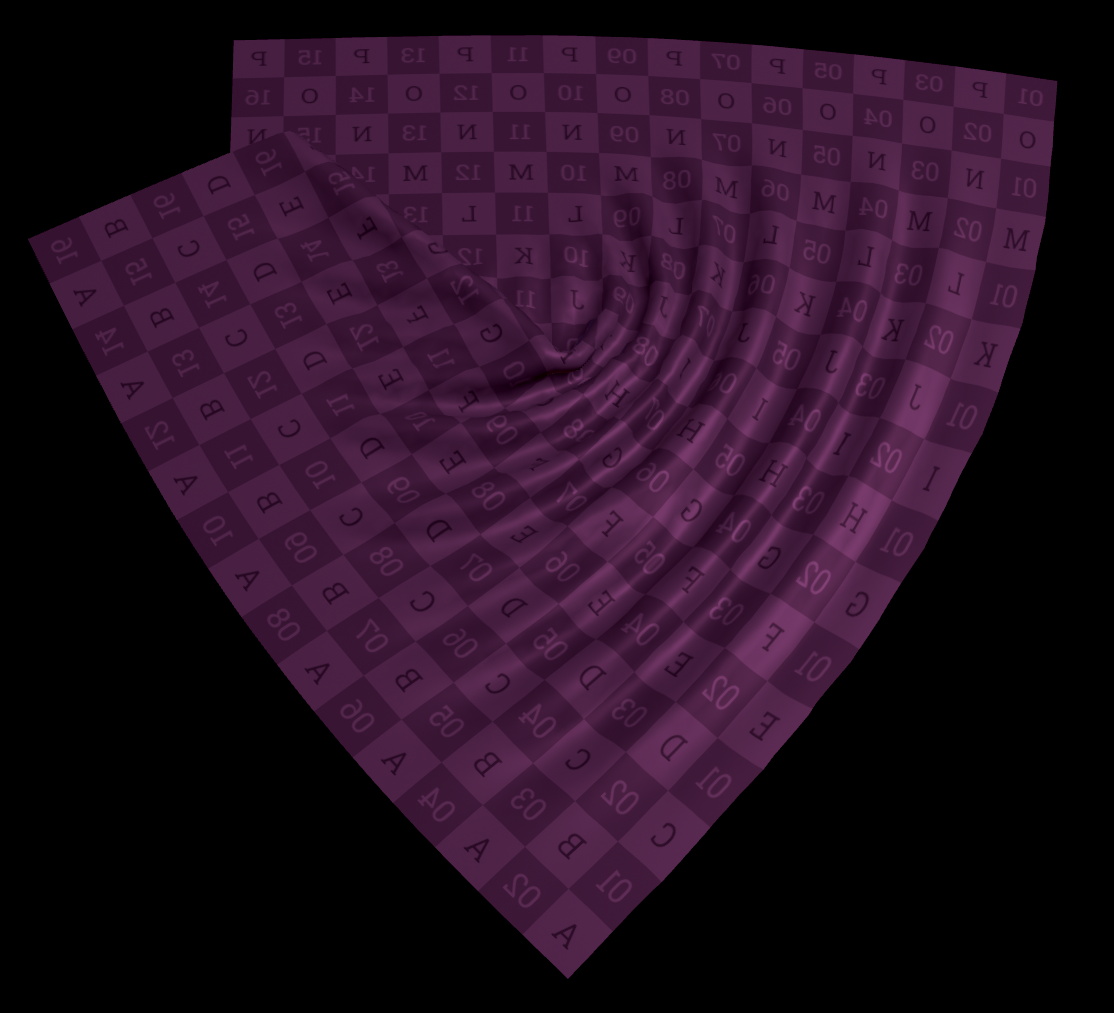
it is my own version of something like the wrinkle deformer.
(I intend to use it for post solve editing of cloth sims.)
i made this as a wrangle thing first but it was slow so i caved and made it in openCL. makes ALL the difference.
the stock wrinkle deformer does things im not entirely happy with so i had to make my own. also learning moment.
here is a hip if you want to play around
Attachments in this post:
http://fx-td.com/houdiniandchill/wp-content/uploads/discord/20260503/24/26/houdini_eFFYhuo5Xh.mp4
http://fx-td.com/houdiniandchill/wp-content/uploads/discord/20260503/24/26/image.png
http://fx-td.com/houdiniandchill/wp-content/uploads/discord/20260503/24/26/constraint_solver_Mwrinkle.hiplc
Archived post by drewzeefx
@Hallam I messed around a bit, it looked like cops cant really make a proper annulus with endless bounds so I did a lil hack, but your first image looks correct, except the rotation might need to be the opposite sign to get the picture frame to line up
Thread
Attachments in this post:
http://fx-td.com/houdiniandchill/wp-content/uploads/discord/20263903/23/26/IMG_5213.mov
http://fx-td.com/houdiniandchill/wp-content/uploads/discord/20263903/23/26/escher-loop-3blue1brown-claude-trash.hiplc
Archived post by toadstorm
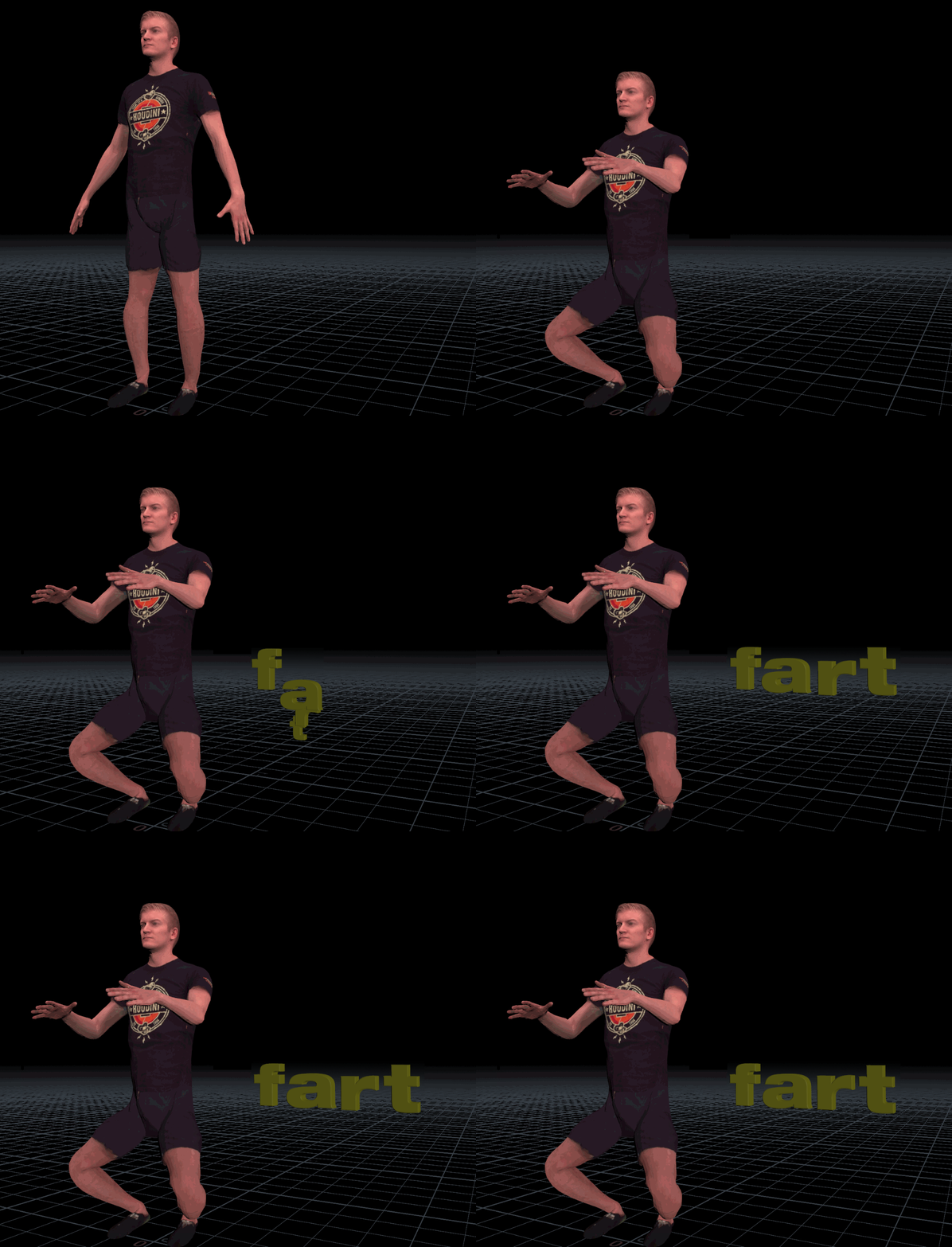
i got your gaswind right here
Attachments in this post:
http://fx-td.com/houdiniandchill/wp-content/uploads/discord/20263803/12/26/fart.gif
Archived post by mattiasmalmer
Happened to make a nice pscale randomizer:
“`@pscale=pow(1-ch(“spread”), 2*rand(@ptnum)-1.0);“`
Archived post by vanity_ibex
I should start using recipes more then I don’t have to dig through 100x files to find something
“`cpp
#bind layer src float4 #bind layer &dst float4 #bind parm radius int value=4 #bind parm sigma_s float value=4.0 // spatial falloff #bind parm sigma_r float value=0.1 // range/value falloff
@KERNEL { int2 gid = (int2)(@ix, @iy); int w = @src.xres; int h = @src.yres;
float4 center = (float4)(@src.bufferIndex(gid)); float4 acc = (float4)(0.0f); float weight = 0.0f;
float ss2 = 2.0f * @sigma_s * @sigma_s; float sr2 = 2.0f *max(@sigma_r,0.001f) * max(@sigma_r,0.001f);
int r = @radius;
for (int dy = -r; dy <= r; dy++) { for (int dx = -r; dx <= r; dx++) { int2 p = (int2)( clamp(gid.x + dx, 0, w-1), clamp(gid.y + dy, 0, h-1) );
float4 sample = (float4)(@src.bufferIndex(p));
// Spatial weight — gaussian falloff by pixel distance float spatial = (float)(dx*dx + dy*dy) / ss2;
// Range weight — gaussian falloff by value difference float4 diff = sample – center; float range = dot(diff, diff) / sr2;
float w_combined = exp(-spatial – range);
acc += sample * w_combined; weight += w_combined; } }
@dst.set(acc / weight); }
“`