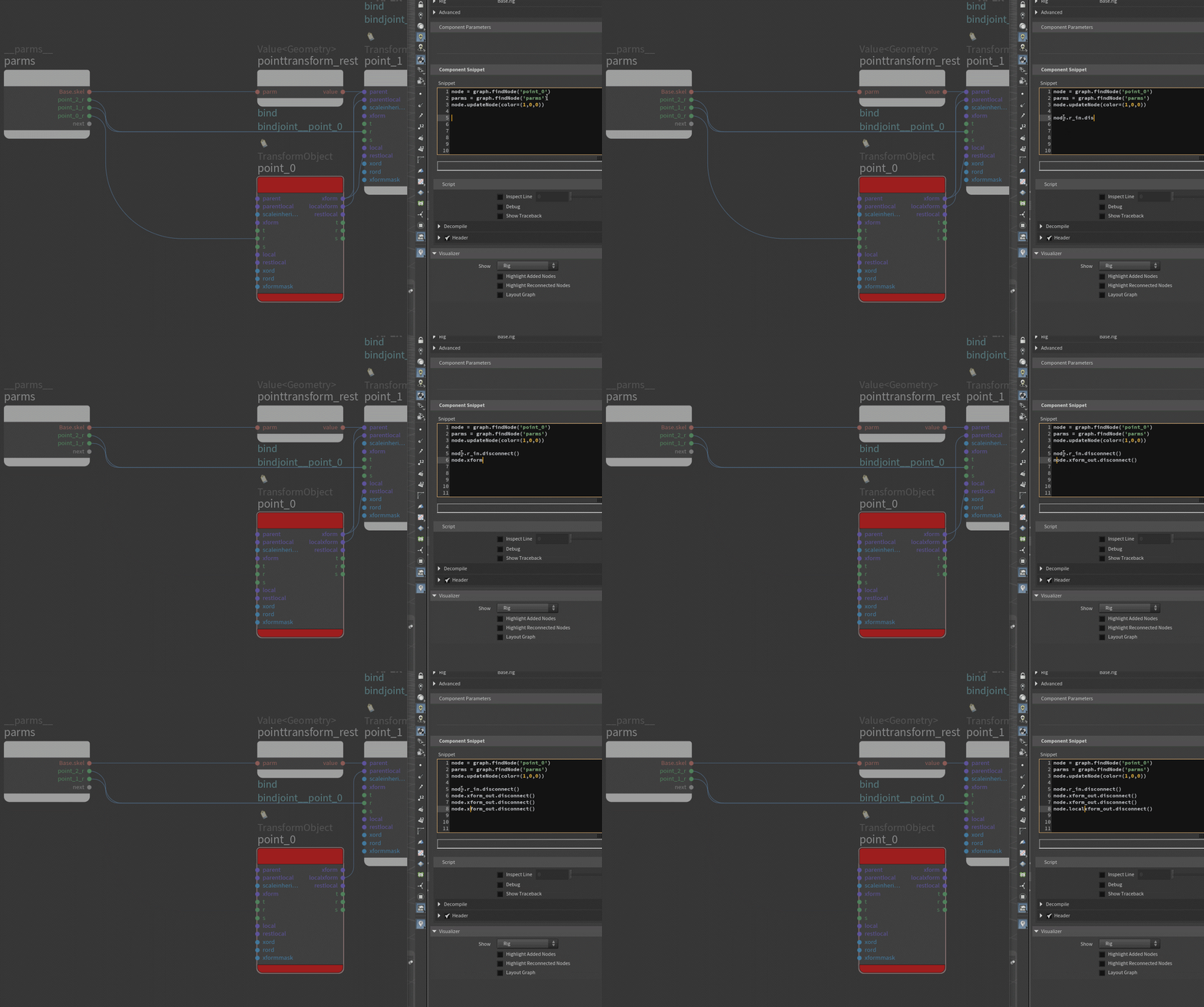
Archived post by blacknye

I’m reading through this now, I’ll share some of my insights/experiences too in a bit. We’ll struggle together haha.

> plug the skeleton into the autobilder – says that left side does not match the right but doesn’t tell me what exactly is different * For this particular warning, you can probably ignore it. I agree with you though, it would be really nice to have more details. This warning even pops up when testing the autorig builder on Electra and Otto.
* Since you’re using a mixamo skeleton. I’d make sure to clean up some of the transforms and naming. On the fbx import nodes, make sure to check ‘Normalize Joint Scales’ and ‘Remove Namespaces from Joint Names’. I’d also do a string replace for names containing ‘Left’ and ‘Right’ and replace them with` ‘L_’ and ‘R_’`. Remove the fbx attribs. It probably has a bunch of ‘end’ joints too, I’d blast those or tag them so you can easily hide them later when configuring controls
> takes a couple of seconds to enter the rigbuilder state and then even the state feels a bit sluggish (wasn’t apex supposed to be fast?) * There could be several causes for this, some apex, some viewport, vulkan, opengel, etc. Hi-poly geo, viewport lighting, scene antialias samples. Resetting the viewport can help too.
> dropping components feels nice and powerful but the worldspace controls are finnicky // ie can’t toggle on a click, have to drag, and you eventually drag away from the toggle and the controls close…. * For the ik/fk toggles, you should be able to just left-click on it instead of click+drag, click+drag brings up the on/off switch but that action isn’t needed when switching between ik/fk.
> names of those controls are also not helping * You can rename the controls using a the post process tab in the configure controls sop. If your controls have long names with the mixamo: namespaces, I’d recommend cleaning those up before you even get to the apex stuff.
> and some random things here and there – ie I drop the foot component and the hole rig collapses…. * I’d have to see the skel/hierarchy in your file, I haven’t experienced that behavior.

Just wanted to show the affect polycount still has on viewport performance. I think it’s important to be mindful of this and still use good practices. Also, I find opengl to have better performance over vulkan in this particular case.

@nikolad8022 I’m posting a video below and a scene file that might help you so you can see once you do the setup and cleanup on the mixamo skel before diving into apex, it’s pretty stable:

Attachments in this post:
http://fx-td.com/houdiniandchill/wp-content/uploads/discord/20265605/31/26/apex_polycount_opengl.mp4
http://fx-td.com/houdiniandchill/wp-content/uploads/discord/20265605/31/26/mixamo_prep_for_apex.mp4
http://fx-td.com/houdiniandchill/wp-content/uploads/discord/20265605/31/26/mixamo_prep_for_apex_v001.hiplc
Archived post by blacknye

Sure thing. I’ll upload a file today when I get back.

@.goldfarb. Here you go. 2 days late . Added a few more controls to it. There’s still a few things I want to fix and add. Big thing for me – figuring out how to set a LookAt constraint that allows you to move the Driven while also obeying the orientation toward the Up so then it’ll aim/rotate from the correct pivot.

Attachments in this post:
http://fx-td.com/houdiniandchill/wp-content/uploads/discord/20265902/08/26/apex_wheel_exp.mp4
http://fx-td.com/houdiniandchill/wp-content/uploads/discord/20265902/08/26/apex_wheel_experiment_v001.hip

Archived post by will1059

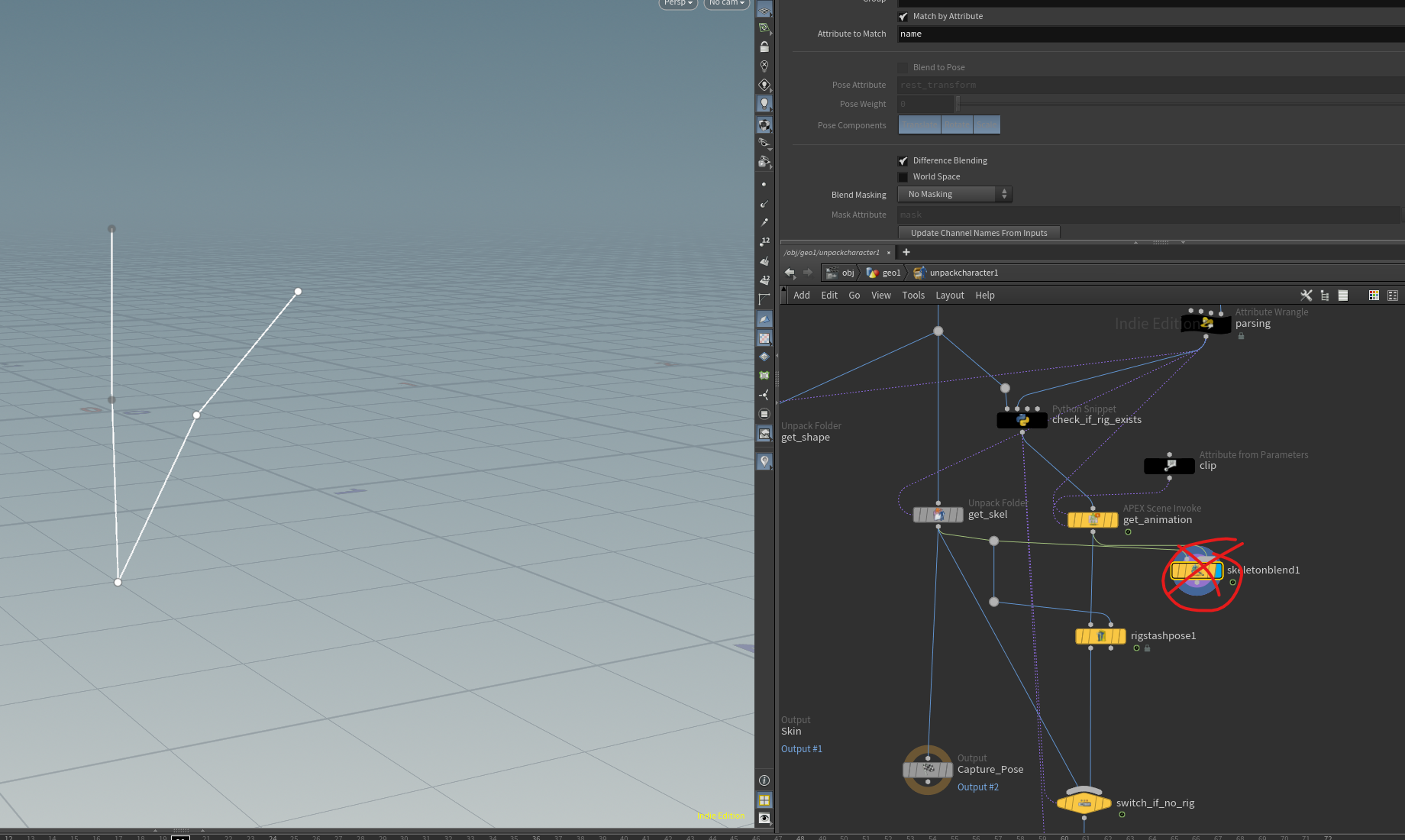
Hey, This is a bug. The blenshape animation does exist on the skeleton. It just needs to be invoked. Simply bypassing the skeleton blend in the unpack character will fix it. This is being fixed 🙂

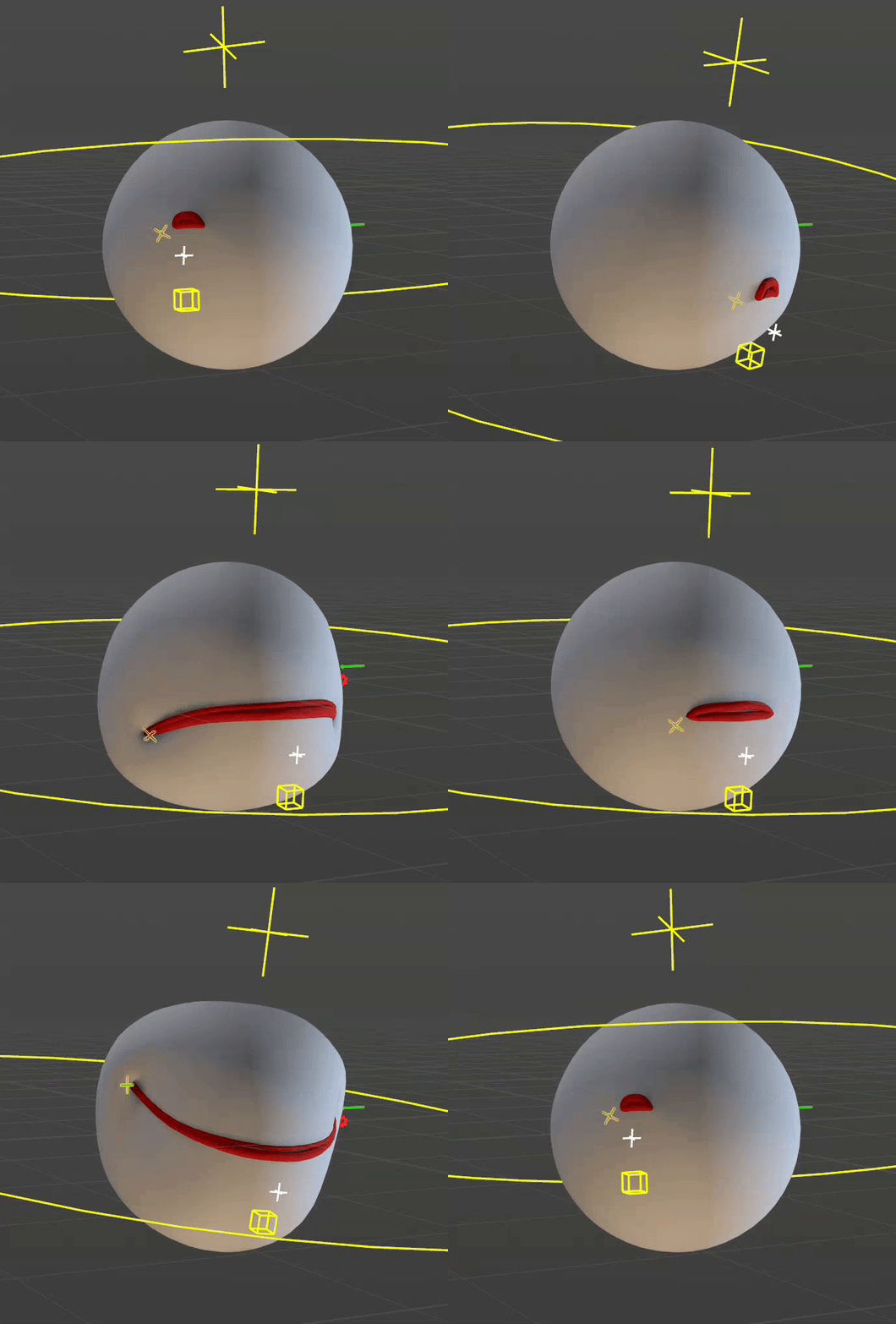
Here is a basic slider setup.

Attachments in this post:
http://fx-td.com/houdiniandchill/wp-content/uploads/discord/20250712/03/25/image.png
http://fx-td.com/houdiniandchill/wp-content/uploads/discord/20250712/03/25/apex_rig_to_solaris_as_usdskel_plus_blendshapes.hiplc
http://fx-td.com/houdiniandchill/wp-content/uploads/discord/20250712/03/25/output.gif
http://fx-td.com/houdiniandchill/wp-content/uploads/discord/20250712/03/25/mouth.zip

Archived post by mattiasmalmer

a production friendly way of making skeletons is to use minimal spanning tree to just grab a set of arbitrary points and build a skeleton from. then you can make super solid things like this:

all fun aside minimal spanning trees are great for building skeleton structures from unsorted points because you know that you get all the points and the hierarchy is logical and it always makes a valid skeleton.

Attachments in this post:
http://fx-td.com/houdiniandchill/wp-content/uploads/discord/20252710/31/25/houdini_qrNQIGMFRV.mp4
http://fx-td.com/houdiniandchill/wp-content/uploads/discord/20252710/31/25/houdini_ZIr4OV9u4L.mp4
http://fx-td.com/houdiniandchill/wp-content/uploads/discord/20252710/31/25/sop_mattias.minimalspanningtree.1.0.hdalc

Archived post by siegmattel

this approach is more like you’re building different custom rig poses with much more advanced functionality

how do i make sure that blendshape animation comes through on a rop fbx character export?

i’m guessing it’s some combination of character blend shapes add and a few other nodes?

for anyone curious, found this hip file from edward on the sidefx forums, seems like it works. you basically pack each blendshape, give it the same name attribute as your capture geo, add blendshape_channel and blendshape_name attributes, hide the blendshape visibility, and then you set up a few detail attributes on the skeleton to act as the blendshape weights.

Attachments in this post:
http://fx-td.com/houdiniandchill/wp-content/uploads/discord/20251607/03/25/kinefxBlendShapeFromScratch.hip

Archived post by jim.meston

Nah f that. It’s as easy as making a subnet, promoting to HDA and changing the view state. Then the user pins the scene view at the container level. Then you basically have an empty utility HDA that people can use if they choose to.

Call it rigpose_multi or something catchy and get 5 cool points.

+ if memory serves me right the rigpose vis controls are multiparms so you the user could theoretically make visibility sets.

Here you go…

By default the container has no parms, but if you drag the relevant multiparm root into the container edit parms window, it propogates all the parms for you. You can do this for the tranforms as well. It takes a few seconds. Or just pin the view at the top level and edit from within the container. Should work for custom hdas with rigpose states also.

Attachments in this post:
http://fx-td.com/houdiniandchill/wp-content/uploads/discord/20245810/01/24/rigpose_multiviewer.gif
http://fx-td.com/houdiniandchill/wp-content/uploads/discord/20245810/01/24/rigpose_multi.zip