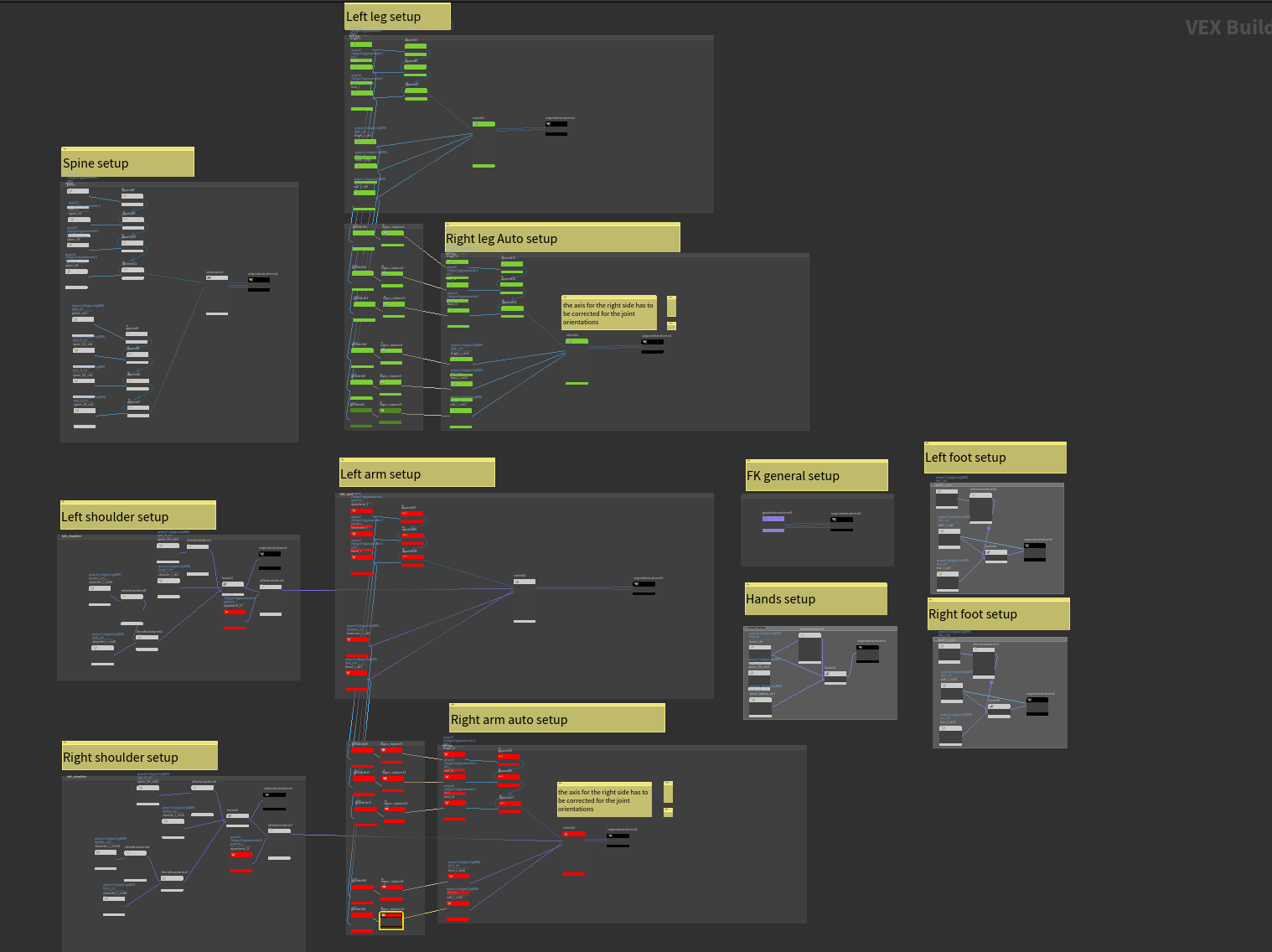
right, did a last sweep, added images, videos, hips: tokeru.com/cgwiki/HoudiniApex.html
Category: hou-rigging-anim
Archived post by jim.meston
Nah f that. It’s as easy as making a subnet, promoting to HDA and changing the view state. Then the user pins the scene view at the container level. Then you basically have an empty utility HDA that people can use if they choose to.
Call it rigpose_multi or something catchy and get 5 cool points.
+ if memory serves me right the rigpose vis controls are multiparms so you the user could theoretically make visibility sets.
Here you go…
By default the container has no parms, but if you drag the relevant multiparm root into the container edit parms window, it propogates all the parms for you. You can do this for the tranforms as well. It takes a few seconds. Or just pin the view at the top level and edit from within the container. Should work for custom hdas with rigpose states also.
Attachments in this post:
http://fx-td.com/houdiniandchill/wp-content/uploads/discord/20245810/01/24/rigpose_multiviewer.gif
http://fx-td.com/houdiniandchill/wp-content/uploads/discord/20245810/01/24/rigpose_multi.zip
Archived post by bouncyferret
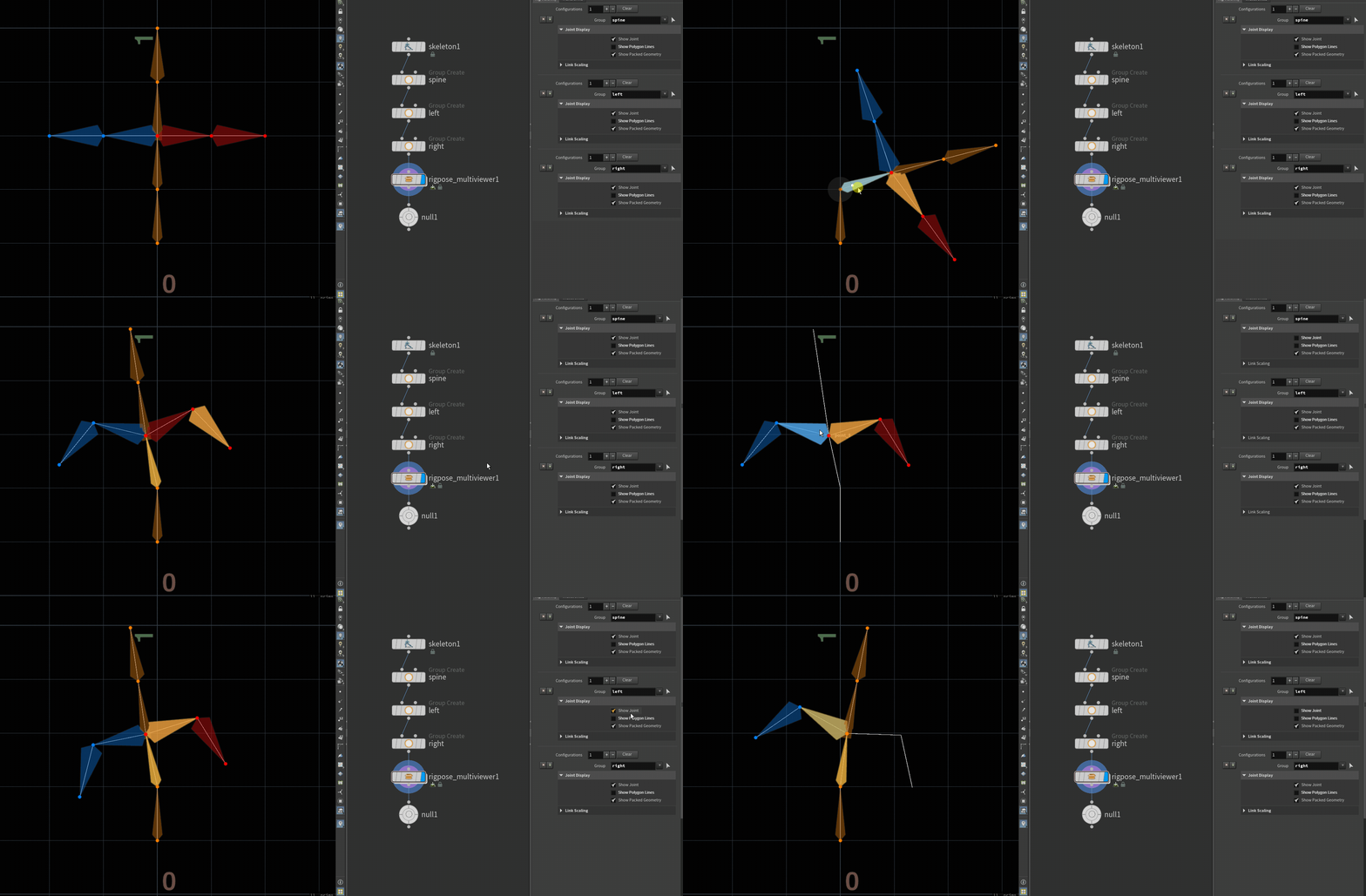
Here you go
Might have to have the channels selected
Attachments in this post:
http://fx-td.com/houdiniandchill/wp-content/uploads/discord/20241709/04/24/image.png
Archived post by siegmattel
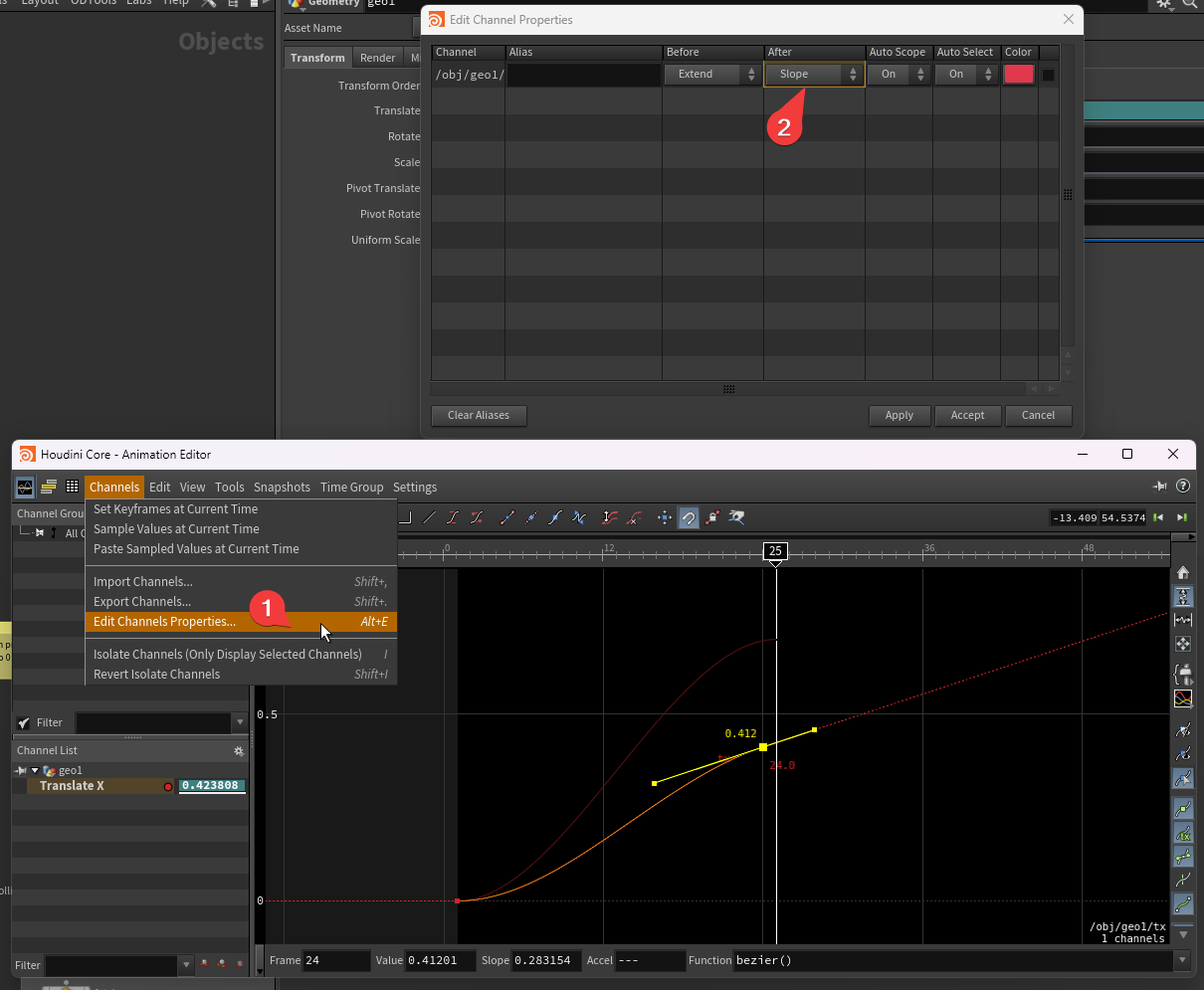
@toadstorm fuck yesss that worked! was able to see the definition of the functions in there, found the inputindex call
for anyone curious, inputindex was the param i was looking for. the code for the action button: “` from kinefx.ui import rigtreeutils rigtreeutils.selectPointGroupParm(kwargs, inputindex=1) “` and the menu script: “` from kinefx.ui.jointselection import buildTransformMenu return buildTransformMenu(kwargs[‘node’], inputindex=1, is_motionclip=False) “`
gives you joint selection for the second input of your hda
Archived post by mattiasmalmer
i wanted to copy a bunch of “characters” to points and be able to deform them with a rigpose after cloning. here is a hip file with my solution to updating the capture data so that the deformer works
Attachments in this post:
http://fx-td.com/houdiniandchill/wp-content/uploads/discord/20242808/22/24/clone_captured_meshes.hiplc
http://fx-td.com/houdiniandchill/wp-content/uploads/discord/20242808/22/24/houdini_hvPjjpmC8W.mp4
Archived post by mattiasmalmer
i was talking to @pawelgrzelak about vellum and driving animations. and i mentioned an old post of mine about a worm thing i built using vellum constraints. turns out i did not post the hip file back then. :https://discord.com/channels/270023348623376395/351974457318834177/963921866005839892
So ill post it now:
Attachments in this post:
http://fx-td.com/houdiniandchill/wp-content/uploads/discord/20244204/17/24/wormVELLUM_clean.hiplc
http://fx-td.com/houdiniandchill/wp-content/uploads/discord/20244204/17/24/wire.mp4
Archived post by mattiasmalmer
i was talking to @pawelgrzelak about vellum and driving animations. and i mentioned an old post of mine about a worm thing i built using vellum constraints. turns out i did not post the hip file back then. :https://discord.com/channels/270023348623376395/351974457318834177/963921866005839892
So ill post it now:
Archived post by benttoenail
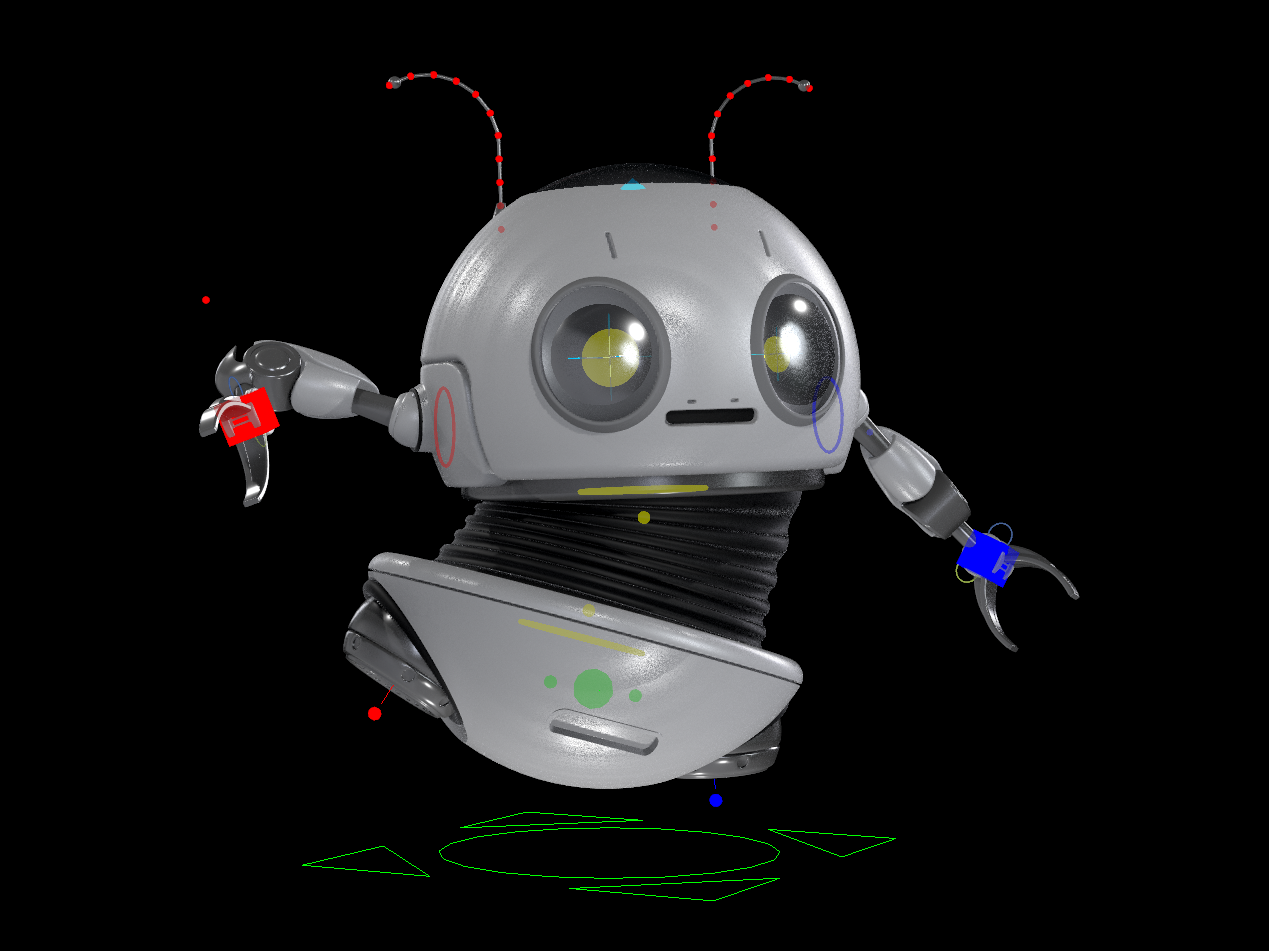
Adding to the chaos – finished up recording a new tutorial series, here’s the completed rig
apex seems worthy of this
Attachments in this post:
http://fx-td.com/houdiniandchill/wp-content/uploads/discord/20233912/01/23/Robot_Helper_RIG_Final_01.hiplc
http://fx-td.com/houdiniandchill/wp-content/uploads/discord/20233912/01/23/image.png
Archived post by esttri
huhu, yes its late but luckily i am a night owl :D.
if you want to fetch your rig with a component script you will need to use those 2 nodes. because you want your graph to be loaded as a graph objects. its a looooot nicer to work with
and here is a little goodie. a hello world component. add as many hello world nodes as you like 🙂
Attachments in this post:
http://fx-td.com/houdiniandchill/wp-content/uploads/discord/20230611/22/23/hellowworld_component.bgeo
Archived post by will1059
inside the rig vop:)
this looks crazy, but its actually a lot easier than trying to do everything with skeleton blends and its very quick
Attachments in this post:
http://fx-td.com/houdiniandchill/wp-content/uploads/discord/20234707/07/23/william.rig.1.0.hdalc
http://fx-td.com/houdiniandchill/wp-content/uploads/discord/20234707/07/23/image.png