Hi everyone, Just realized I’ve been putting a lot of work in this repo and I should do some self promotion as it would be cool if other people find use for it: github.com/beatreichenbach/qt-parameters There are a bunch of other repos on my page as well 🙂
Category: hou-programming
Archived post by beatreichenbach
Hi, just figured I’d share. We have a somewhat crazy need at work to create Components for USD so I created a helper library. github.com/beatreichenbach/houdini-component-builder I’m using it in github.com/beatreichenbach/houdini-megascans and also in some unreleased polyhaven bridge and other plugins. Maybe it comes in handy for anyone else.
Archived post by animatrix2k7
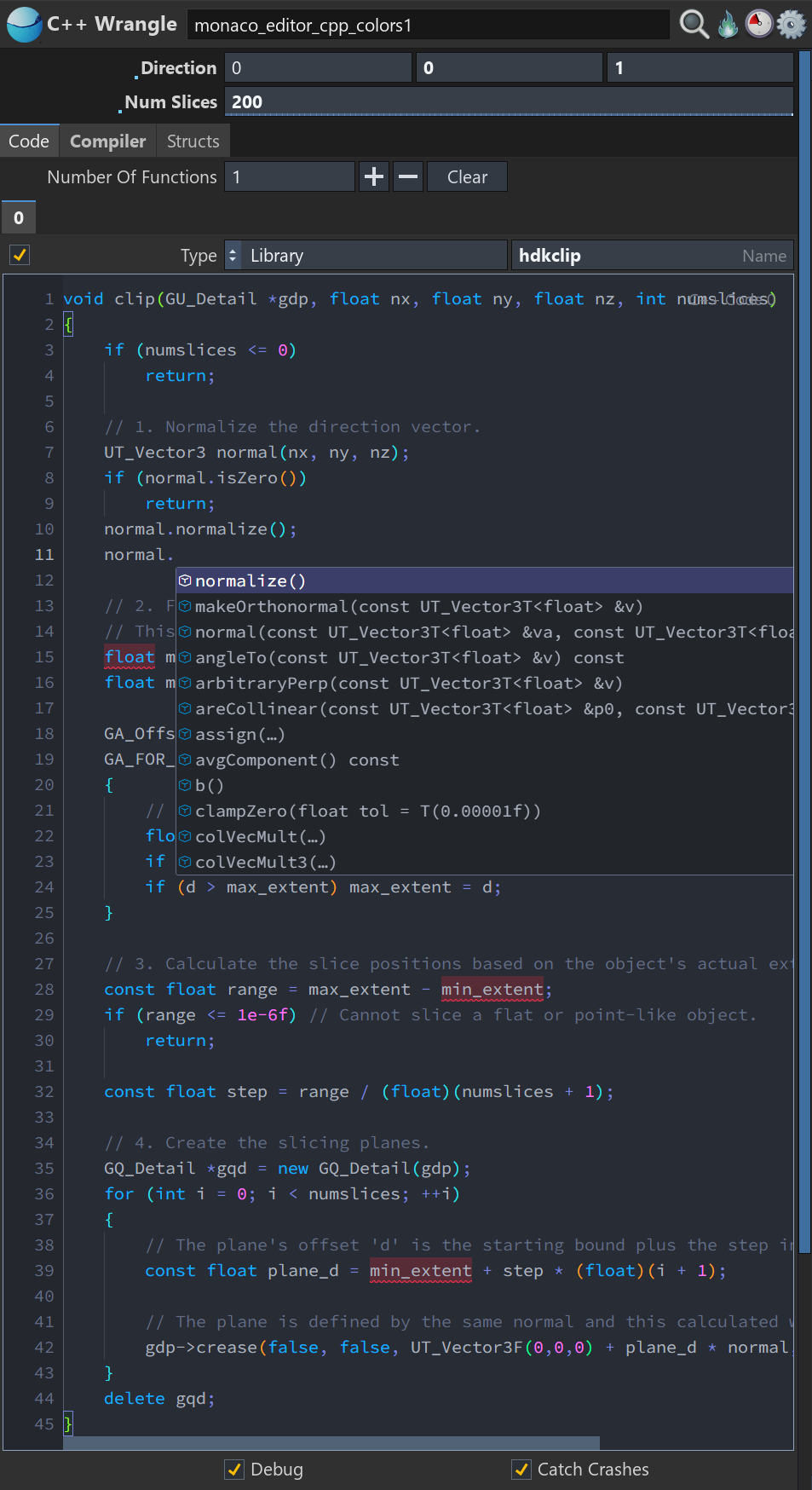
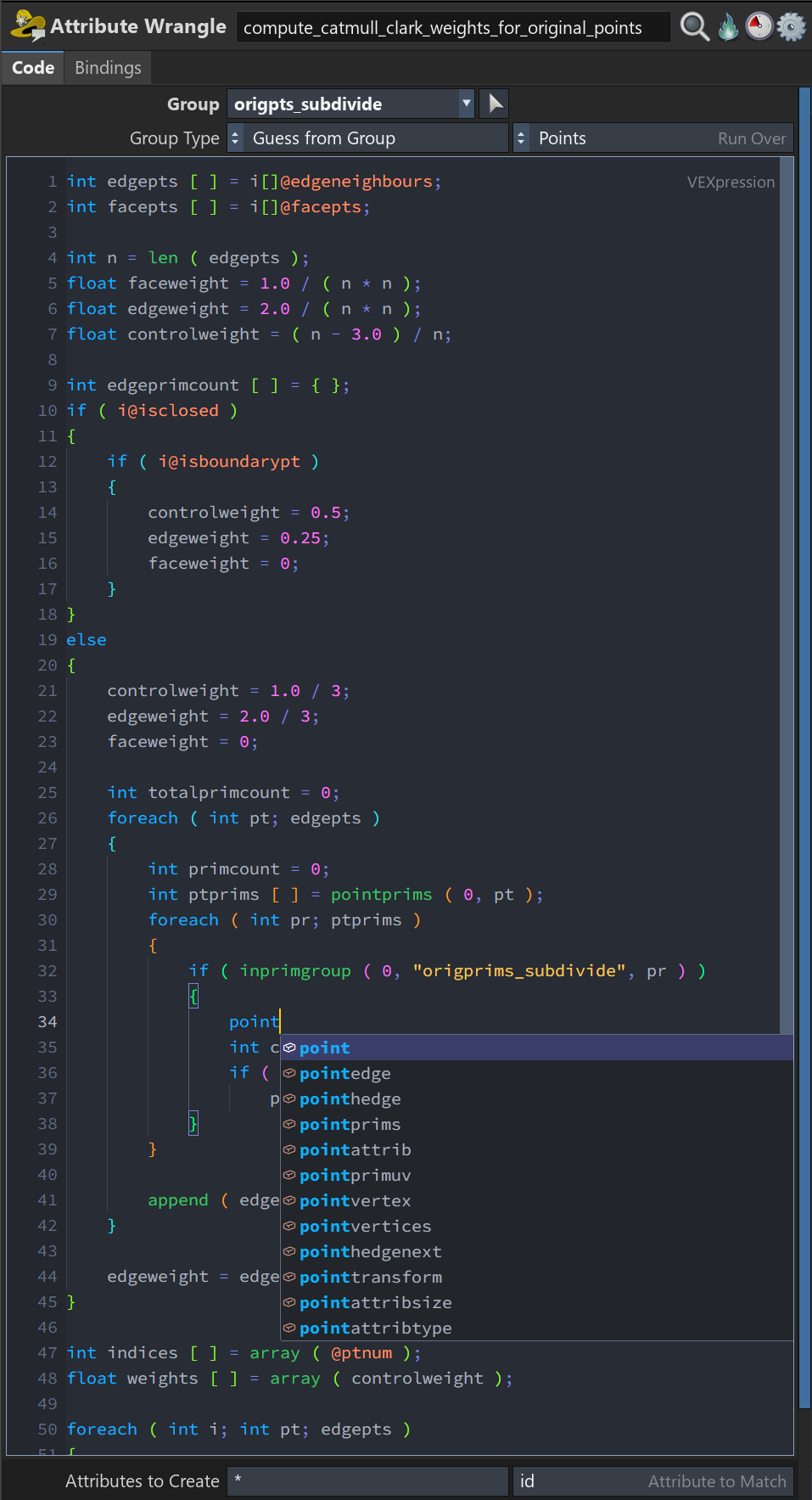
Full Monaco Editor integration with Houdini-aware language intelligence powered by the Language Server Protocol (LSP) for VEX, Python, OpenCL C, and C++/HDK.
VEX: Live attributes from the current geometry and connected inputs, with awareness of attribute class, type, tuple size, arrays, precision, groups, intrinsics, parameters, run-over mode, and input origin. Includes automatic type-prefix correction and context-specific functions discovered via vcc.
OpenCL C: clangd integration with awareness of Houdini #bind declarations, typed kernel arguments, live attributes and groups, SOP/DOP/COP contexts, binding access modes, supported methods, kernel options, language standards, and include paths.
C++/HDK: clangd-powered semantic type inference, member completion, overloads, macros, include resolution, diagnostics, and navigation using the installed HDK headers, compile definitions, and toolchain configuration.
Python: Pyright integration using Houdini’s installed Python libraries and the full hou API, with inferred HOM types and support for parameter expressions, callbacks, menu scripts, kwargs, node, geo, imports, functions, and classes.
Context-aware completion, signature help, hover documentation, diagnostics, go-to-definition, references, and symbols, all without cooking geometry to generate suggestions.
Attachments in this post:
http://fx-td.com/houdiniandchill/wp-content/uploads/discord/20264008/31/26/monaco4.png
http://fx-td.com/houdiniandchill/wp-content/uploads/discord/20264008/31/26/monaco3.png
http://fx-td.com/houdiniandchill/wp-content/uploads/discord/20264008/31/26/monaco2.png
http://fx-td.com/houdiniandchill/wp-content/uploads/discord/20264008/31/26/monaco1.png


Archived post by mysterypancake
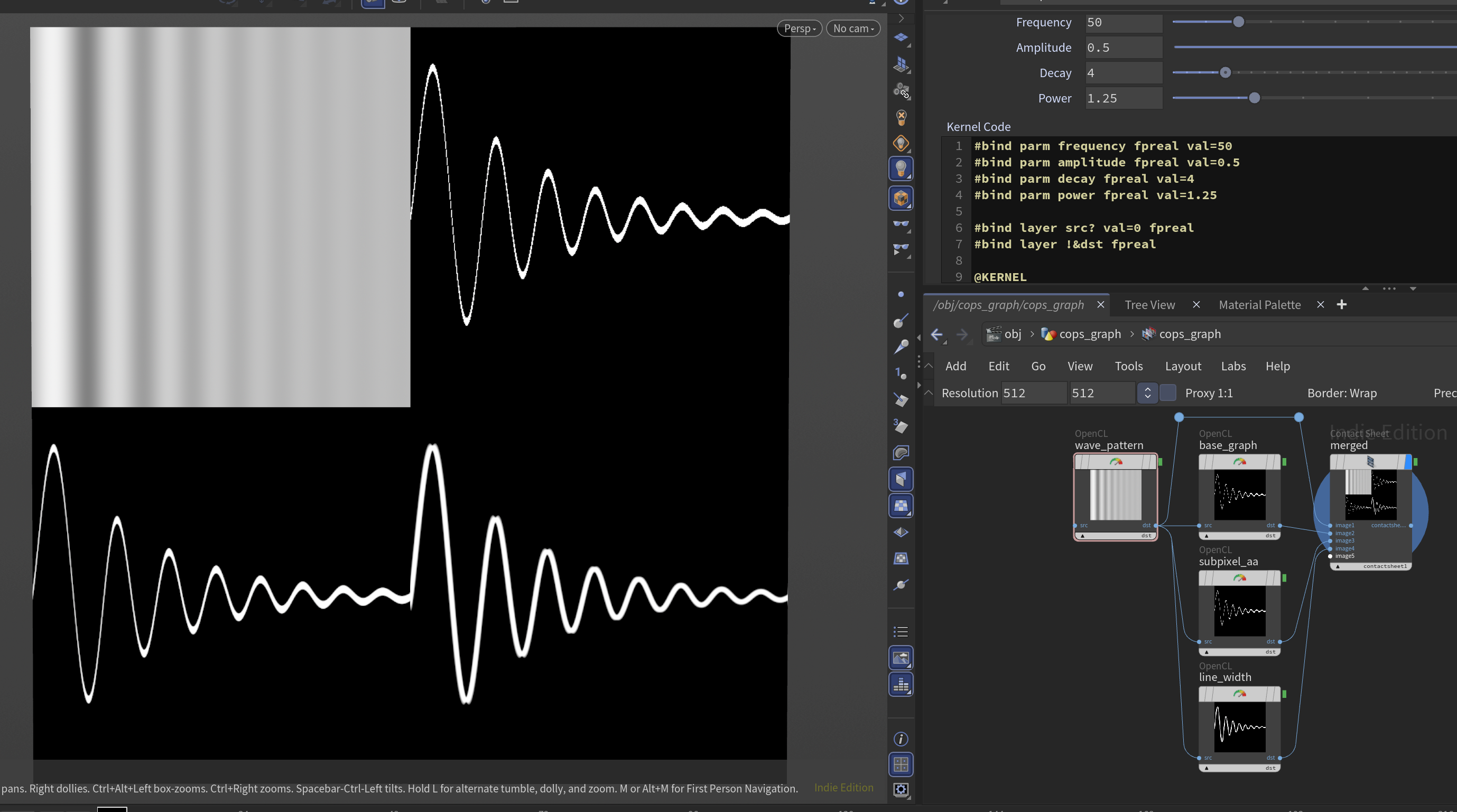
the second one has strange behavior when the line is thick, i tried to fix it but idk how 🙁
btw is it ok if i use this code for my opencl page? it might be a good example for aliasing behaviour
Attachments in this post:
http://fx-td.com/houdiniandchill/wp-content/uploads/discord/20265607/29/26/image.png
http://fx-td.com/houdiniandchill/wp-content/uploads/discord/20265607/29/26/cops_graph.hiplc
Archived post by jim.meston
I updated this method for position noise ‘fake rig type’ deformation [here.](discord.com/channels/270023348623376395/351975587109273601/1522966273489899680)
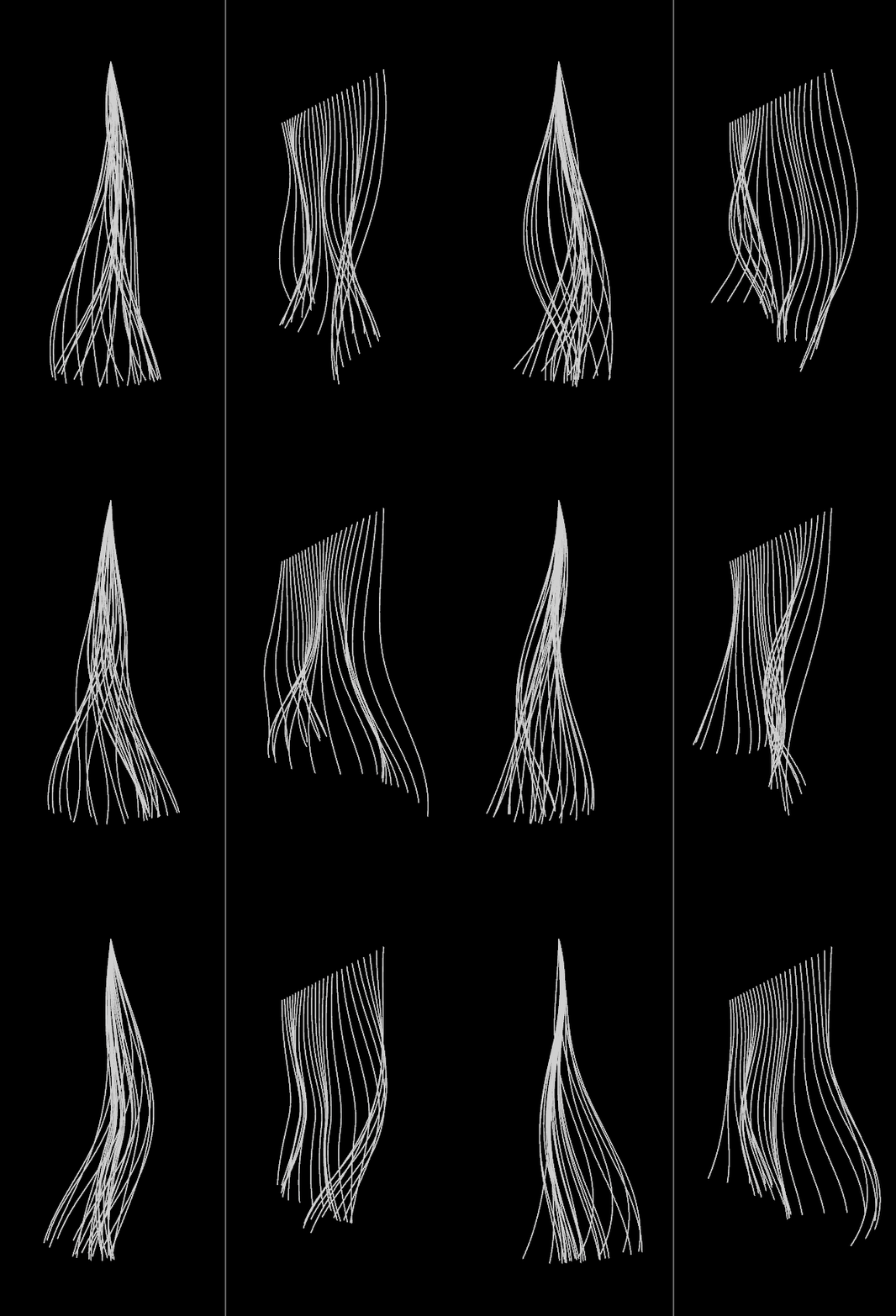
The coherency benefits of position noise with some deform pre-process and post-process which makes it a somewhat rotation noise hybrid. It is fairly throwaway but might be useful to someone who has to iterate fast, also will run into problems when the noise frequency gets near the segment length.
Using @v for deform vector, first project onto plane of curve direction, this harmonizes the deformation for the post-process.
“`cpp // pre-process vector d = normalize(v@dir); v@v -= dot(v@v, d) * d;
// deform @P += v@v; “`
Then instead of doing the @localtransform z component trick just write positions. If you don’t need transforms it is 5 – 10 times faster.
“`cs int pts[] = primpoints(0, @primnum); int npts = len(pts); vector prevOrig = point(0, ‘P’, pts[0]); vector delta = {0}; for(int i=1; i<npts; i++){ float rest = point(0, 'seglength', pts[i]); vector origp = point(0, 'P', pts[i]); vector raw = origp – prevOrig; float curlen = length(raw); vector newp = prevOrig + delta + raw*(rest/curlen); delta = newp – origp; setpointattrib(0, 'P', pts[i], newp, 'set'); prevOrig = origp; } “`
Attachments in this post:
http://fx-td.com/houdiniandchill/wp-content/uploads/discord/20261407/05/26/seglength.gif
http://fx-td.com/houdiniandchill/wp-content/uploads/discord/20261407/05/26/position_noise_coherence.hipnc
Archived post by flakypastries
“`py
def wrap_in_network_box( nodes: list[hou.Node], name: str | None = None, comment: str | None = None, color: hou.Color | None = None, ) -> hou.NetworkBox | None: “””Wraps nodes in a network box sized to fit them. Args: nodes: Nodes to enclose. Must share the same parent. name: Optional box name. Auto-generated if omitted. comment: Optional comment shown in the box header. color: Optional box color. Returns: The created network box, or None if nodes is empty. Raises: ValueError: If nodes do not share a common parent. “”” if not nodes: return None parent = nodes[0].parent() if any(n.parent() != parent for n in nodes): raise ValueError(“All nodes must share the same parent.”) box = parent.createNetworkBox(name) for node in nodes: box.addNode(node) if comment: box.setComment(comment) if color: box.setColor(color) box.fitAroundContents() return box
# Wrap the current selection: wrap_in_network_box(hou.selectedNodes(), comment=”My group”)“`
Archived post by ogvfx
Quick thread for Installing ASWF OpenVDB in Houdini for Windows 11
Archived post by mysterypancake
i put some info about worksets in this section github.com/MysteryPancake/Houdini-OpenCL?tab=readme-ov-file#worksets
the vellum thing above also uses worksets/graph color
there’s a few things that can be changed before running the kernel one is the number of workitems by using worksets as Jake said “`cpp // In VEX, runs the kernel 1 time with at least 6 workitems i[]@offsets = {0}; // this doesn’t affect any IDs but it gets passed as a kernel argument I[]@sizes = {6}; “` “`cpp // In OpenCL, the offset and size is passed from the VEX array // Note get_global_id(0) still starts at 0 even with multiple worksets kernel void kernelName( int color_offset, // offset number from i[]@offsets int color_size, // size number from i[]@sizes (not rounded up) … ) { … } “` the other is the [local workgroup size](github.com/MysteryPancake/Houdini-OpenCL?tab=readme-ov-file#changing-the-local-workgroup-size) “`cpp // Force the local workgroup size to 48 __attribute__((reqd_work_group_size(48, 1, 1))) @KERNEL { // This should print “Local size = 48” printf(“Local size = %d”, get_local_size(0)); } “`
The number of workitems it gives you always rounds up based on the local workgroup size
so if you did `i@[]sizes = {4}` but `get_local_size(0)` was 12, it gives you 12 workitems instead
this usually leads to [extra workitems you need to skip over](github.com/MysteryPancake/Houdini-OpenCL?tab=readme-ov-file#bounds-checking)
Archived post by mattiasmalmer
got it to work! thanx.
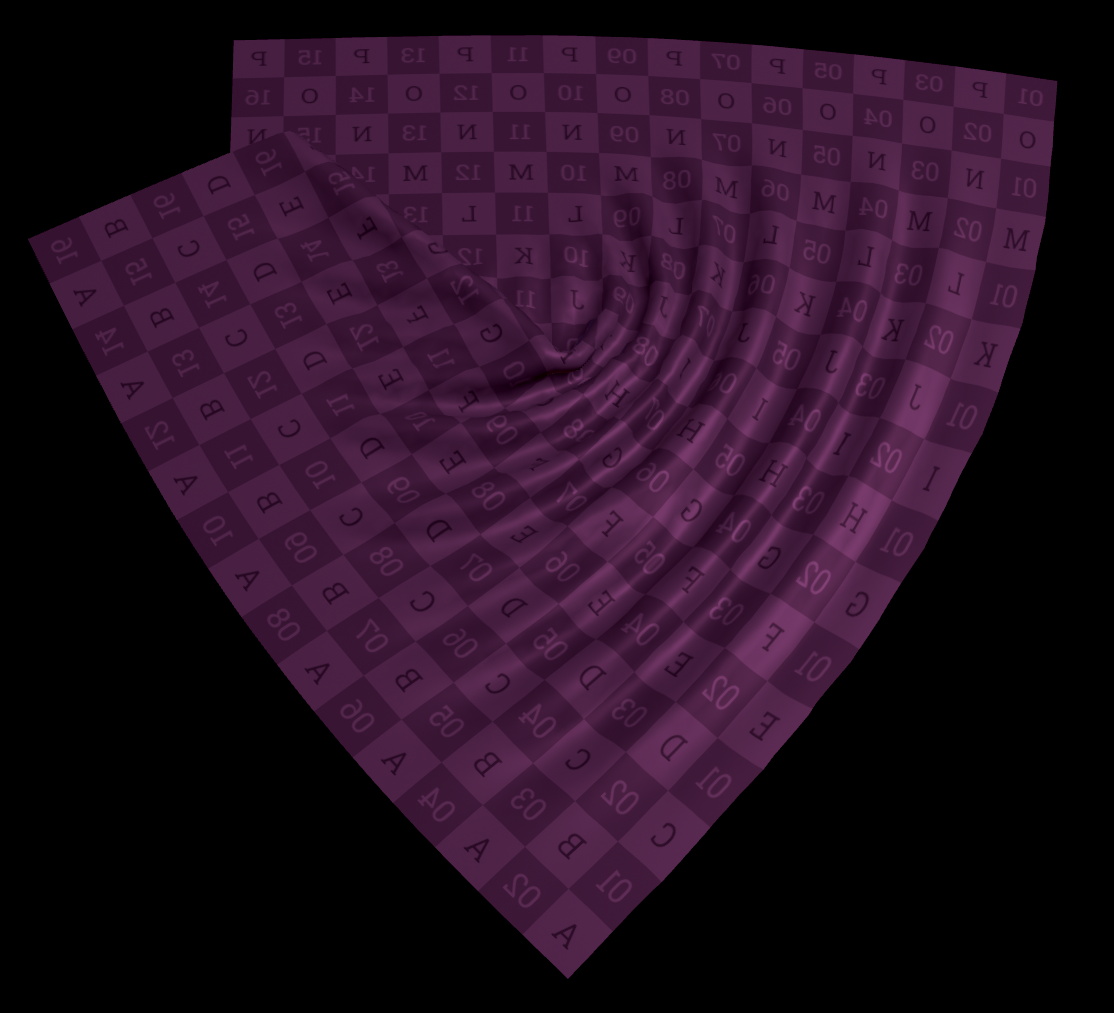
it is my own version of something like the wrinkle deformer.
(I intend to use it for post solve editing of cloth sims.)
i made this as a wrangle thing first but it was slow so i caved and made it in openCL. makes ALL the difference.
the stock wrinkle deformer does things im not entirely happy with so i had to make my own. also learning moment.
here is a hip if you want to play around
Attachments in this post:
http://fx-td.com/houdiniandchill/wp-content/uploads/discord/20260503/24/26/houdini_eFFYhuo5Xh.mp4
http://fx-td.com/houdiniandchill/wp-content/uploads/discord/20260503/24/26/image.png
http://fx-td.com/houdiniandchill/wp-content/uploads/discord/20260503/24/26/constraint_solver_Mwrinkle.hiplc
Archived post by igor.elovikov
i usually do this:
“`py HOU_SEVERITY_MAP = { logging.DEBUG: hou.severityType.Message, logging.INFO: hou.severityType.ImportantMessage, logging.WARNING: hou.severityType.Warning, logging.ERROR: hou.severityType.Error, logging.CRITICAL: hou.severityType.Fatal, }
class HouLogHandler(logging.StreamHandler): def __init__(self): super().__init__(self)
def emit(self, record: logging.LogRecord): hlog_entry = hou.logging.LogEntry( record.msg, source=record.name, severity=HOU_SEVERITY_MAP[record.levelno], ) hou.logging.log(hlog_entry) “`
now i can connect this handler to builtin logging:
“`py import logging
logger = logging.getLogger(“GLTF Exporter”) logger.handlers = [HouLogHandler()] # or adding handler to default stdout if i’m headless logger.setLevel(logging.DEBUG)
logger.info(“GLTF Exporter imported”) “`