Archived post by lewis.taylor.

“`vector @cdir; matrix camMatrix = optransform(chs(“camera”)); @cdir = cracktransform(0,0,0, {0,0,0}, camMatrix); float distance_to_cam = distance(@P, @cdir); float cam_aperture = chf(“camera_aperture”); float cam_xres = chf(“camera_xres”); float focal_length = chf(“focal_length”);
f@voxel_size = chf(“coverage”) * (cam_aperture / cam_xres) * (distance_to_cam / focal_length);“`

this is the base code in the voxel res tool I made

which is in the SYD HUG hip file

it’s in the same wheelhouse

was actually originally used to do the particle scale control hehe

Archived post by ogvfx

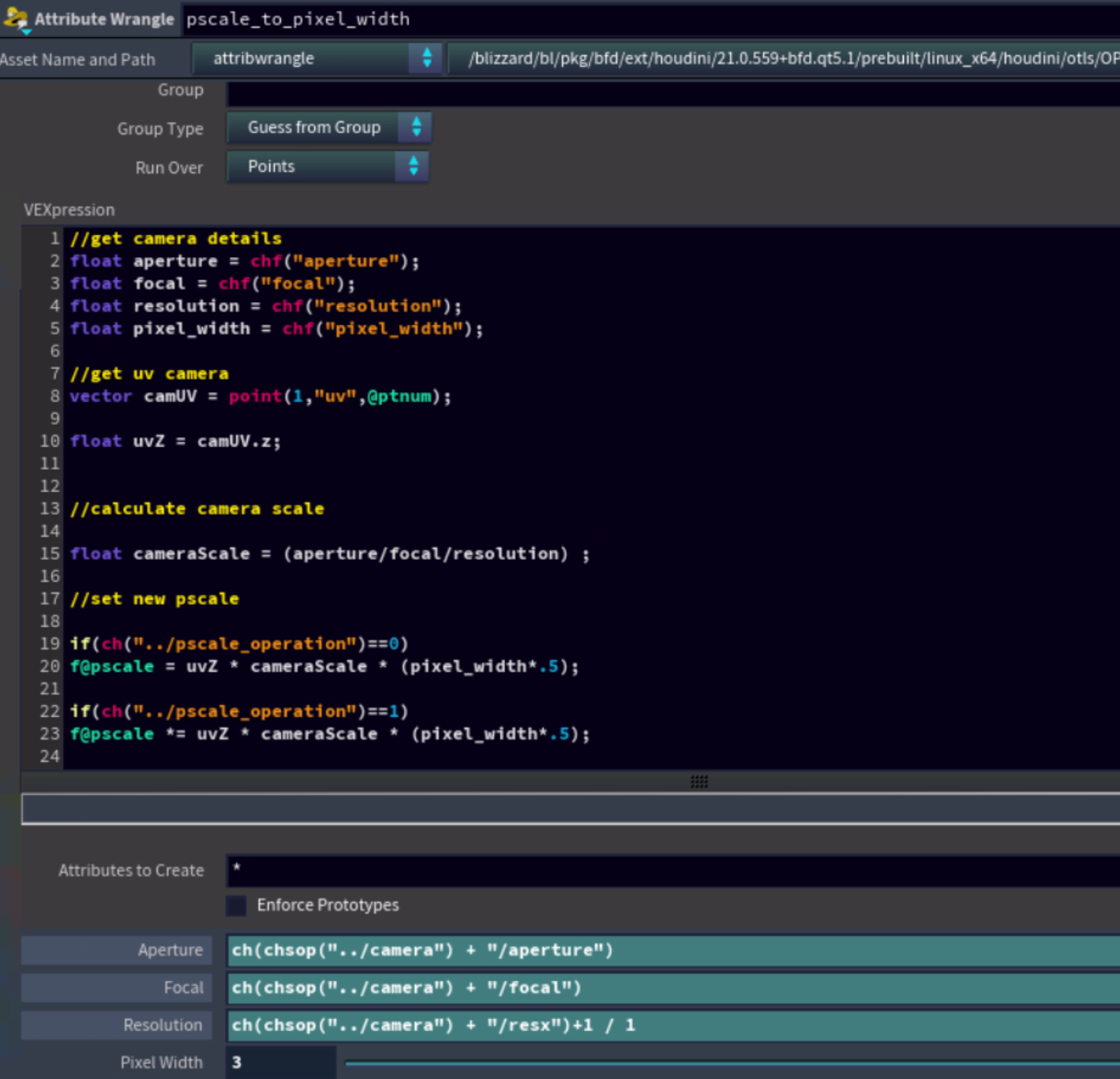
This is something I learned at dreamworks awhile back to do pscale to pixel calulations from camera.
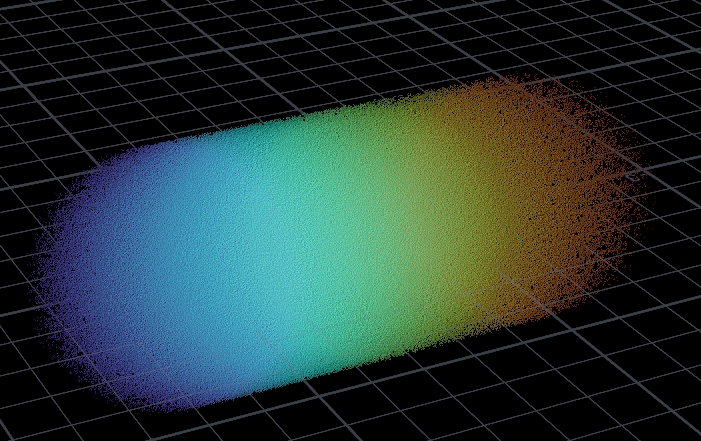
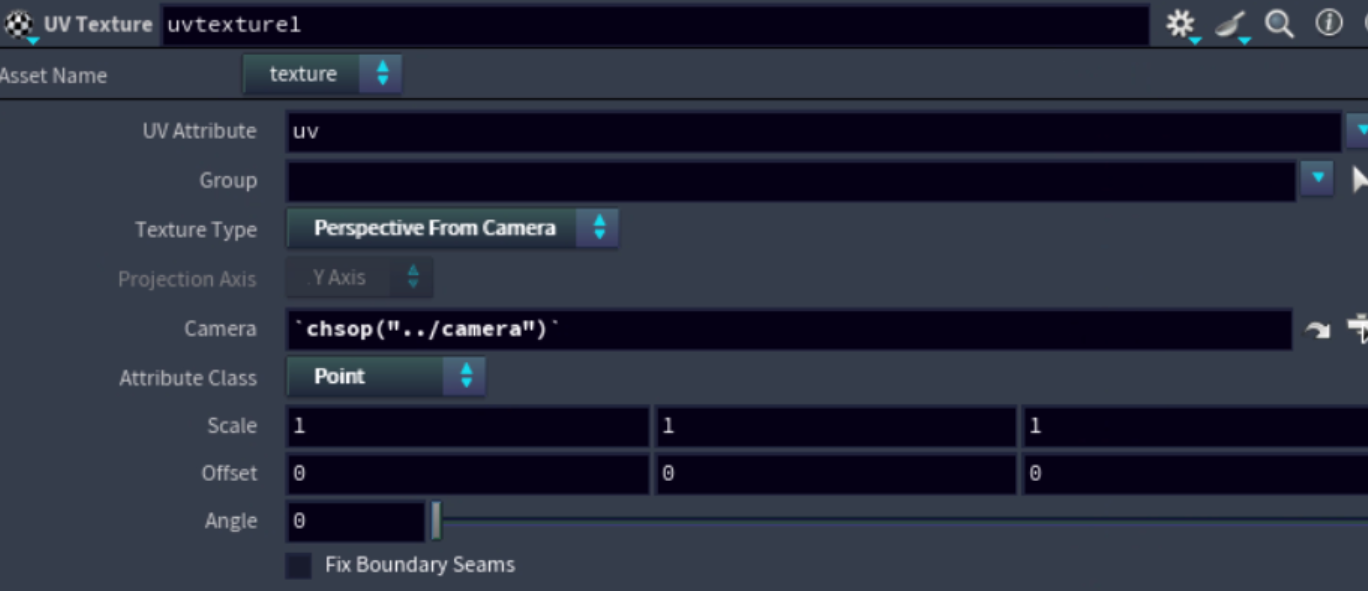
it creates a uv on the particles coming in on the second input then used the cameras info to calculate the pscale at a pixel level.
“`//get camera details float aperture = chf(“aperture”); // ch(chsop(“../camera”) + “/aperture”) float focal = chf(“focal”);’ // ch(chsop(“../camera”) + “/focal”) float resolution = chf(“resolution”); // ch(chsop(“../camera”) + “/resx”)+1 / 1 float pixel_width = chf(“pixel_width”); // ch(“../paticle_pixel_size”) // this gets used to increase or decrease based on a pixel default of 1 is set to 1 pixel
//get uv camera vector camUV = point(1,”uv”,@ptnum);
float uvZ = camUV.z;
//calculate camera scale
float cameraScale = (aperture/focal/resolution) ;

//set new pscale if(ch(“../pscale_operation”)==0) f@pscale = uvZ * cameraScale * (pixel_width*.5);
//multiply pscale
if(ch(“../pscale_operation”)==1) f@pscale *= uvZ * cameraScale * (pixel_width*.5); “`

Attachments in this post:
http://fx-td.com/houdiniandchill/wp-content/uploads/discord/20265902/20/26/nxplayer.bin_96rUEVP4Kb.png
http://fx-td.com/houdiniandchill/wp-content/uploads/discord/20265902/20/26/nxplayer.bin_naczKWgDws.png

Archived post by lwwwwwws

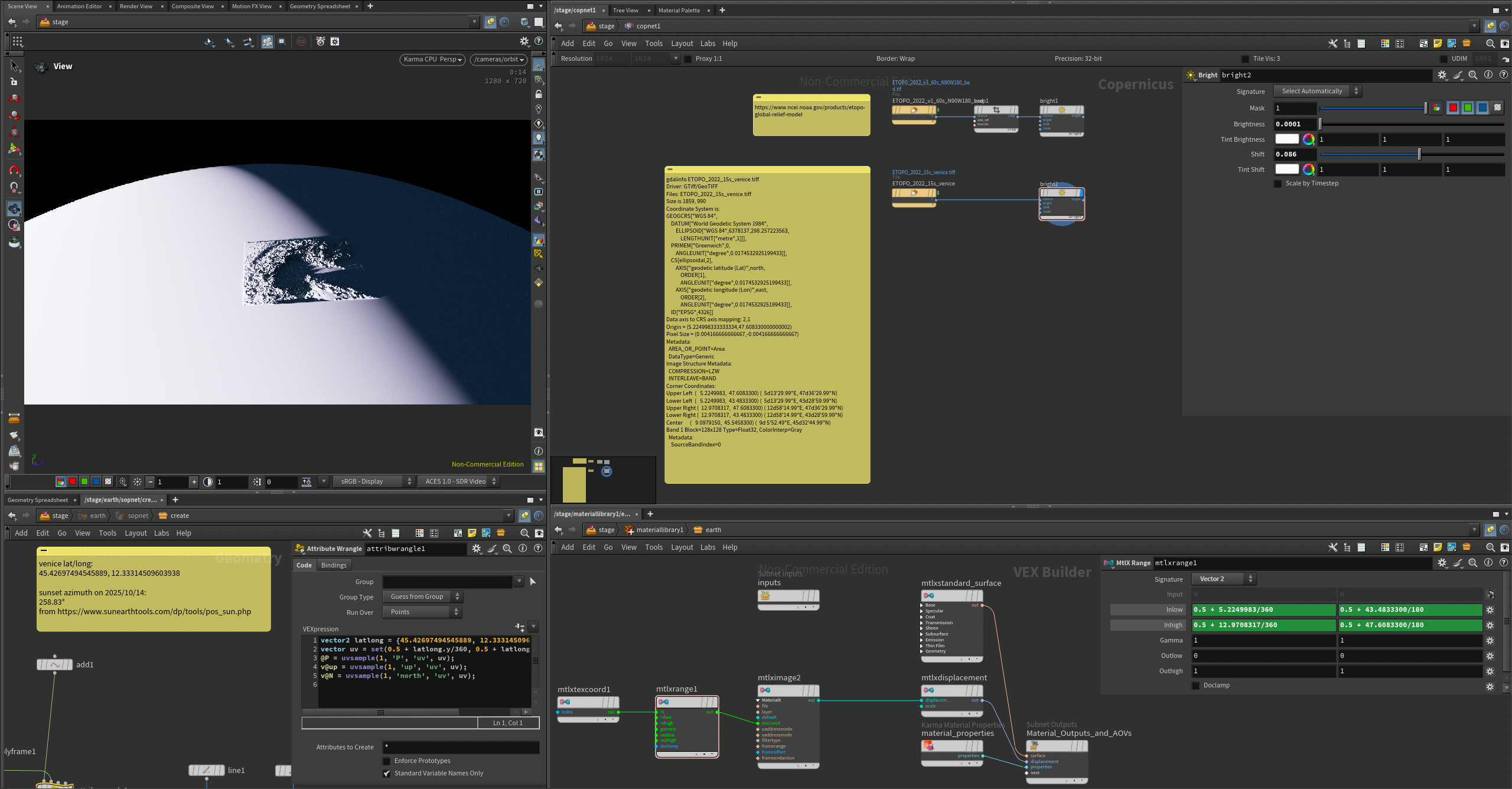
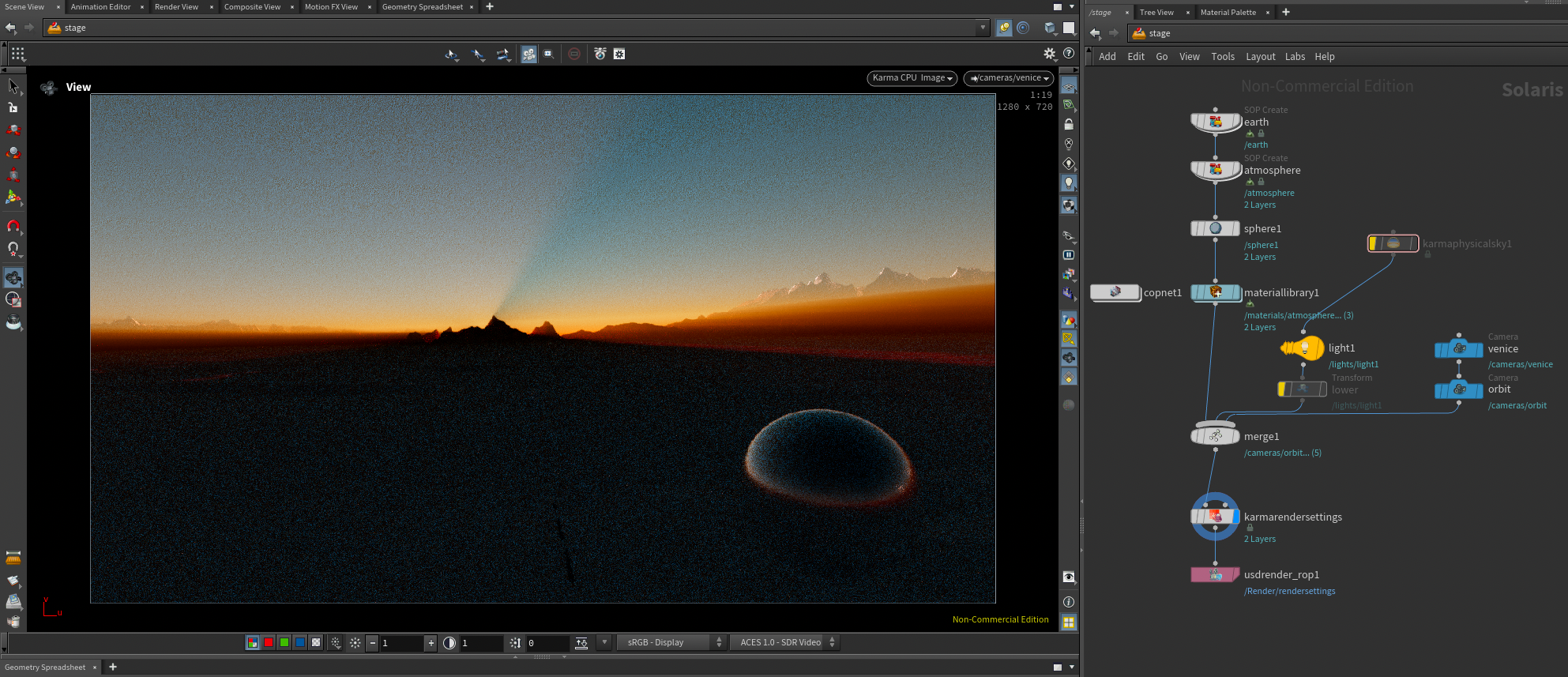
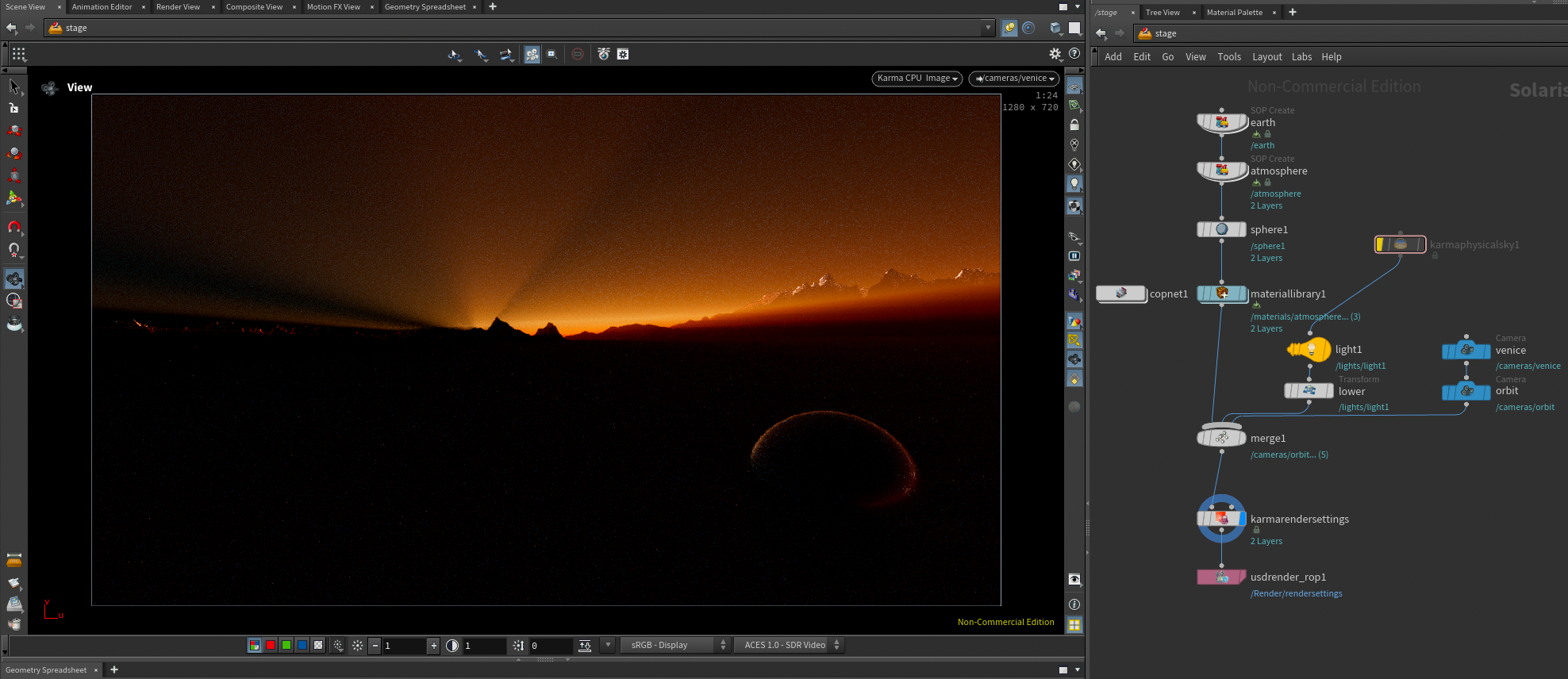
ok that pic flight took of the sunset shadow had been bugging me (discord.com/channels/270023348623376395/351983374510063636/1427701531674939523) so i did the obvious thing: downloaded an etopo DEM geotiff and used it to displace a scale model of the earth with a layer of uniform volume for the atmosphere, then looked up exactly which direction the sun set in on that day and put a sphere light over there 149 million km away 🌄 waddya know there are two mountains in just the right place and karma can kind of render a sunset even though it’s not spectral and doesn’t really have rayleigh scattering lobes

Attachments in this post:
http://fx-td.com/houdiniandchill/wp-content/uploads/discord/20250110/16/25/Ls_KarmaSunset_v01.zip
http://fx-td.com/houdiniandchill/wp-content/uploads/discord/20250110/16/25/Screenshot_2025-10-16_at_21.20.12.png
http://fx-td.com/houdiniandchill/wp-content/uploads/discord/20250110/16/25/Screenshot_2025-10-16_at_21.10.22.png
http://fx-td.com/houdiniandchill/wp-content/uploads/discord/20250110/16/25/Screenshot_2025-10-16_at_21.12.10.png

Archived post by mattiasmalmer

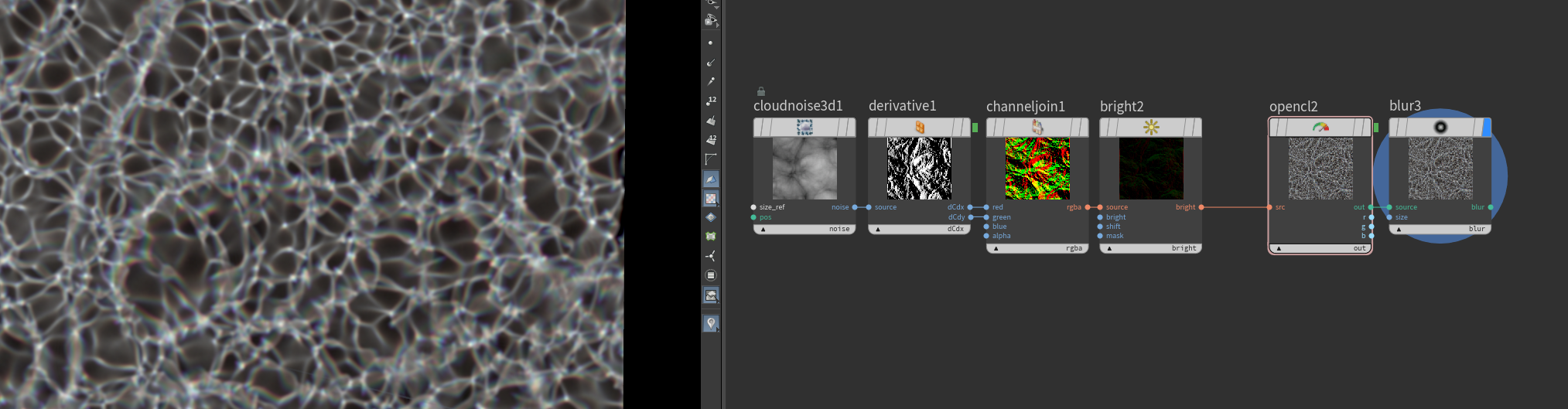
it is a bit of a hack to say the least. i grab the normal, tangent and bitangent. make a matrix and transform the raydir into it. use the X and Y coords of that to offset the uvs based on the height in a bitmap. (i do a little loop to incremetally do this but thats just for quality.)

here is the Parallax mapping hipfile. could be fun for decals and such.

Attachments in this post:
http://fx-td.com/houdiniandchill/wp-content/uploads/discord/20251109/25/25/parallax.hiplc
http://fx-td.com/houdiniandchill/wp-content/uploads/discord/20251109/25/25/image.png

Archived post by petersanitra

@Jonesy But you don`t need to create any VDBs.., you can use same geo(usd primitive), duplicate it and set as uniform volume for rendering(render geometry settings LOP), or use Karma fog(you can unlock it and to understand how it’s done, with custom mesh).

@drewzeefx @Jonesy Uniform volume setup with geo, that is not really uniform, because it does have proper shader with anisotropy and multiple bounces, that checkbox is a bit deceiving…

Attachments in this post:
http://fx-td.com/houdiniandchill/wp-content/uploads/discord/20253209/02/25/image.png
http://fx-td.com/houdiniandchill/wp-content/uploads/discord/20253209/02/25/not_so_uniform_volume.hip

Archived post by lewis.taylor.

enabling spot light for area lights just means you now have a scalable spot

Vs an infinitely small point emitting light

the best way to get proper glass fractures is to do the following. * make an attribute on the internal faces of the cracks, use it as emission in your shader, this simulates caustics * make an attribute that falls off from the crack center, and use this to drive refraction roughness, this simulates micro fractures
This is the approach we developed on John Wick, with all the shattering glass stuff

Attachments in this post:
http://fx-td.com/houdiniandchill/wp-content/uploads/discord/20255807/10/25/image.png

Archived post by lewis.taylor.

enabling spot light for area lights just means you now have a scalable spot

Vs an infinitely small point emitting light

the best way to get proper glass fractures is to do the following. * make an attribute on the internal faces of the cracks, use it as emission in your shader, this simulates caustics * make an attribute that falls off from the crack center, and use this to drive refraction roughness, this simulates micro fractures
This is the approach we developed on John Wick, with all the shattering glass stuff

Attachments in this post:
http://fx-td.com/houdiniandchill/wp-content/uploads/discord/20251107/10/25/image.png