@benc___ another thing, a lot of the nice look of shattered glass is the spec glints you get. So I found slightly rotating the smaller fracture pieces with an orient to break up the flatness really makes a difference.
Author: admin
Archived post by lewis.taylor.
enabling spot light for area lights just means you now have a scalable spot
Vs an infinitely small point emitting light
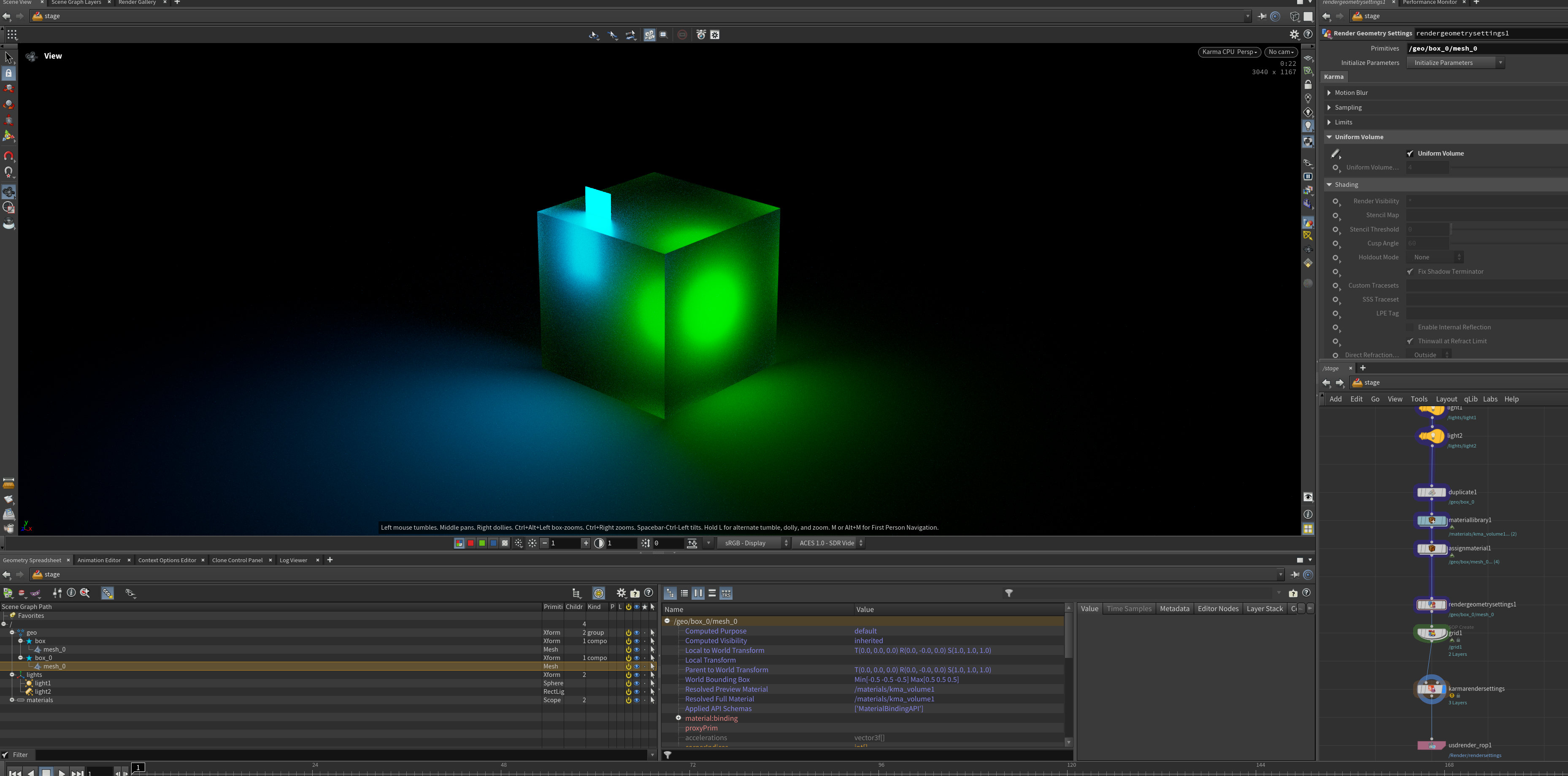
the best way to get proper glass fractures is to do the following. * make an attribute on the internal faces of the cracks, use it as emission in your shader, this simulates caustics * make an attribute that falls off from the crack center, and use this to drive refraction roughness, this simulates micro fractures
This is the approach we developed on John Wick, with all the shattering glass stuff
Attachments in this post:
http://fx-td.com/houdiniandchill/wp-content/uploads/discord/20255807/10/25/image.png
Archived post by lewis.taylor.
enabling spot light for area lights just means you now have a scalable spot
Vs an infinitely small point emitting light
the best way to get proper glass fractures is to do the following. * make an attribute on the internal faces of the cracks, use it as emission in your shader, this simulates caustics * make an attribute that falls off from the crack center, and use this to drive refraction roughness, this simulates micro fractures
This is the approach we developed on John Wick, with all the shattering glass stuff
Attachments in this post:
http://fx-td.com/houdiniandchill/wp-content/uploads/discord/20251107/10/25/image.png
Archived post by mestela
neat trick: https://www.youtube.com/watch?v=B9vy-y0gxfo
Archived post by siegmattel
this approach is more like you’re building different custom rig poses with much more advanced functionality
how do i make sure that blendshape animation comes through on a rop fbx character export?
i’m guessing it’s some combination of character blend shapes add and a few other nodes?
for anyone curious, found this hip file from edward on the sidefx forums, seems like it works. you basically pack each blendshape, give it the same name attribute as your capture geo, add blendshape_channel and blendshape_name attributes, hide the blendshape visibility, and then you set up a few detail attributes on the skeleton to act as the blendshape weights.
Attachments in this post:
http://fx-td.com/houdiniandchill/wp-content/uploads/discord/20251607/03/25/kinefxBlendShapeFromScratch.hip
Archived post by fabriciochamon
image from clipboard COP no external dependencies. (*does not work with svg images!)
Attachments in this post:
http://fx-td.com/houdiniandchill/wp-content/uploads/discord/20255407/01/25/cop_image_from_clipboard.1.0.hdalc
http://fx-td.com/houdiniandchill/wp-content/uploads/discord/20255407/01/25/image_from_clipboard_cop.mp4
[hou-tops] Archived post by fabriciochamon
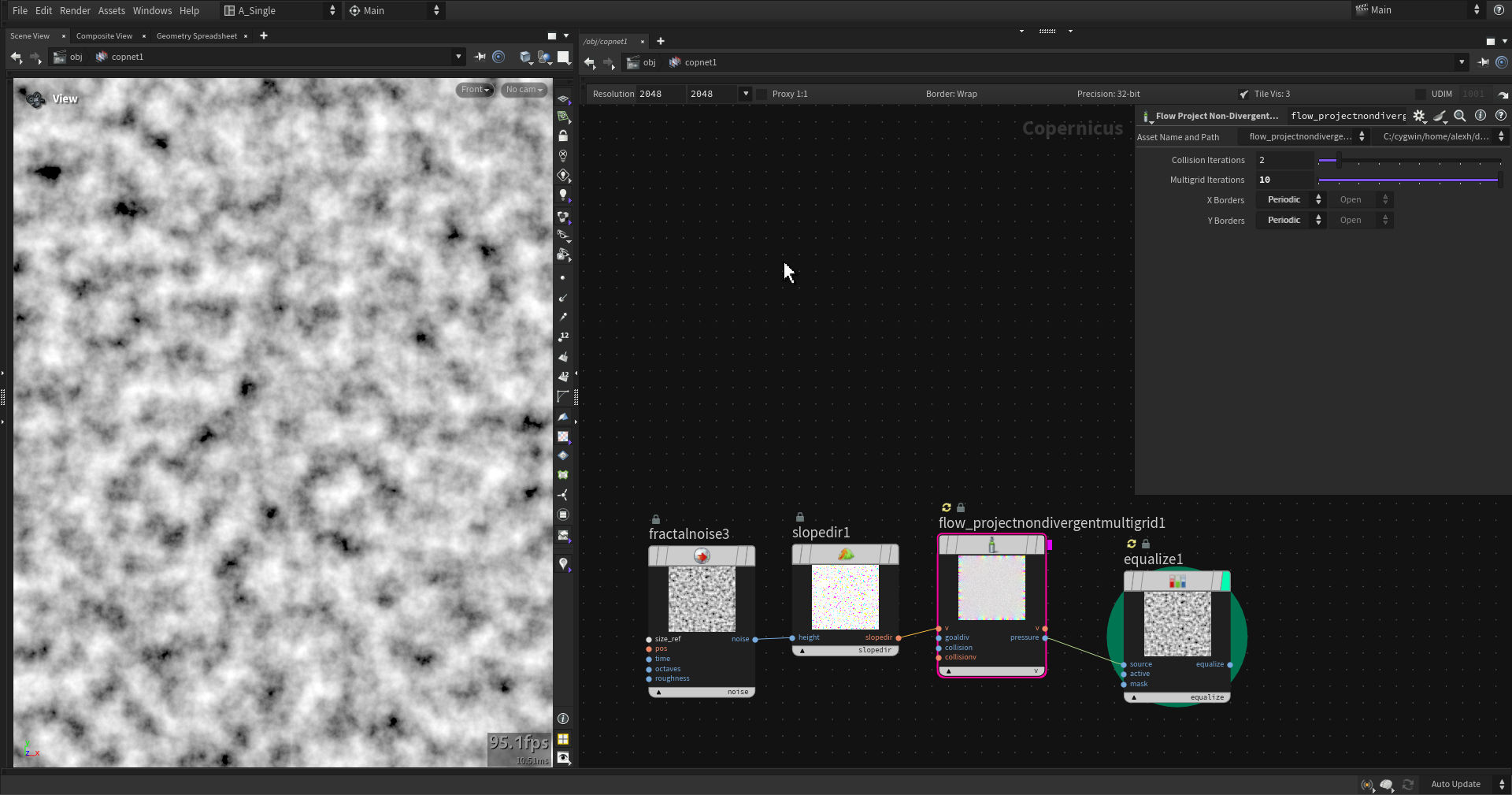
Here you go, node recommender trained in Houdini.
I’ve reorganized this thing to avoid external python code, so now a topnet scans hip files and stores node connections. In sops I create the ML examples, which are then trained in another topnet, and finally I do model inference in sops again.
added comments so its (hopefully) easy to follow. Worth noting that it builds a list of available node types based on the current houdini session and won’t evaluate HDAs that are not part of current environment (ie: unloaded packages).
First run takes a while since the ml regression top creates a venv with pytorch (5gb!)
regarding inference: It needs a good amount of examples to produce something useful! also its just prototype ofc, would definitely need some work on the UX, etc..
Attachments in this post:
http://fx-td.com/houdiniandchill/wp-content/uploads/discord/20251906/29/25/image.png
http://fx-td.com/houdiniandchill/wp-content/uploads/discord/20251906/29/25/node_recommender.hiplc
Archived post by mysterypancake
i got it to work but it took a lot of trial and error haha
i thought the curve would need some normal/up vector to work correctly
fiddling with orient along curve got it to work
Attachments in this post:
http://fx-td.com/houdiniandchill/wp-content/uploads/discord/20252606/28/25/image.png
http://fx-td.com/houdiniandchill/wp-content/uploads/discord/20252606/28/25/arch.hiplc
Archived post by mysterypancake
early wip of vertex block descent, be warned it’s very unstable github.com/MysteryPancake/Houdini-VBD
Archived post by mikael00794
@eckxter This is how I usually set up an animated .bgeo sequence with the Geometry Clip Sequence node. I’ve left some notes in the hipfile that should hopefully note any gotchas. I’m curious if anyone else does it any differently or has more info around the process. If so then I’d be really keen to hear it. I’m also curious if @erikovic has a different process.
Attachments in this post:
http://fx-td.com/houdiniandchill/wp-content/uploads/discord/20254206/26/25/geo_clip_sequence_example.hiplc