Archived post by waffleboytom

@mestela spent the afternoon chatting with @BouncyFerret[Aslak] , @squidbean and @drewzeefx polishing the attribute expand to do what the group expand node does. The flood fill that group expand offers is not in there though. I want to convert this to a hdk node in the future but this is what you get for now : )

Can limit by group, attribute, uv island and normal

Archived post by mattiasmalmer

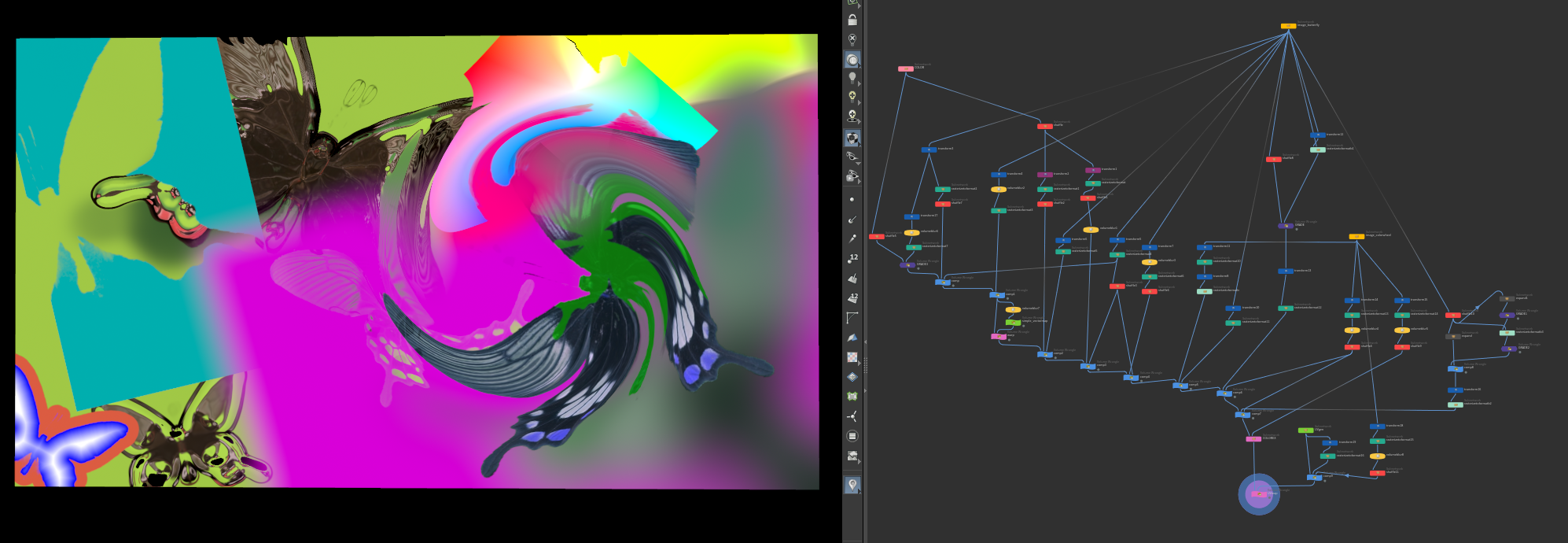
I have made a few more nodes for my SOP compositing dev playground. If you like to play around I attached a hip file with the current state of affairs.
Nodes so far: color image uvmap vectormap colorEX(colorcorrector) warp uvmap comp grade expand rasterizetoformat
You can do basic comps with it. but it is missing a lot.

you can do things like this.

Attachments in this post:
http://fx-td.com/houdiniandchill/wp-content/uploads/discord/20245705/17/24/image.png
http://fx-td.com/houdiniandchill/wp-content/uploads/discord/20245705/17/24/compton_dev_2.hiplc
http://fx-td.com/houdiniandchill/wp-content/uploads/discord/20245705/17/24/houdini_EEjShrqXh8.mp4

Archived post by mattiasmalmer

I have made a few more nodes for my SOP compositing dev playground. If you like to play around I attached a hip file with the current state of affairs.
Nodes so far: color image uvmap vectormap colorEX(colorcorrector) warp uvmap comp grade expand rasterizetoformat
You can do basic comps with it. but it is missing a lot.

you can do things like this.

Archived post by _white_dog_

Hi 😀 I published Vegetation Solver It is based on “A Coupled Vegetation-Crust Model for Patchy Landscapes” You can simulate dryland vegetation patterns based on HF 👍 reference www.researchgate.net/publication/285883124_A_Coupled_Vegetation-Crust_Model_for_Patchy_Landscapes hip drive.google.com/file/d/1Q0v1wSXfwKb-Dk6YvayL_fWpYuoyZY3R/view?usp=drive_link

Attachments in this post:
http://fx-td.com/houdiniandchill/wp-content/uploads/discord/20241805/11/24/vegetationcrust.mp4

Archived post by paqwak

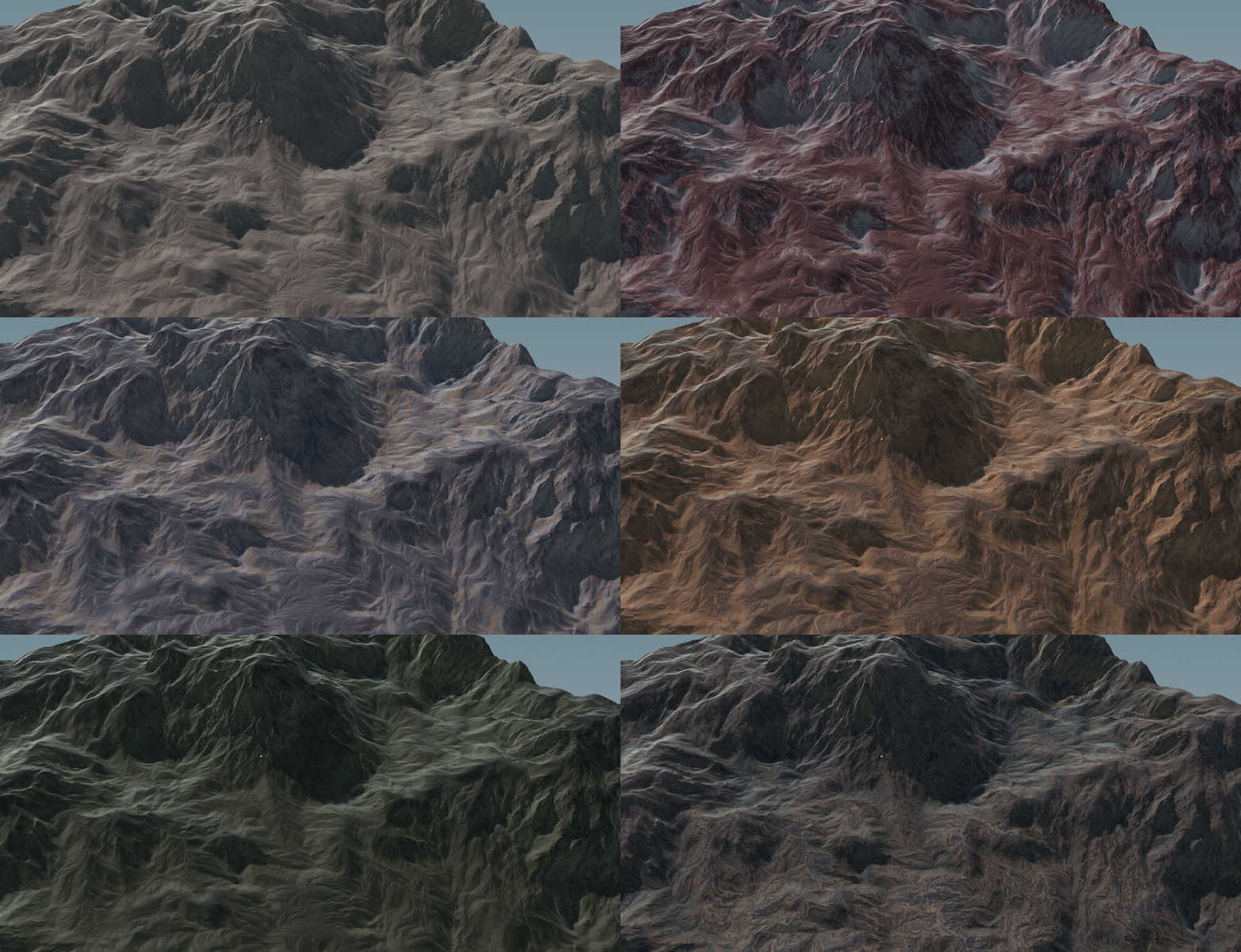
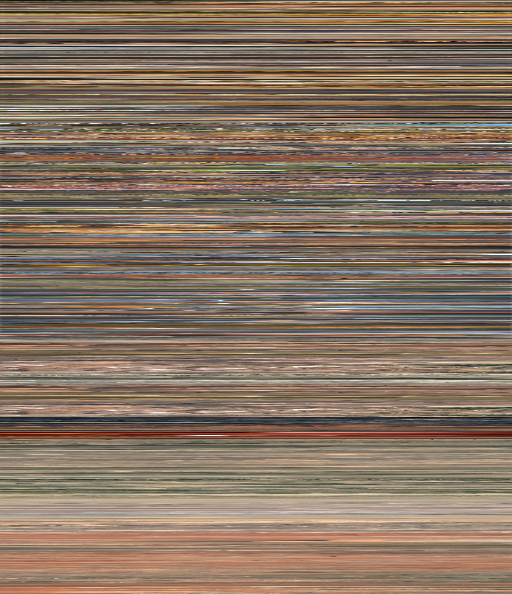
Ultra simple coloring setup :O)

However that one (to use in the SatMap wrangle) is hacked from Gaea :S … use with caution

Attachments in this post:
http://fx-td.com/houdiniandchill/wp-content/uploads/discord/20242205/10/24/GIF_5-10-2024_4-51-29_PM.gif
http://fx-td.com/houdiniandchill/wp-content/uploads/discord/20242205/10/24/QuickColorHF_8.hiplc
http://fx-td.com/houdiniandchill/wp-content/uploads/discord/20242205/10/24/clutRocky.png

Archived post by lewis.taylor.

how bad is your CPU? your file sims in about 5 seconds a frame on my macbook

but, the slowness is down to how you’re essentially replicating the whole wind tunnel in POPs and then feeding that into pyro. Much faster to do what Matt did, just emit density into it and let wind do it’s job.
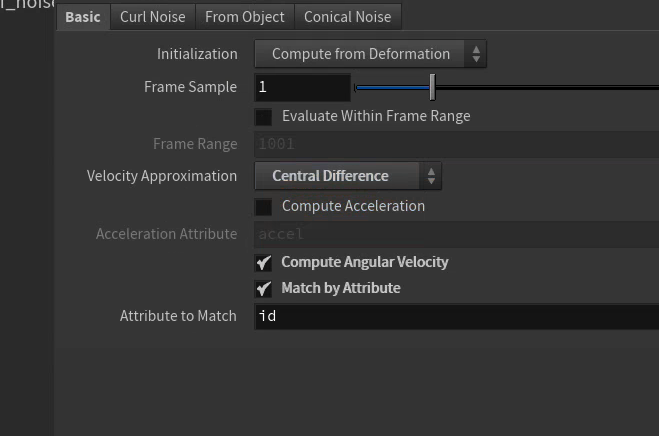
Couple things in general; * use the top level wind, it’s a simplified one compared to gaswind, so it’s faster (also you plugged gas wind into advection instead of force) * up the clamp level for dissipation from the awful default of 0.005 to something like 0.04, unless you render with density at 0.01 you’d never see those voxels, it’s a terrible default * use the voxel res calc tool I made for that SYD HUG presentation, then you know exactly what res to sim at for the given camera, distance, and render res * if you need uber fine density fidelity look to use the velocity scale multiplier to sim vel at a lower res than density, it will save you a lot of sim time.