Archived post by lewis.taylor.

“`vector @cdir; matrix camMatrix = optransform(chs(“camera”)); @cdir = cracktransform(0,0,0, {0,0,0}, camMatrix); float distance_to_cam = distance(@P, @cdir); float cam_aperture = chf(“camera_aperture”); float cam_xres = chf(“camera_xres”); float focal_length = chf(“focal_length”);
f@voxel_size = chf(“coverage”) * (cam_aperture / cam_xres) * (distance_to_cam / focal_length);“`

this is the base code in the voxel res tool I made

which is in the SYD HUG hip file

it’s in the same wheelhouse

was actually originally used to do the particle scale control hehe

Archived post by ogvfx

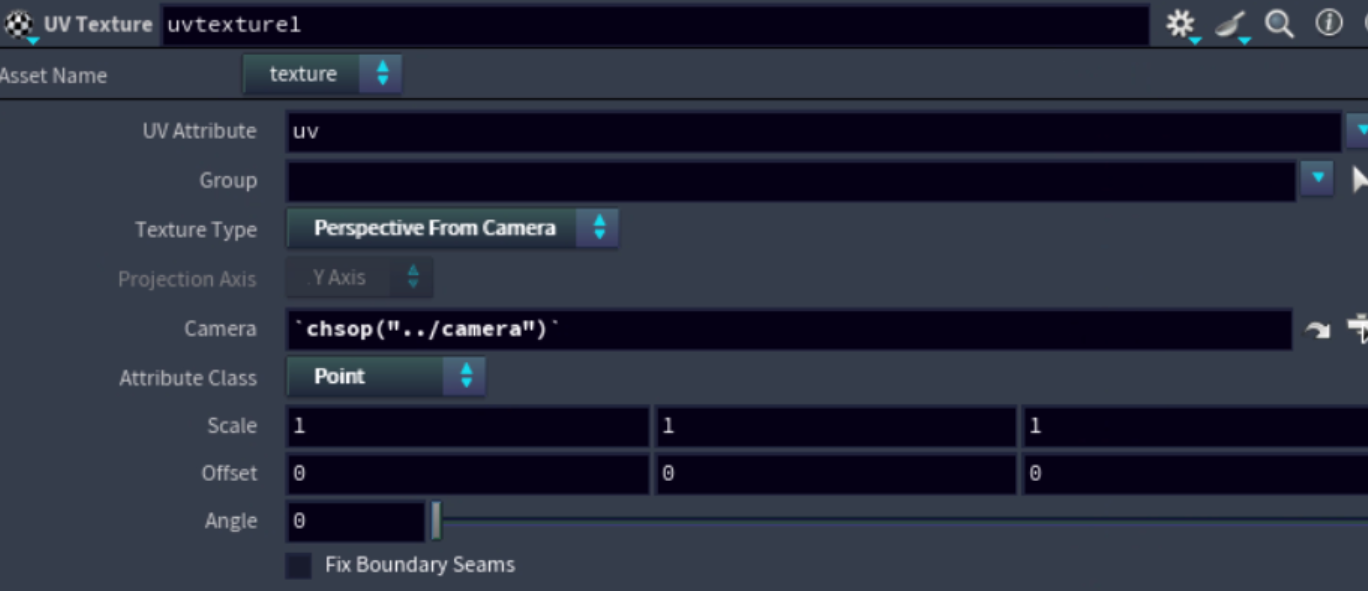
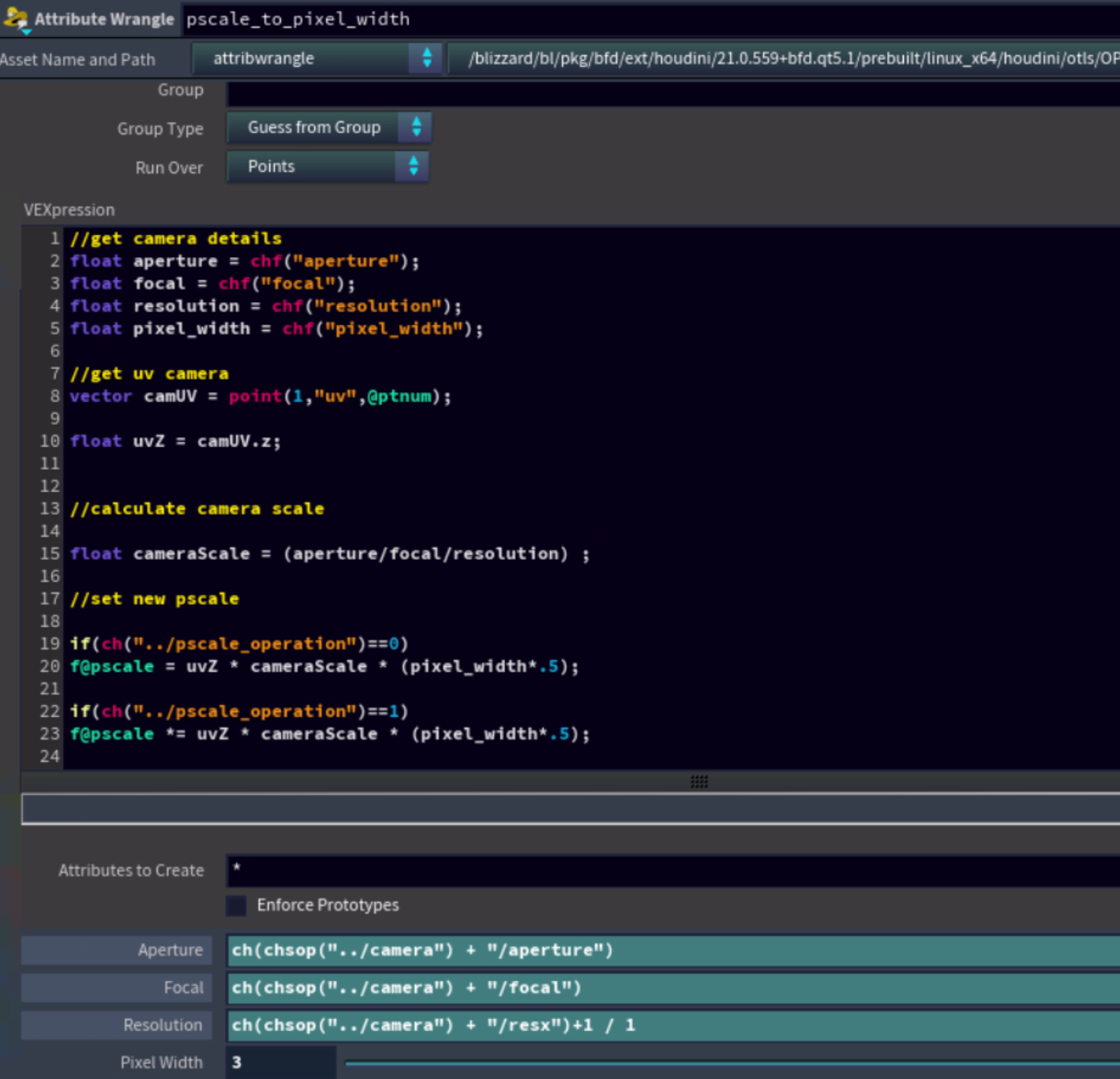
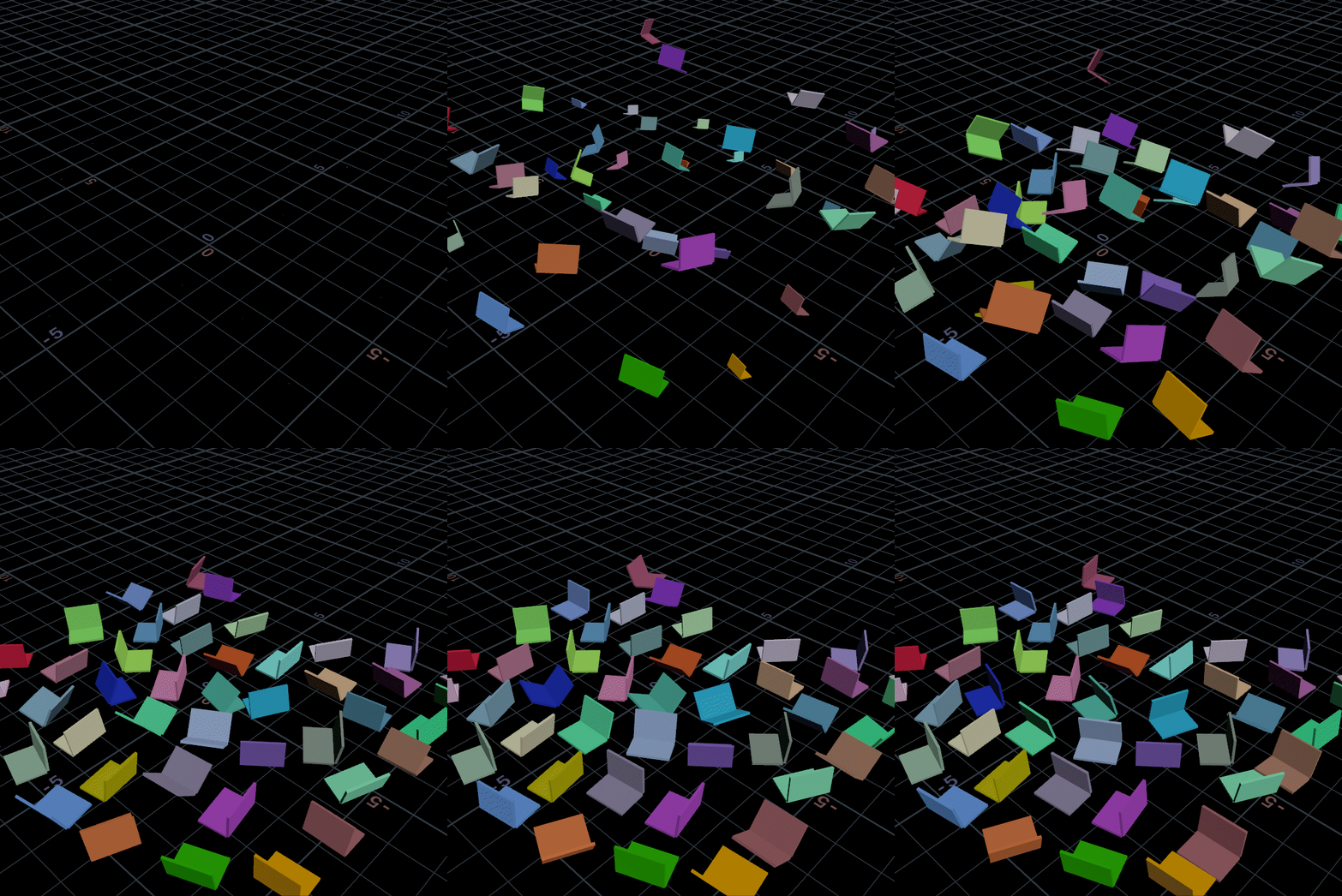
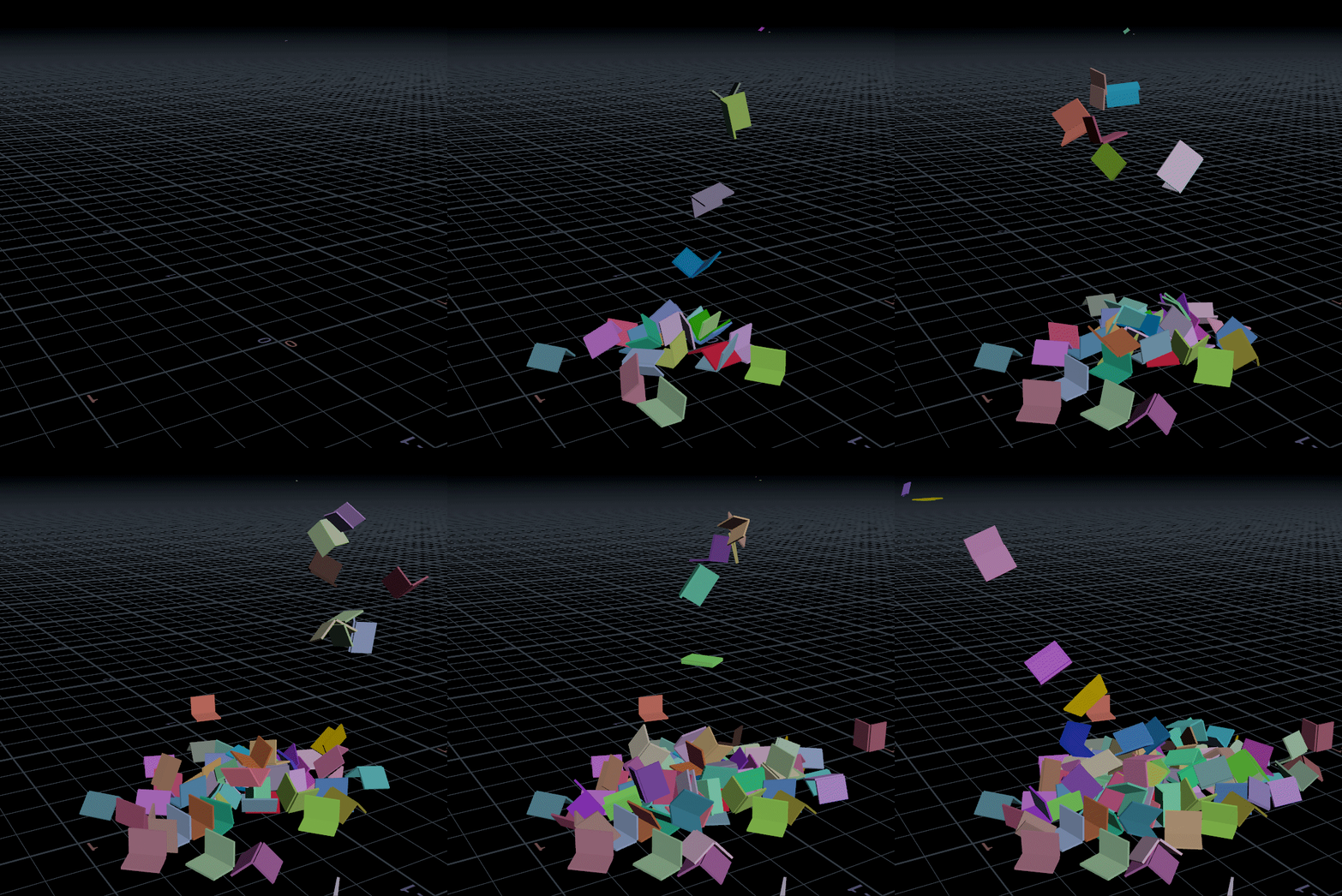
This is something I learned at dreamworks awhile back to do pscale to pixel calulations from camera.
it creates a uv on the particles coming in on the second input then used the cameras info to calculate the pscale at a pixel level.
“`//get camera details float aperture = chf(“aperture”); // ch(chsop(“../camera”) + “/aperture”) float focal = chf(“focal”);’ // ch(chsop(“../camera”) + “/focal”) float resolution = chf(“resolution”); // ch(chsop(“../camera”) + “/resx”)+1 / 1 float pixel_width = chf(“pixel_width”); // ch(“../paticle_pixel_size”) // this gets used to increase or decrease based on a pixel default of 1 is set to 1 pixel
//get uv camera vector camUV = point(1,”uv”,@ptnum);
float uvZ = camUV.z;
//calculate camera scale
float cameraScale = (aperture/focal/resolution) ;

//set new pscale if(ch(“../pscale_operation”)==0) f@pscale = uvZ * cameraScale * (pixel_width*.5);
//multiply pscale
if(ch(“../pscale_operation”)==1) f@pscale *= uvZ * cameraScale * (pixel_width*.5); “`

Attachments in this post:
http://fx-td.com/houdiniandchill/wp-content/uploads/discord/20265902/20/26/nxplayer.bin_96rUEVP4Kb.png
http://fx-td.com/houdiniandchill/wp-content/uploads/discord/20265902/20/26/nxplayer.bin_naczKWgDws.png

Archived post by jim.meston

Can easily replicate a single source emitter.

“`cpp int trigger = int(rint(rand(@piece_id)*215));
if(@Frame<trigger){ @P = v@P_orig; @P.x = (noise(@Time*.4)-0.5)*8; // or just tracking an object pos v@v = {0, 1, 0}; }
if(@Frame>trigger){ @pscale += 15; @pscale = clamp(@pscale, 1, 100); } “`

Attachments in this post:
http://fx-td.com/houdiniandchill/wp-content/uploads/discord/20261602/19/26/single_source.gif

Archived post by toadstorm

am i stupid? why is `gl_wireframe` somehow nowhere visible in the render properties shown in an Edit Properties LOP?

i’ve seen it done this way, i know i’ve done it myself in the past, but it’s like impossible to find in this mess of parameters. also, *why is it so fucking hard to show curves in the viewport without thickness*? why do i have to dig through this insane menu to do this?

i even tried adding the property as-is myself having memorized the name and it doesn’t fuckin work!

okay so after some digging, apparently this property has *never* been exposed by any menu and can’t be assigned at all unless you do it manually. so if you want guide curves in solaris, and you don’t want them rendered as big obnoxious ribbons, you have to use an Edit Properties LOP, manually drag an integer property from the USD Proprties list, and name it `primvars:houdini:gl_wireframe`, OR you have to do it via a wrangle: “` usd_addprimvar(0, s@primpath, “houdini:gl_wireframe”, “bool”); usd_setprimvar(0, s@primpath, “houdini:gl_wireframe”, 1); “`
brilliant UX

i find it really hard to believe this hasn’t been an issue for any other solaris users before. are guide curves really not used by anyone?