Archived post by eetu

gahh took a while

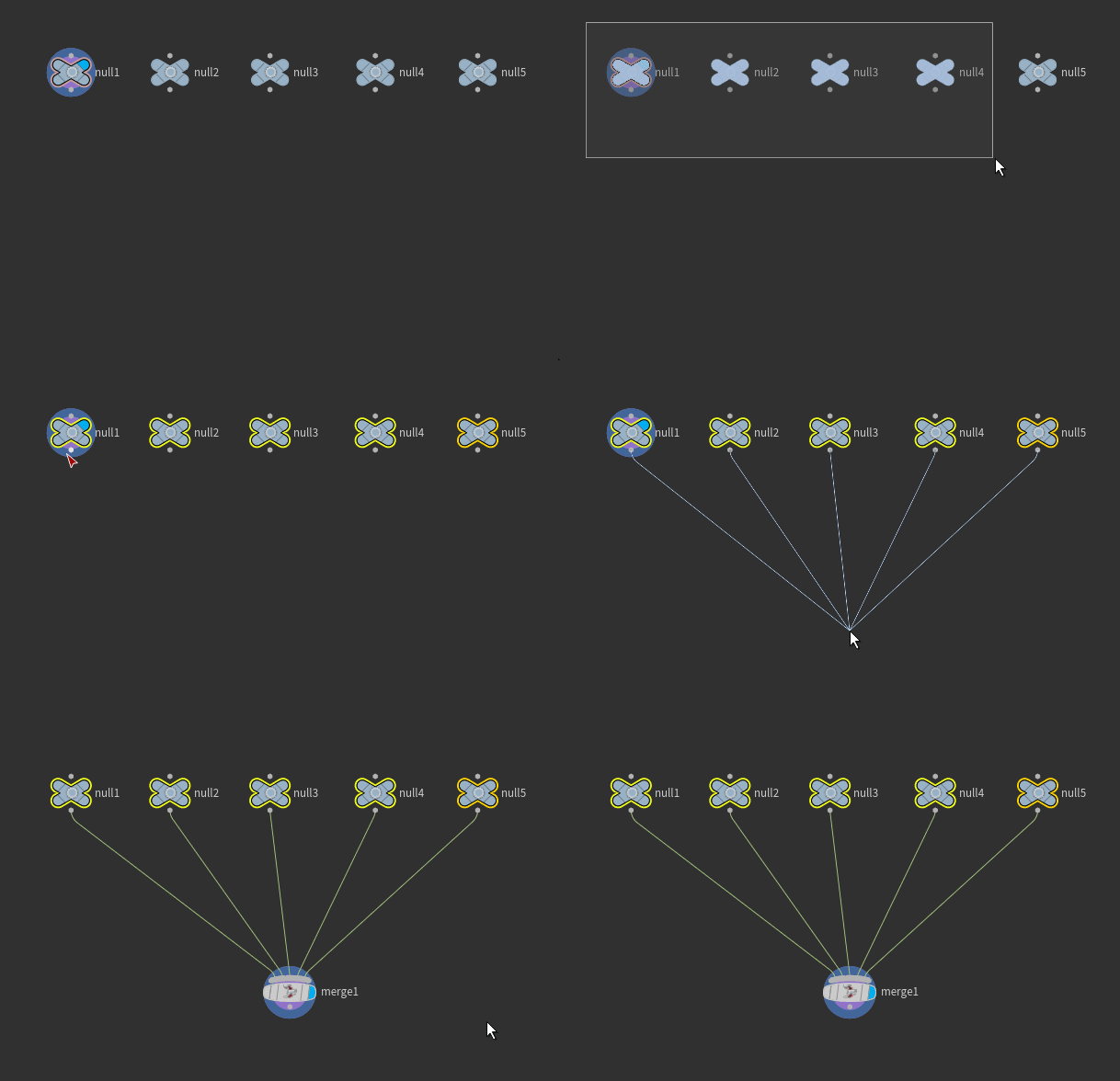
but starsteps with landings

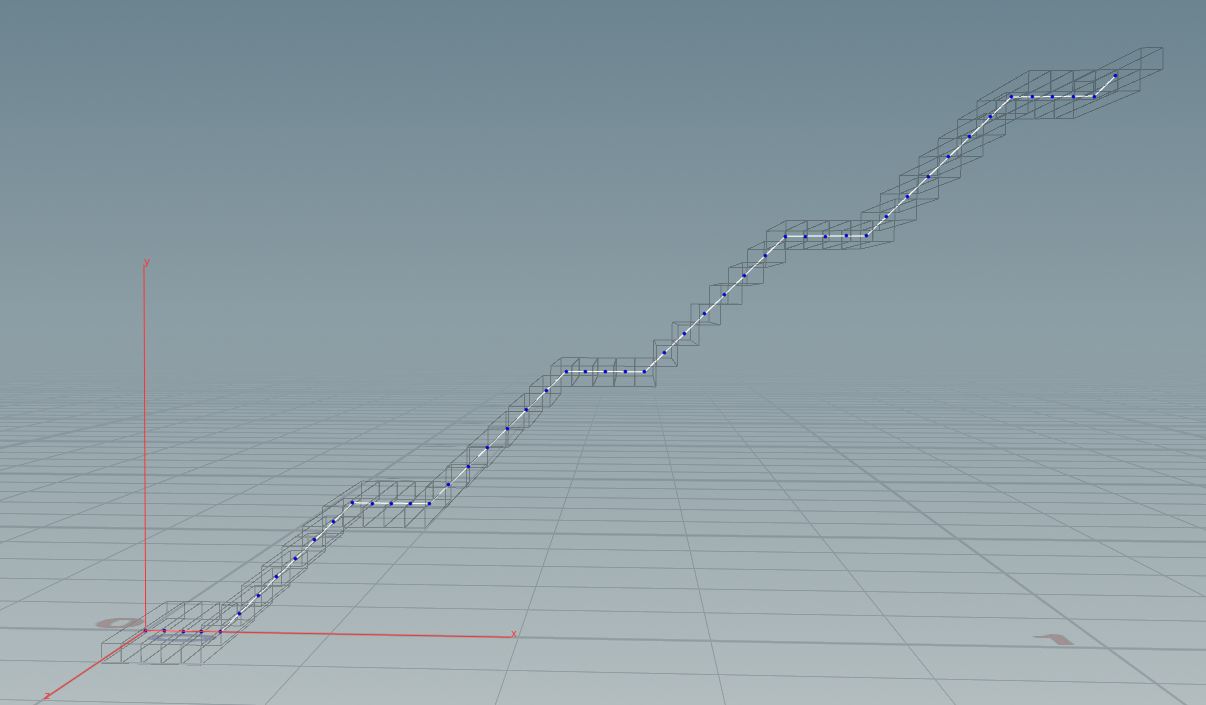
the conceptual idea is to take a larger stairstep of (x+y) steps in size, plus add to it a clamped sawtooth that has x steps of the clamped part and y steps of the unclamped part

scaling it all properly took a while 😃

Attachments in this post:
http://fx-td.com/houdiniandchill/wp-content/uploads/discord/20194403/21/19/stairsteps_landings.png
http://fx-td.com/houdiniandchill/wp-content/uploads/discord/20194403/21/19/ee_stairlandings.hiplc
Archived post by matte

I’ve had some time off recently and decided to re-create and share a bunch of tools I end up making all over again ever different place I work. First one that’s ready I call ‘volume smear’: github.com/mattebb/hda/tree/master/volume_smear

Kind of like a directional blur for volumes, can do along a single direction vector or based on a velocity field

can be for smoothing volume surfaces along velocity vectors github.com/mattebb/hda/raw/master/examples/images/volume_smear_particles.jpg

or smearing density/colour volumes, with custom filter kernels, like this one which smears with a spectrum kernel github.com/mattebb/hda/raw/master/examples/images/volume_smear_spectrum.gif

will re-package as full version HDA next time I get a full non-indie license

Archived post by profbetis

@flight404 you can interact with ramp keys just like a multiparm block. The ramp parameter itself has the value of how many keys there are

“`c int rampkeys = chramp(“ramp”);
for( int i=i; i<=rampkeys; i++){ float pos = ch(sprintf("ramp%gpos", i)); float val = ch(sprintf("ramp%gvalue", i)); // Do stuff }```

(I normally don’t condone 1-based loop indices but the keys do start at 1 and not 0. I supposed you could switch to doing `i+1` in the `sprintf` calls though if you wanted)

Archived post by Dave Stewart

Goddamn I should have tried it before

the rest SOP does it if you enable normals, so you end up with @rest and @rnml

Used this on one of my fluid tests before, but hadn’t thought to try it on the Car Paint shader https://vimeo.com/293863260

Used it to stick textures to this FLIP sim using RS TriPlanar

Archived post by Matt Puchala

@NickTaylor @jake rice 😮 Here are my 10 easy steps to get HDK (h17) compiling on windows 10! Before we start let me just says its 1 step on linux and mac… Also if anyone knows a better way please tell me… Anyway…. Step 1. Download Cgwin64 (bash for windows) you will need this to compile with hcustom. Step 2. h17 is compiled using VC v141. (It actually tells right in the name of the Houdini download .exe) so you will need to download visual studios and visual studios installer 2017 and download the C++ components. Step 3. Check that you actually have the files at the directory path “C:Program Files (x86)Microsoft Visual Studio2017CommunityVC” Step 3: Launch a Cgwin64 shell. Step 4. cd into your Houdini installation directory. (your build might be a different version) cd “C:Program FilesSide Effects SoftwareHoudini 17.0.352” Step 5. Source the Houdini environment. source houdini_setup Step 6. Create a MSVCDir env variable so Houdini knows where to look for the C++ components. (Your exact version may be different so make sure you check in the ”MSVC” directory) export MSVCDir=”C:Program Files (x86)Microsoft Visual Studio2017CommunityVCToolsMSVC14.16.27023” Step 7. cd into the directory your code is in. Step 8. After like 8 hour of fiddling, and if you haven’t lost the will to live, finally compile your code! hcustom.exe file.h file.cpp Step 9. Move your plugin from the Cgwin64 environment to your regular windows environment. cp “C:/cygwin64/home/USERNAME~1/houdini17.0/dsomyPlugin.dll” “C:UsersUSERNAMEDocumentshoudini17.0dso” Step 10. Launch Houdini normally and use your plug-in!