“`Spot lights casting caustic photons (millions) Object casting caustic photons (glass material with disperssion) Search radius on caustics set to like 0.1 or 0.03 depending on the shot higher values = more blur, lower values = more tiny dots of light If you want very very detailed caustics crank up spot lights to 9-10 million and search radius down to like .01 add photos until you’re happy“`
Author: admin
Archived post by xcaseyx
there you go whomever wants to play around with the caustic setup I made a scene
Attachments in this post:
http://fx-td.com/houdiniandchill/wp-content/uploads/discord/20193307/24/19/ch_caustics_RS.hiplc
Archived post by rich lord
`// formula to change from one space to another // P = inverse(m1) * m2
// get the position and orient data vector start_p = point(0, “P”, 1); vector end_p = point(0, “P”, 2); vector4 start_orient = point(0, “orient”, 1); vector4 end_orient = point(0, “orient”, 2);
// calculate the blended values float blend = fit(@Frame, 1, 48, 0, 1); end_p = lerp(start_p, end_p, blend); end_orient = slerp(start_orient, end_orient, blend);
// matrix at start matrix3 start_m = qconvert(start_orient); vector start_n = set(start_m.zx, start_m.zy, start_m.zz); vector start_up = set(start_m.yx, start_m.yy, start_m.yz); matrix a = maketransform(start_n, start_up, start_p);
// matrix at end matrix3 end_m = qconvert(end_orient); vector end_n = set(end_m.zx, end_m.zy, end_m.zz); vector end_up = set(end_m.yx, end_m.yy, end_m.yz); matrix b = maketransform(end_n, end_up, end_p);
matrix final = invert(a) * b; pos = pos * final;`
There we go! Thanks so much! @TOADSTORM + @jake rice 😮 . Infinite fishies for me!
Need to handle scale, but I already have code for that.
Archived post by MrWolf
In case you want to speed up the Point Deform SOP ( a lot ), you can disable the xformbyattrib1 node inside the hda. That is in charge of deforming custom attributes. Should really be disabled by default and there should be a checkbox to enable it on demand. We’re talking about ~x5 speed improvement. If you disable the ‘attribdelete1’ node as well, you’ll gain another ~10% in speed.
Archived post by mestela
so, timeshifts and for loops
kindasorta got a definitive answer
“The For Each Begin SOP does not do an implicit blast on it’s input unlike the Each SOP that was there in previous releases. If you put a Time Shift SOP before the Fetch, it will seem like it is not working as the Fetch isn’t cooking it’s input. It will return the same piece of geometry for all time. To correct this, use a Blast SOP and delete out the piece you want with detail expressions pointing to a Meta Data SOP.” – Jeff Lait
More explicitly, don’t let the begin block split your geo for you. Change it to ‘fetch input’, so it brings in everything on each run of the loop, then manually isolate to the thing you want, by using info from the metadata sop. Now any timeshifts within the loop will behave.
a gif to explain that: www.tokeru.com/cgwiki/images/5/55/Forloop_timeshift_fix.gif

Archived post by berniebernie
https://i.imgur.com/kuc1PnO.mp4
I don’t know where to put this but i made a little screenshot to network view python script – more details and crappy code on my wiki: berniebernie.fr/wiki/Houdini_Python#screenshot_to_background_image
Archived post by mestela
@mstarktv
Attachments in this post:
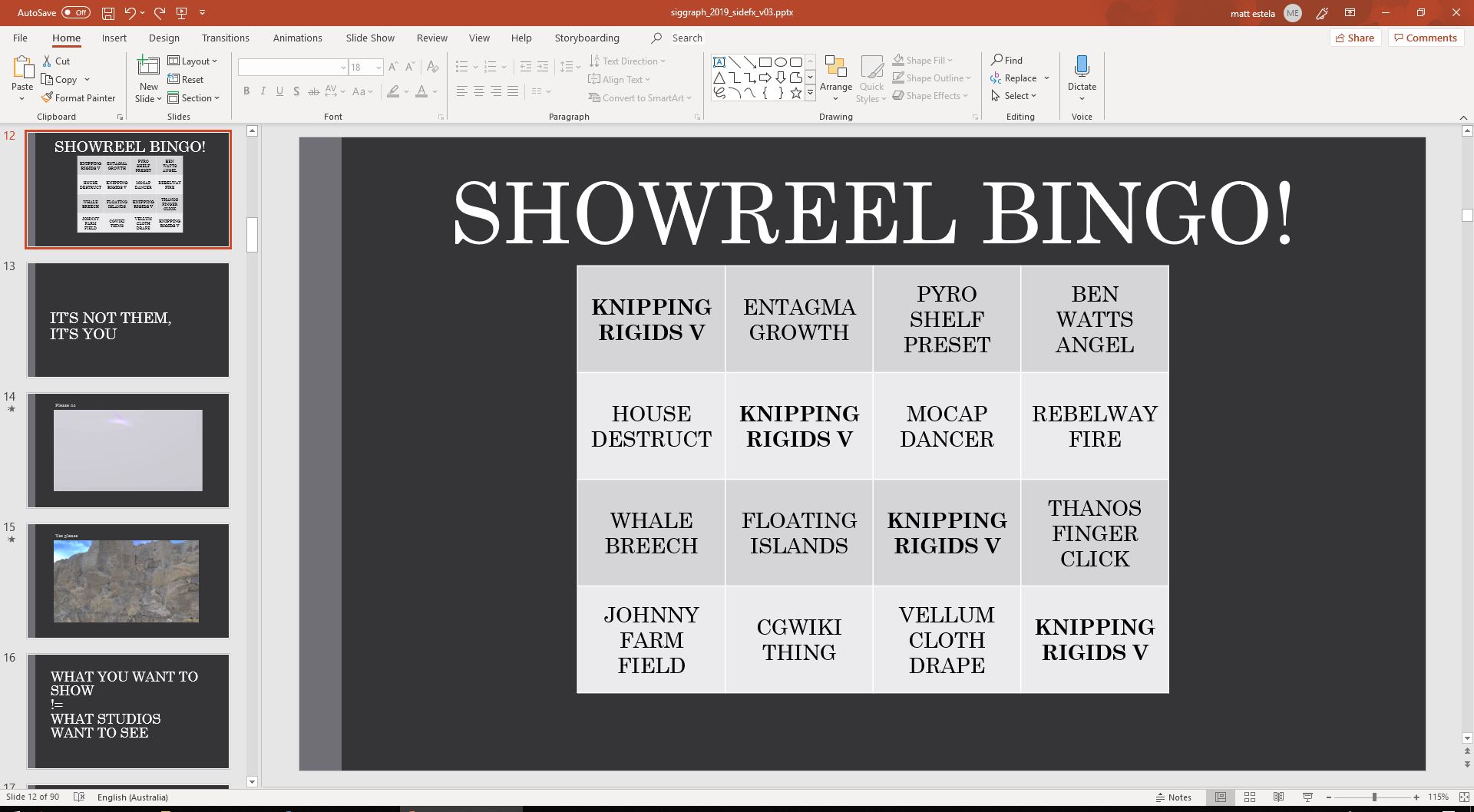
http://fx-td.com/houdiniandchill/wp-content/uploads/discord/20190107/17/19/showreel_bingo.JPG
Archived post by bhenriksson
Archived post by jake rice
the bend deformer uses it i believe
but i’ll post up an example
notice how with the deformation wrangle, i use `pos` instead of `@P` for all references to position. this is necessary for it to do it’s magic
you can use `@P` in deformation wrangles, but just know that the attribute update magic won’t work if you do it
Attachments in this post:
http://fx-td.com/houdiniandchill/wp-content/uploads/discord/20194607/16/19/jr_deformation_wrangle_example.hip
Archived post by Remi Pierre
“`node.copyItems(items, channel_reference_originals = False, relative_references = True, connect_outputs_to_multi_inputs = True)“`
this can do what you’re looking for without doing sketchy with rawValues 😃