so what you’re trying to avoid when you’re dealing with mushrooms is a smooth pressure front. the project non-divergent step of the smoke solver computes the pressure field, and when you have areas of high density right next to areas of low density, like at the beginning of a smoke emission, the velocity field is going to be more or less “combed” straight out along the gradient of that pressure. short answer, you get mushrooms.
so what you want to do is mess up that velocity field a little bit in order to encourage smoke to swirl around a bit, along that pressure front. the way i like to do it is in a sop solver. use the sop solver to import the `vel` data from your smoke object. when you jump inside, you’ll see the `dop_geometry` node is importing that field. copy this node and change the geometry data path to `pressure`. we’ll use this pressure field as a mask, so we can only mess with the velocity field exactly along the “edge” of the pressure field. use a volume wrangle on this field to isolate just the edge like so: `@density = fit(@density, 0, 0.1, 0, 1);`. make sure “bind each volume to density” is enabled. now we can scatter points along the “edge” of the pressure field in a scatter sop.
next, use a vdb from particles to create a fog vdb around these points. the goal is to use this field to “punch holes” in the velocity field, like swiss cheese. convert the vdb into a standard volume, then use a volume mix sop to invert the volume (set the mix method to “user”, then value to `1-$V`). then post-add a small amount, like 0.3 or so. what this does is make it so that most of your volume has a value of 1, but the holes will have a value of 0.3. then just multiply this against your `vel` field in another volume mix.
the end result should be that the velocity field has holes punched in it, but only around areas on the edges of the pressure field, which should help break up mushrooms without disturbing the rest of the simulation.
Author: admin
Archived post by eetu
@matte @aswaab `Tiny little points will be hard to sample within a pixel and cause noise. If you put a floor under how small they can be in pixel space (and maybe compensate by lowering alpha etc) that might make it cleaner` there is a mantra property for exactly that, *vm_geofilterwidth*
Archived post by Juraj
guys, I collected couple of VEX snippets and put them on one place
github.com/jtomori/vex_tutorial
feel free to check it, hope it will be useful
I am trying to create a nice reference page where people can quickly look stuff up, without browsing all around the web 😃
let me know what you think about it
Archived post by mestela
ugh, my brain is mush tonight… whats the node to convert groups back to attributes, like a connectivity sop?
i’ve selected polys, given them random colours, partition to make them groups, now i want the groups back to attribs
hmm, or vex this and define my own attribs via hsv…
yeah that worked, woo
well goddamn, someone mentioned this at work today, just tried it
“`setprimintrinsic(0,’pointinstancetransform’,@primnum,1);“`
do that on packed prims, orient will now rotate them automatically, no bollocks of having to manually update intrinsic transforms
Archived post by mestela
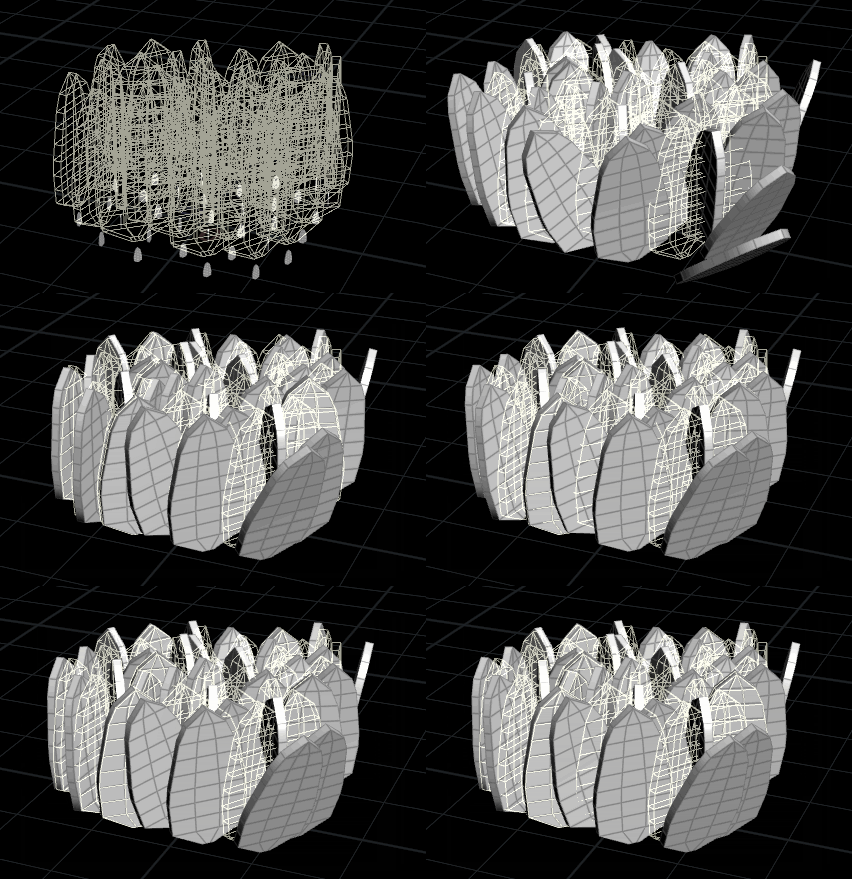
whats that? you wanna talk about leaves? oh ok then
www.tokeru.com/cgwiki/index.php?title=HoudiniDops#RBD_deintersect_via_scaling_up_geo
finally packaged up the deintersect trick you guys all helped me with, ta muchly!
Attachments in this post:
http://fx-td.com/houdiniandchill/wp-content/uploads/discord/rbd_deintersect.gif
Archived post by dchow
@flight404 here’s my hip if you get stuck. Something still feels not right about it but it’s close. also tagging @rich lord
Attachments in this post:
http://fx-td.com/houdiniandchill/wp-content/uploads/discord/morphogenesis.hiplc
Archived post by dchow
“`int pp0[] = primpoints(0, 0);
vector prpos = prim(0, “P”, 0);
vector pos0 = point(0, “P”, pp0[0]); vector pos1 = point(0, “P”, pp0[1]); vector pos2 = point(0, “P”, pp0[-1]);
vector v0 = normalize(pos2-pos0); vector v1 = normalize(pos1-pos0); vector v2 = normalize(cross(v0,v1)); v1 = normalize(cross(v2,v0));
matrix x0 = maketransform(v1, v2, prpos);
pp0 = primpoints(1, 0);
prpos = prim(1, “P”, 0);
pos0 = point(1, “P”, pp0[0]); pos1 = point(1, “P”, pp0[1]); pos2 = point(1, “P”, pp0[-1]);
v0 = normalize(pos2-pos0); v1 = normalize(pos1-pos0); v2 = normalize(cross(v0,v1)); v1 = normalize(cross(v2,v0));
matrix x1 = maketransform(v1, v2, prpos);
matrix output = invert(x0)*x1; @P *= output; “`
i think it’s that
Archived post by Glad-Partikel
Woo! My new tutorial is up 😃 This time I show off the awesome new flowmap tools in Houdini.
Archived post by jake rice
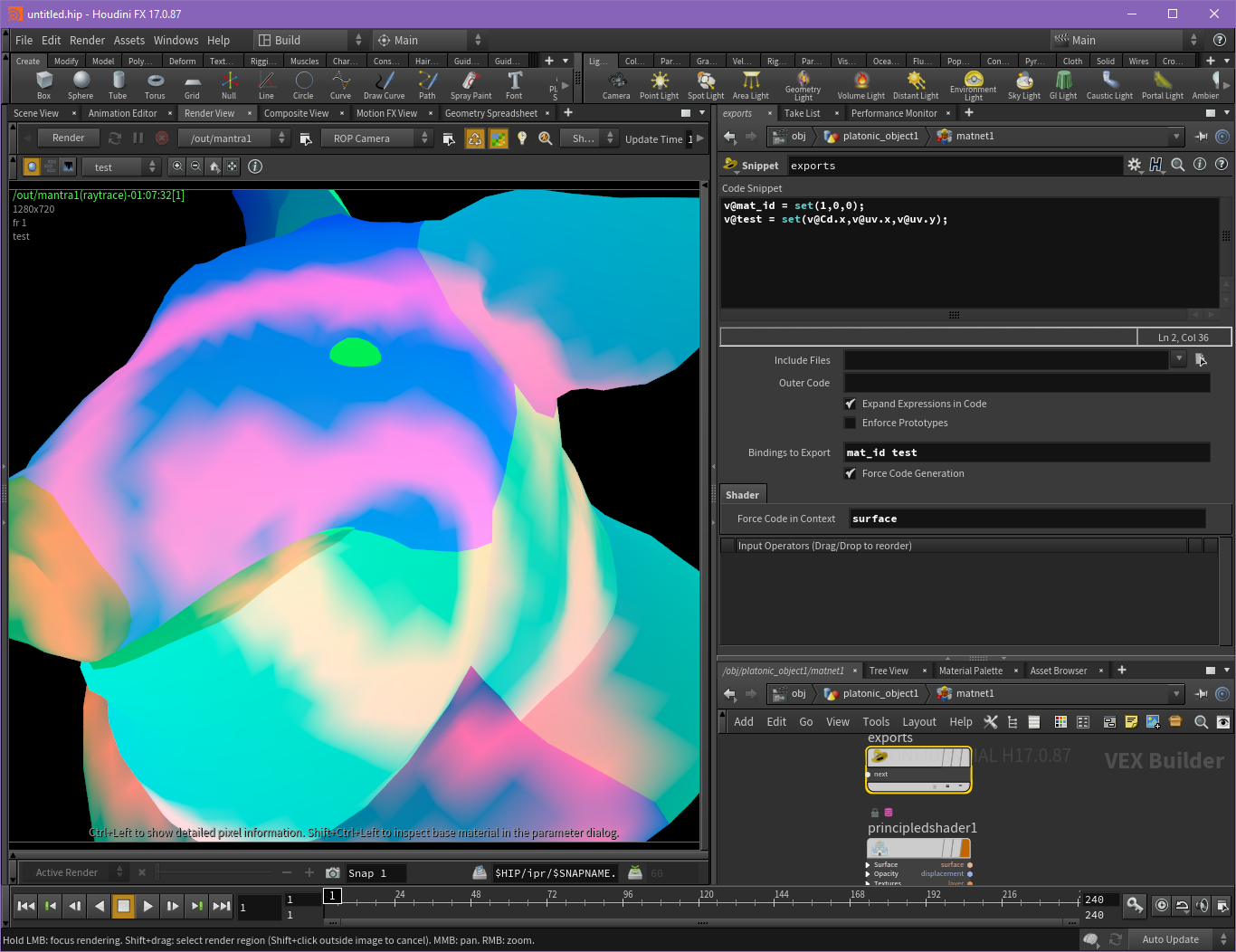
better kd dickbutt
if ur shitpost takes more than one post to get right, is it even worth it? ;n;
Attachments in this post:
http://fx-td.com/houdiniandchill/wp-content/uploads/discord/image.png
Archived post by mestela
@Solitude : browsing rich lord’s stuff again, found this: http://richardlord.tumblr.com/post/159277887181/ive-started-collecting-a-bunch-of-tricks-i-use-a