Archived post by lukevanlukevan

okay, let me re do, maybe I can get famous!

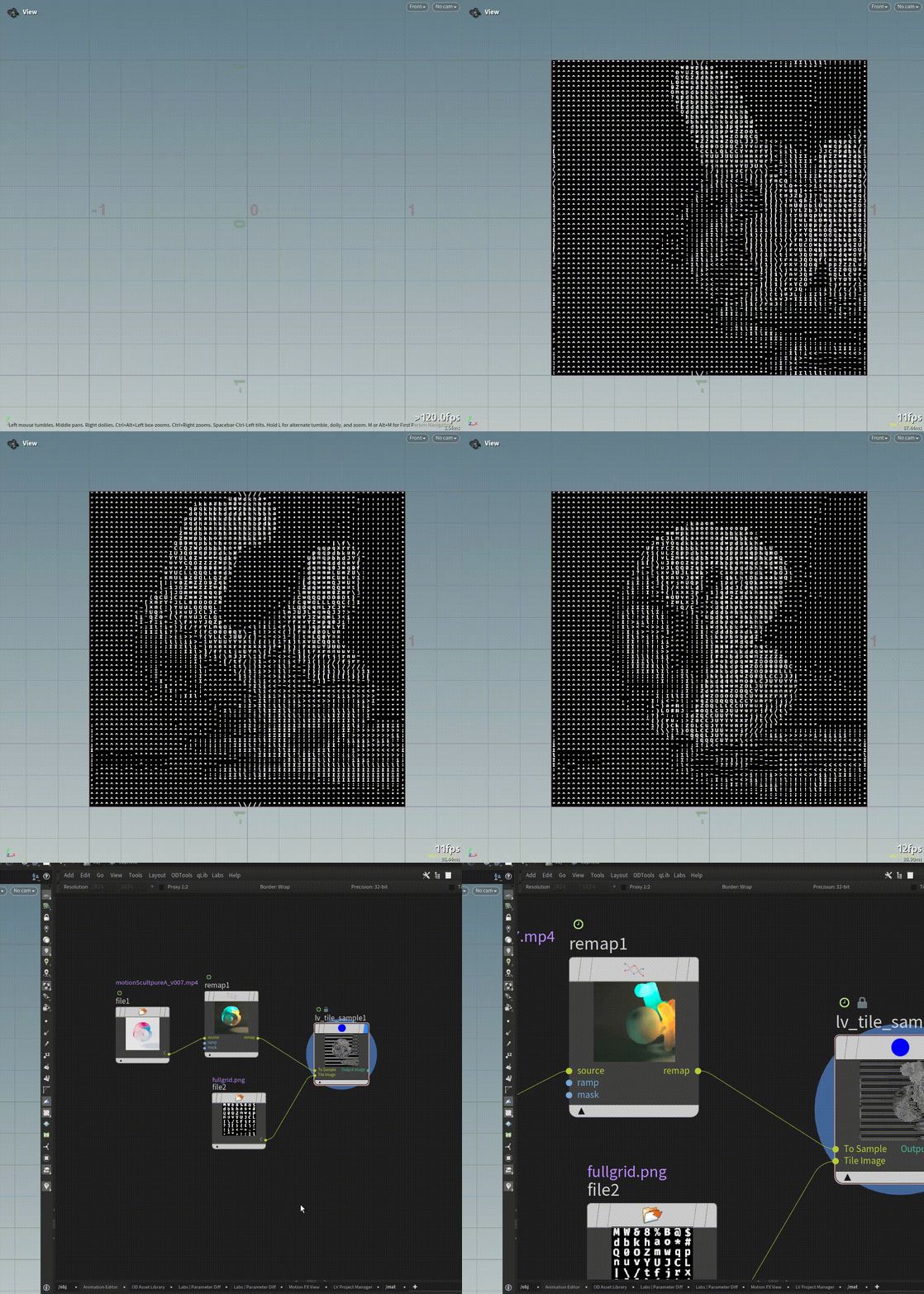
Angled and regular tile sampling:

Attachments in this post:
http://fx-td.com/houdiniandchill/wp-content/uploads/discord/20253206/11/25/angled.gif
http://fx-td.com/houdiniandchill/wp-content/uploads/discord/20253206/11/25/regular.gif
http://fx-td.com/houdiniandchill/wp-content/uploads/discord/20253206/11/25/LV.lv_angled_tile_sample.1.0.hdalc
http://fx-td.com/houdiniandchill/wp-content/uploads/discord/20253206/11/25/LV.lv_tile_sample.1.0.hdalc

Archived post by mattiasmalmer

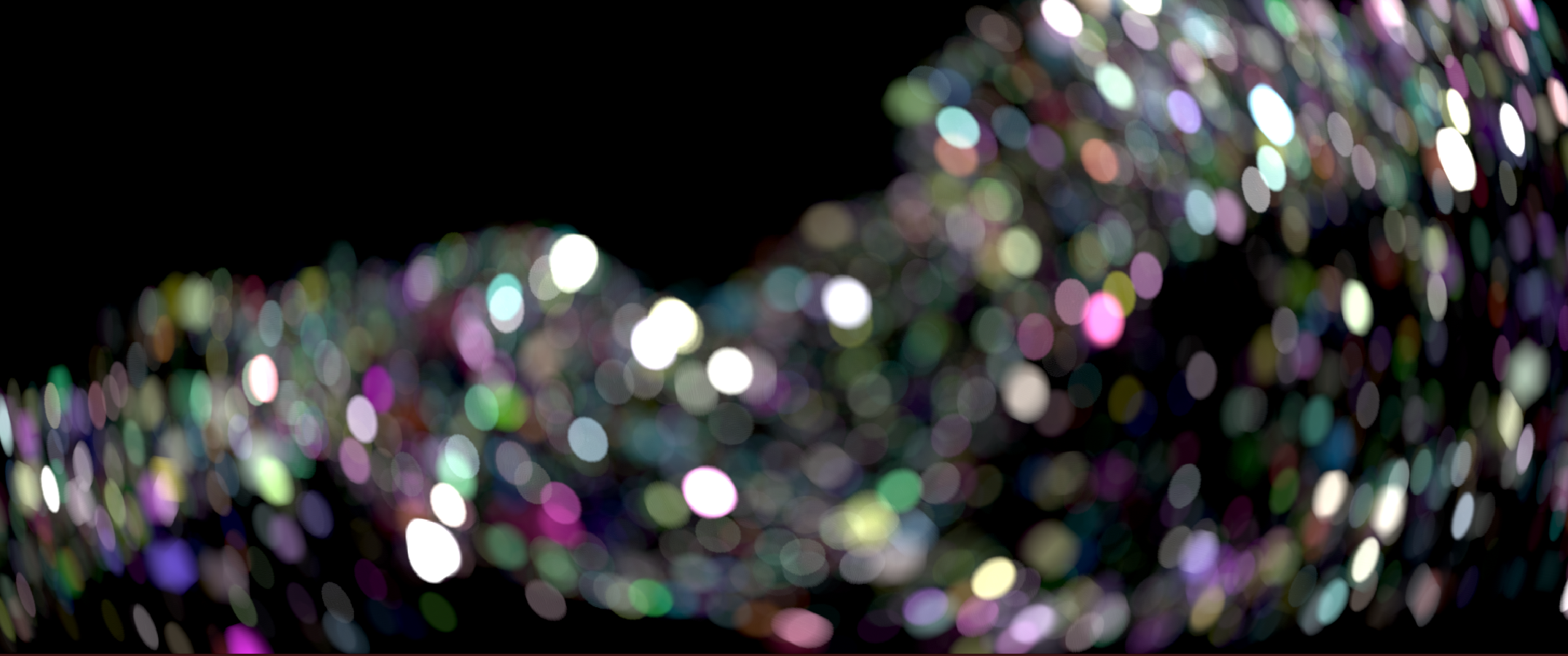
cateye…

“`
#bind layer src? val=0 #bind layer !&dst
inline float2 fibonacci_spiral(int n ,int samples) { float phi = (1.0f + sqrt(5.0f)) / 2.0f; // Golden ratio float angle = 2.0f * M_PI * phi * n; float r = 1.0f * sqrt((float)n /samples); // Normalized radius float x = r * cos(angle); float y = r * sin(angle); return (float2)(x,y); }
inline float2 scale_along_vector(float2 pos, float2 dir, float scale) { // Normalize the direction float2 n = normalize(dir); // Project pos onto dir float proj_len = dot(pos, n); float2 proj = proj_len * n; // Compute the component orthogonal to dir float2 ortho = pos – proj; // Scale only the projection return proj * scale + ortho; }

@KERNEL { float2 pos=(float2)(@ix,@iy); float4 color=(float4)(0,0,0,0);
for (int i=0; i<@samples; i++) { float2 disc=fibonacci_spiral(i,@samples)*@radii; float2 dir=pos-(float2)(@xres,@yres)*.5f; float dist=length(dir)/length((float2)(@xres,@yres)*.5f); disc=scale_along_vector(disc , dir ,(1-pow(dist,1.0f)*@squash)); color+=@src.bufferSample(pos+disc); }
@dst.set(color/@samples); }
“`
just make radii, squash and (int)samples in the bindings

Attachments in this post:
http://fx-td.com/houdiniandchill/wp-content/uploads/discord/20253105/22/25/image.png

Archived post by mattiasmalmer

the handles are very broken to use in hda:s i bind a point and in the view it says that it is on coordinate 1024,1024 but the bound parameter sets itself to 2048,2048… very odd.

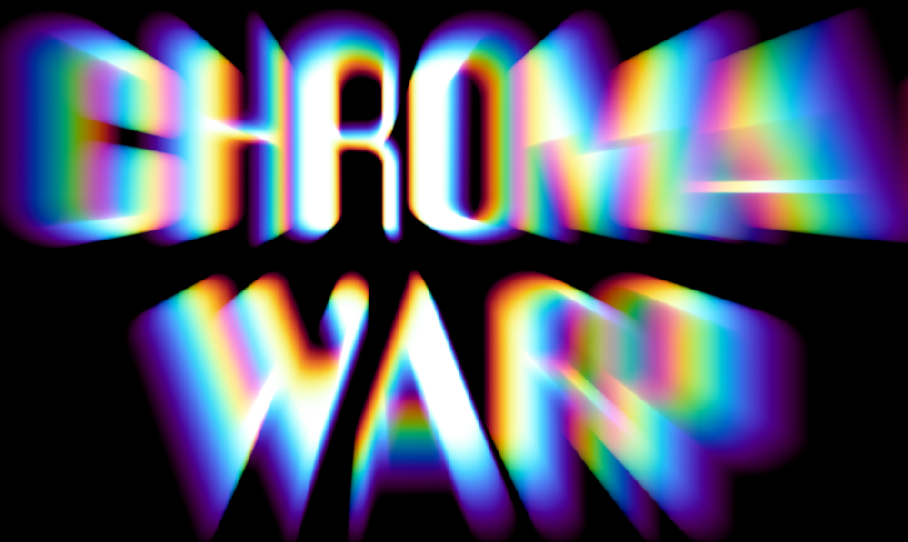
for when tasteful subtleties are not on the menu.

With very little code change you could make it into a โ€godrayโ€ generator.

Attachments in this post:
http://fx-td.com/houdiniandchill/wp-content/uploads/discord/20255905/21/25/houdini_2v0omrwdAd.mp4
http://fx-td.com/houdiniandchill/wp-content/uploads/discord/20255905/21/25/cwarp.hiplc
http://fx-td.com/houdiniandchill/wp-content/uploads/discord/20255905/21/25/cop_Mattias.chromawarp.1.0.hdalc
http://fx-td.com/houdiniandchill/wp-content/uploads/discord/20255905/21/25/image.png

Archived post by sniperjake945

here’s something fun. if you’ve ever wanted to pass the layer data into a function in opencl and then read from the layer, here’s how to do it! ๐Ÿ™‚
“`c #bind layer src? val=0 #bind layer &dst
float4 buffereIndexCUSTOM(const IMX_Layer* in_layer, int2 xy){ return bufferIndexF4(in_layer, xy, in_layer->stat->border, in_layer->stat->storage, in_layer->stat->channels); }
@KERNEL { float4 vals = buffereIndexCUSTOM(@src.layer, @ixy); @dst.set(vals); }
“`
this way you can use layer data in functions! you lose the ability to use `@binding` inside of the functions, but at least you have access to the layer functions. For more info on the IMX_Layer struct check out `$HFS/houdini/ocl/include/imx.h` and then if you’re curious what functions you have access to you, you’ll want to read the `$HFS/houdini/ocl/include/imx_internal.h` include

someone here has probably already figured this out, and i will say that its super easy to crash your opencl playing with these functions, but it definitely makes passing data into and out of functions way easier!

Archived post by mattiasmalmer

very interesting. I do not use that. i use a variant of laplacian image blending
posted about it here: discord.com/channels/270023348623376395/1260727356746764308/1342984912009171025

Here is another really useful color corrector.
It has the usual hueshift stuff.
but it is the along/perp stuff that makes it really neat. You select a direction. (say the classic teal and orange) then you can increase saturation along that axis and reduce it in the perpendicular axis. then if the image it too orange you shift the whitepoint towards orange to get the teal orange balance more centered.
I made this one for nuke a long while ago and use it very often. So here it is now for houdini! thanx to @jake rice ๐Ÿ˜ฎ for pushing sideFX to fix the mat3inv() function ๐Ÿ™‚

Attachments in this post:
http://fx-td.com/houdiniandchill/wp-content/uploads/discord/20252405/18/25/hueX.hiplc
http://fx-td.com/houdiniandchill/wp-content/uploads/discord/20252405/18/25/houdini_G1YdcSydnd.mp4
http://fx-td.com/houdiniandchill/wp-content/uploads/discord/20252405/18/25/cop_Mattias.hueX.1.0.hdalc

Archived post by mattiasmalmer

yeah the lack of iterator is a bit of a bummer.

here is a really neat color corrector I have been working on.

Attachments in this post:
http://fx-td.com/houdiniandchill/wp-content/uploads/discord/20251605/15/25/colorX.hiplc
http://fx-td.com/houdiniandchill/wp-content/uploads/discord/20251605/15/25/cop_Mattias.colorX.1.0.hdalc
http://fx-td.com/houdiniandchill/wp-content/uploads/discord/20251605/15/25/image.png

Archived post by sniperjake945

Here’s the pighead paint cop thing. I swapped all my textures for the brush strokes to ones that i made in cops. and then i’ve also commented all of the paint stroke splatting code. It’s not hyper optimized, this is again a dumb approach where i strictly stay in COPs for everything. It’s way easier and better to do some of this stuff in sops.
if i catch you using this without modification on a commercial project i will make fun of you for forever, and i will ban you from the server ๐Ÿ™‚

@jan1376 @flight404 have fun fellas

Attachments in this post:
http://fx-td.com/houdiniandchill/wp-content/uploads/discord/20254905/02/25/image.png
http://fx-td.com/houdiniandchill/wp-content/uploads/discord/20254905/02/25/JR_cops_painting_v0001.hip

Archived post by sniperjake945

@eetum you dont need a wrangle, no ๐Ÿ˜ฎ but that’s a fun aspect of OCL in cops ive never looked at.
I just whipped up a VAT example for my class, here’s the file. It directly reads attributes from the geometry input.
the file also shows how to read from this cruddy VAT texture to apply the animation back onto the demo geometry (in this case a pighead)!

Attachments in this post:
http://fx-td.com/houdiniandchill/wp-content/uploads/discord/20255004/01/25/JR_openCL_VAT_example.hip
http://fx-td.com/houdiniandchill/wp-content/uploads/discord/20255004/01/25/image.png