(would be nice if this could be run on GPU tho)
Category: hou-general
Archived post by fabriciochamon
@tokyomegaplex @pawelgrzelak
Attachments in this post:
http://fx-td.com/houdiniandchill/wp-content/uploads/discord/20235011/09/23/mnist_onnx.hiplc
Archived post by definitely_raining
Sometimes if I
Archived post by trzanko
not gonna go with chops
this sucks to debug
i know i can do it with a sop solver in a few minutes
moving on with my life 😄
hehehe ok nvm got it in chops XD
needed the currentframe chop to add add in channels in the feedback loop
for anyone curious
Attachments in this post:
http://fx-td.com/houdiniandchill/wp-content/uploads/discord/20234310/08/23/chopsFeedbackDecay.hip
Archived post by eetum
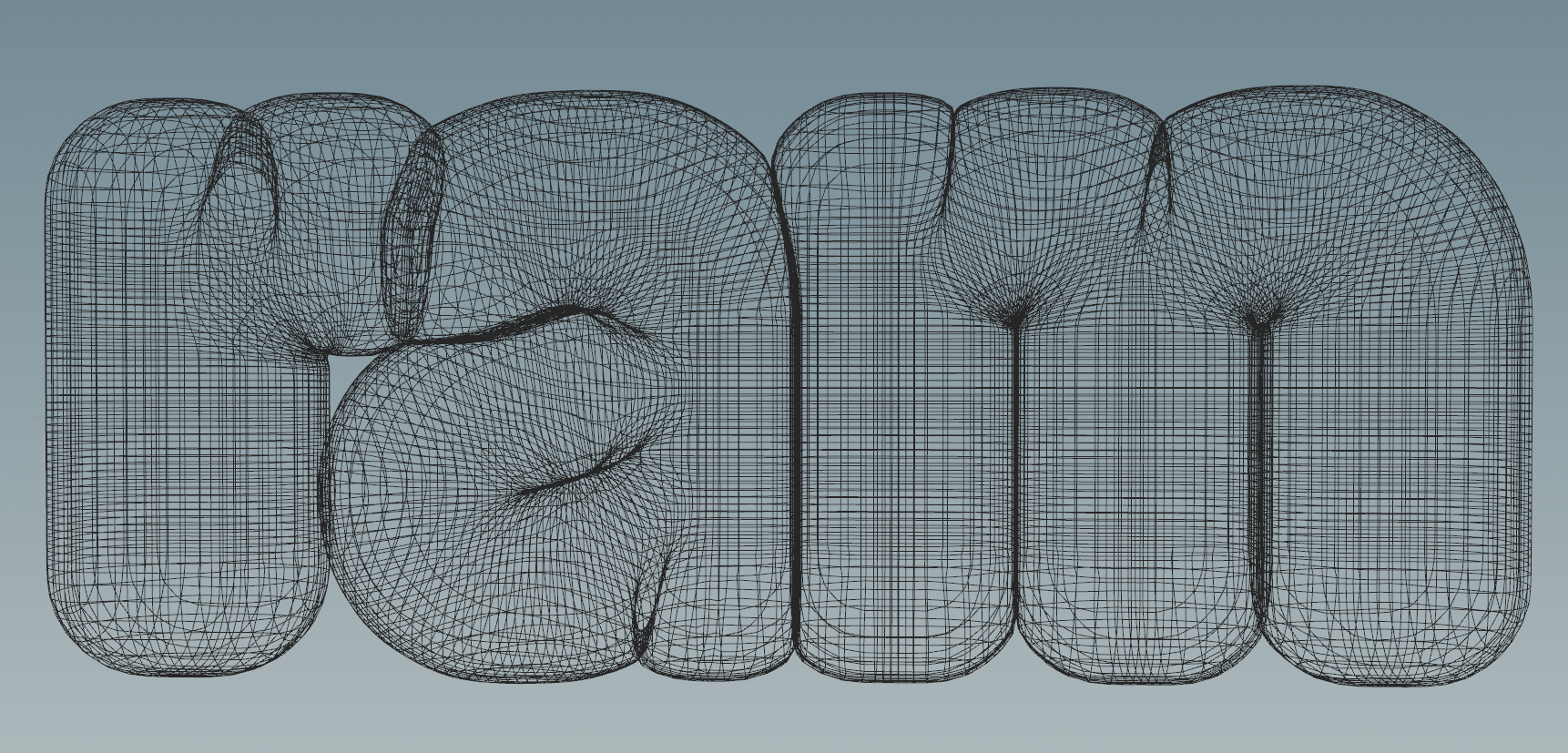
here’s a basic extrude, but not letting you self-intersect
(ah, so nice to do something that involves zero battling with Unreal:)
Attachments in this post:
http://fx-td.com/houdiniandchill/wp-content/uploads/discord/20232108/21/23/ee_sdf_deintersect.hip
http://fx-td.com/houdiniandchill/wp-content/uploads/discord/20232108/21/23/image.png
Archived post by swalsch
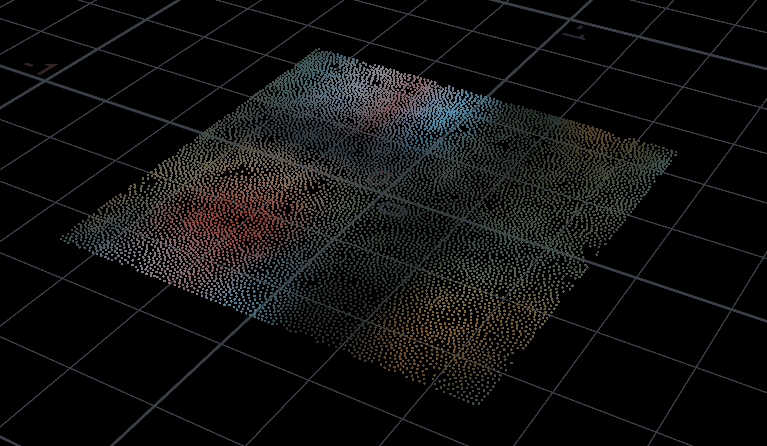
totally, seems that openIO won’t area-sample pngs
well, multiple calls of colormap it is
totally works with the mandril
for posterity, this is how I solved it with multiple calls of colormap: “`c vector uvw = set(v@P.x+.5,v@P.z+.5,0.0); string texPath = chs(“tex_path”); vector colors[] = {}; for(int i=0;i
Attachments in this post:
http://fx-td.com/houdiniandchill/wp-content/uploads/discord/20230707/12/23/image.png
Archived post by lwwwwwws
on mac it’s super easy using instruments.app which comes with xcode… just pick “time profiler”, choose a running process at the top, hit record for a few seconds then fiddle with the viewing options at the bottom ⏱️ actually there’s even a basic version you can get from activity monitor by hitting “sample process” from the three dots menu on linux you can do `perf record -p
for windows i have no clue though, i’d love to know… i’m a clueless baby about windows development, you might have to install full visual studio
Archived post by astv
I don’t know if this is useful or not to you but I wrote a shelf tool a while ago that lets you select multiple images and ocio convert / write them with COPs, I use it fairly often, feel free to steal and share 🙂
Attachments in this post:
http://fx-td.com/houdiniandchill/wp-content/uploads/discord/20233806/22/23/cop_ocio_convert.py
Archived post by Reinhold
@flight404 here’s a couple of ideas
Attachments in this post:
http://fx-td.com/houdiniandchill/wp-content/uploads/discord/20231606/11/23/curve_bevel_rr_v1.hipnc
Archived post by mestela
god i want that
i know @toadstorm did a deep dive into the font sop for mops, i think the high level summary was ‘its really fucky’
well, did some digging
“`python fonts = hou.hscript(“opmenu -l -a /obj/geo1/font1 file”) fonts = [x.strip().strip(‘”‘) for x in fonts[0].split(‘\n’)] p = hou.parm(‘/obj/geo1/font1/file’) p.set(fonts[23]) “`
that’ll get a thing you can at least futz with in the python command line
i was gonna get the [23] to be [@Frame] in a python sop or something, but i gotta go make dinner. 🙂