“`c //put this shit in a prim wrangle yo int h = primhedge(0, @primnum); int temp = h; int start_pt = hedge_srcpoint(0, h); int new_pts[]; float depth = ch(“depth”); float inset = 1 – ch(“inset”); do{ int pt_a = hedge_srcpoint(0, h); int pt_b = hedge_dstpoint(0, h); vector p_a = point(0, “P”, pt_a); vector p_b = point(0, “P”, pt_b); //inset p_a = (((p_a – @P) * inset) + @P); p_b = (((p_b – @P) * inset) + @P); p_a = p_a + v@N * depth; p_b = p_b + v@N * depth; int npt_a; if(h == temp){ //only runs on our first iteration npt_a = addpoint(0, p_a); append(new_pts, npt_a); }else{ //our current starting point is our previous destination point npt_a = new_pts[len(new_pts) – 1]; }
//add in our destination point, if we’re not back at the start int npt_b; if(start_pt != pt_b){ npt_b = addpoint(0, p_b); append(new_pts, npt_b); }else{ npt_b = new_pts[0]; } //add side walls addprim(0, “poly”, npt_b, npt_a, pt_a, pt_b);
h = hedge_next(0, h); }while(h != temp); addprim(0, “poly”, new_pts); “`
this is polyextrude with the `divide into` toggle set to individual components. if you want to do the connected components stuff, its a lot more effort, but i believe in you. believe in yourself <:meowpensivepray:814858736497590302> also this requires prim normals, so make sure u add those with a normal sop
Category: hou-general
Archived post by Ambrosiussen
Just learned something I want to share
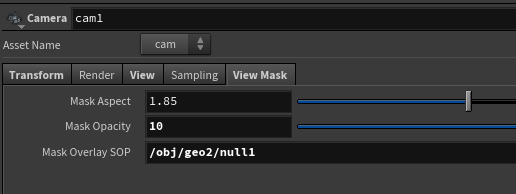
You can use any geometry as an overlay mask on a camera. Much better than parenting stuff to a cam
Attachments in this post:
http://fx-td.com/houdiniandchill/wp-content/uploads/discord/20210908/26/21/unknown.png
Archived post by PaulEsteves
Archived post by Remi Pierre
@animatrix – it is possible
let me look for it, forgot the name of the file
just change `nodegraphtitle.py` in python2.7libs
That’s a good way to show which shot people are working on 🙂
Archived post by ajk48n
I mentioned last week that I had made an hda that utilizes TOPs and makes it easy(ish) to save file caches / render an opengl contact sheet of all the caches. I’ve gotten permission to share the HDA, so if anyone wants it, here ya go. The main hda is a geo node called wedge cache. Inside it uses a TOPs hda that is a simple wrapper of ffmpeg to make saving out mp4s easier.
If you just want to use this for caches, you won’t need to install anything else, but if you want to render the contact sheets you’ll need imagemagick and ffmpeg installed
The hda is a little complex, so I’ve put together a demo video on how to use it. I recommend watching at 2x password: wedgy https://vimeo.com/490719853
Attachments in this post:
http://fx-td.com/houdiniandchill/wp-content/uploads/discord/20204612/16/20/ffmpeg_encode_mp4.1.0.hda
http://fx-td.com/houdiniandchill/wp-content/uploads/discord/20204612/16/20/wedge_cache__1.0.hda
Archived post by Solitude
@rich lord
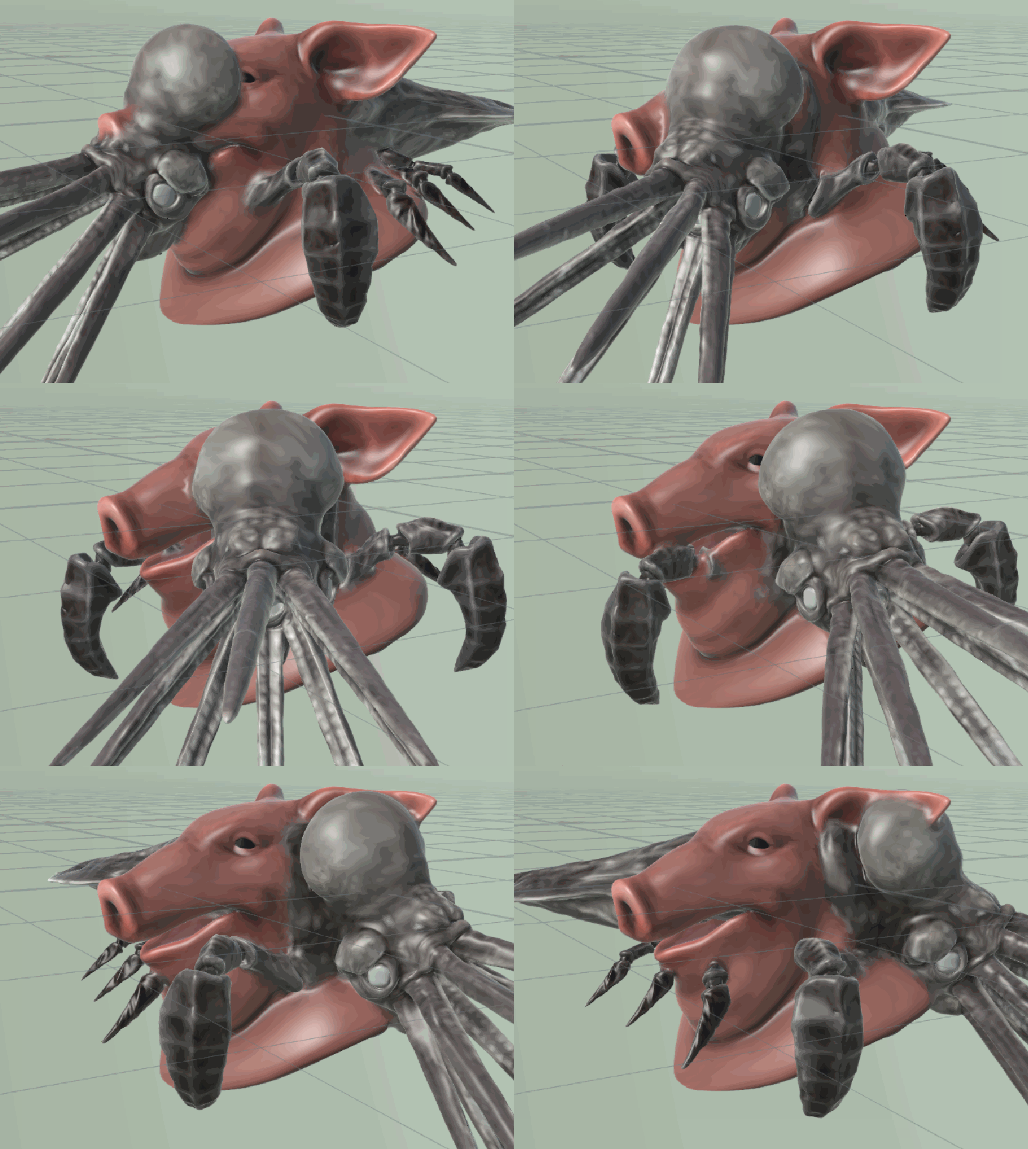
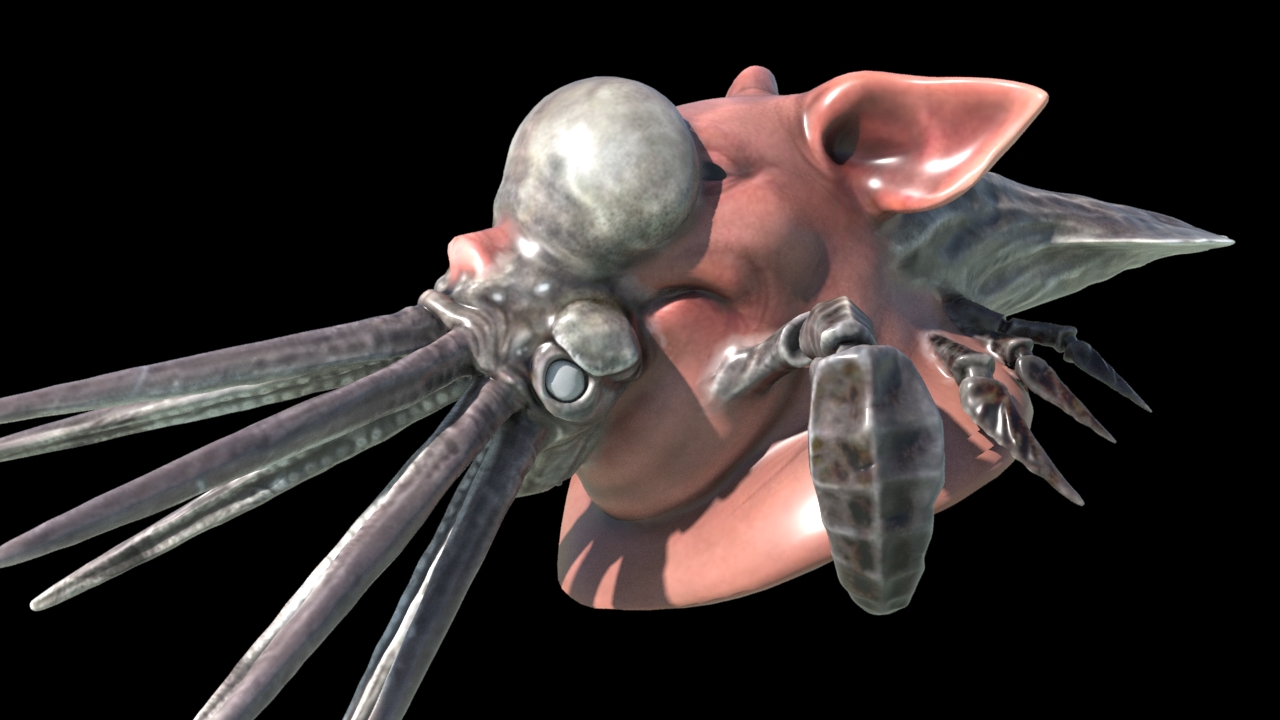
this is the expanded version
🙂
it’s not wrapped up into an hda at all though
so the parameters for blend distances and stuff are a bit scattered
it’s definitely not perfect if you push it too far or have lots of uv seams, but I think it does alright in a lot of cases. I used something like this for a ‘dirt skirt’ setup
Attachments in this post:
http://fx-td.com/houdiniandchill/wp-content/uploads/discord/20200512/06/20/boolsmooth2.gif
http://fx-td.com/houdiniandchill/wp-content/uploads/discord/20200512/06/20/boolblend2.jpg
http://fx-td.com/houdiniandchill/wp-content/uploads/discord/20200512/06/20/bool_blend_v2.hiplc
Archived post by Lorne
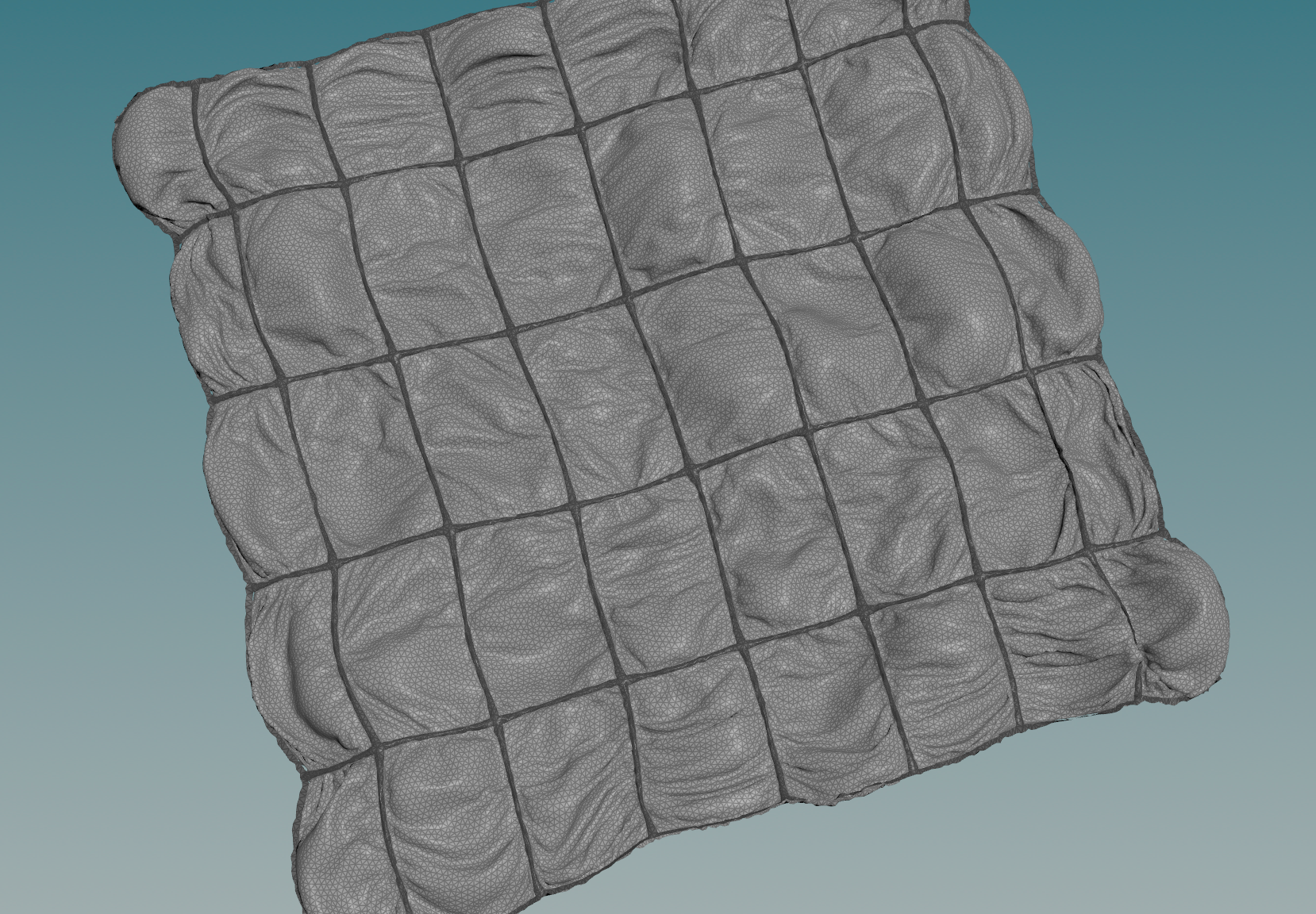
this is a pretty specific tip but if anyone’s ever doing fabric with seams this has been working pretty well for me…build out your seams as geo that also becomes vellum, make it far more stiff, glue it to your main cloth, and drop the restlength on the glue constraints, it’ll start bunching up around the seams automatically
another good one is hijack the output of the cloth constraints and multiply the restlength attrib by a noise pattern fit between like 0.9 and 1.11, that’ll also give you some really nice wrinkling even before the sim starts doing anything
Attachments in this post:
http://fx-td.com/houdiniandchill/wp-content/uploads/discord/20203810/15/20/image.png
Archived post by Bender
yeah
one sec..
“`int rampkeys = ch(“ramp”); for( int i=0; i stole this from here at some point so that’ll give you the points and their values – you can then do addpoint and set their positions in a loop maybe?
Archived post by heimlich
@goldfarb maybe pauls ? paulbourke.net/fractals/randomtile/
Archived post by Sepu
then you can render instances procedurally in Arnold
if you want to render in other engines you gotta use a replicator but that defeats the point of procedural – until they get an SDK out, you gotta use arnold for that matter
you gotta use this guy in Houdini to output the pts correctly
and write them as .vdb
the .hip just in case
Attachments in this post:
http://fx-td.com/houdiniandchill/wp-content/uploads/discord/20201902/20/20/maya.gif
http://fx-td.com/houdiniandchill/wp-content/uploads/discord/20201902/20/20/maya_Ik2V30mFRU.png
http://fx-td.com/houdiniandchill/wp-content/uploads/discord/20201902/20/20/PTS_FROM_HOUDINI_v002.ma
http://fx-td.com/houdiniandchill/wp-content/uploads/discord/20201902/20/20/maya_VIAgt6q6BE.png
http://fx-td.com/houdiniandchill/wp-content/uploads/discord/20201902/20/20/houdini_GNjsPecs8i.png
http://fx-td.com/houdiniandchill/wp-content/uploads/discord/20201902/20/20/PtsToMaya.hip


