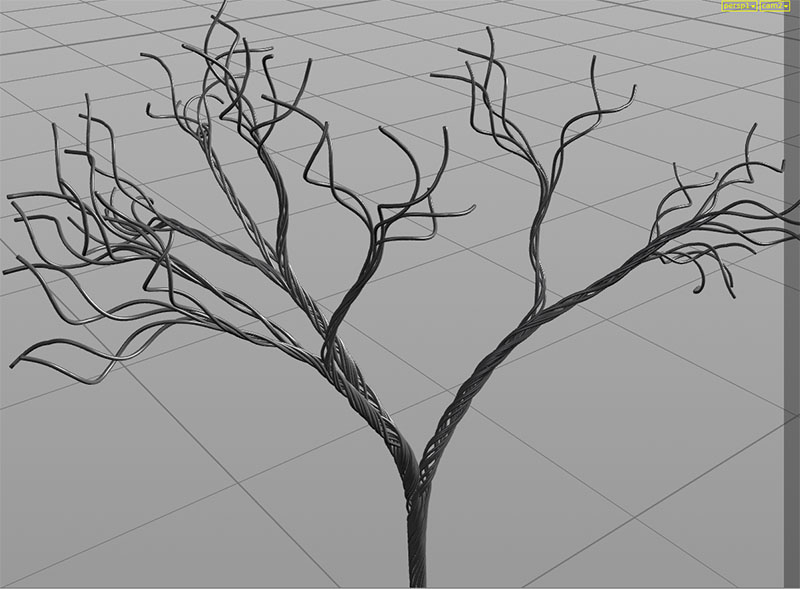
In case you want to speed up the Point Deform SOP ( a lot ), you can disable the xformbyattrib1 node inside the hda. That is in charge of deforming custom attributes. Should really be disabled by default and there should be a checkbox to enable it on demand. We’re talking about ~x5 speed improvement. If you disable the ‘attribdelete1’ node as well, you’ll gain another ~10% in speed.
Category: hou-general
Archived post by mestela
so, timeshifts and for loops
kindasorta got a definitive answer
“The For Each Begin SOP does not do an implicit blast on it’s input unlike the Each SOP that was there in previous releases. If you put a Time Shift SOP before the Fetch, it will seem like it is not working as the Fetch isn’t cooking it’s input. It will return the same piece of geometry for all time. To correct this, use a Blast SOP and delete out the piece you want with detail expressions pointing to a Meta Data SOP.” – Jeff Lait
More explicitly, don’t let the begin block split your geo for you. Change it to ‘fetch input’, so it brings in everything on each run of the loop, then manually isolate to the thing you want, by using info from the metadata sop. Now any timeshifts within the loop will behave.
a gif to explain that: www.tokeru.com/cgwiki/images/5/55/Forloop_timeshift_fix.gif
Archived post by jake rice
the bend deformer uses it i believe
but i’ll post up an example
notice how with the deformation wrangle, i use `pos` instead of `@P` for all references to position. this is necessary for it to do it’s magic
you can use `@P` in deformation wrangles, but just know that the attribute update magic won’t work if you do it
Attachments in this post:
http://fx-td.com/houdiniandchill/wp-content/uploads/discord/20194607/16/19/jr_deformation_wrangle_example.hip
Archived post by goldfarb
Archived post by mestela
Houdiniのノイズサンプルシーンをまとめてみました。
16種類のノイズパターンがVEXで書かれています。HPでシーンをダウンロードできますので
Houdiniを学習中の方に共有しようと思います。
ドロップボックス初めて使うので何かエラーがあったら教えてくださいhttps://t.co/CULHQgiK88#Houdini pic.twitter.com/DHeH9E8f54— ツナの鯖缶 (@tateyokosita) May 25, 2019
Archived post by tokyomegaplex
this is not really for you guys as much as it is for people who are asking me how i learned houdini, but i just bought HOUDININERD.COM which links to a google doc i ended up making after enough people asked me to send them resources and stuff. much more convenient than copying the google docs share url every time. if anyone has suggestions for it, more resources or anything else let me know 😛
Archived post by TOADSTORM
use `sprintf()`
you can use `%04d` as your substitute string to get 4 digit padding, for example
`string padnum = sprintf(“%04d”, @ptnum);`
Archived post by jake rice
lemme hook u up with one that works with edits
1 sec
no need for any transformation attributes unless you want to do vector volumes with this technique 😃
this one is all inspired from an old convo in here with tjeeds and matte 😮 😮
you don’t necessarily need to activate a new volume, like you could do this on the original volume, but just know that the bounds will most likely need to be updated to match the deformation tet mesh
Attachments in this post:
http://fx-td.com/houdiniandchill/wp-content/uploads/discord/20191504/24/19/jr_non_poopy_vol_deform.hip
Archived post by Bender
you can save them
“Just to expand on the regular presets facility… If you create a bunch of presets for your digital asset, you’ll end up with a file called $HH/presets/Object/myasset.idx, or something similar. This is the file that contains all the preset definitions you have saved. Find this file and remember where it is. Now open the Operator Type Manager and find the definition of your asset. Right-click on it and choose “Edit Contents…”. On the left is a list of “sections” that make up your digital asset definition. Below that list is a spot to enter the name of a file. Use the Plus button to open up a file browser and find the .idx file containing your presets. The “Section Name” will be set to the name of the .idx file. Change the Section Name to “Presets”. Hit the Add File button. Hit Accept. Now those presets are stored with the digital asset.
This ability to store presets directly in a digital asset definition isn’t well advertised because it is far from being an automatic process. Updating that Presets section requires saving it out to the .idx file, adding or editing the presets in that external file, then re-adding the .idx file using the Edit Contents dialog. It’s not pretty, but it can be a very useful feature. “
Archived post by Solitude
has this been posted in here before? wordpress.discretization.de/houdini/
some really good stuff in here