Archived post by mestela

opnode_sum.py

“` This script will inspect all installed operators in houdini and create a table summarizing them.
hython opnode_sum.py > nodeinfo.json
The -p option will also output the parameter information. The –briefparms option will output name/label parameter information. “`

Archived post by paqwak

@tokyomegaplex ?

a bit of this and that :

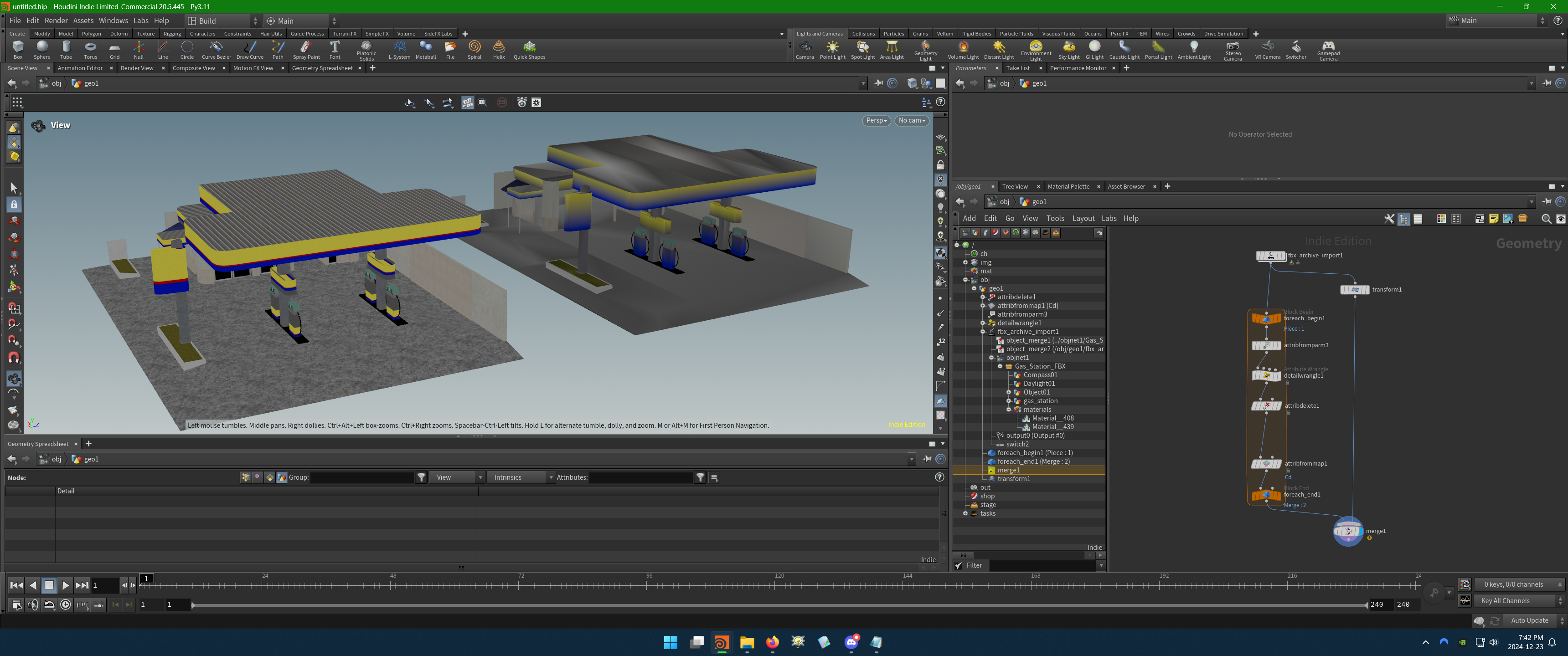
Tested with that FBX that has embedded textures … at some point as folder “`Gas Station.fbm“` was created but I don’t by who, probably the fbx_archive_import … after that you can use a “attribfromparm” that helps to create a dict from nodes parameters, and retrieve the path to every texture plug as basecolor_texture.

It’s possible you don’t even need a loop for this, but it’s easier to build and check strings that way.

Attachments in this post:
http://fx-td.com/houdiniandchill/wp-content/uploads/discord/20240212/23/24/image.png
http://fx-td.com/houdiniandchill/wp-content/uploads/discord/20240212/23/24/FBX_Texture_To_Cd.hiplc
http://fx-td.com/houdiniandchill/wp-content/uploads/discord/20240212/23/24/Gas_Station.FBX

Archived post by sniperjake945

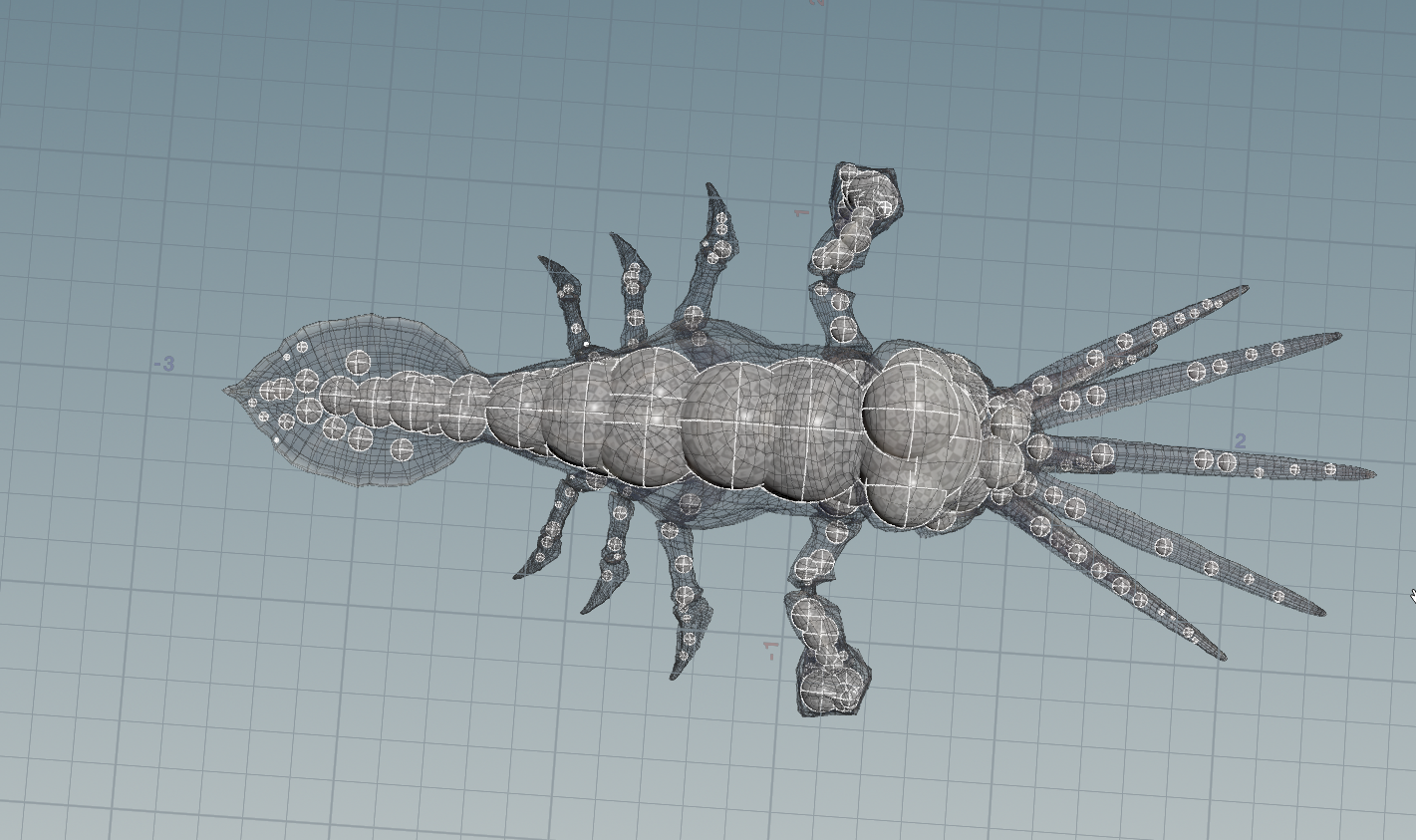
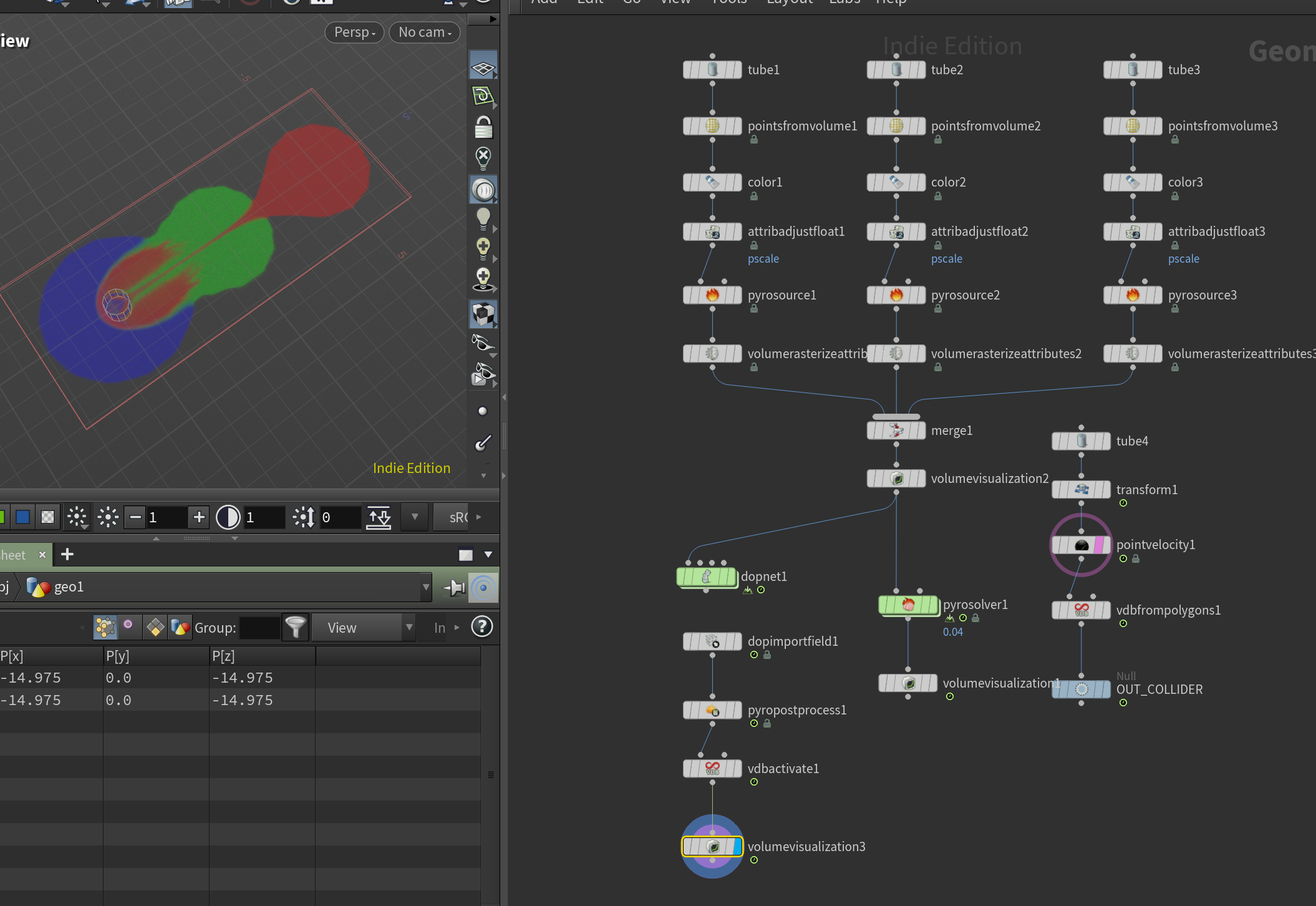
if you want to sample points at the medial axis you could look at something like `coverage axis ++` which uses some really simple metrics to sample points at the medial axis without needing to do any kind of fusing/remeshing or advection.
But i will say the medial axis is inherently not as useful as the straight skeleton, cuz in 3d for many shapes its a surface and not a curve…

arxiv.org/abs/2401.12946 its a neat paper, a totally different approach for finding these surfaces. @mattiasmalmer @_white_dog_

if you want to get topology out of this and not just a point cloud it definitely takes more effort, and no one likes using effort

Attachments in this post:
http://fx-td.com/houdiniandchill/wp-content/uploads/discord/20243212/22/24/image.png
http://fx-td.com/houdiniandchill/wp-content/uploads/discord/20243212/22/24/coverage_axis_plus_plus_JR.hiplc
Archived post by sniperjake945

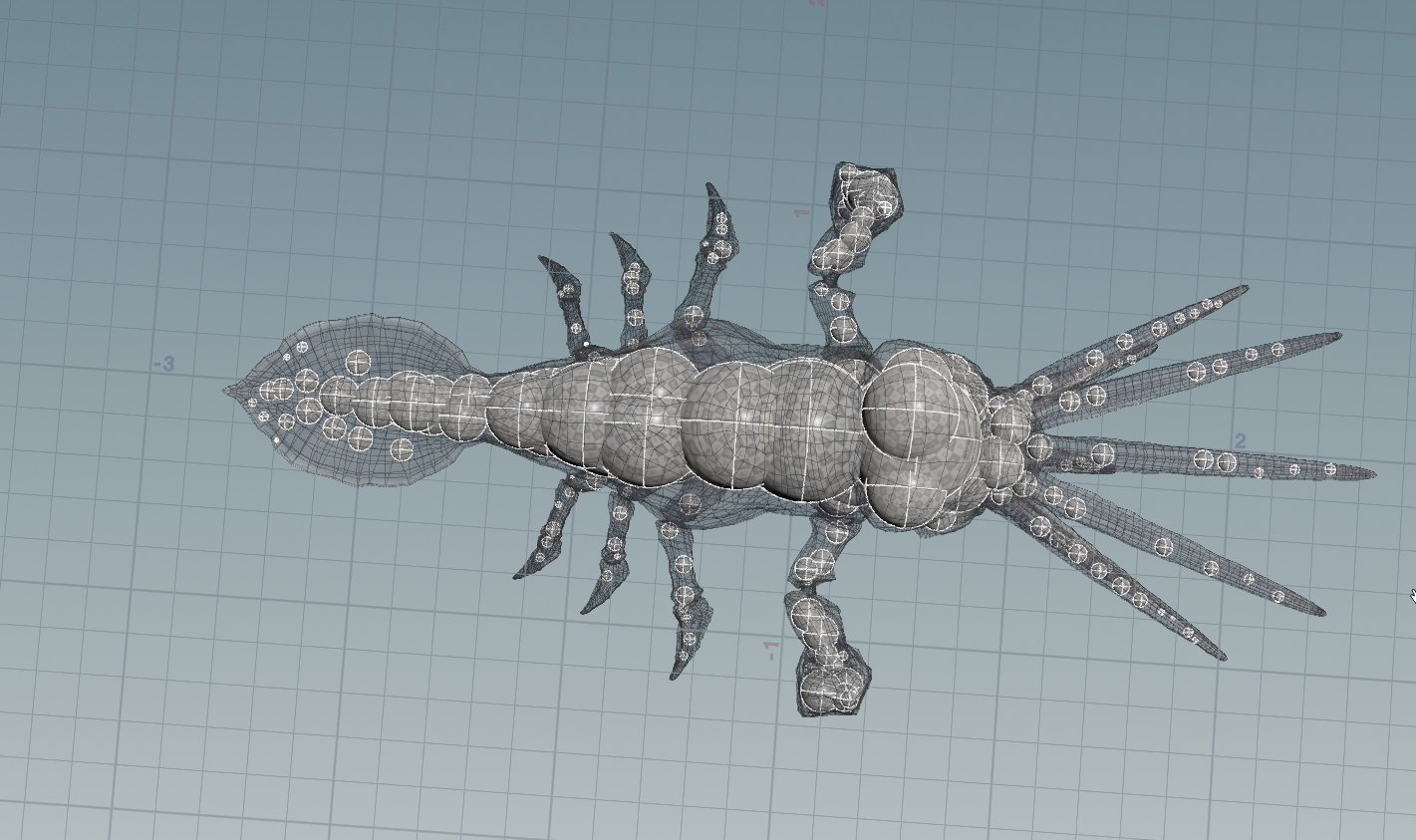
if you want to sample points at the medial axis you could look at something like `coverage axis ++` which uses some really simple metrics to sample points at the medial axis without needing to do any kind of fusing/remeshing or advection.
But i will say the medial axis is inherently not as useful as the straight skeleton, cuz in 3d for many shapes its a surface and not a curve…

arxiv.org/abs/2401.12946 its a neat paper, a totally different approach for finding these surfaces. @mattiasmalmer @_white_dog_

if you want to get topology out of this and not just a point cloud it definitely takes more effort, and no one likes using effort

Attachments in this post:
http://fx-td.com/houdiniandchill/wp-content/uploads/discord/20244312/22/24/image.png
http://fx-td.com/houdiniandchill/wp-content/uploads/discord/20244312/22/24/coverage_axis_plus_plus_JR.hiplc
Archived post by fabriciochamon

any tricks to choose which cameras to hide from here ?

of course the info is clear as hell on the docs and I can’t read for some reason 🤦‍♂️ `To prevent cameras from appearing in the viewport menu, add a spare parameter named viewmenu to the camera you want to hide and change the value to 0`

Attachments in this post:
http://fx-td.com/houdiniandchill/wp-content/uploads/discord/20244411/19/24/image.png

Archived post by sasabudimir

@tokyomegaplex Sry for the delay, but here’s a simple scene that will hopefully give you an idea of how to do your hair stuff in SOP vs. OBJ context. Re deformation of the final groom, it’s always tricky (every presentation I watched pretty much ends with “yeah, we wrote our own hair deformer”), but with enough fiddling you can get acceptable results. There are notes all over the place but if something is not clear, just let me know. *I’m prepared to be ridiculed by the folks who do this type of stuff on a daily basis, just so you know :)*

Attachments in this post:
http://fx-td.com/houdiniandchill/wp-content/uploads/discord/20240111/16/24/SOPs_hair_for_Chris.hiplc