Archived post by _white_dog_

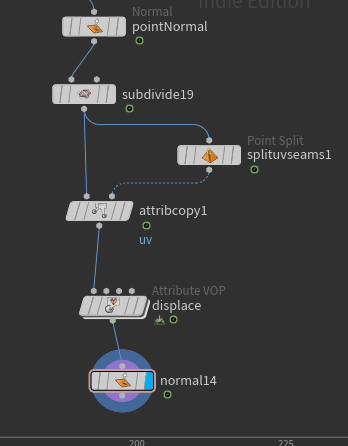
Hi, I published a new hip that implements “Exact Evaluation Of Catmull-Clark Subdivision Surfaces At Arbitrary Parameter Values”😀 It computes the position and tangent plane after applying Catmull-Clark Subdivision from any position on a polygon.
I might implement application to boundary polygons someday😅
drive.google.com/file/d/1aRx1MTbTXMDPinAJzH9el-ZN3dUE6Kqr/view?usp=drive_link

Attachments in this post:
http://fx-td.com/houdiniandchill/wp-content/uploads/discord/20241708/24/24/catmullclark1.png
http://fx-td.com/houdiniandchill/wp-content/uploads/discord/20241708/24/24/catmullclark3.png

Archived post by legomyrstan

maybe it will be useful to someone else: “`bash # Apply different scale if laptop lid is closed(clamshell mode) so Global GUI # can be bigger for smaller monitor and there is no need to set that manually # and restart Houdini is_clam_shell=$(ioreg -r -k AppleClamshellState -d 1 | grep AppleClamshellState | grep “Yes\|No” -o) num_of_monitor=$( system_profiler SPDisplaysDataType | grep Resolution: | wc -l) if [[ $is_clam_shell = “No” && num_of_monitor -eq 1 ]] then export HOUDINI_UISCALE=200 else export HOUDINI_UISCALE=115 fi “`

Archived post by paqwak

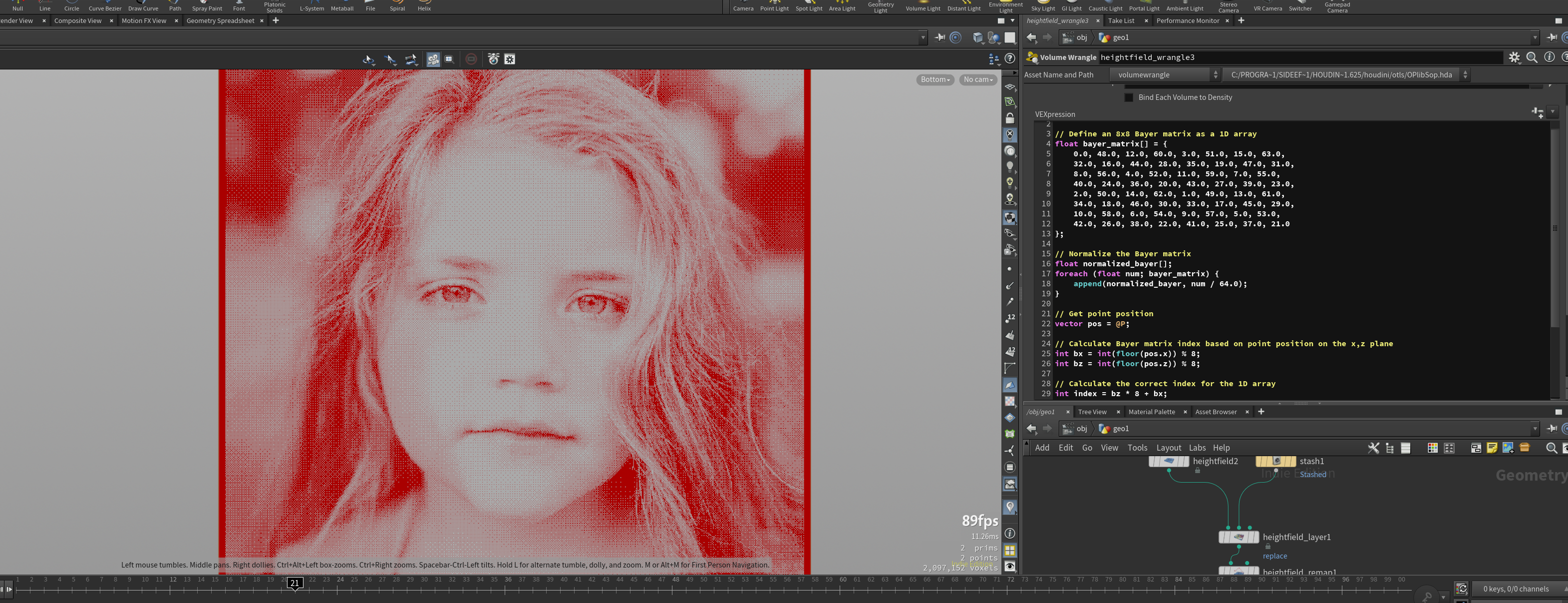
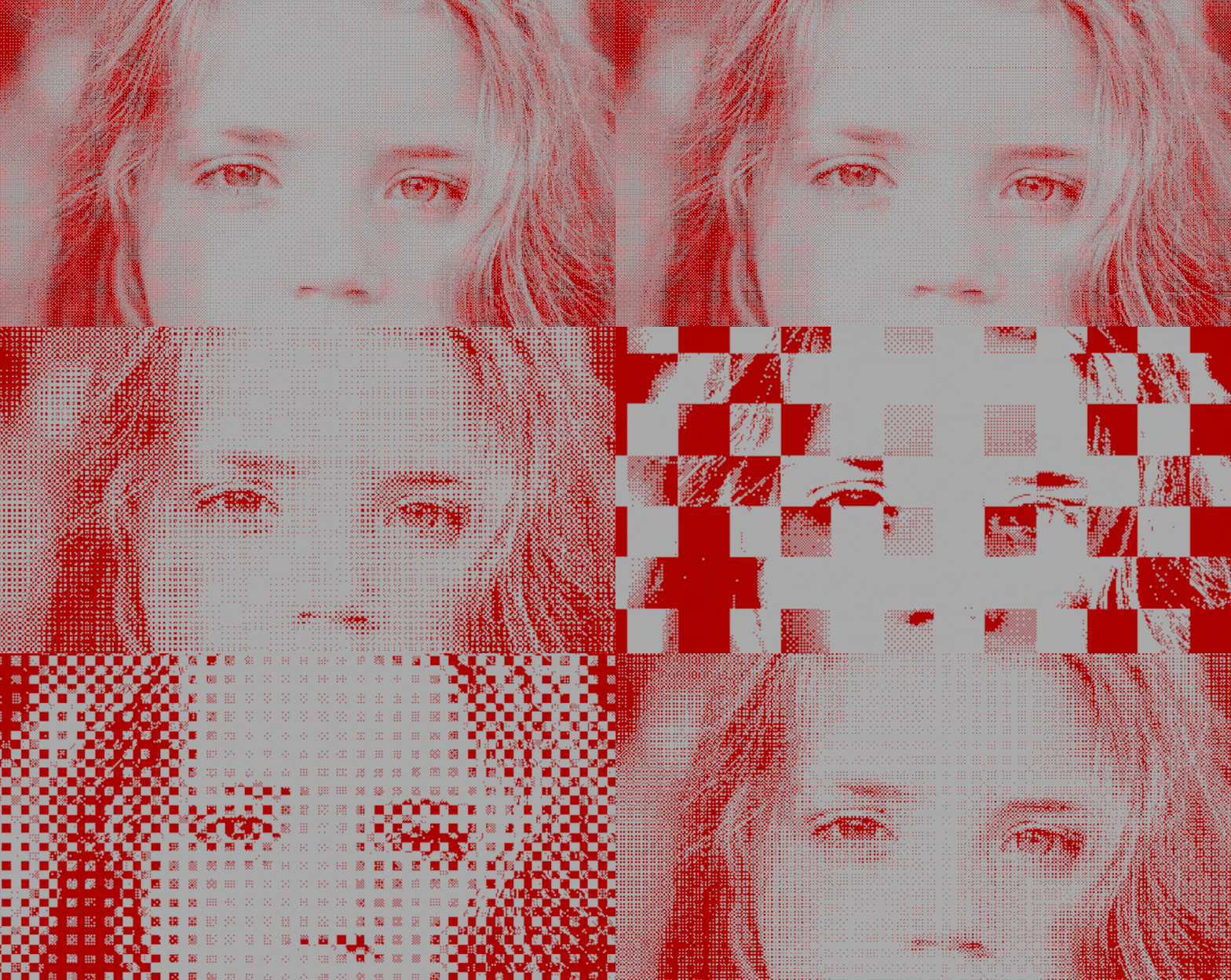
Hello, I created this quick ‘dirty’ dithering, and while it works great for the most part, I kinda have odd result when I change the HF grid spacing. By default here (1) it’s nice, and somehow a grid spacing of 3 works fine too … but many other value gives broken result, like if the voxel ordering change completely or something Oo. I must badly miss something about how access and write voxel value with a HF wrangler :S

Attachments in this post:
http://fx-td.com/houdiniandchill/wp-content/uploads/discord/20245107/08/24/image.png
http://fx-td.com/houdiniandchill/wp-content/uploads/discord/20245107/08/24/BayerDithering2.hiplc
http://fx-td.com/houdiniandchill/wp-content/uploads/discord/20245107/08/24/GIF_7-8-2024_6-25-12_PM.gif

Archived post by whiteg90

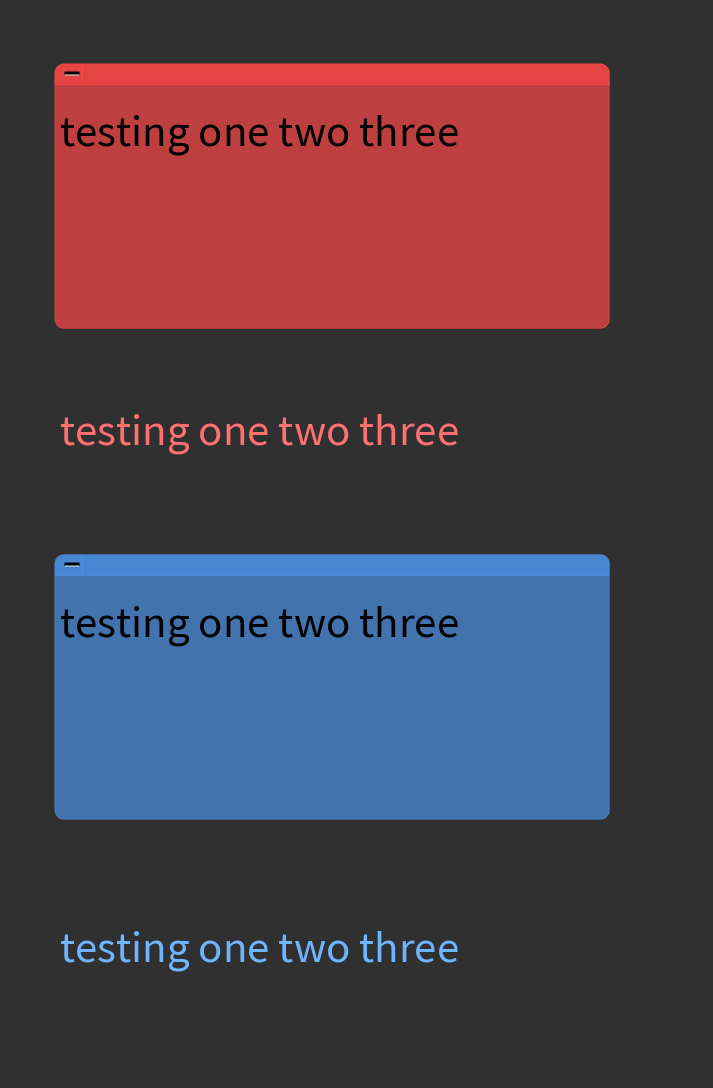
In case anyone finds this helpful — I made a quick shelf button for myself to set sticky note text color to the current note color and then hide the background because I don’t like having big rectangle notes around if I just want to briefly describe and color coordinate things. Here’s an example screenshot. You can just drop this in a python shelf button, could even assign it a hotkey. I guess I was also modifying the color a bit in HSV – can’t remember why, but you could modify that too
“` selected_sticky_notes = [ item for item in hou.selectedItems() if isinstance(item, hou.StickyNote) ] for sticky_note in selected_sticky_notes:
#Get current note color in hsv note_color_hsv = sticky_note.color().hsv()
#Create text color from note color text_color = hou.Color() text_color.setHSV((note_color_hsv[0], note_color_hsv[1]*0.85, note_color_hsv[2]*1.15))
sticky_note.setTextColor(text_color) sticky_note.setDrawBackground(0) “`

Archived post by whiteg90

In case anyone finds this helpful — I made a quick shelf button for myself to set sticky note text color to the current note color and then hide the background because I don’t like having big rectangle notes around if I just want to briefly describe and color coordinate things. Here’s an example screenshot. You can just drop this in a python shelf button, could even assign it a hotkey. I guess I was also modifying the color a bit in HSV – can’t remember why, but you could modify that too
“` selected_sticky_notes = [ item for item in hou.selectedItems() if isinstance(item, hou.StickyNote) ] for sticky_note in selected_sticky_notes:
#Get current note color in hsv note_color_hsv = sticky_note.color().hsv()
#Create text color from note color text_color = hou.Color() text_color.setHSV((note_color_hsv[0], note_color_hsv[1]*0.85, note_color_hsv[2]*1.15))
sticky_note.setTextColor(text_color) sticky_note.setDrawBackground(0) “`

Attachments in this post:
http://fx-td.com/houdiniandchill/wp-content/uploads/discord/20243305/30/24/image.png