Archived post by mattiasmalmer

i was talking to @pawelgrzelak about vellum and driving animations. and i mentioned an old post of mine about a worm thing i built using vellum constraints. turns out i did not post the hip file back then. :https://discord.com/channels/270023348623376395/351974457318834177/963921866005839892

So ill post it now:

Attachments in this post:
http://fx-td.com/houdiniandchill/wp-content/uploads/discord/20244204/17/24/wormVELLUM_clean.hiplc
http://fx-td.com/houdiniandchill/wp-content/uploads/discord/20244204/17/24/wire.mp4

Archived post by mattiasmalmer

i was talking to @pawelgrzelak about vellum and driving animations. and i mentioned an old post of mine about a worm thing i built using vellum constraints. turns out i did not post the hip file back then. :https://discord.com/channels/270023348623376395/351974457318834177/963921866005839892

So ill post it now:

Archived post by mattiasmalmer

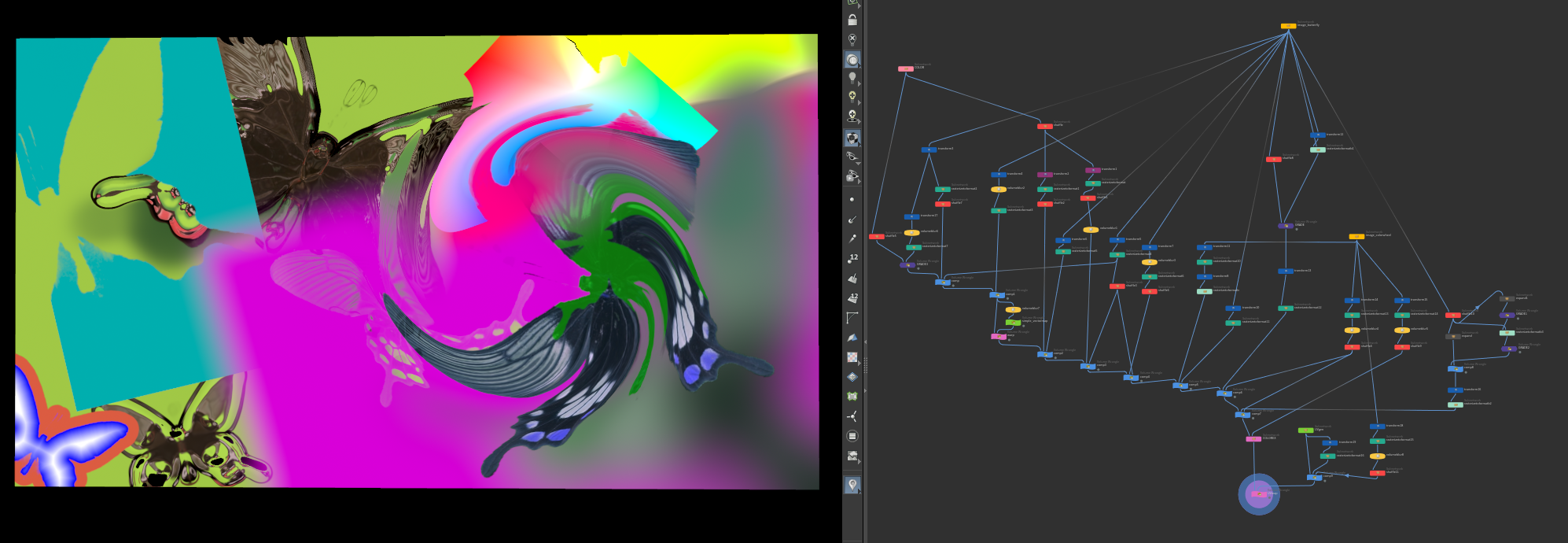
I made a nice colorcorrector for nuke that I use a lot. Converted it to houdini today.

hue saturation and luminance for individual colors. all happens in oklab

the vex code. toss it into a volwrangle. (or a pointwrangle or whatever if you want) it wants color in @C so you might want to turn that to @Cd…

Attachments in this post:
http://fx-td.com/houdiniandchill/wp-content/uploads/discord/20240804/14/24/image.png
http://fx-td.com/houdiniandchill/wp-content/uploads/discord/20240804/14/24/colorex.txt

Archived post by squidbean

So there is a “trick” / non-obvious way to generate collision shapes for ragdolls now that does not require you to sit and click for hours manually

this thing is for kinefx (not crowds) but….

make sure you have a rest transform on the skeleton going in and unpacked geo in the 3rd input

you can add the shapes into the crowd setup as a new agent layer, like any other skin

call it collision, but don’t display it

and in your collision layer you reference “itself” basically the existing collision layer shapes

and because its generated from the skeleton, all the names etc match

that way, this is what the kinefx tool generates

and the agent collision layer adopts it nicely

saves you a few hours of raging at the terrible UI while you try to align pill shaped…. %$@!

Attachments in this post:
http://fx-td.com/houdiniandchill/wp-content/uploads/discord/20245904/12/24/CrowdVellum-v06.mp4
http://fx-td.com/houdiniandchill/wp-content/uploads/discord/20245904/12/24/image.png

Archived post by mattiasmalmer

For no real reason at all I have been spending waaaay too much time reverse engineering Nukes rotosplines so that I can copy them over to houdini. vex hell

Here is where Im at now with the nuke spline. Do not read my atrocious vex code or you might go blind.

still lots of edge cases and features to handle.

Attachments in this post:
http://fx-td.com/houdiniandchill/wp-content/uploads/discord/20241403/24/24/houdini_0mgxB8svew.mp4
http://fx-td.com/houdiniandchill/wp-content/uploads/discord/20241403/24/24/nukesplajn.hipnc

Archived post by mattiasmalmer

I have improved on that script since then. We use it at the office now and so far no ill effects.

you just put this in your /python3.10libs folder

it creates backup files every 5 minutes if the undostack has changed. it does it by saving a copy of your scene named Backup_scenename_0001.hip and keeps 20 files that it overwrites in a rotating fashion. you can easily adjust the script for your workflow. (longer intervals more files whatever.)

it has to be named ready.py so that houdini runs it at the correct time.

the benefit with this script is that you never overwrite your actual file. something that the autosave function built in does.

Attachments in this post:
http://fx-td.com/houdiniandchill/wp-content/uploads/discord/20242503/15/24/ready.py