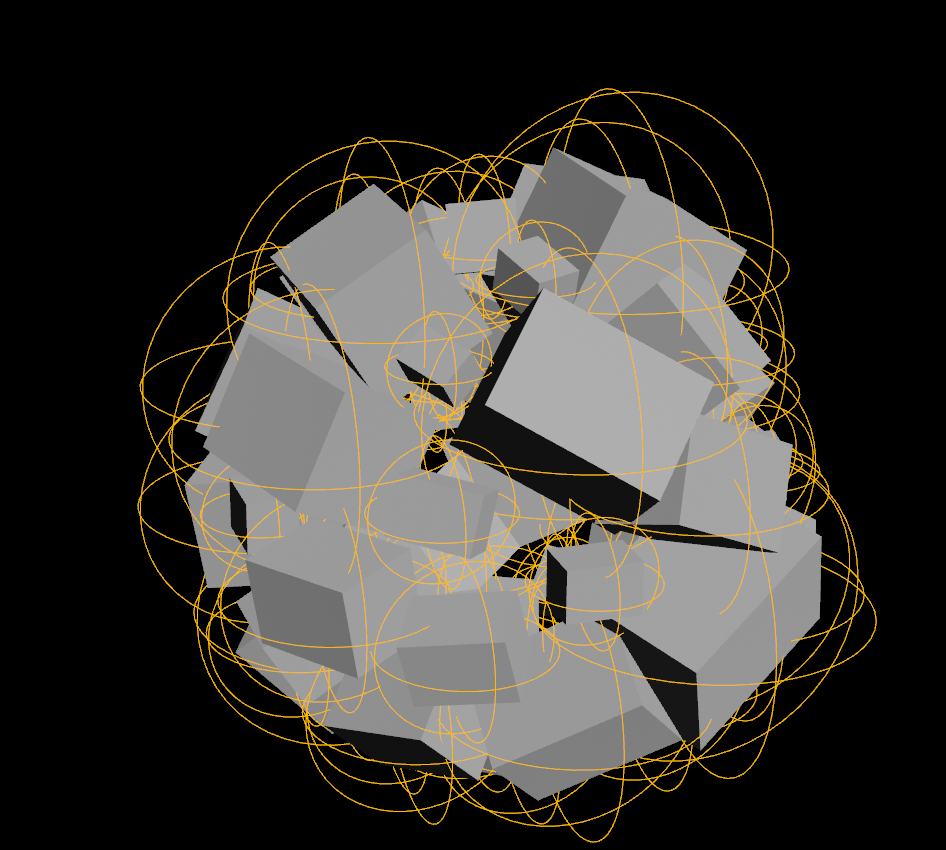
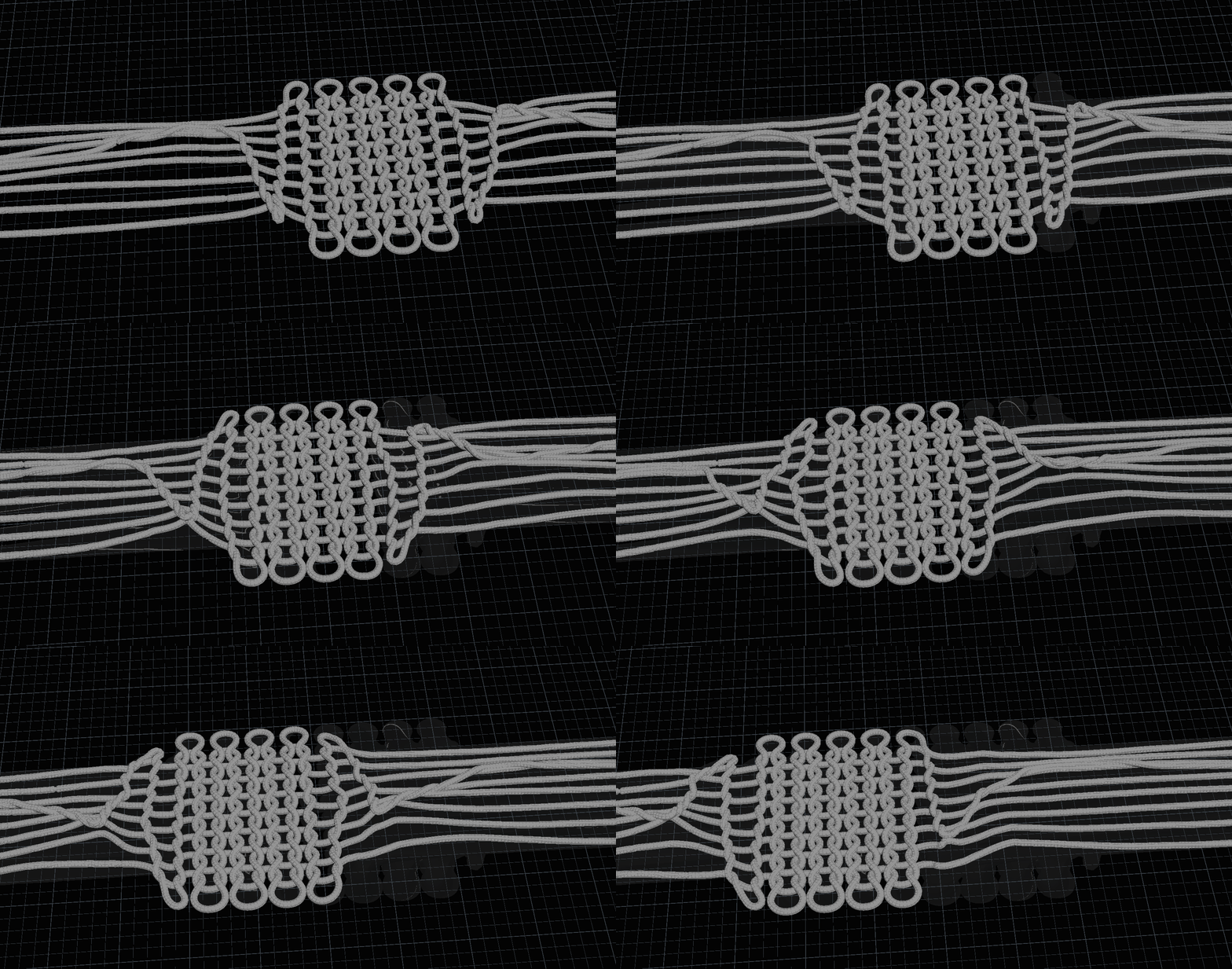
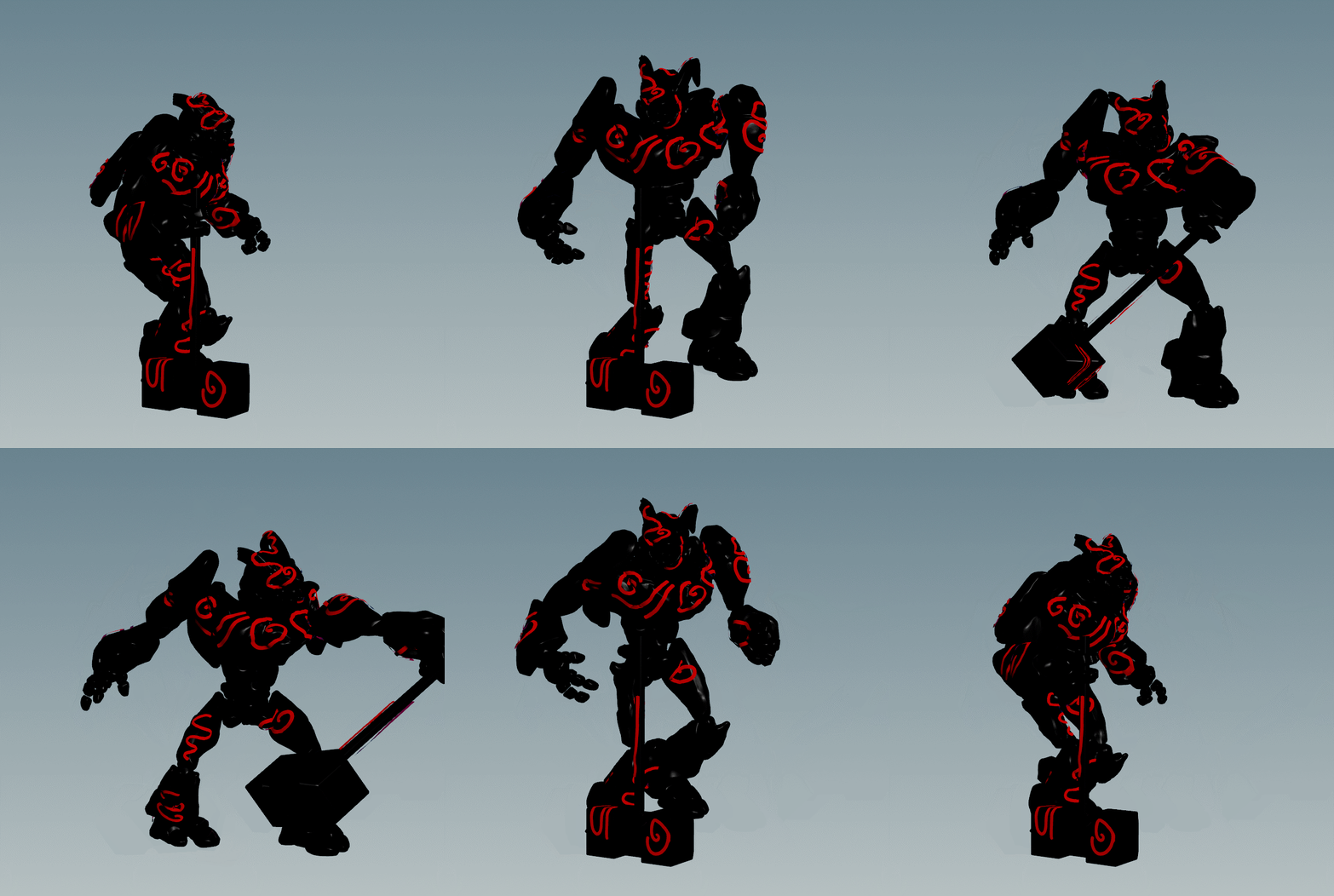
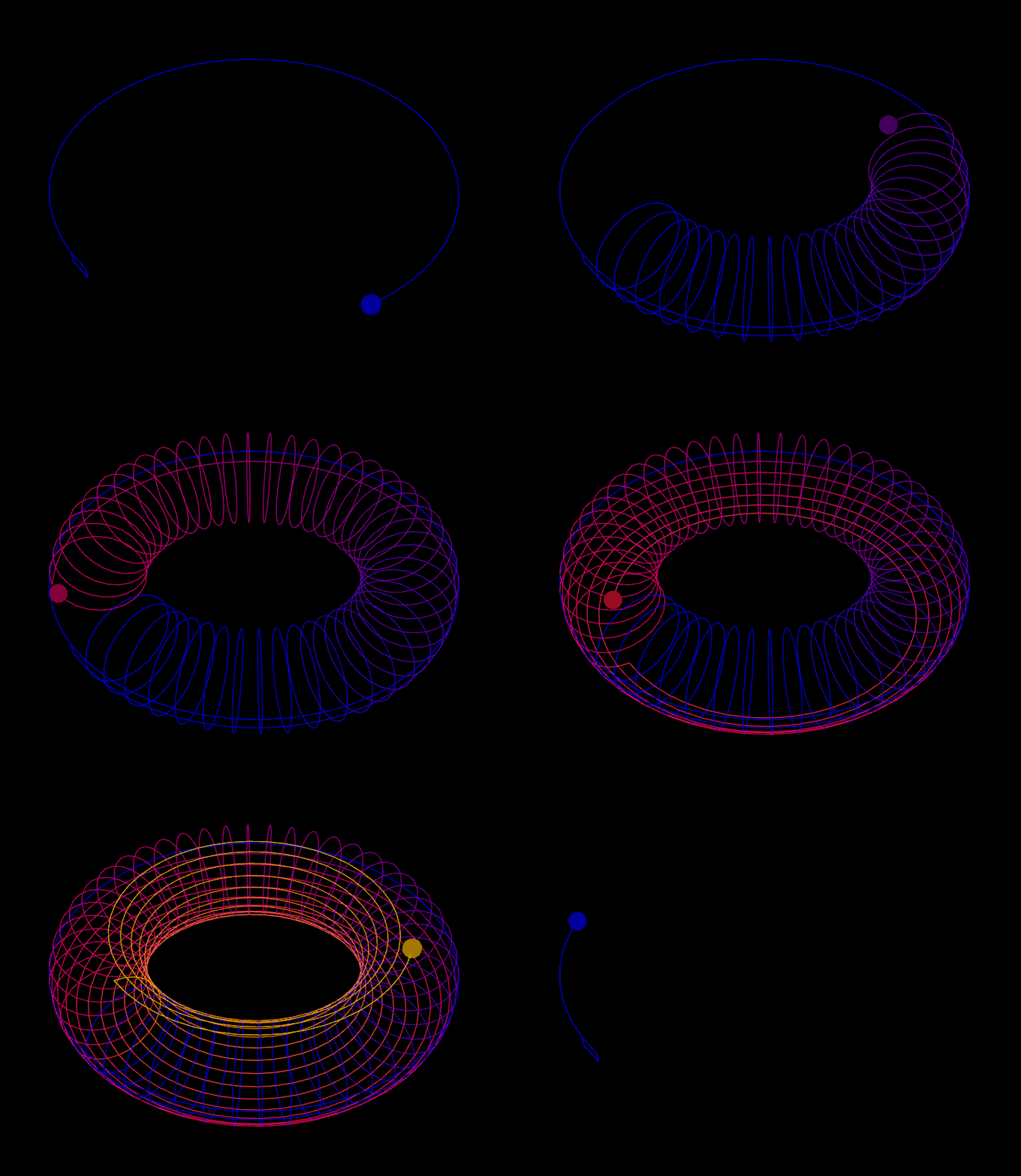
I’m glad you guys still find that file useful. 🙂 By the way I just posted some previews showing a new feature that was driving me crazy and I think its very important when simulating fluids. I hope you like it! www.instagram.com/reel/CpWpCkHskic/?igshid=NTdlMDg3MTY=
Archived post by Technically_Artist
Found out yesterday that you can apparently edit data directly in the spreadsheet for any geometry primitive, and the add-sop! Might even work for more nodes
Attachments in this post:
http://fx-td.com/houdiniandchill/wp-content/uploads/discord/20232603/04/23/spreadsheet_edit.mp4
Archived post by WhileRomeBurns
example: www.shadertoy.com/view/Dst3D2
click to rotate through hue cycle
if you want a non linear distribution, change line 53 to something like `return pow(min(distToCenter / spokeLength, 1.0), 3.0);` or `return pow(min(distToCenter / spokeLength, 1.0), 0.25);`
the simpler version which is linked on the shadertoy comments, if you change line 63 on that bad boy you can see the distance from the offset center to the boundary parameterized to 0-1
“the spokes”
Attachments in this post:
http://fx-td.com/houdiniandchill/wp-content/uploads/discord/20234103/03/23/example_circle_rings.gif.gif
http://fx-td.com/houdiniandchill/wp-content/uploads/discord/20234103/03/23/image.png
Archived post by WaffleboyTom
someone said , group + blast is much faster than an if statement + “removepoint()“ so I ran some tests (20 million points) and it is indeed true, although the absolute fastest is grouping using an integer attribute instead then doing “ @my_attrib>0“ in the blast (0.174 seconds compared to 1.594 for “if + removepoint()“, maybe this is helpful to someone 😄
Attachments in this post:
http://fx-td.com/houdiniandchill/wp-content/uploads/discord/20230002/25/23/image.png
http://fx-td.com/houdiniandchill/wp-content/uploads/discord/20230002/25/23/removepoint_blast_comparison.hiplc
Archived post by legomyrstan
it’s alright windows is weird for that
`C:\Users\user_name\AppData\Local\Temp`
Archived post by WaffleboyTom
“`nodes = hou.selectedNodes()
#get pane editor = hou.ui.paneTabOfType(hou.paneTabType.NetworkEditor)
#reset images
editor.setBackgroundImages([])
#get images
b_img = [img for img in editor.backgroundImages()]
for node in nodes: for parm in node.parms(): if(len(parm.keyframes())>0): #create image img = hou.NetworkImage() size = node.size() img.setRect(hou.BoundingRect(-2,-0.5,size[0],size[1])) img.setRelativeToPath(node.path()) img.setPath(‘$SIDEFXLABS/misc/stickers/emoji/SIDEFX_CUSTOM_EMBLEMS 08.png’) b_img.append(img) break editor.setBackgroundImages(b_img)“`
use this one instead
takes the size of node in consideration
Archived post by chris_gardner
https://www.reddit.com/r/Houdini/comments/q1c5vp/whats_a_way_to_use_the_operation_in_a_group_field/ – from some guy called “toad strum”? sounds like the sort of riff raff we’d never let in here
“`g1 ^!g2“`
Archived post by Nick D
@mestela `Sure! Here’s a short rap about Matt Estela:
Verse 1: Meet Matt Estela, the man with the plan He runs Cg Wiki, where graphics fans Can find all the knowledge they need to grow And learn about Houdini, the software pro
Chorus: Matt’s got the skills, he’s got the drive He makes the graphics come alive With Houdini in his hands, he’s a king Making stunning visuals, that’s his thing!`
Archived post by mestela
or this if you turn on ‘run on elements of array attributes’: “`c p@orientations = quaternion({0,1,0}*rand(v@positions)*10); “`
or “`c p@orientations = quaternion({0,1,0}*rand(@elemnum)*10); “`
after all that, this works for me with a duplicate: “` #include
Archived post by ikoon
I uploaded some source files to ikoon.gumroad.com I hope that it is ok to share them, it is mainly your work 🙂 I just made it into squares and put some grey background. I always try to keep credit and attribution to the original author, but if you find your work without reference to yourself, please let me know
(If someone would pay, I will forward the money to Patreons, who also share Houdini knowledge and source files, but do it much better than me here)