Attachments in this post:
http://fx-td.com/houdiniandchill/wp-content/uploads/discord/20200106/02/20/vellumPressure_methods.hiplc
Attachments in this post:
http://fx-td.com/houdiniandchill/wp-content/uploads/discord/20200106/02/20/vellumPressure_methods.hiplc
Here’s something I’ve been working on over the last few weeks in covid isolation funemployment:
It’s rendering (hackish, but semi-legit) black holes in mantra, with curved rays due to gravitational lensing
I’ve made a little writeup explaining how it works here: mattebb.cargo.site/Black-Hole
and the hip file too!
p;;;;;;;;;;;;;;;;;;;;;;;;ppppppppppppppppppppppppppppppppppppppppppppp;;;;;;;;;;;;;;;;;;;;;;;;;;;;;;;;;;;;;;;;;;;;;;;;;;;;;;;pppppppppppppppppppppppppppppppppppppppppppp;p;pp;pppppppppppppppppppppppppppppppppppppppppppppppppppppppppppppppppppppppppppppppppppppppppppppppppppppppppppppppp;;;;;;p;ppppppppppppppppppppppppppppppppppppppppppppppppppppppppppppppppppppppppppppppppppppppppppppv][‘hg;/……………………… 2w30-p”””””vb ‘
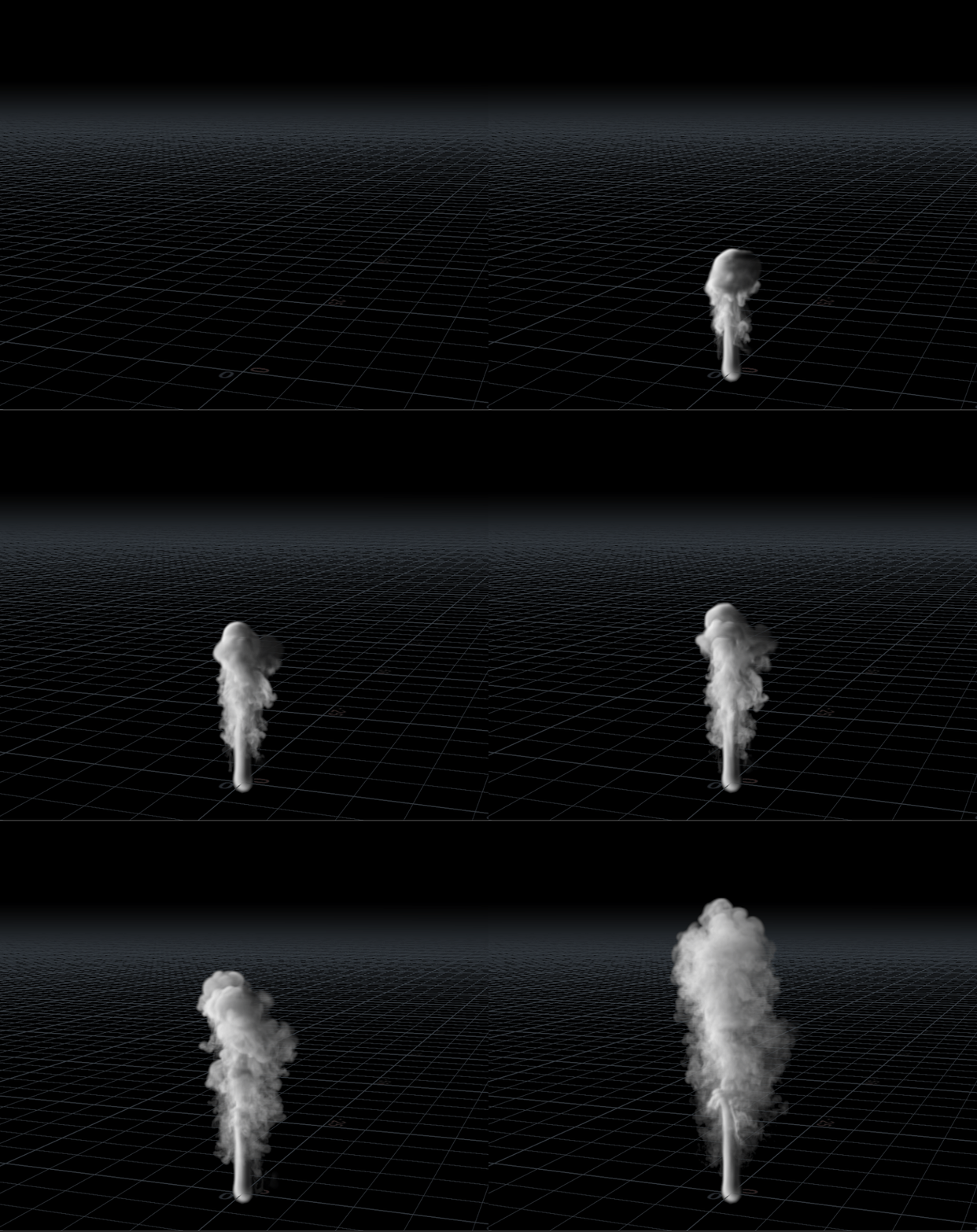
@danmoreno i tried it out, it works okay. to make life painful i did it in one dop and using sparse. i recommend 2 dops for simplicity
find_densitymask on the left looks for the intersection of the rising smoke and the sphere and handles the dissipation inside the sphere. transfer_density on the right side reaches into the other dop object and uses the densitymask as an emission source. because it has collisions on, the smoke stays inside.
warning: this one-dop-sparse setup has all sorts of dumb shit to keep the second solver active and tracking the other one
Attachments in this post:
http://fx-td.com/houdiniandchill/wp-content/uploads/discord/20204005/18/20/smokefill.mp4
http://fx-td.com/houdiniandchill/wp-content/uploads/discord/20204005/18/20/smokeFill.hiplc
Attachments in this post:
http://fx-td.com/houdiniandchill/wp-content/uploads/discord/20200405/16/20/osl_octane_cameras.zip
I just have it convert srgb to acescg, doesn’t do it the other way around cause that’s pretty rare to need
Attachments in this post:
http://fx-td.com/houdiniandchill/wp-content/uploads/discord/20203105/01/20/lorne_rs_srgb_to_acescg.hda
I made a thing! First tutorial in almost two years.
in the textport you can do `vexprofile start`, play a few frames, then just `vexprofile` and you get stuff like “`/ -> vexprofile start / -> vexprofile —————————————————————————— VEX profile listing generated: Sun Mar 8 12:40:51 2020
Function Excl. Incl. Calls Instructions Instr. SIMD SIMD Min SIMD Max Code Local Secs Secs Per Call Size Storage —————————————————————————— op:/obj/geo1/mountain1/attribvop1 0.20 0.20 137,500 10,324,545 75.08 833.33 452 1,024 168 127,184 —————————————————————————— Invocations Instruction 22,000,000 mul 12,375,000 xnoise 12,375,000 br 11,024,750 set 11,013,200 add 11,013,200 select 1,379,950 div 1,375,000 eq 1,375,000 sqrt 1,375,000 _export 1,375,000 merge 1,375,000 swap 13,200 lt 13,200 ne 13,200 gt 13,200 and 9,900 getcomp 1,650 setcomp“`
idk if there’s a way to have it list your own functions in there though – does xnoise only appear because it’s actually a native vex function and not something defined in a header?
@trzanko that’s kinda what i meant yesterday
Attachments in this post:
http://fx-td.com/houdiniandchill/wp-content/uploads/discord/20200203/07/20/asdf.gif
http://fx-td.com/houdiniandchill/wp-content/uploads/discord/20200203/07/20/asdf.hiplc
gahh, this guy, this thread is all within a couple of days forums.odforce.net/topic/44999-on-growth-and-form/