there you go whomever wants to play around with the caustic setup I made a scene
Attachments in this post:
http://fx-td.com/houdiniandchill/wp-content/uploads/discord/20193307/24/19/ch_caustics_RS.hiplc
there you go whomever wants to play around with the caustic setup I made a scene
Attachments in this post:
http://fx-td.com/houdiniandchill/wp-content/uploads/discord/20193307/24/19/ch_caustics_RS.hiplc
`// formula to change from one space to another // P = inverse(m1) * m2
// get the position and orient data vector start_p = point(0, “P”, 1); vector end_p = point(0, “P”, 2); vector4 start_orient = point(0, “orient”, 1); vector4 end_orient = point(0, “orient”, 2);
// calculate the blended values float blend = fit(@Frame, 1, 48, 0, 1); end_p = lerp(start_p, end_p, blend); end_orient = slerp(start_orient, end_orient, blend);
// matrix at start matrix3 start_m = qconvert(start_orient); vector start_n = set(start_m.zx, start_m.zy, start_m.zz); vector start_up = set(start_m.yx, start_m.yy, start_m.yz); matrix a = maketransform(start_n, start_up, start_p);
// matrix at end matrix3 end_m = qconvert(end_orient); vector end_n = set(end_m.zx, end_m.zy, end_m.zz); vector end_up = set(end_m.yx, end_m.yy, end_m.yz); matrix b = maketransform(end_n, end_up, end_p);
matrix final = invert(a) * b; pos = pos * final;`
There we go! Thanks so much! @TOADSTORM + @jake rice 😮 . Infinite fishies for me!
Need to handle scale, but I already have code for that.
In case you want to speed up the Point Deform SOP ( a lot ), you can disable the xformbyattrib1 node inside the hda. That is in charge of deforming custom attributes. Should really be disabled by default and there should be a checkbox to enable it on demand. We’re talking about ~x5 speed improvement. If you disable the ‘attribdelete1’ node as well, you’ll gain another ~10% in speed.
so, timeshifts and for loops
kindasorta got a definitive answer
“The For Each Begin SOP does not do an implicit blast on it’s input unlike the Each SOP that was there in previous releases. If you put a Time Shift SOP before the Fetch, it will seem like it is not working as the Fetch isn’t cooking it’s input. It will return the same piece of geometry for all time. To correct this, use a Blast SOP and delete out the piece you want with detail expressions pointing to a Meta Data SOP.” – Jeff Lait
More explicitly, don’t let the begin block split your geo for you. Change it to ‘fetch input’, so it brings in everything on each run of the loop, then manually isolate to the thing you want, by using info from the metadata sop. Now any timeshifts within the loop will behave.
a gif to explain that: www.tokeru.com/cgwiki/images/5/55/Forloop_timeshift_fix.gif
https://i.imgur.com/kuc1PnO.mp4
I don’t know where to put this but i made a little screenshot to network view python script – more details and crappy code on my wiki: berniebernie.fr/wiki/Houdini_Python#screenshot_to_background_image
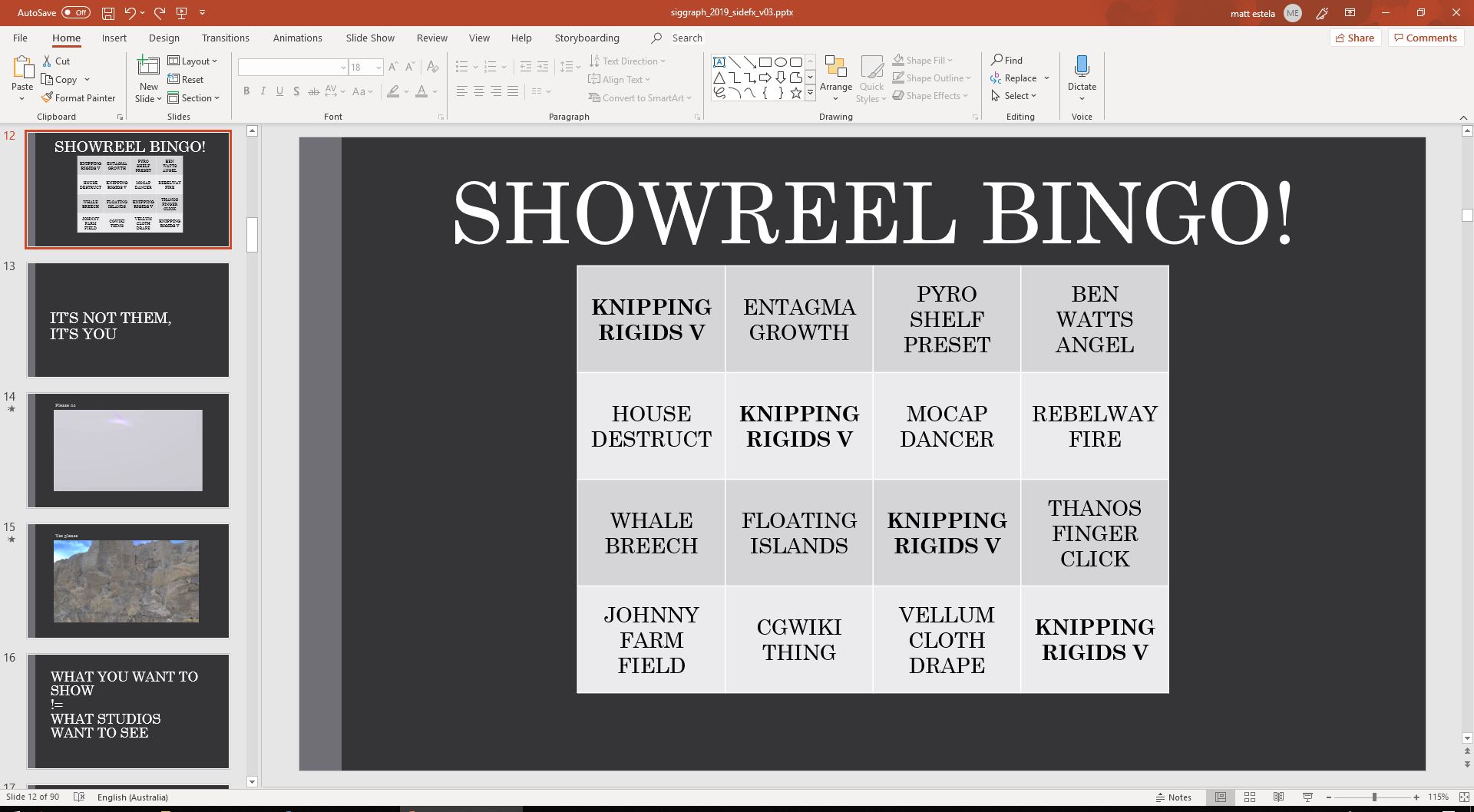
@mstarktv
Attachments in this post:
http://fx-td.com/houdiniandchill/wp-content/uploads/discord/20190107/17/19/showreel_bingo.JPG
the bend deformer uses it i believe
but i’ll post up an example
notice how with the deformation wrangle, i use `pos` instead of `@P` for all references to position. this is necessary for it to do it’s magic
you can use `@P` in deformation wrangles, but just know that the attribute update magic won’t work if you do it
Attachments in this post:
http://fx-td.com/houdiniandchill/wp-content/uploads/discord/20194607/16/19/jr_deformation_wrangle_example.hip
“`node.copyItems(items, channel_reference_originals = False, relative_references = True, connect_outputs_to_multi_inputs = True)“`
this can do what you’re looking for without doing sketchy with rawValues 😃
Really getting a lot from this lengthy Vellum Cell Replication tutorial. The title a bit misleading since less than a third focuses on vellum. The majority is about preparing geometry as well as sharing useful Vexpressions and techniques. Would have paid for this. https://www.youtube.com/watch?v=qzj9Sr_x0Lk