Archived post by lcrs

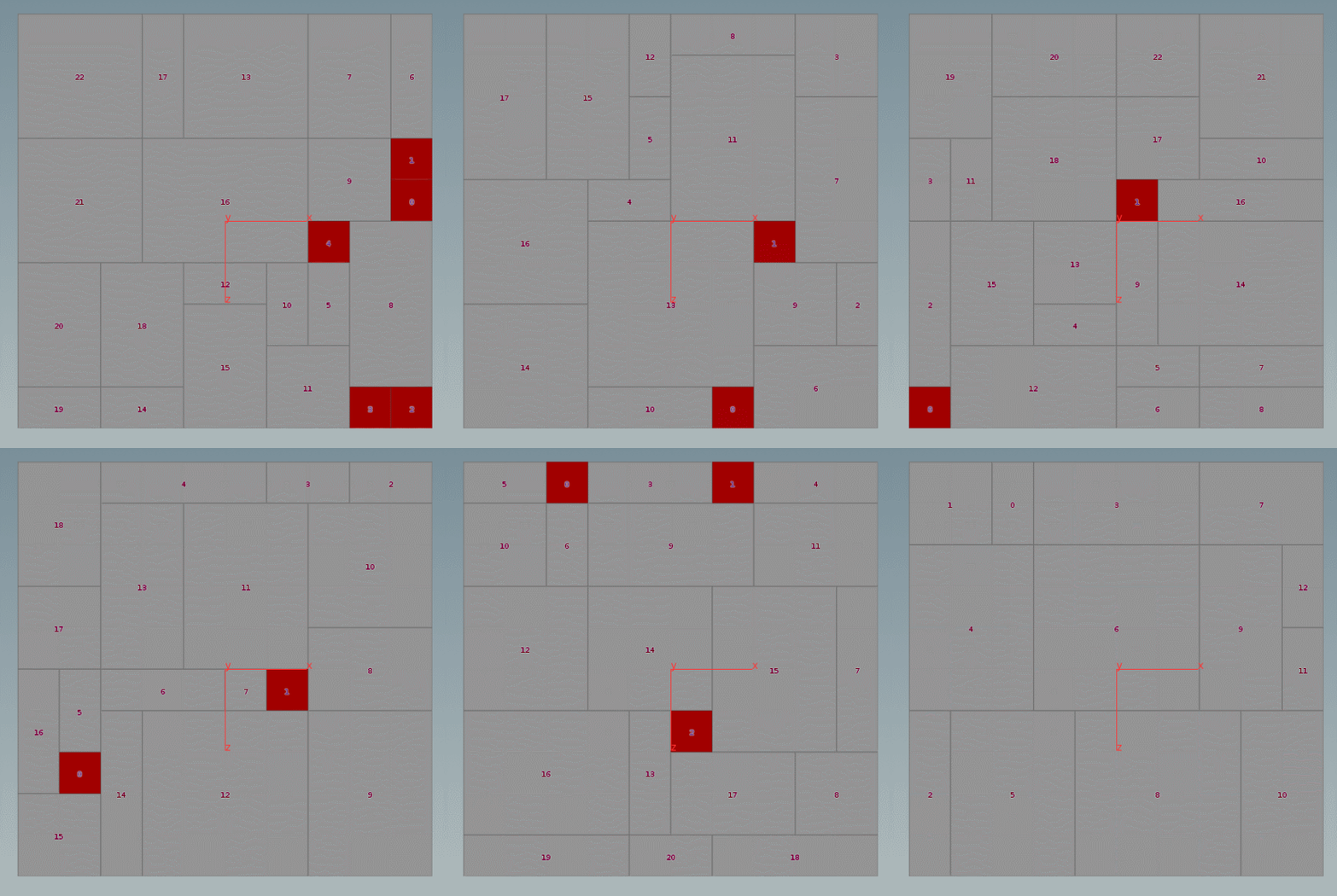
my fave for doing extract transform in SOPs is this, which gets the full 4@ including scale and possibly skew

instead of using the first 3 points of the first prim you can use first/middle/last points of the full mesh if you have worries about there being some non-affine local deformation

Archived post by Nick D

Here’s a script to flipbook stuff out, and then mp4 it: “`python import toolutils import os import subprocess
def flip(): scene_viewer = toolutils.sceneViewer() flipbook_options = scene_viewer.flipbookSettings().stash() flipbook_options.frameRange( (hou.playbar.frameRange()[0],hou.playbar.frameRange()[1]) ) output = hou.hscriptExpandString(‘$HIP/flipbook/$HIPNAME/$HIPNAME.f.png’).replace(‘.f.’,’.$F4.’) if not os.path.exists(os.path.split(output)[0]): os.makedirs(os.path.split(output)[0]) flipbook_options.output(output) scene_viewer.flipbook(scene_viewer.curViewport(), flipbook_options) ffImage = output.replace(‘$F4′,’%04d’) movPath = output.replace(‘$F4.png’,’mp4′) proc = subprocess.Popen(r’ffmpeg -y -start_number %s -i “%s” -c:v libx264 -preset slow -pix_fmt yuv420p -crf 22 -c:a copy %s’ %(hou.playbar.frameRange()[0],ffImage,movPath)) proc.communicate() proc.wait() print(‘Done’) “`

hmmm, that’s maybe a bit spammy, sorry

Archived post by aswaab

it’s a good trick to know – especially for complex camera moves. You can do two or three different camera rigs, with full keyframed animation, then create a blend cam and use CHOPS to blend between their transforms and stitch them together

@flight404

Ignore the filename, I just iterated the last file. Cam5 in here is my generailzed keyframe camera rig

I break all the transforms down to individual nodes and parent everything to a null that essentially acts as my look-at. The only camera property I animated (I didn’t in this file) is the z translation of the camera.

there are a bunch of offsets for adding post effects, and it is a hybrid of euler rotations and look-at’s, so you can work with either.

I love this setup for doing things like rotation around objects and keeping a good focus on something

Attachments in this post:
http://fx-td.com/houdiniandchill/wp-content/uploads/discord/20185709/18/18/chops_cam_for_robert_02.hip

Archived post by lcrs

to find the “difference” between your two matrices you can invert the first then multiply by the second – think of it like “remove the transform of matrix1 from matrix2, leaving just the difference between them”. that gives you a matrix, which you can turn into a quaternion, which you can turn into an angle/axis rotation like @w “`matrix3 m1 = ident(); matrix3 m2 = ident(); rotate(m2, 0.5, {1, 0, 0});
matrix3 diff = invert(m1) * m2; vector4 quat = quaternion(diff); v@w = qconvert(quat);“`

Archived post by JeffLMnT

Oh… A cool way to mask disturbance based on velocity is to set the control field to vel… And Crack open the disturbance microsolver>disturb field gas vop and the adding a length vop after the control field parm.

Another fx artist at work pointed this out to me

Saved the 5 mins to takes me to build a speed field

Archived post by will

@mstarktv

what a cool way to do curve sag:) thanks for the idea

i used to do a three point curve, move the middle point (point 1) down with a transform, and then do a convert to nurbs and resample. This however has a lot fewer steps

funnnn

the hip file if someone wants it

Attachments in this post:
http://fx-td.com/houdiniandchill/wp-content/uploads/discord/20183709/10/18/unknown.png
http://fx-td.com/houdiniandchill/wp-content/uploads/discord/20183709/10/18/curveu_fun.mov
http://fx-td.com/houdiniandchill/wp-content/uploads/discord/20183709/10/18/curveu.hiplc