Archived post by sniperjake945

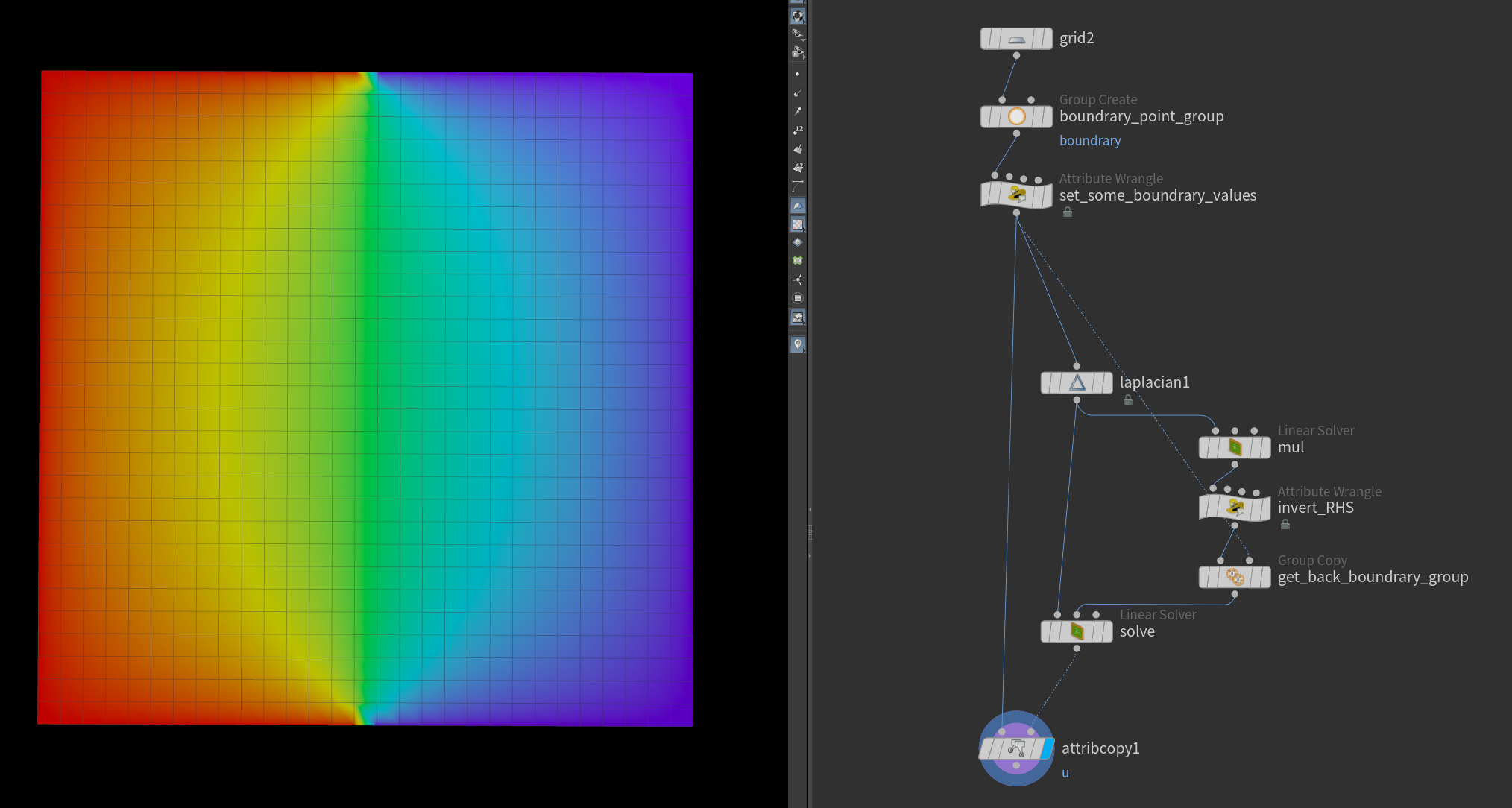
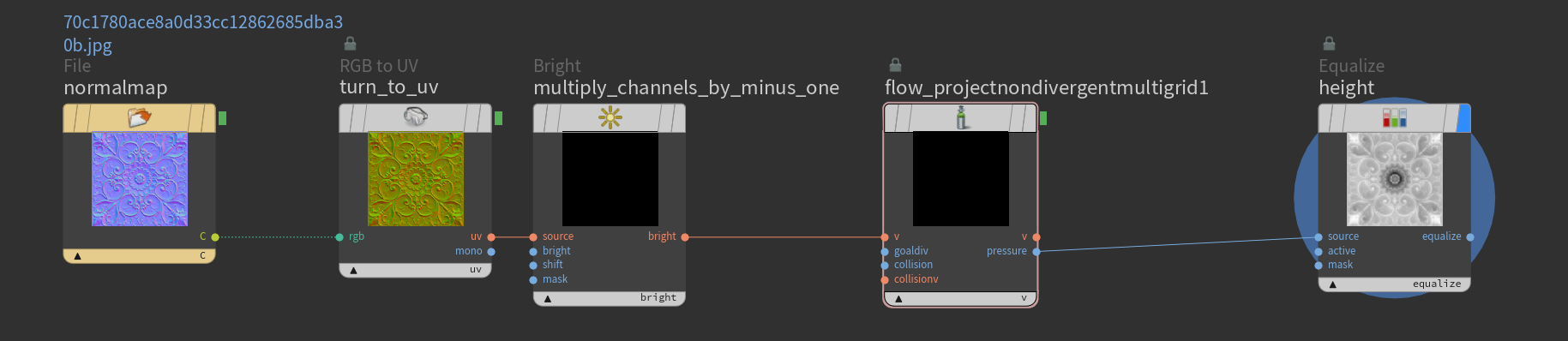
@aswaab dumb ass idea here but what if you splat your velocity from the particles into a volume, hit it with vdb project non divergent, have that node output the pressure field, take the gradient of that pressure field and use that as your velocity? :0
Cuz in theory gravitational fields are equivalent to the gradient of the pressure field (the irrotational component of a velocity field). I’m just curious if that would give you a less streaky result when trying to make the velocity field from your particles…

It probably won’t but it’s at least an idea <:ICANT:1079254533609357433>

But like I guess the intuition here is that because youd be getting the pressure field, that field would be relatively smooth over the full volume, where as just splatting the particle velocities will be relatively discontinuous

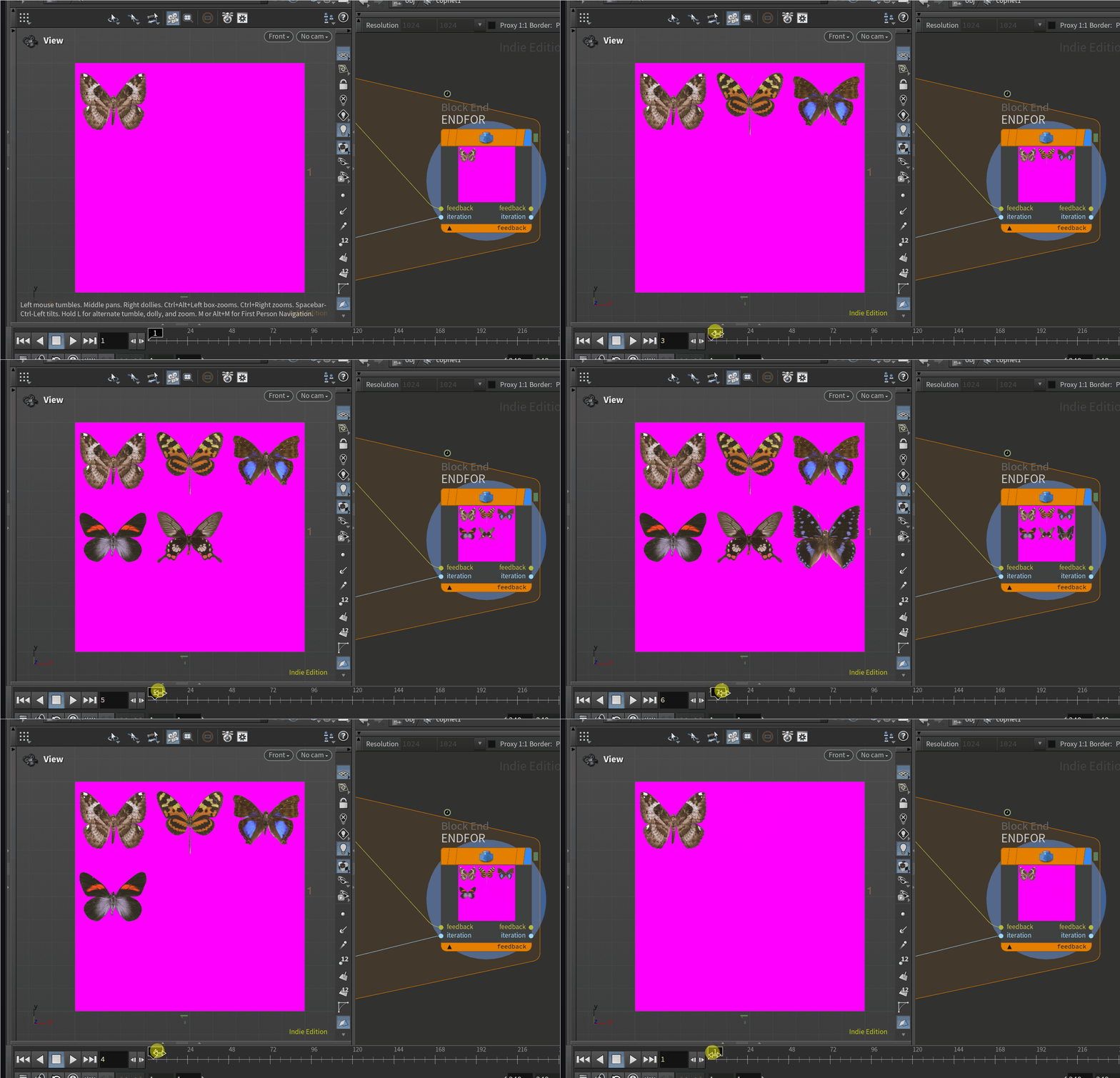
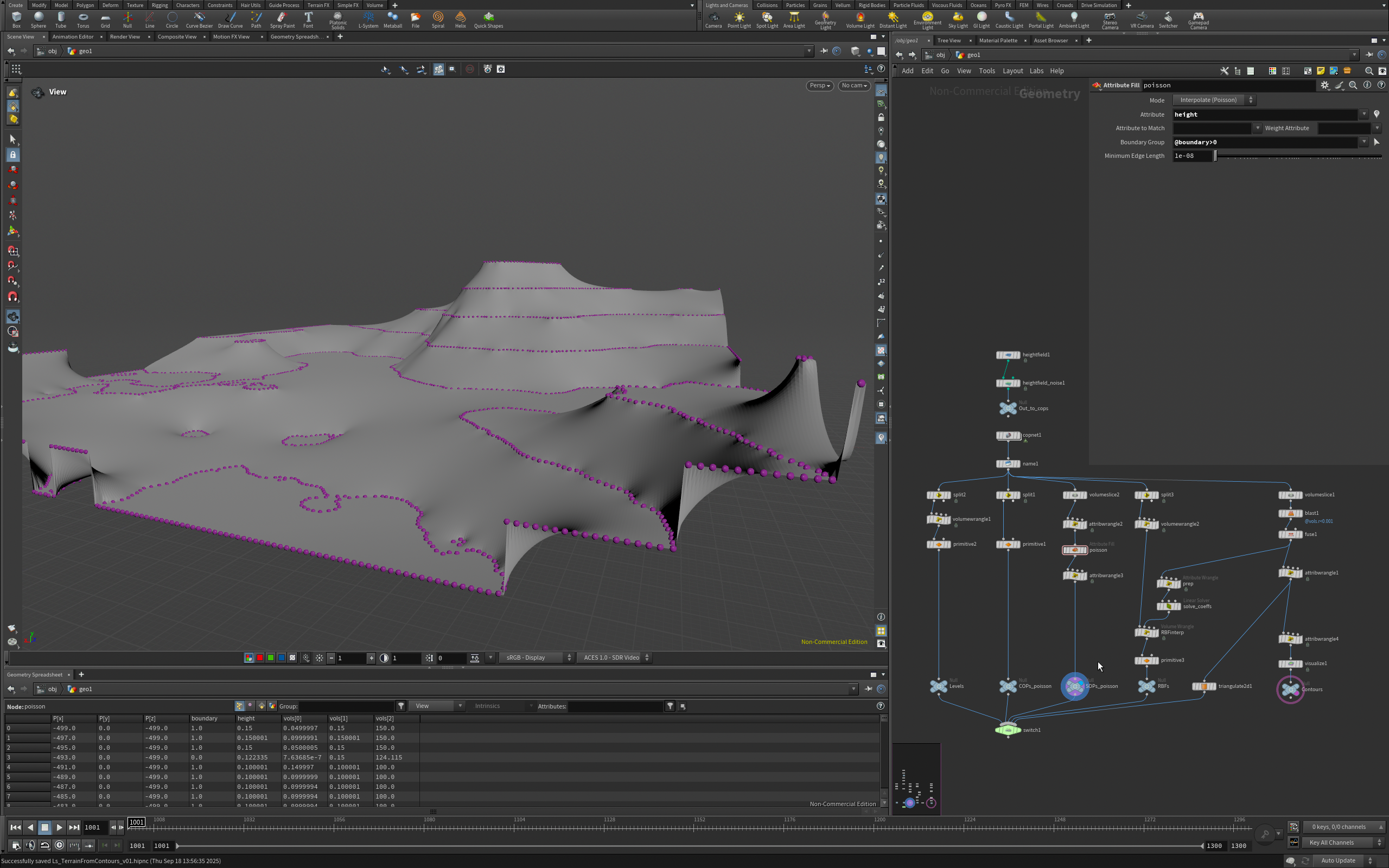
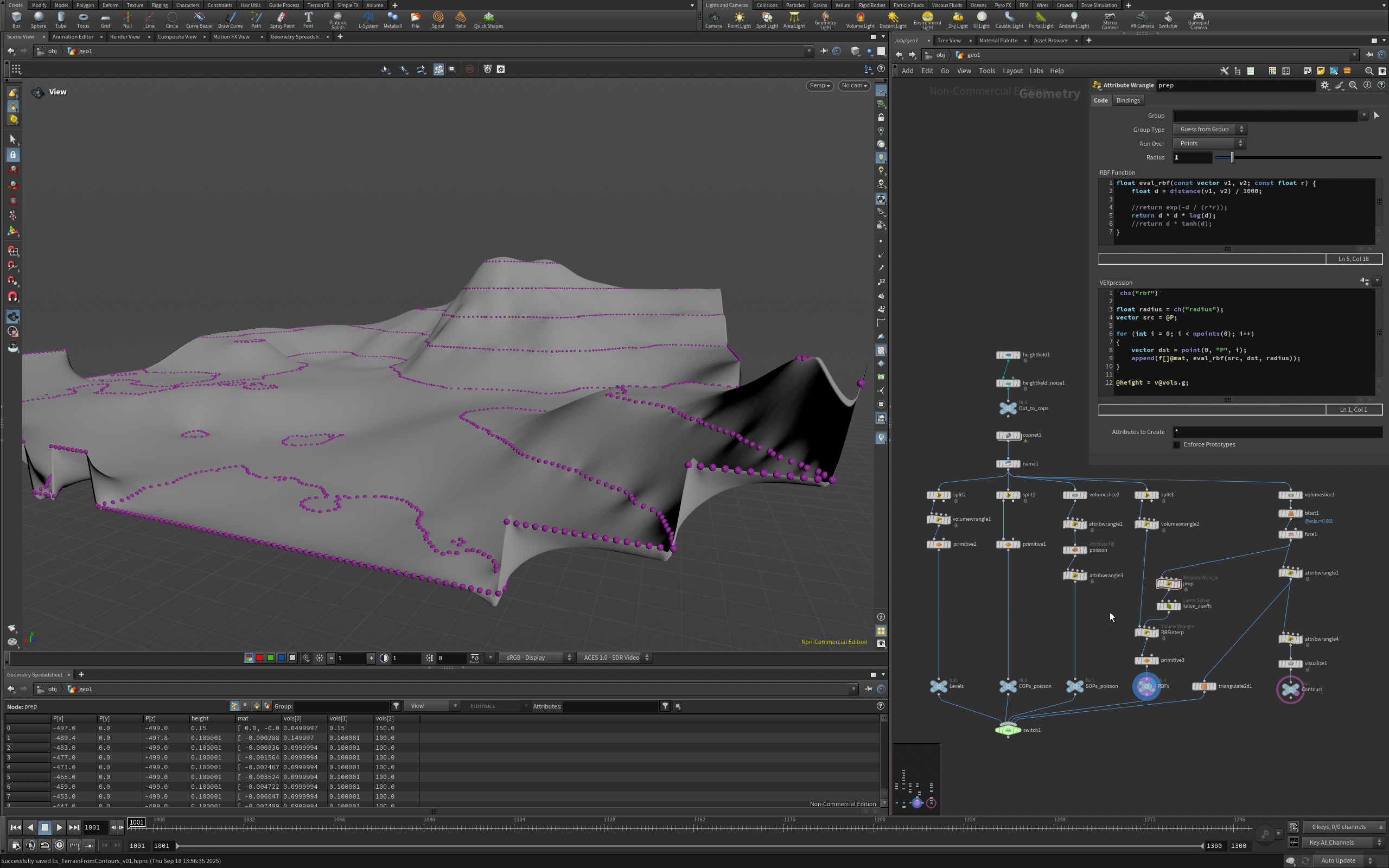
image 0 is the velocity field just splatted into a volume and then advecting by that volume. image 1 is doing the same only we’re advecting by the gradient of the pressure. It changes the result though so it’s probably not what you want… but it does create the clumpys!

the scaling of the pressure field is something you might have to futz with. I found my notes on it…
“`c //if staggered volume @vel_pressure *= length(v@dPdx) * length(v@dPdx) * 4;
//if non-staggered volume @vel_pressure *= length(v@dPdx) * length(v@dPdx) * 1; “`
So in the case of my examples you’d want to use the top version which is multiplied by 4. That would give you the field whos gradient can be subtracted from the velocity field in order to make it divergent free. But like your mileage may very, that will definitely change the look of the advected volume…

Attachments in this post:
http://fx-td.com/houdiniandchill/wp-content/uploads/discord/20254505/25/25/image.png

Archived post by sniperjake945

here’s a full nbody solver using this method ๐Ÿ™‚ i havent really tuned the parms, since i only had like 40 minutes to work on this!!! the one downside is that gas particle to field in accumulate mode doesnt allow for like accumulating over larger radii so its a lil bit scuffed. but it works ๐Ÿ™‚

the resolution of the background field is of course important, its probably a bit too low in this example but dgaf

Attachments in this post:
http://fx-td.com/houdiniandchill/wp-content/uploads/discord/20250805/24/25/nbody_poisson_solver_v0001.hip

Archived post by mattiasmalmer

cateye…

“`
#bind layer src? val=0 #bind layer !&dst
inline float2 fibonacci_spiral(int n ,int samples) { float phi = (1.0f + sqrt(5.0f)) / 2.0f; // Golden ratio float angle = 2.0f * M_PI * phi * n; float r = 1.0f * sqrt((float)n /samples); // Normalized radius float x = r * cos(angle); float y = r * sin(angle); return (float2)(x,y); }
inline float2 scale_along_vector(float2 pos, float2 dir, float scale) { // Normalize the direction float2 n = normalize(dir); // Project pos onto dir float proj_len = dot(pos, n); float2 proj = proj_len * n; // Compute the component orthogonal to dir float2 ortho = pos – proj; // Scale only the projection return proj * scale + ortho; }

@KERNEL { float2 pos=(float2)(@ix,@iy); float4 color=(float4)(0,0,0,0);
for (int i=0; i<@samples; i++) { float2 disc=fibonacci_spiral(i,@samples)*@radii; float2 dir=pos-(float2)(@xres,@yres)*.5f; float dist=length(dir)/length((float2)(@xres,@yres)*.5f); disc=scale_along_vector(disc , dir ,(1-pow(dist,1.0f)*@squash)); color+=@src.bufferSample(pos+disc); }
@dst.set(color/@samples); }
“`
just make radii, squash and (int)samples in the bindings

Attachments in this post:
http://fx-td.com/houdiniandchill/wp-content/uploads/discord/20253105/22/25/image.png

Archived post by mattiasmalmer

the handles are very broken to use in hda:s i bind a point and in the view it says that it is on coordinate 1024,1024 but the bound parameter sets itself to 2048,2048… very odd.

for when tasteful subtleties are not on the menu.

With very little code change you could make it into a โ€godrayโ€ generator.

Attachments in this post:
http://fx-td.com/houdiniandchill/wp-content/uploads/discord/20255905/21/25/houdini_2v0omrwdAd.mp4
http://fx-td.com/houdiniandchill/wp-content/uploads/discord/20255905/21/25/cwarp.hiplc
http://fx-td.com/houdiniandchill/wp-content/uploads/discord/20255905/21/25/cop_Mattias.chromawarp.1.0.hdalc
http://fx-td.com/houdiniandchill/wp-content/uploads/discord/20255905/21/25/image.png

Archived post by sniperjake945

here’s something fun. if you’ve ever wanted to pass the layer data into a function in opencl and then read from the layer, here’s how to do it! ๐Ÿ™‚
“`c #bind layer src? val=0 #bind layer &dst
float4 buffereIndexCUSTOM(const IMX_Layer* in_layer, int2 xy){ return bufferIndexF4(in_layer, xy, in_layer->stat->border, in_layer->stat->storage, in_layer->stat->channels); }
@KERNEL { float4 vals = buffereIndexCUSTOM(@src.layer, @ixy); @dst.set(vals); }
“`
this way you can use layer data in functions! you lose the ability to use `@binding` inside of the functions, but at least you have access to the layer functions. For more info on the IMX_Layer struct check out `$HFS/houdini/ocl/include/imx.h` and then if you’re curious what functions you have access to you, you’ll want to read the `$HFS/houdini/ocl/include/imx_internal.h` include

someone here has probably already figured this out, and i will say that its super easy to crash your opencl playing with these functions, but it definitely makes passing data into and out of functions way easier!

Archived post by mattiasmalmer

messing around with a simplified way of giving plants some motion.
instead of doing it with a full skeleton rig i sample two positions a bit further in on the branch from each points position and do a little rotation around it. it feels ok ish.
have you guys got any better tricks for this kind of thing?

Attachments in this post:
http://fx-td.com/houdiniandchill/wp-content/uploads/discord/20250705/18/25/houdini_YCUmQjDwJj.mp4
http://fx-td.com/houdiniandchill/wp-content/uploads/discord/20250705/18/25/windplay.hiplc

Archived post by mattiasmalmer

very interesting. I do not use that. i use a variant of laplacian image blending
posted about it here: discord.com/channels/270023348623376395/1260727356746764308/1342984912009171025

Here is another really useful color corrector.
It has the usual hueshift stuff.
but it is the along/perp stuff that makes it really neat. You select a direction. (say the classic teal and orange) then you can increase saturation along that axis and reduce it in the perpendicular axis. then if the image it too orange you shift the whitepoint towards orange to get the teal orange balance more centered.
I made this one for nuke a long while ago and use it very often. So here it is now for houdini! thanx to @jake rice ๐Ÿ˜ฎ for pushing sideFX to fix the mat3inv() function ๐Ÿ™‚

Attachments in this post:
http://fx-td.com/houdiniandchill/wp-content/uploads/discord/20252405/18/25/hueX.hiplc
http://fx-td.com/houdiniandchill/wp-content/uploads/discord/20252405/18/25/houdini_G1YdcSydnd.mp4
http://fx-td.com/houdiniandchill/wp-content/uploads/discord/20252405/18/25/cop_Mattias.hueX.1.0.hdalc

Archived post by mattiasmalmer

yeah the lack of iterator is a bit of a bummer.

here is a really neat color corrector I have been working on.

Attachments in this post:
http://fx-td.com/houdiniandchill/wp-content/uploads/discord/20251605/15/25/colorX.hiplc
http://fx-td.com/houdiniandchill/wp-content/uploads/discord/20251605/15/25/cop_Mattias.colorX.1.0.hdalc
http://fx-td.com/houdiniandchill/wp-content/uploads/discord/20251605/15/25/image.png