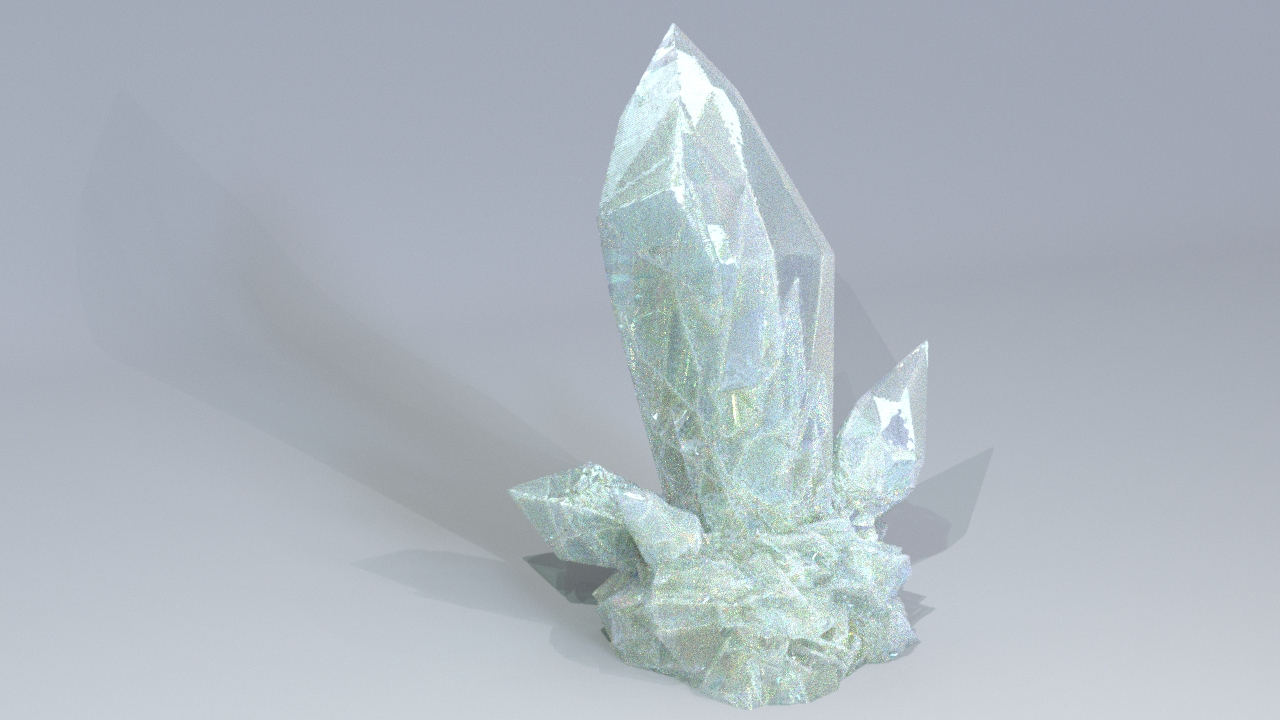
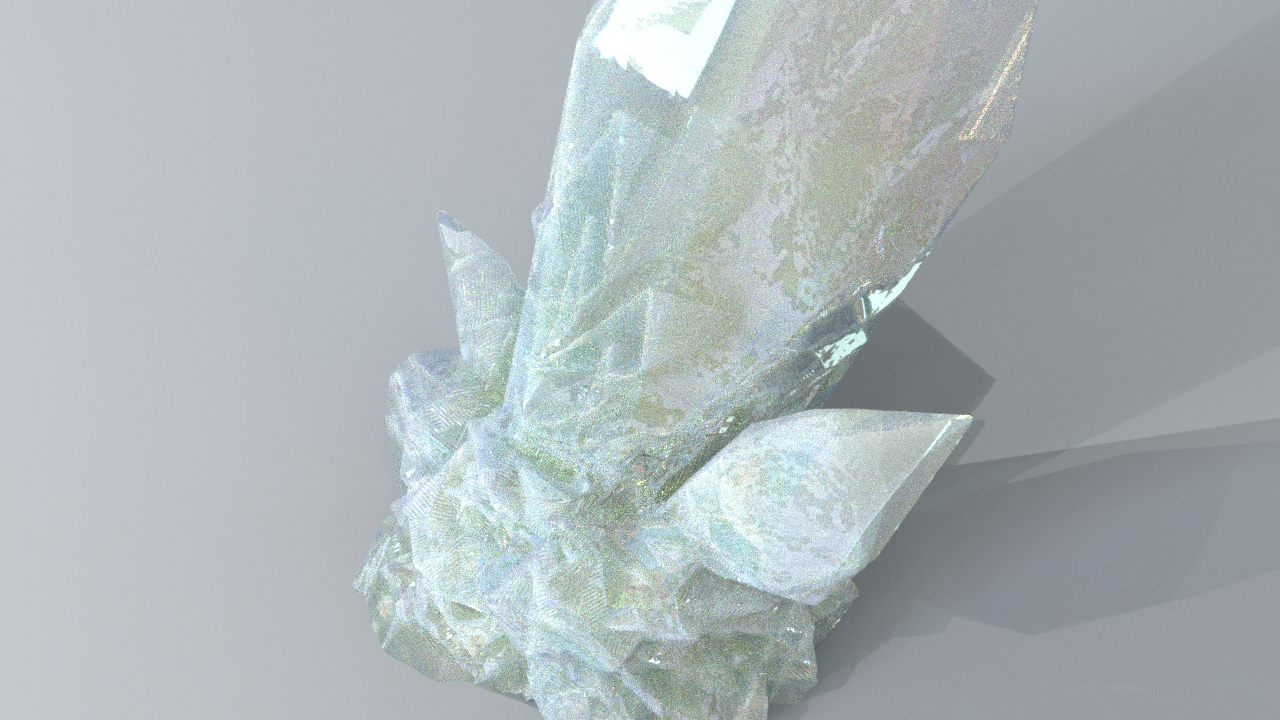
Archived post by sniperjake945

Id have to try it but potentially with the eikonal cop

Gimme like 10 and I can see if the idea works

im sure you can have it be one sided with some clever weighting but thats an exercise for another time. but this is all cops. you just use a black circle on a white background (where the white value is super high) as a source point/the initial distance and then use the letter outline as the speed parameter on the eikonal node. It’s worth noting that doing this with geometry is of course going to be way more controllable. But this way avoids any kind of geo

Attachments in this post:
http://fx-td.com/houdiniandchill/wp-content/uploads/discord/20262203/27/26/cops_carve.mp4
http://fx-td.com/houdiniandchill/wp-content/uploads/discord/20262203/27/26/cops_carve_JR.hip
Archived post by drewzeefx

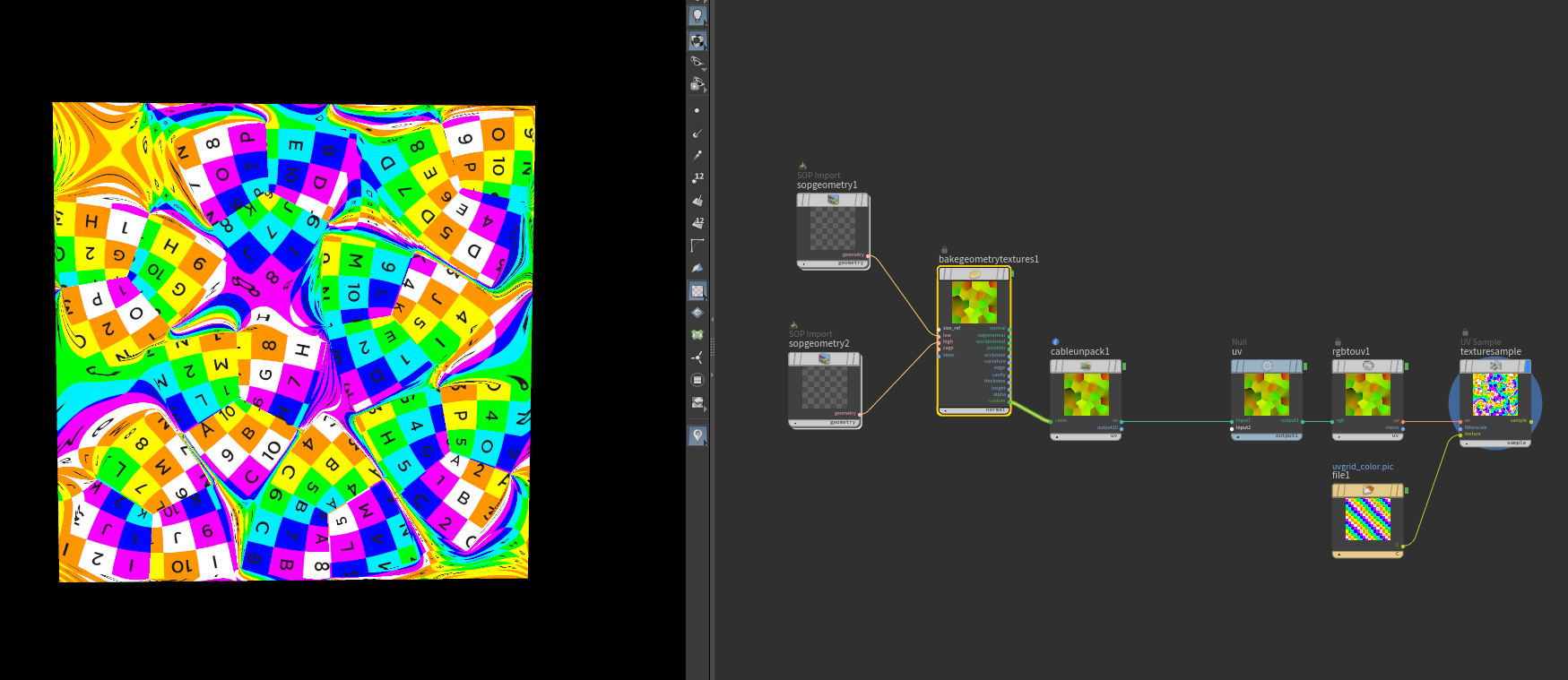
@Hallam I messed around a bit, it looked like cops cant really make a proper annulus with endless bounds so I did a lil hack, but your first image looks correct, except the rotation might need to be the opposite sign to get the picture frame to line up

Thread

Attachments in this post:
http://fx-td.com/houdiniandchill/wp-content/uploads/discord/20263903/23/26/IMG_5213.mov
http://fx-td.com/houdiniandchill/wp-content/uploads/discord/20263903/23/26/escher-loop-3blue1brown-claude-trash.hiplc

Archived post by vanity_ibex

I should start using recipes more then I don’t have to dig through 100x files to find something
“`cpp
#bind layer src float4 #bind layer &dst float4 #bind parm radius int value=4 #bind parm sigma_s float value=4.0 // spatial falloff #bind parm sigma_r float value=0.1 // range/value falloff
@KERNEL { int2 gid = (int2)(@ix, @iy); int w = @src.xres; int h = @src.yres;
float4 center = (float4)(@src.bufferIndex(gid)); float4 acc = (float4)(0.0f); float weight = 0.0f;
float ss2 = 2.0f * @sigma_s * @sigma_s; float sr2 = 2.0f *max(@sigma_r,0.001f) * max(@sigma_r,0.001f);
int r = @radius;
for (int dy = -r; dy <= r; dy++) { for (int dx = -r; dx <= r; dx++) { int2 p = (int2)( clamp(gid.x + dx, 0, w-1), clamp(gid.y + dy, 0, h-1) );
float4 sample = (float4)(@src.bufferIndex(p));
// Spatial weight — gaussian falloff by pixel distance float spatial = (float)(dx*dx + dy*dy) / ss2;
// Range weight — gaussian falloff by value difference float4 diff = sample – center; float range = dot(diff, diff) / sr2;
float w_combined = exp(-spatial – range);
acc += sample * w_combined; weight += w_combined; } }
@dst.set(acc / weight); }
“`

Archived post by lwwwwwws

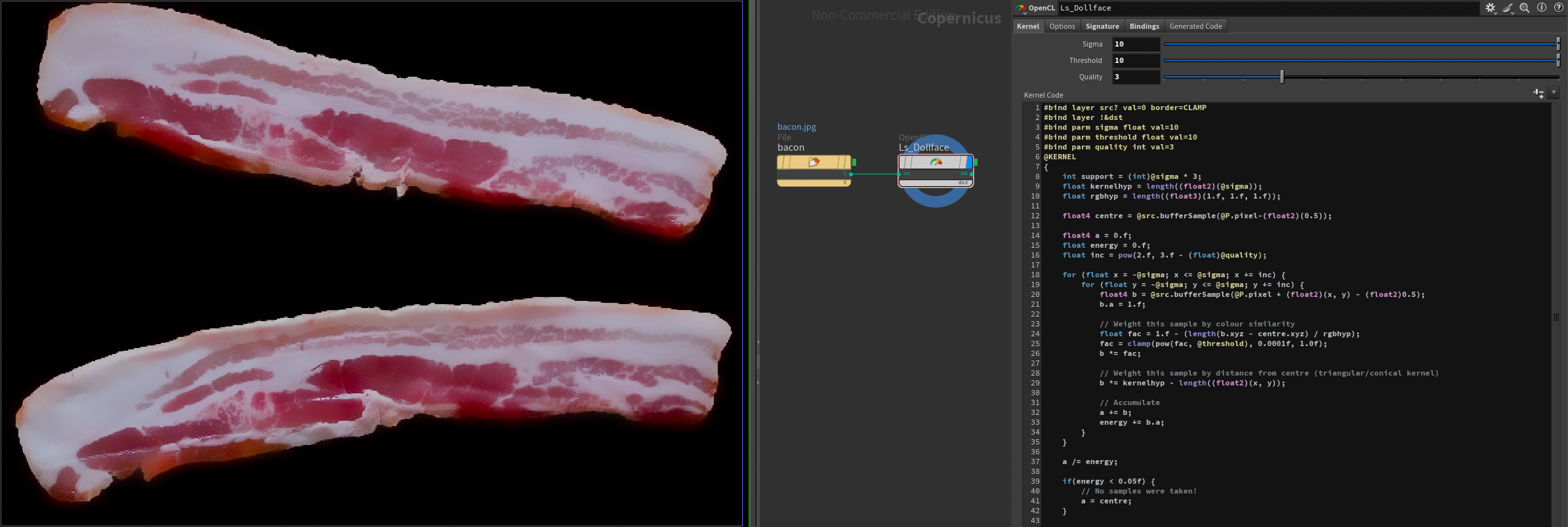
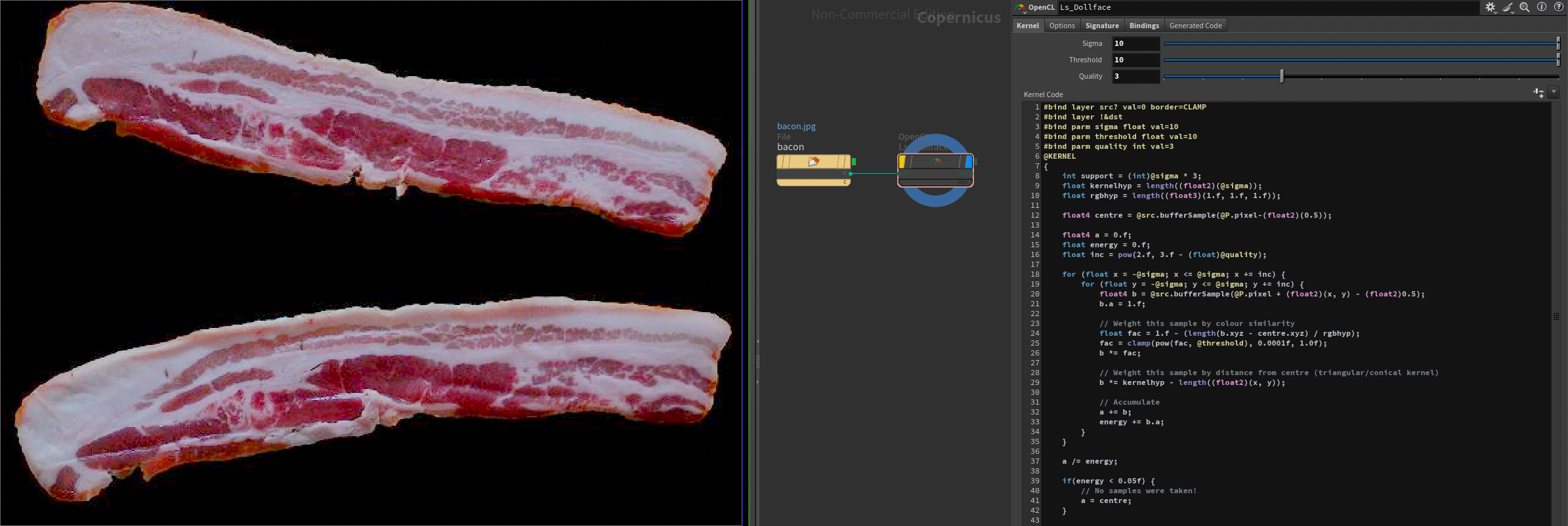
kuwahara is a cool trick but it does date from 1976, bilateral filters are a more controllable and better behaved way to filter while avoiding edges… here’s one i use a lot in comp and just translated from glsl to opencl

it works ok on bacon but i do feel like it could be improved 🤔 it’s the kind of thing that works better in log than linear and the threshold control might be better if it was a hard cutoff so colours past a certain distance are ignored, instead of this drastic pow() curve thing i’m doing

Attachments in this post:
http://fx-td.com/houdiniandchill/wp-content/uploads/discord/20261102/08/26/Screenshot_2026-02-08_at_16.18.15.png
http://fx-td.com/houdiniandchill/wp-content/uploads/discord/20261102/08/26/Screenshot_2026-02-08_at_16.17.55.png
http://fx-td.com/houdiniandchill/wp-content/uploads/discord/20261102/08/26/Ls_Dollface_v01.cl

Archived post by vanity_ibex

Ported Mild Slope Equation Solver to COPs (Fancy Ripple Solver)

wrote a little bit about it here: vanity-ibex.xyz/blog/mildslopeequation/

Attachments in this post:
http://fx-td.com/houdiniandchill/wp-content/uploads/discord/20264801/13/26/Mild-Slope_Equation_09.rop_image1.0001_output_compressed_crf20.mp4
http://fx-td.com/houdiniandchill/wp-content/uploads/discord/20264801/13/26/Mild-Slope_Equation.hiplc