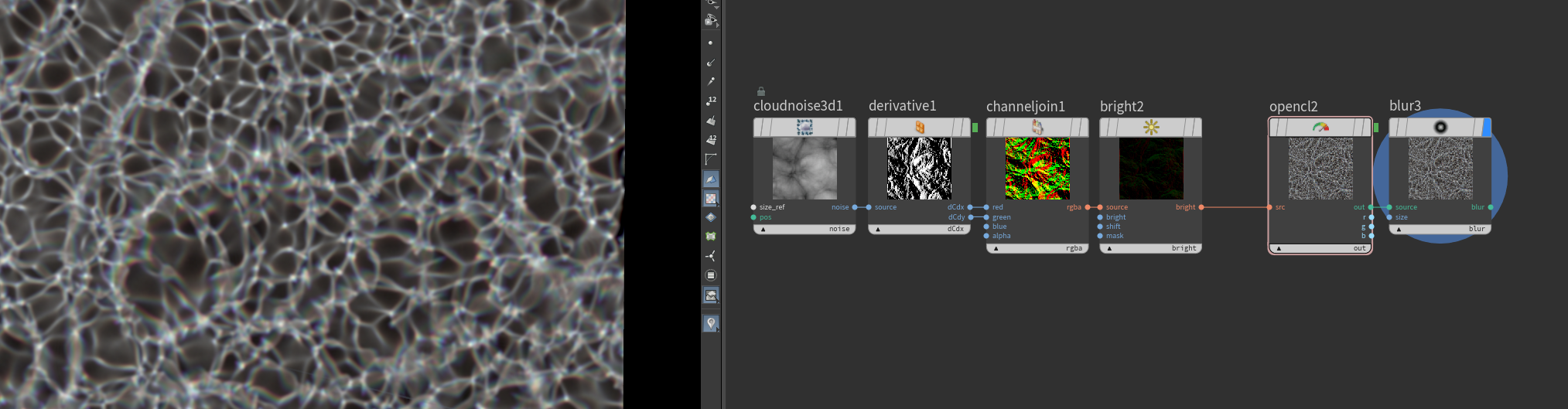
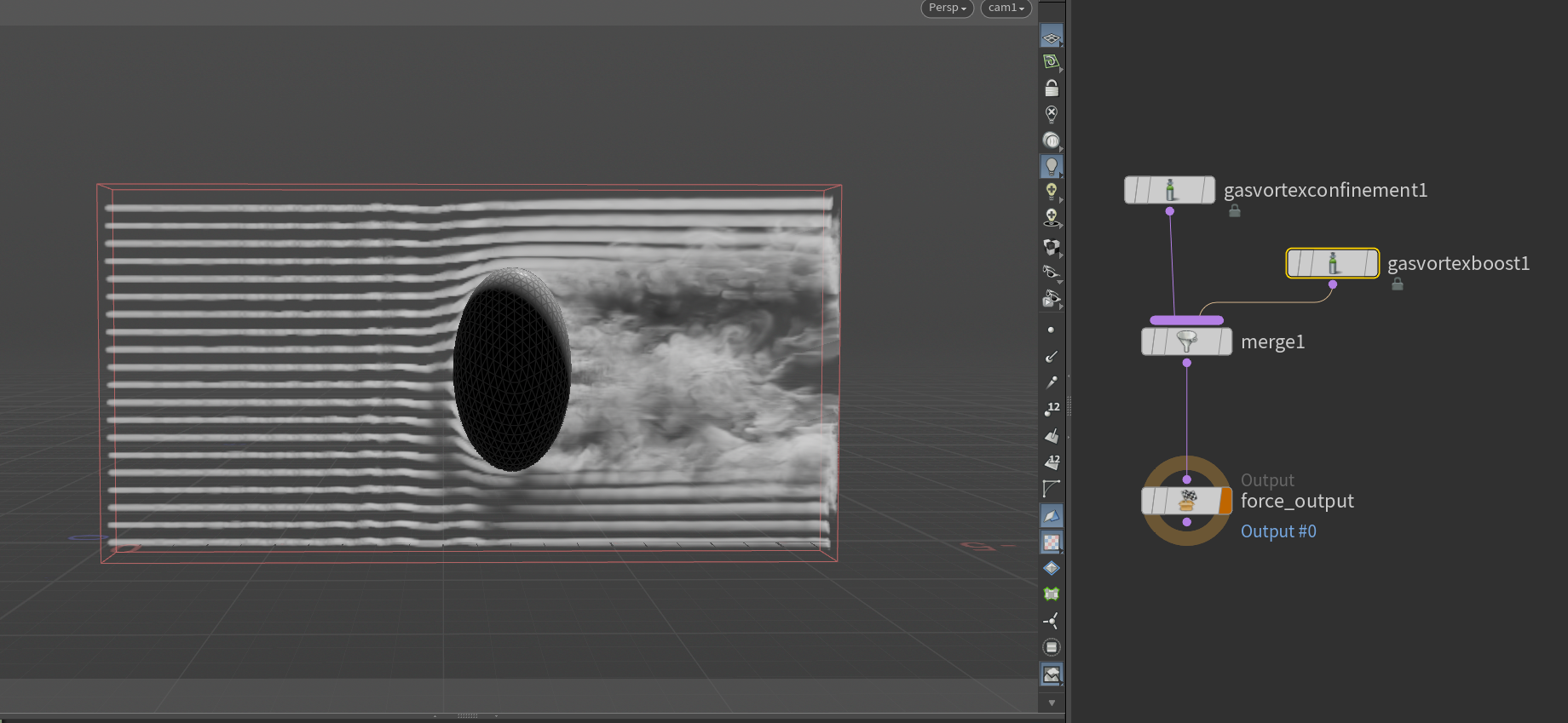
it’s stupid
can we see your rasterize volume?
before it goes into axiom
Attachments in this post:
http://fx-td.com/houdiniandchill/wp-content/uploads/discord/20252210/15/25/image.png
it’s stupid
can we see your rasterize volume?
before it goes into axiom
Attachments in this post:
http://fx-td.com/houdiniandchill/wp-content/uploads/discord/20252210/15/25/image.png
it can be sped up
regarding creating density, here’s a little trick I use with all my sourcing. It makes the emission more natural, and reduces having bad looking sourcing visible.
mult your density with a remapped normalized age. This starts it out from zero, ramps up, and fades down
Attachments in this post:
http://fx-td.com/houdiniandchill/wp-content/uploads/discord/20254410/15/25/image.png
here’s the .hip file of the title cards for each new ‘chapter’ I used in my equinox presentation 🙂
Attachments in this post:
http://fx-td.com/houdiniandchill/wp-content/uploads/discord/20254710/10/25/mmaammaaaaaaoooeeeoooo.mp4
http://fx-td.com/houdiniandchill/wp-content/uploads/discord/20254710/10/25/somecooltext.hip
maybe. here’s the .hip for the self regenerating patterns, some other small experiments in there too
if it still dont work lmk
Attachments in this post:
http://fx-td.com/houdiniandchill/wp-content/uploads/discord/20255910/09/25/somerdfun.hip
I am just used to from-to-action syntax as used in many graphics libraries.
Those were brutal but I am glad SESI put the coloring method I sent them into the docs back in the day.
Attachments in this post:
http://fx-td.com/houdiniandchill/wp-content/uploads/discord/20252110/07/25/image.png
your primary driver is _what_ scale are you rendering at? everything else is just a scaling factor going from that to the preferred working scale of the solver. Pyro will handle very small values, and very large ones fine, so you don’t tend to mess with the working scale. 1m is 1m for example.
FLIP is notorious for being fiddly as small scale, so anything under 1m in real world size you tend to work in larger scales. Example, simming liquid pouring in to a glass, real size might be 0.1m, but you would generally work at 10x that in FLIP. But on the other end, if the scene is 10m or 100m or 1000m you would leave FLIP at normal scale.
Bullet similar deal. Anything with pieces under 1-2cm can be a pain, so we routinely work 10x in scale. But if your smallest piece is going to be decently sized you might not change working scale at all.
Vellum is roughly based around real-world, so pretty much never change this working scale.
Heightfields, it really just comes down to working in the scale that the solver/defaults are built around.
At the end of it, you’re really only talking about working in the scale best for the solver/technique, and then scaling to render scale for output/lighting.
made a tutorial of some SDF stuff that comes up every now and then
here is a neat little thing: if you make a random ramp and divide it with its average you can use it as a light gel filter and get white light that makes nice penumbras.
Attachments in this post:
http://fx-td.com/houdiniandchill/wp-content/uploads/discord/20254510/01/25/image.png
http://fx-td.com/houdiniandchill/wp-content/uploads/discord/20254510/01/25/houdini_5kZmeogeAZ.mp4
decals with parallaxmap.
here is without. the screw heads gets a little less neat
Decals with Parallaxmaps. Hip file if you want to play around with it.
Attachments in this post:
http://fx-td.com/houdiniandchill/wp-content/uploads/discord/20250109/27/25/image.png
it is a bit of a hack to say the least. i grab the normal, tangent and bitangent. make a matrix and transform the raydir into it. use the X and Y coords of that to offset the uvs based on the height in a bitmap. (i do a little loop to incremetally do this but thats just for quality.)
here is the Parallax mapping hipfile. could be fun for decals and such.
Attachments in this post:
http://fx-td.com/houdiniandchill/wp-content/uploads/discord/20251109/25/25/parallax.hiplc
http://fx-td.com/houdiniandchill/wp-content/uploads/discord/20251109/25/25/image.png