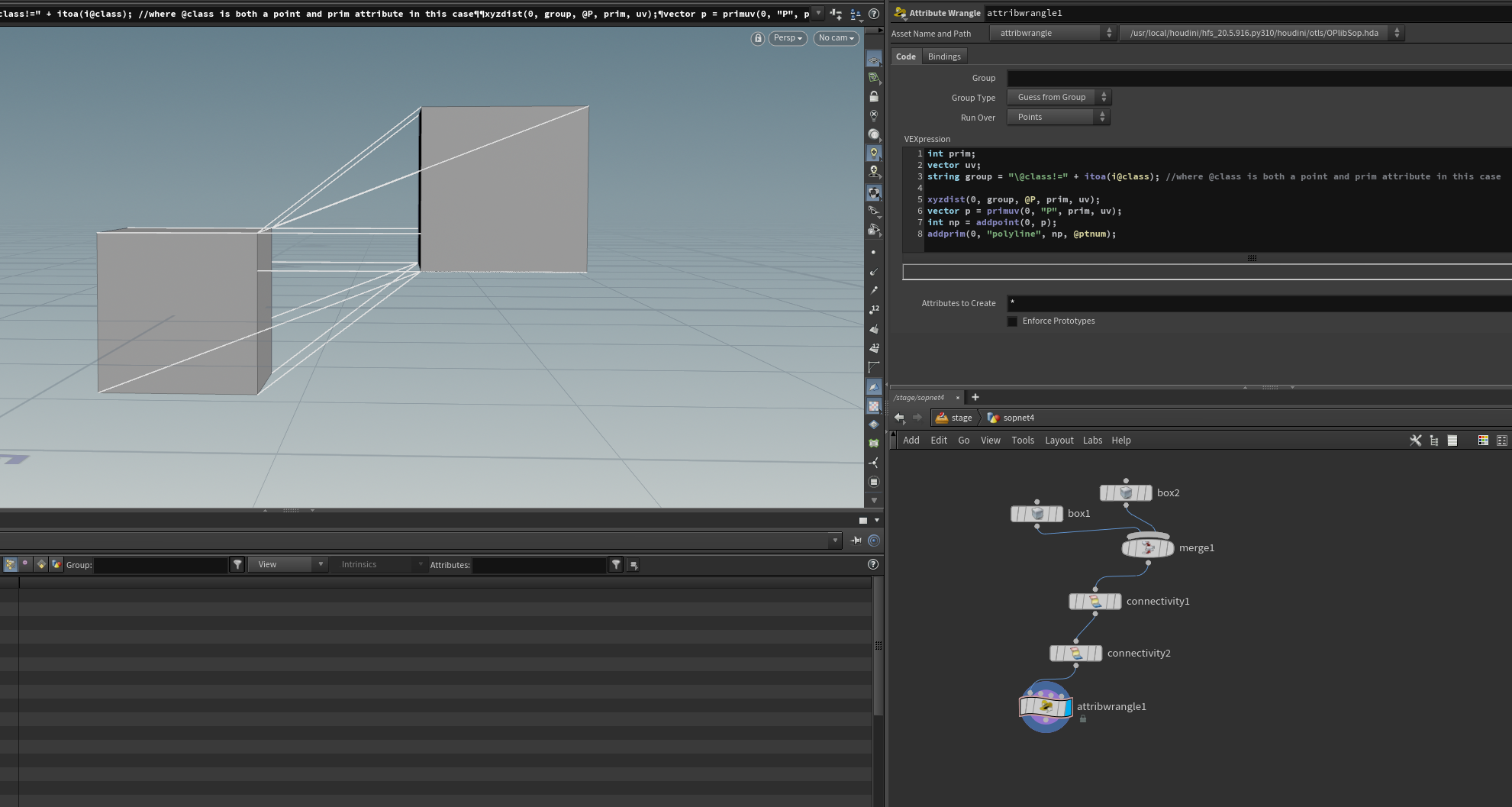
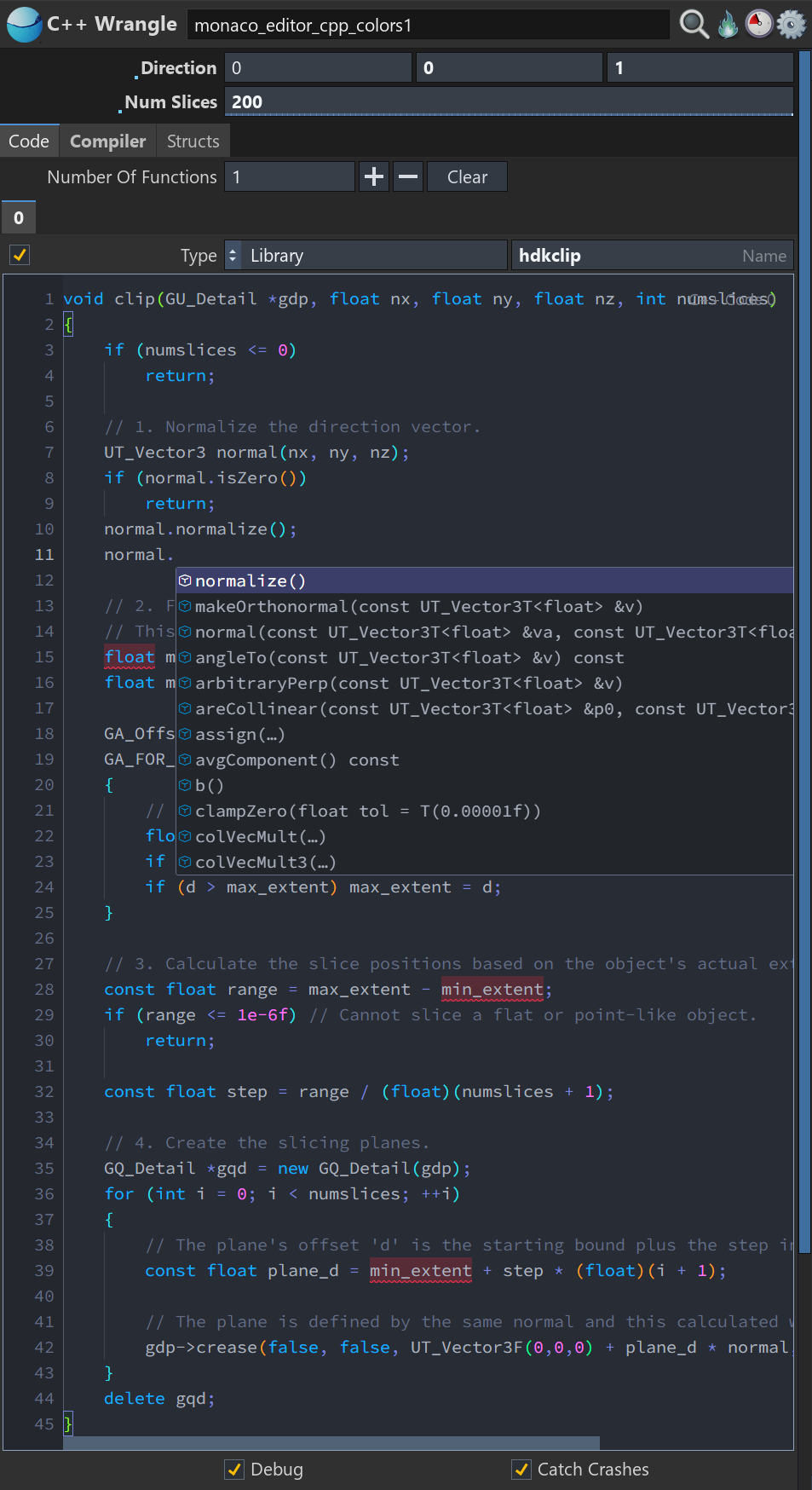
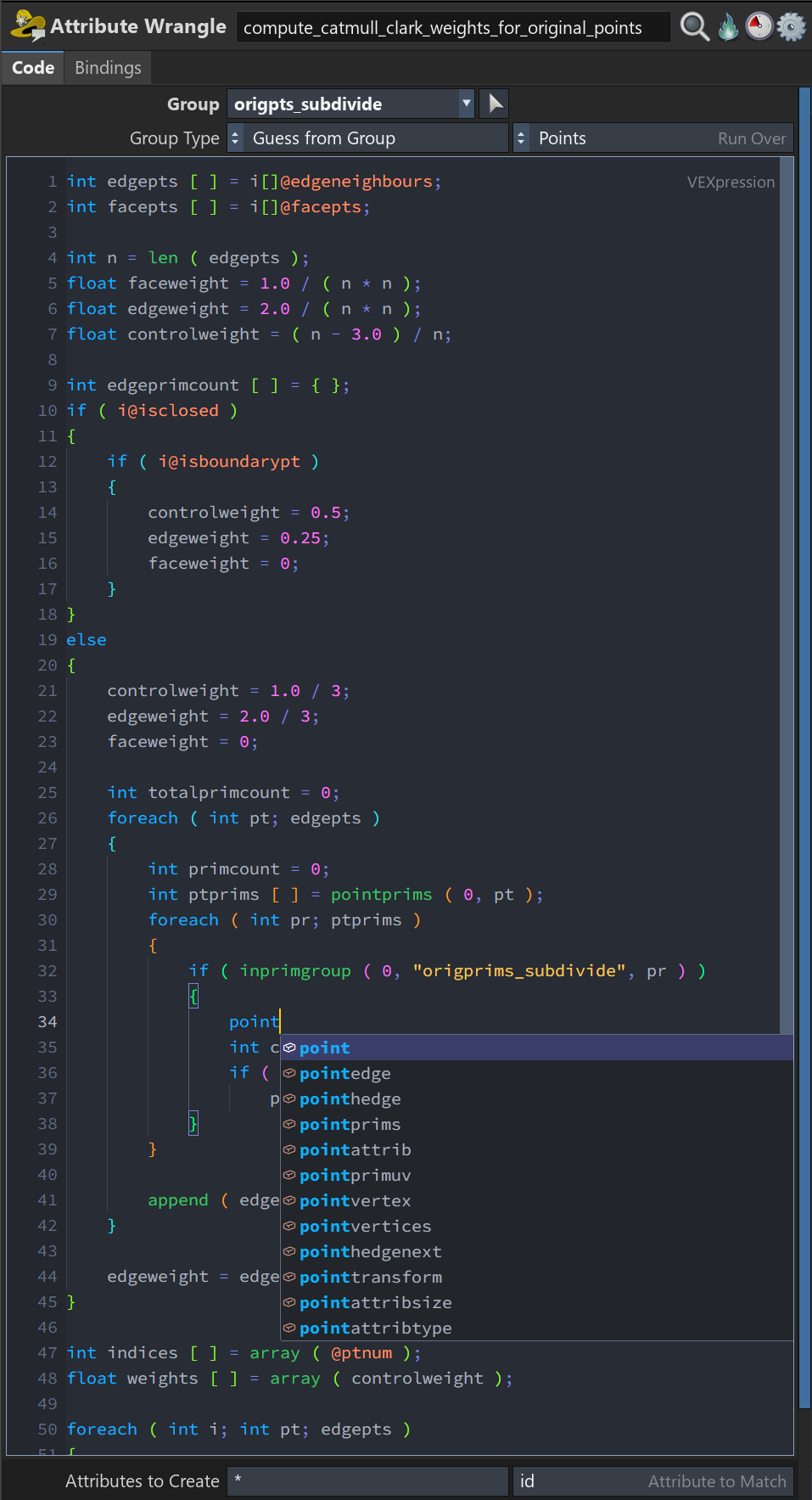
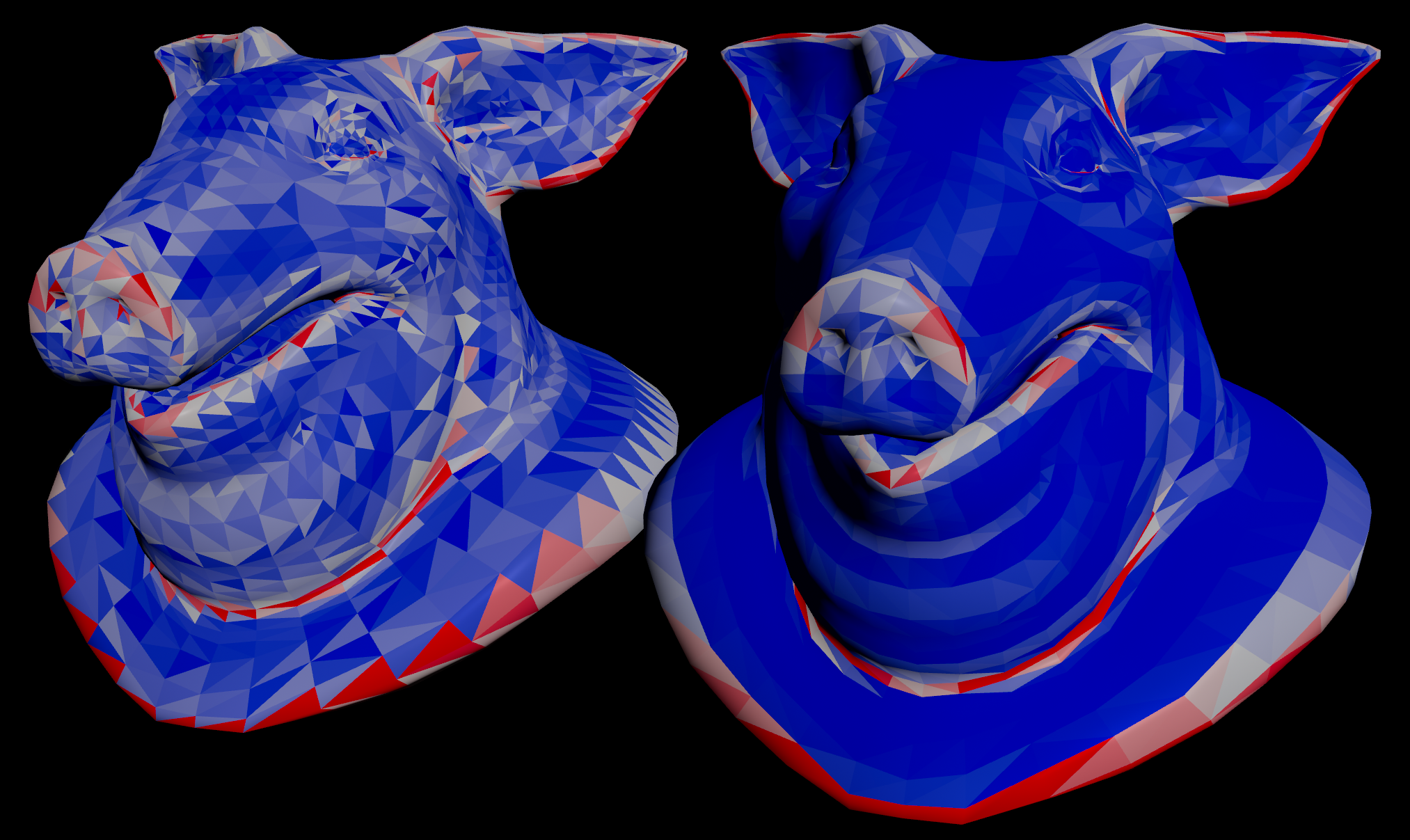
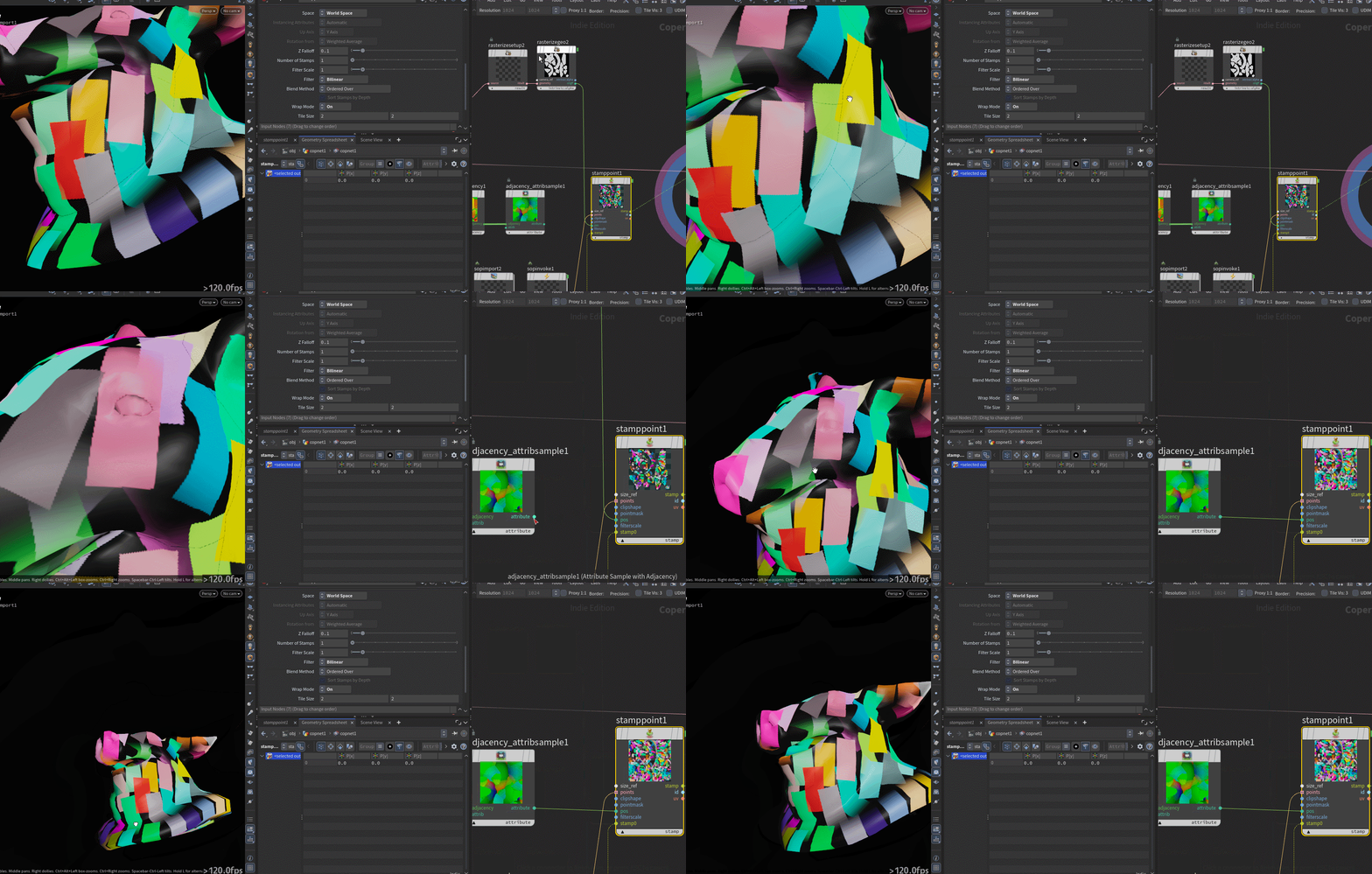
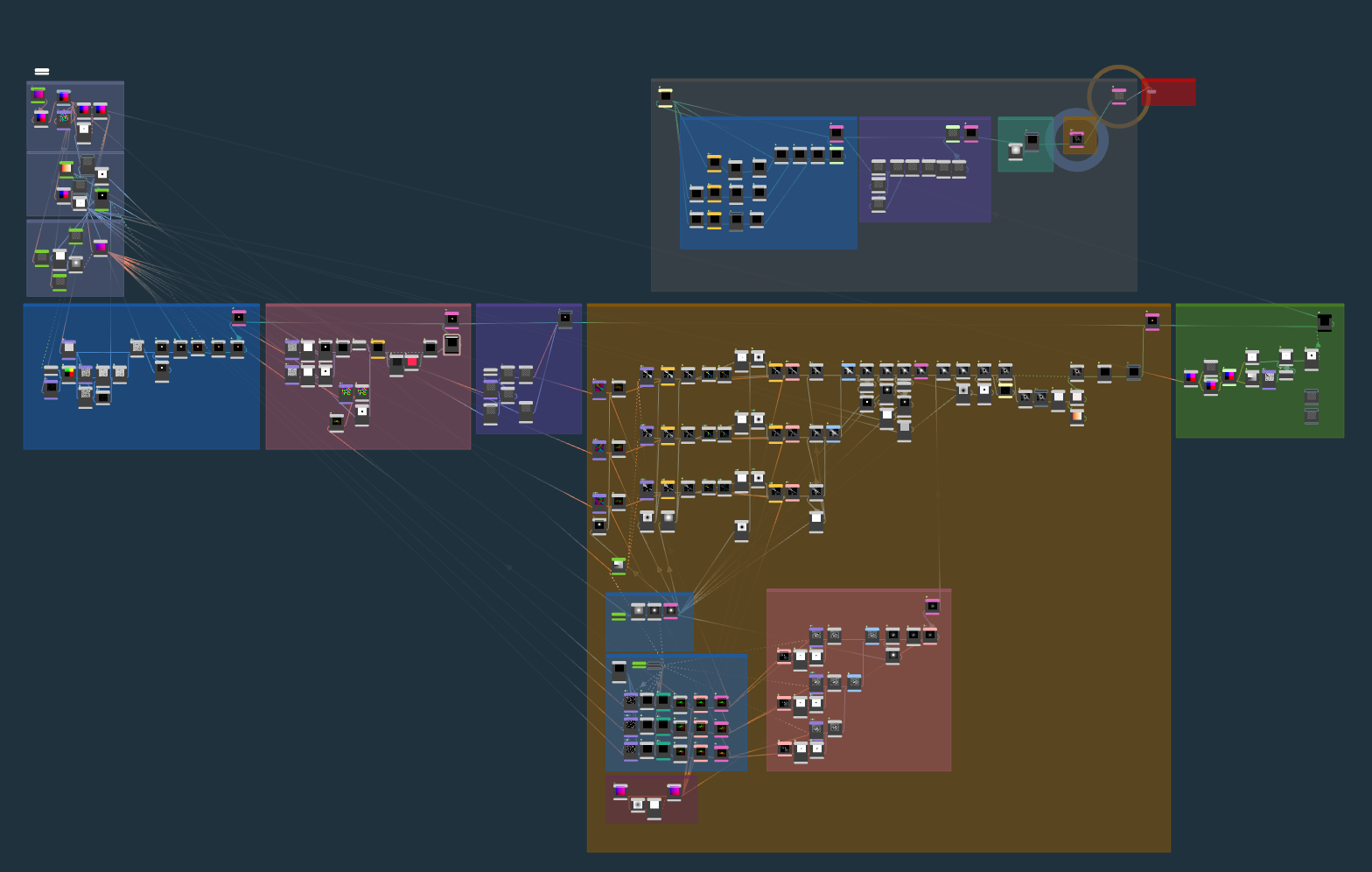
Here it is. You can drop this into Documents/Houdini22.0/config. Will apply on relaunch of the app.
Attachments in this post:
http://fx-td.com/houdiniandchill/wp-content/uploads/discord/20265307/19/26/3DSceneColors.dg
Here it is. You can drop this into Documents/Houdini22.0/config. Will apply on relaunch of the app.
Attachments in this post:
http://fx-td.com/houdiniandchill/wp-content/uploads/discord/20265307/19/26/3DSceneColors.dg
if you press X you can toggle between 3d view and flat texture. saves a ton of clickage
Ok here is an update. That’s the best I can do for now:
Enjoy 😀
made an update, looks even more alike now 😊
Attachments in this post:
http://fx-td.com/houdiniandchill/wp-content/uploads/discord/20264007/16/26/image.png
http://fx-td.com/houdiniandchill/wp-content/uploads/discord/20264007/16/26/old_houdini_iii.theme.json
Ask and you shall receive
I do have to get on that diamond grind
Attachments in this post:
http://fx-td.com/houdiniandchill/wp-content/uploads/discord/20264007/15/26/H22_Testing_v01.hiplc
i think the tally for gems is based on gemmed posts, not number of gem emojis
either way i deserve an extra gem just for putting up with your bullshit
nah @solitude9206 could just post an embarrassing pic of matt or something and it’d work well enough
okay well looks like he’s busy
gem this incredible post please
Attachments in this post:
http://fx-td.com/houdiniandchill/wp-content/uploads/discord/20262507/10/26/battlestar_sciatica.png
I wonder if the look at component could be useful here. Using a separate auxiliary joint (the green circle) like @esttri mentioned, but instead of the clavicle method, you just keep it outside the ik chain, capturepack it to the upper arm, and set the look at target to an elbow auxiliary joint with an appropriate up joint. Up joint might get a little tricky, since you’ll probably want that to follow the yaw of the ankle/ikTip which will allow the upper arm to yaw nicely.
@fabriciochamon Using the auto clav method like @esttri mentioned earlier is the best/easiest solution I found out of all my other attempts, I was checkmated at every other solution.
Attachments in this post:
http://fx-td.com/houdiniandchill/wp-content/uploads/discord/20262507/10/26/ik_shoulder_roll_v001.mp4
http://fx-td.com/houdiniandchill/wp-content/uploads/discord/20262507/10/26/ik_shoulder_roll_v001.hip
I updated this method for position noise ‘fake rig type’ deformation [here.](discord.com/channels/270023348623376395/351975587109273601/1522966273489899680)
The coherency benefits of position noise with some deform pre-process and post-process which makes it a somewhat rotation noise hybrid. It is fairly throwaway but might be useful to someone who has to iterate fast, also will run into problems when the noise frequency gets near the segment length.
Using @v for deform vector, first project onto plane of curve direction, this harmonizes the deformation for the post-process.
“`cpp // pre-process vector d = normalize(v@dir); v@v -= dot(v@v, d) * d;
// deform @P += v@v; “`
Then instead of doing the @localtransform z component trick just write positions. If you don’t need transforms it is 5 – 10 times faster.
“`cs int pts[] = primpoints(0, @primnum); int npts = len(pts); vector prevOrig = point(0, ‘P’, pts[0]); vector delta = {0}; for(int i=1; i<npts; i++){ float rest = point(0, 'seglength', pts[i]); vector origp = point(0, 'P', pts[i]); vector raw = origp – prevOrig; float curlen = length(raw); vector newp = prevOrig + delta + raw*(rest/curlen); delta = newp – origp; setpointattrib(0, 'P', pts[i], newp, 'set'); prevOrig = origp; } “`
Attachments in this post:
http://fx-td.com/houdiniandchill/wp-content/uploads/discord/20261407/05/26/seglength.gif
http://fx-td.com/houdiniandchill/wp-content/uploads/discord/20261407/05/26/position_noise_coherence.hipnc
Would it be possible to give badges or something to members who have +X number of gemmed posts? There are quite a few members here who routinely give some great little gems, and it would be great to see some recognition next to their discord handle.
it seems like something that should be part of osl, unless there’s a reason for it to be render engine specific
i just ported fractal noise 3d from cops to sops, if this is the one you mean just swapped the layer bindings to attribute bindings
running on 3d geo
Attachments in this post:
http://fx-td.com/houdiniandchill/wp-content/uploads/discord/20262407/02/26/image.png
http://fx-td.com/houdiniandchill/wp-content/uploads/discord/20262407/02/26/fractal_noise_3d.hip