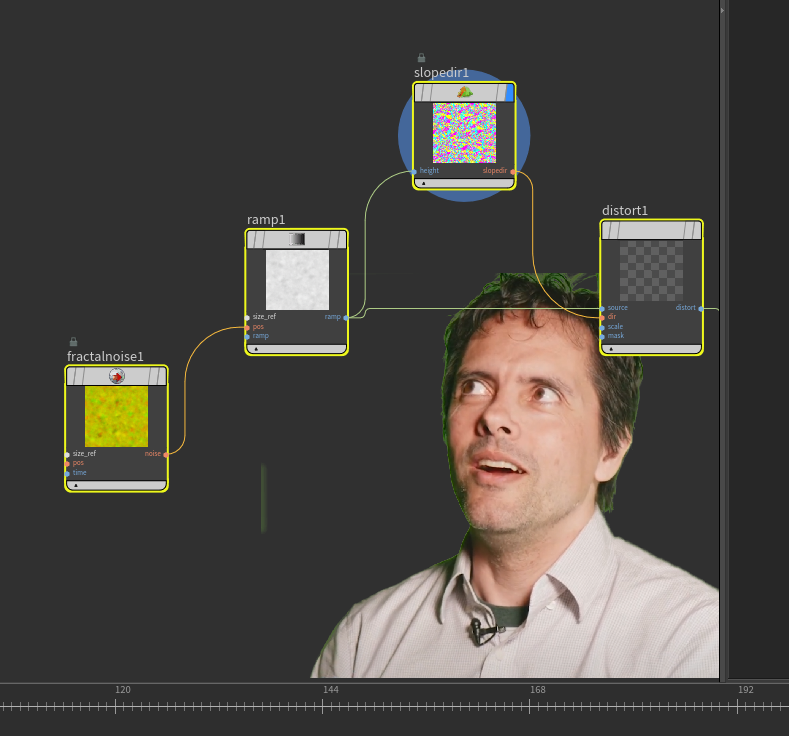
just in the upper right of your network pane
Attachments in this post:
http://fx-td.com/houdiniandchill/wp-content/uploads/discord/20241109/26/24/image.png
just in the upper right of your network pane
Attachments in this post:
http://fx-td.com/houdiniandchill/wp-content/uploads/discord/20241109/26/24/image.png
Made a little tool for finding 3d coordinates of features in 3d tracked material. useful for placing objects in shot material.
Attachments in this post:
http://fx-td.com/houdiniandchill/wp-content/uploads/discord/20241509/24/24/houdini_gDFqaYUPis.mp4
http://fx-td.com/houdiniandchill/wp-content/uploads/discord/20241509/24/24/sop_render.RAYGUN.1.0.hdalc
I am not this video contributor, but my past implementation of this paper in Houdini is available here 😀 It has only been tested in a few cases, so there may be errors in some cases drive.google.com/file/d/14xnHLZOMVIFQAc3OY6D2N9xrXydXMr1B/view?usp=drive_link
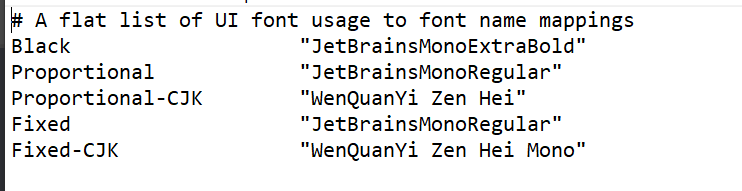
“`C:\Program Files\Side Effects Software\Houdini version\houdini\fonts“` This is the folder you need to look for. in my case , i put the jetbrains font in there and then edited the font.map file to use that font.
Houdini UI Bros, dont come at me. This was just a test. ahahaha.
Attachments in this post:
http://fx-td.com/houdiniandchill/wp-content/uploads/discord/20240609/13/24/image.png
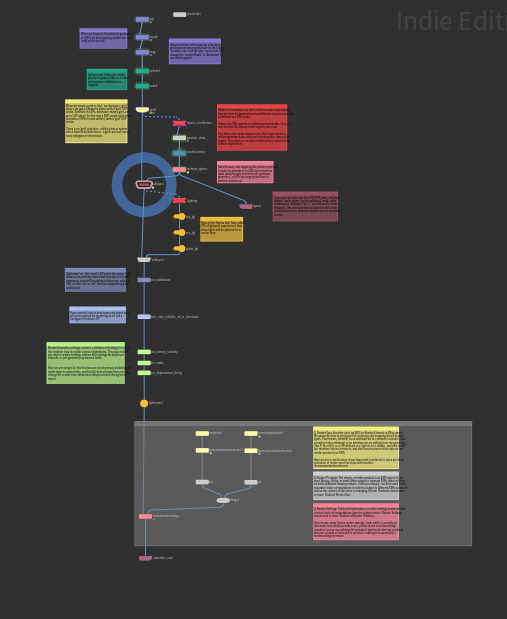
In case anyone’s interested, I actually collate a lot of my learning and discover into these kind of master files.
The green nodes have content – the yellow are placeholders
There are text-based step throughs and descriptions for doing different stuff
I share these with my colleagues and add more zoic pertinent info – but they are files I develop in my time
And for me, its an invaluable resource when I cant remember just how to constrain something.. do projections.. or set up a scatter/instance workflow
actually sorry need to edit the file – left some junk in there
ok there we go @chris_gardner and @davebr
Attachments in this post:
http://fx-td.com/houdiniandchill/wp-content/uploads/discord/20245309/11/24/image.png
You can always do the old unsharp masking, like back in the day when photo labs smelled of Rodinal 😉 In this case the blur radius is your.. radius and the mask on the add cop is your amount.
Attachments in this post:
http://fx-td.com/houdiniandchill/wp-content/uploads/discord/20244909/11/24/unsharp_mask.hip
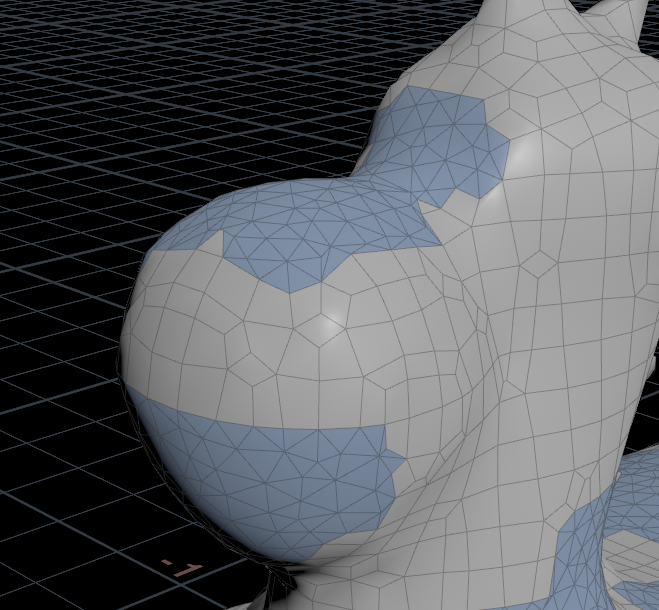
with attribute fill you can fill the missing area with a minimal surface. but it is not curvature aware. i suppose some kind of poisson solver could fix that
Attachments in this post:
http://fx-td.com/houdiniandchill/wp-content/uploads/discord/20244309/11/24/houdini_QURUbjv61w.mp4
ok i made a really crappy iterative solver… will work some more on this.
simple curvature aware hole filler.
Attachments in this post:
http://fx-td.com/houdiniandchill/wp-content/uploads/discord/20242709/11/24/houdini_nnqalBqjZO.mp4
http://fx-td.com/houdiniandchill/wp-content/uploads/discord/20242709/11/24/patch_deluxe.hiplc
http://fx-td.com/houdiniandchill/wp-content/uploads/discord/20242709/11/24/image.png
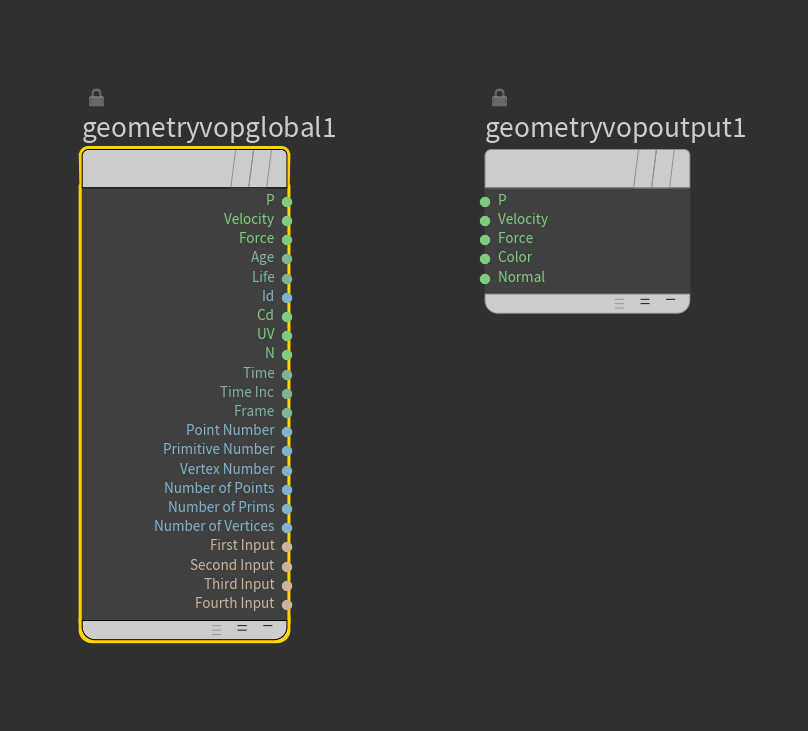
TIL about this nice checkbox in preferences, makes the vop labels more descriptive.
Attachments in this post:
http://fx-td.com/houdiniandchill/wp-content/uploads/discord/20240609/09/24/image.png
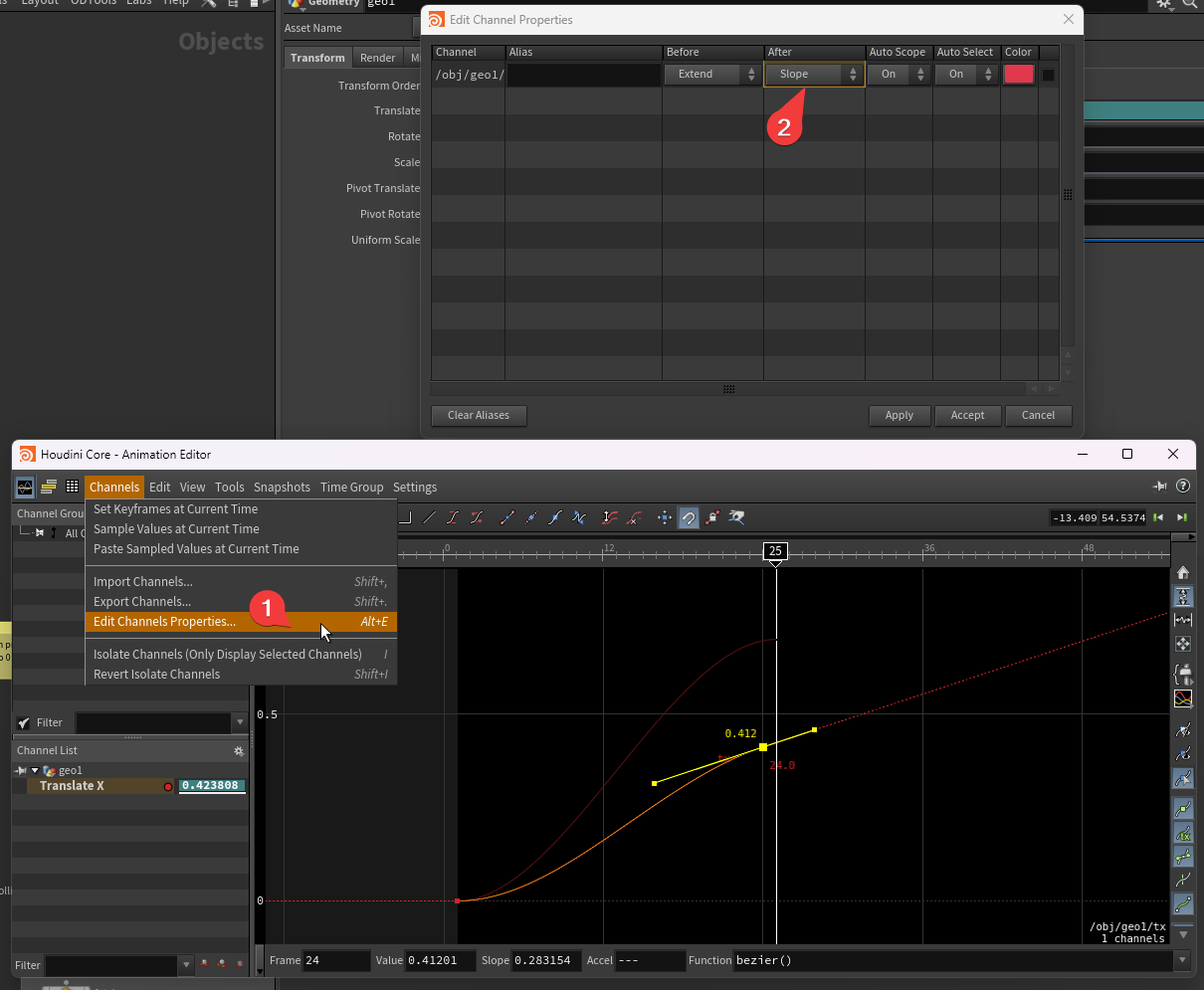
Here you go
Might have to have the channels selected
Attachments in this post:
http://fx-td.com/houdiniandchill/wp-content/uploads/discord/20241709/04/24/image.png