this is going straight to the wiki…
Archived post by mestela
yeah, the temp fix i’ve found is to make a copy of the sequence stored in the usd file (double click the sequence in the usd to load it, use the wrench icon to save it to a new name in your content folder), make a new camera, parent it underneath your usd camera, and drag that camera into sequencer
now and then i’ve been able to use the usd camera directly, but it wasn’t reliable, this hacky hack works
Archived post by goldfarb
jonathanrpace.com/project_clouds.html
sooooo nice
Archived post by Bender
Dont know if anyone will find this shows them anything they dont already know..
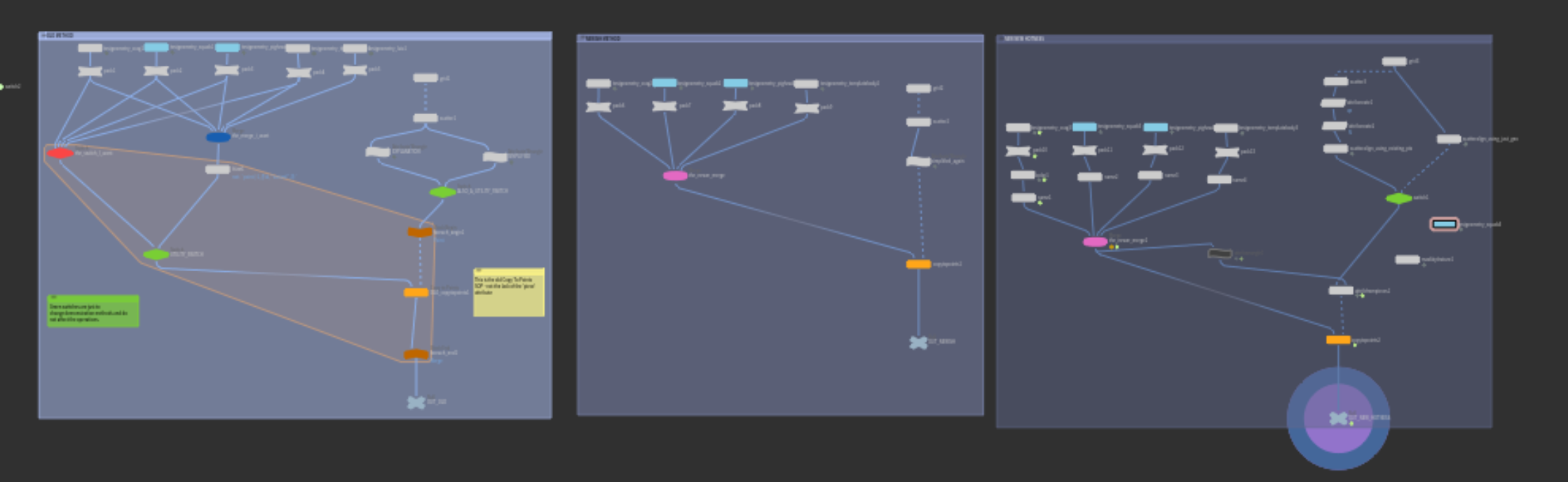
But it’s my demo file I give newbies to show them the evolution of (post-`stamp()`) copy-to-points setups
Attachments in this post:
http://fx-td.com/houdiniandchill/wp-content/uploads/discord/20213810/06/21/scatter_copy_001.hip
http://fx-td.com/houdiniandchill/wp-content/uploads/discord/20213810/06/21/unknown.png
Archived post by IgorZanic – CeeGee
@nicholas ralabate this is page that i am doing in my free time i started last year its still very WIP, but you can see some numbers, at bottom of page www.igorfx.com/fx_aws/
Archived post by Solitude
yeah I have a file for that somewhere. You still need to resim it from the velocity field though
not the pyro, just the rest fields.
lemme try and find it
rest field from vel field
makes it so you don’t have to resim the entire pyro just to get a change in the rest fields
Attachments in this post:
http://fx-td.com/houdiniandchill/wp-content/uploads/discord/20215709/30/21/restField_setup.hiplc
Archived post by Sepu
I cant remember who was asking last time to convert a file to obj or fbx – but this site is super handy
anyconv.com/file-formats/
Archived post by Dave Stewart
Hey guys did a quick tip vid on getting some nice creasing/folds with Vellum: www.instagram.com/p/CTojOVEjMGK/?utm_source=ig_web_copy_link
For @mestela : increase bend stiffness, enable decreasing dropoff, set threshold angle to something pretty low
Archived post by SniperJake945
“`c //put this shit in a prim wrangle yo int h = primhedge(0, @primnum); int temp = h; int start_pt = hedge_srcpoint(0, h); int new_pts[]; float depth = ch(“depth”); float inset = 1 – ch(“inset”); do{ int pt_a = hedge_srcpoint(0, h); int pt_b = hedge_dstpoint(0, h); vector p_a = point(0, “P”, pt_a); vector p_b = point(0, “P”, pt_b); //inset p_a = (((p_a – @P) * inset) + @P); p_b = (((p_b – @P) * inset) + @P); p_a = p_a + v@N * depth; p_b = p_b + v@N * depth; int npt_a; if(h == temp){ //only runs on our first iteration npt_a = addpoint(0, p_a); append(new_pts, npt_a); }else{ //our current starting point is our previous destination point npt_a = new_pts[len(new_pts) – 1]; }
//add in our destination point, if we’re not back at the start int npt_b; if(start_pt != pt_b){ npt_b = addpoint(0, p_b); append(new_pts, npt_b); }else{ npt_b = new_pts[0]; } //add side walls addprim(0, “poly”, npt_b, npt_a, pt_a, pt_b);
h = hedge_next(0, h); }while(h != temp); addprim(0, “poly”, new_pts); “`
this is polyextrude with the `divide into` toggle set to individual components. if you want to do the connected components stuff, its a lot more effort, but i believe in you. believe in yourself <:meowpensivepray:814858736497590302> also this requires prim normals, so make sure u add those with a normal sop
Archived post by nicholas ralabate
@NickTaylor dont know if you still on here, but this tweet saved my bacon today, thanks! https://twitter.com/_nick_taylor/status/868872047119790085?lang=en
always thought gas intermittent solve was for phd pyro wrangling, alas it lets you source grains sanely