[hou-cops] Archived post by mattiasmalmer

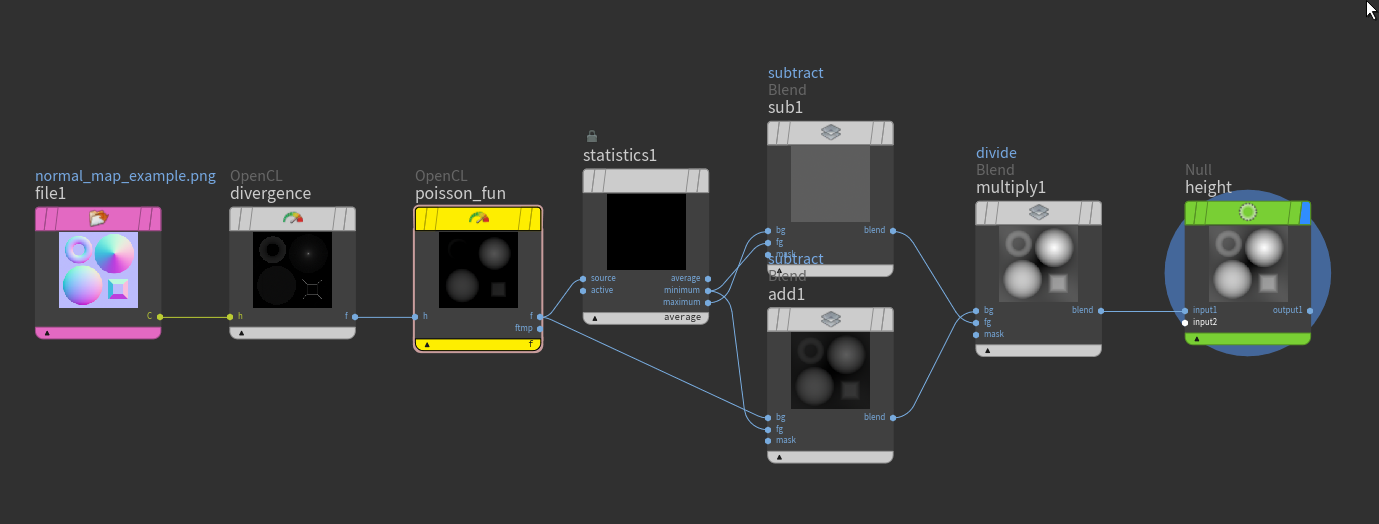
aight bois! i talked to TinyTexel on shadertoy and he showed me his really cool implementation of Normal2Depth using fourier space filter inversion: www.shadertoy.com/view/XcjXDc I spent a bit of time wrapping my smooth brain around the code and managed to cobble together the same thing in COP:s using OpenCL:
it is very very fast.

Attachments in this post:
http://fx-td.com/houdiniandchill/wp-content/uploads/discord/20240410/17/24/image.png
http://fx-td.com/houdiniandchill/wp-content/uploads/discord/20240410/17/24/fftNormal2Depth.hiplc

[hou-cops] Archived post by mattiasmalmer

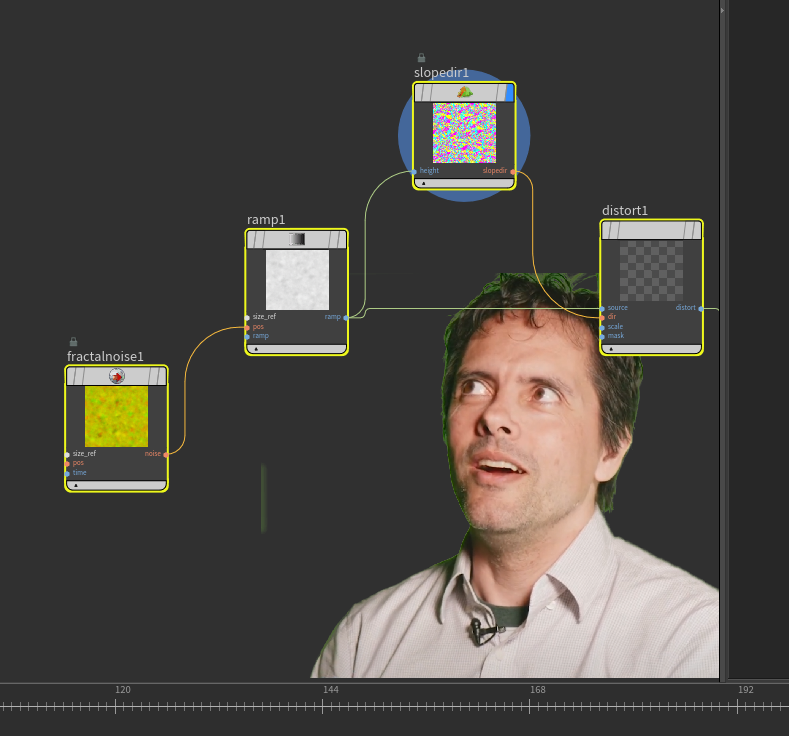
Here is an alternative for dealing with displacement from normals or “slant lit” images:

i cant remember where i got the opencl code from. it was made a while back. maybe i wrote it? Maybe entagma? or i might have stolen it from someone here?

Attachments in this post:
http://fx-td.com/houdiniandchill/wp-content/uploads/discord/20241610/08/24/disp_from_normal.zip
http://fx-td.com/houdiniandchill/wp-content/uploads/discord/20241610/08/24/houdini_LCDRX96IQ1.mp4

Archived post by pixel_bender

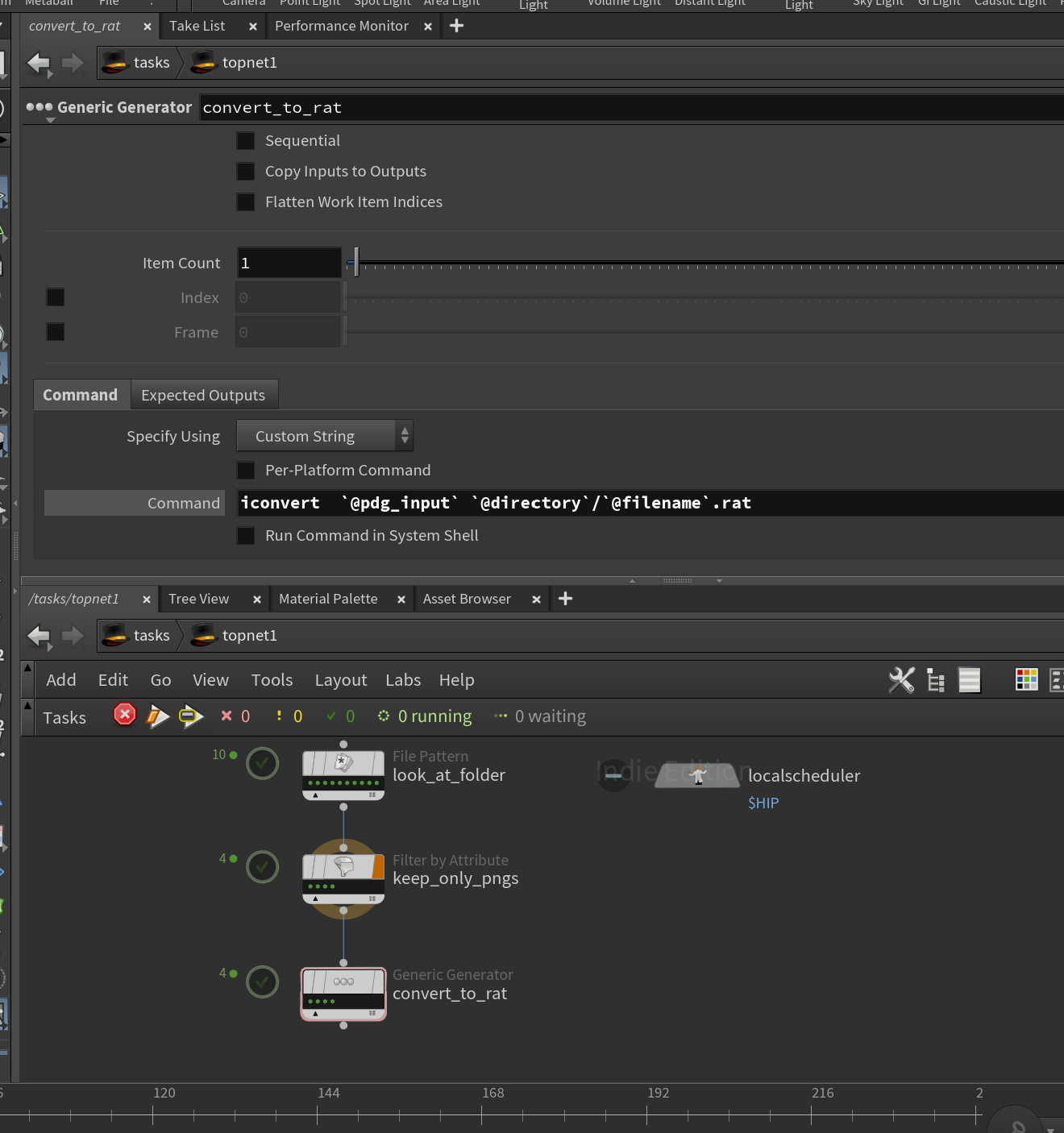
Hey guys, for anyone who’s ever needed to go on set, wanted to, or just wanted to do their own shoot – I recently put this together based on the content we used to train our lighting students with at SVA. It’s not a ‘public’ document (mainly because Im using images stolen without permission) – but wanted to share here for VFX boffins.
Also open to feedback or further input too

It doesnt cover ‘being a vfx supervisor’ – or the on-set experience with regards to on-set ettiquett at this point… its more of a technical guide

I wouldnt click the embedded hyperlinks, theyll only take you to a notion page you cant access

Attachments in this post:
http://fx-td.com/houdiniandchill/wp-content/uploads/discord/20241810/02/24/VFX_Shooting_Guide_v0.1.pdf

Archived post by jim.meston

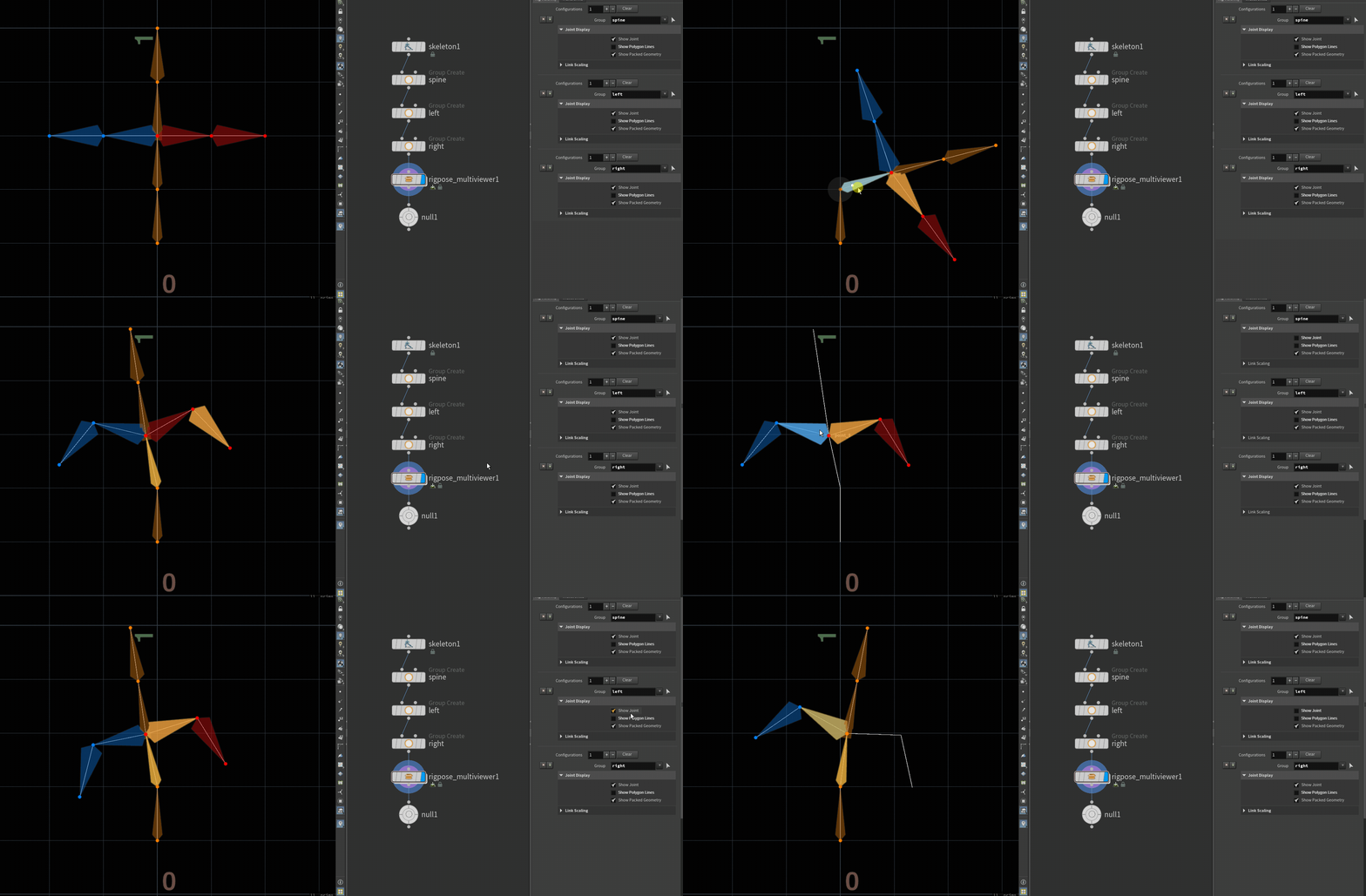
Nah f that. It’s as easy as making a subnet, promoting to HDA and changing the view state. Then the user pins the scene view at the container level. Then you basically have an empty utility HDA that people can use if they choose to.

Call it rigpose_multi or something catchy and get 5 cool points.

+ if memory serves me right the rigpose vis controls are multiparms so you the user could theoretically make visibility sets.

Here you go…

By default the container has no parms, but if you drag the relevant multiparm root into the container edit parms window, it propogates all the parms for you. You can do this for the tranforms as well. It takes a few seconds. Or just pin the view at the top level and edit from within the container. Should work for custom hdas with rigpose states also.

Attachments in this post:
http://fx-td.com/houdiniandchill/wp-content/uploads/discord/20245810/01/24/rigpose_multiviewer.gif
http://fx-td.com/houdiniandchill/wp-content/uploads/discord/20245810/01/24/rigpose_multi.zip

Archived post by pixel_bender

…and final thing… in import to SOPs, the @name attribute created will always be the mesh component of the path attribute? @path = ‘/path/to/mesh’ @name = ‘mesh’

For anyone interested.. Ive just RFEd for some documentation improvements for the RBD procedural workflow, but also this is my summary
“`Incoming LOP geometry in SOPs will contain @name and @path attributes. @path will be the USD prim path and should be maintained for the round trip to SOPs and back to LOPs. “/root/myGeometry/mesh01” @name will be equivalent to the mesh component of the full @path (and aids in the construction of USD hierarchies in the absence of @path) “mesh01”
Outgoing geometry Input geometry transformation will now be driven by the RBD simulation’s point transforms. As such we need to establish a relationship between the RBD simulationn points and the newly fractured geometry pieces, while creating no additional pieces in the USD hierarchy. While the fracture creates many pieces of geometry, if those pieces carry the same @path attribute, they will have a singular mesh path in USD, maintaining the original input path hierarchy upon return to LOPs.
FOR THE STATIC FRACTURED GEOMETRY We establish this relationship with a primitive @piecename attribute – which would be the concatenated string of the incoming mesh (ie @name) + the piece naming as derived from your fracturing process. @piecename = “mesh01-piece0-1” (while maintaining @path = “/root/myGeometry/mesh01”) @piecename = “mesh01-piece0-2” (while maintaining @path = “/root/myGeometry/mesh01”) … FOR THE SIMULATION POINTS We establish this relationship with a point @piecename attribute that differs from the fractured geometry in that it will be the concatenated string of the full path (ie @path) + the piece naming as derived from your fracturing process.   @piecename = “/root/myGeometry/mesh01-piece0-1” @piecename = “/root/myGeometry/mesh01-piece0-1″“`

I feel if the docs kinda spelt this out a little more for the dummies in the back like me, they might make a little more sense than just a rote learning excercise in dropping nodes

I feel like the above falls under ‘assumed knowledge’ – but it’s only assumed by USD eggheads, not your average SOPsy artist looking to bring their workflows to LOPs

This is my take on: www.sidefx.com/docs/houdini/solaris/houdini_rbd_procedural.html