Prior to Houdini 21, when ever you installed an HDA to your hip, `hou.hda.installFile()`, it would internally run the `dsreload` hscript command which rebuilt all the shelves and toolbars. Which for one HDA isn’t expensive. But this would happen for every HDA installed, and the more HDAs you installed the longer it would take. So they added a hou.hda.installFiles() as a way to batch it, which triggers a single `dsreload` at the very end. Internally when loading a hip the same thing would happen, so they changed the hip file loading to batch load them as well.
Archived post by mattiasmalmer
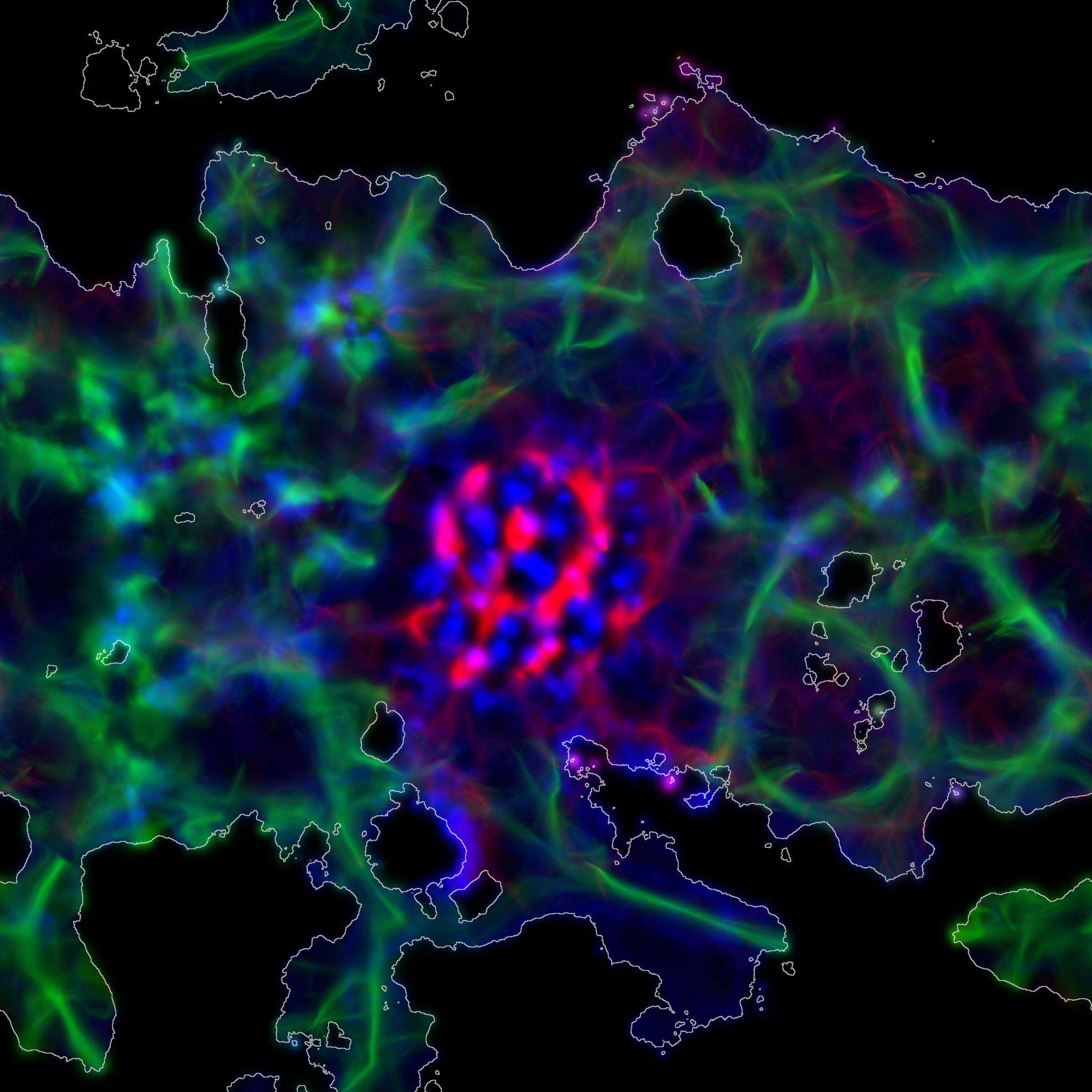
Slime mold with collisions and 3 species.
Petri dish fun for the whole family!
Attachments in this post:
http://fx-td.com/houdiniandchill/wp-content/uploads/discord/20251012/08/25/slime.rop_image1.0001.jpg
http://fx-td.com/houdiniandchill/wp-content/uploads/discord/20251012/08/25/slime.hiplc
Archived post by will1059
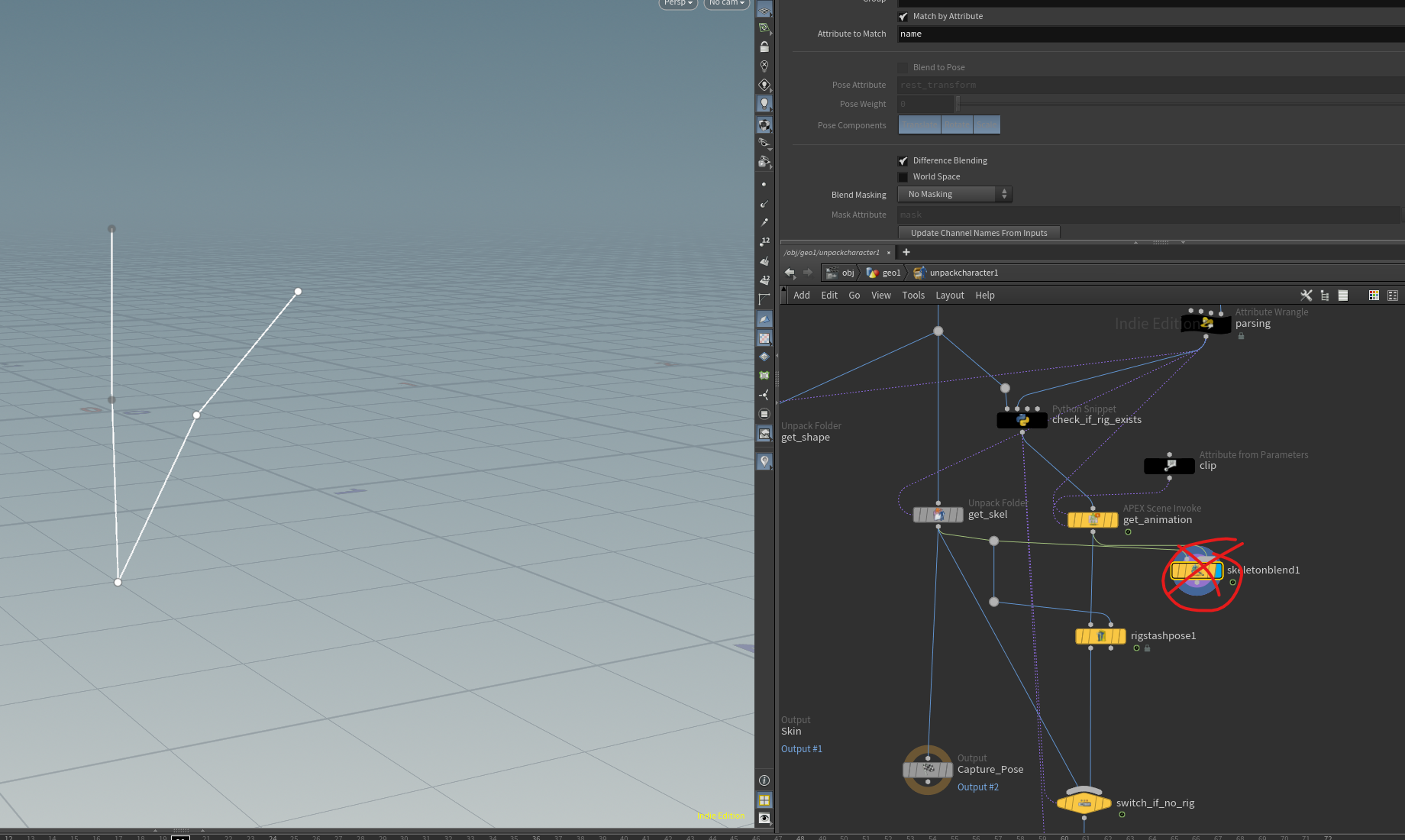
Hey, This is a bug. The blenshape animation does exist on the skeleton. It just needs to be invoked. Simply bypassing the skeleton blend in the unpack character will fix it. This is being fixed 🙂
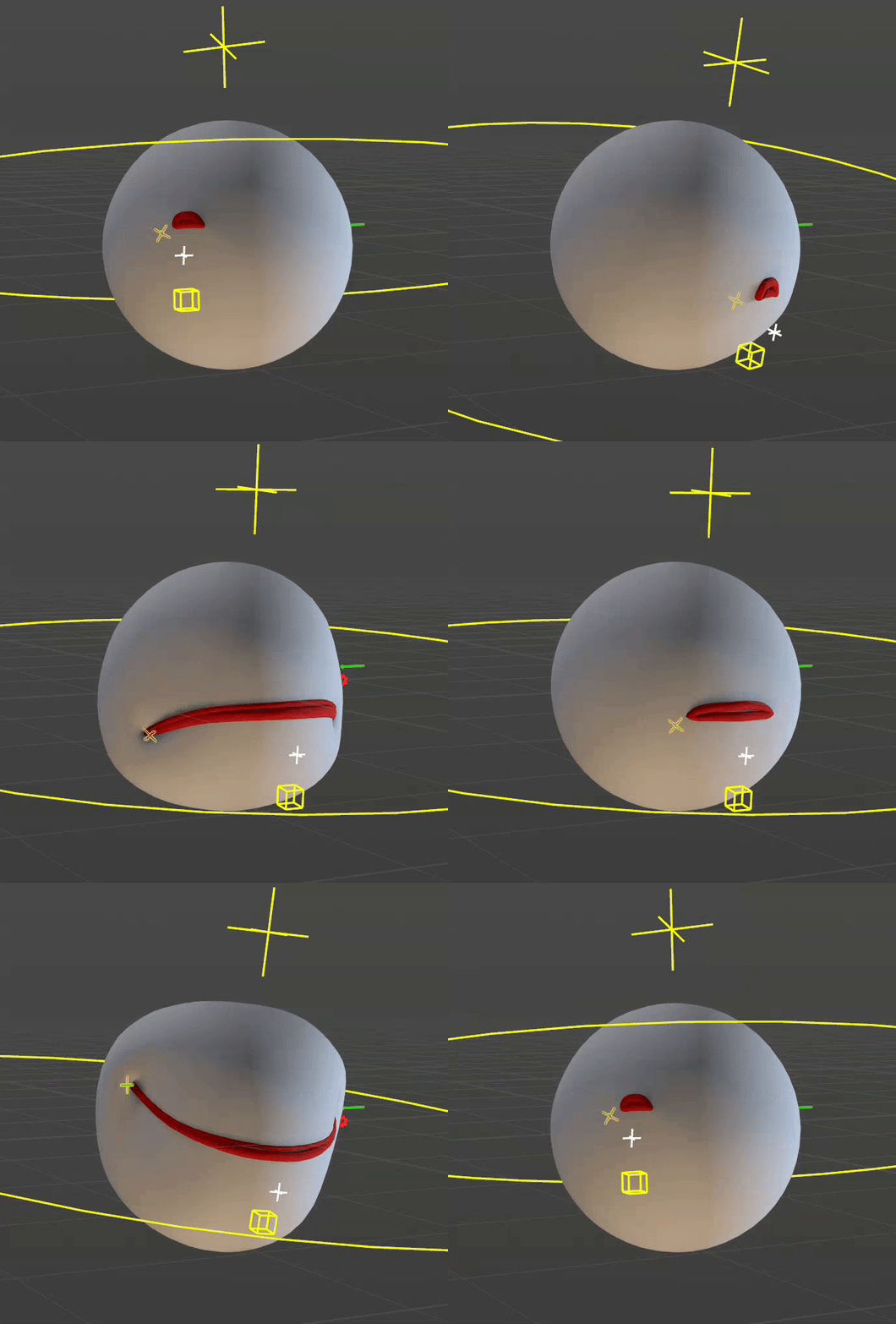
Here is a basic slider setup.
Attachments in this post:
http://fx-td.com/houdiniandchill/wp-content/uploads/discord/20250712/03/25/image.png
http://fx-td.com/houdiniandchill/wp-content/uploads/discord/20250712/03/25/apex_rig_to_solaris_as_usdskel_plus_blendshapes.hiplc
http://fx-td.com/houdiniandchill/wp-content/uploads/discord/20250712/03/25/output.gif
http://fx-td.com/houdiniandchill/wp-content/uploads/discord/20250712/03/25/mouth.zip
Archived post by mysterypancake
this page is still pretty wip but i added more info about atomics if it helps (based on my current understanding of them) it might be worth reading the “how opencl runs” section first github.com/MysteryPancake/Houdini-OpenCL?tab=readme-ov-file#atomic-operations
Archived post by mattiasmalmer
Attachments in this post:
http://fx-td.com/houdiniandchill/wp-content/uploads/discord/20254912/02/25/raster_particles.hiplc
Archived post by vanity_ibex
hip + some snail footage
Attachments in this post:
http://fx-td.com/houdiniandchill/wp-content/uploads/discord/20255511/29/25/COPs_Block_Matching_03.hiplc
http://fx-td.com/houdiniandchill/wp-content/uploads/discord/20255511/29/25/block_matching.zip
Archived post by vanity_ibex
hip + some snail footage
Attachments in this post:
http://fx-td.com/houdiniandchill/wp-content/uploads/discord/20255511/29/25/COPs_Block_Matching_03.hiplc
http://fx-td.com/houdiniandchill/wp-content/uploads/discord/20255511/29/25/block_matching.zip
Archived post by mattiasmalmer
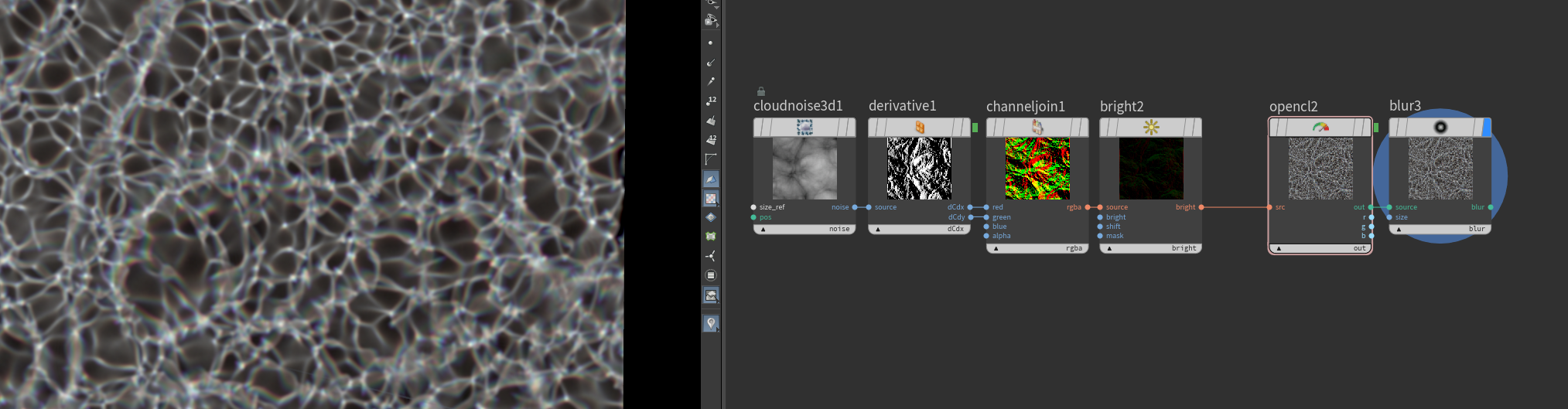
here is a stripped down setup you can play with.
Attachments in this post:
http://fx-td.com/houdiniandchill/wp-content/uploads/discord/20253911/28/25/boxx_CC.mp4
http://fx-td.com/houdiniandchill/wp-content/uploads/discord/20253911/28/25/caustic_sea_1.hiplc
Archived post by mattiasmalmer
Archived post by lwwwwwws
i def think there’s potential for that typa shit e.g. these 6 million particles simulating and rendering at 60fps <:tide_pod:415308365942620161> with a fat glow on top even
Attachments in this post:
http://fx-td.com/houdiniandchill/wp-content/uploads/discord/20255811/25/25/Ls_Cop3GPUparticles_v01.smal.mp4
http://fx-td.com/houdiniandchill/wp-content/uploads/discord/20255811/25/25/Ls_Cop3GPUparticles_v01.hipnc