[hou-cops] Archived post by lwwwwwws

had another thought about glow stuff… cops comes with a prefix sum node which makes what graphics people call “summed area tables” that let you look up box filters of any size pretty much instantly, so you can add up tons of them and get something p smooth <:cat_zuul:354000291768696834> even 100 layers stays pretty fast

i love it when you make a glow that’s realistic enough you start squinting because it feels like looking through dirty glass

Attachments in this post:
http://fx-td.com/houdiniandchill/wp-content/uploads/discord/20245307/26/24/Ls_Cop3PrefixsumGlow.hipnc
http://fx-td.com/houdiniandchill/wp-content/uploads/discord/20245307/26/24/Screenshot_from_2024-07-25_22-23-15.png

[hou-cops] Archived post by fabriciochamon

finally got some proper time to test copernicus, loving it so far. did this custom flakes setup

(needs to relink hdri)

Attachments in this post:
http://fx-td.com/houdiniandchill/wp-content/uploads/discord/20245707/18/24/image.png
http://fx-td.com/houdiniandchill/wp-content/uploads/discord/20245707/18/24/flakes_maps.gif
http://fx-td.com/houdiniandchill/wp-content/uploads/discord/20245707/18/24/cop_flakes.hiplc

Archived post by legomyrstan

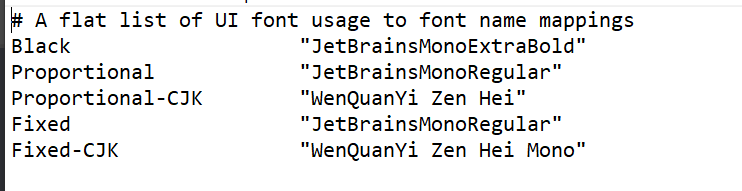
maybe it will be useful to someone else: “`bash # Apply different scale if laptop lid is closed(clamshell mode) so Global GUI # can be bigger for smaller monitor and there is no need to set that manually # and restart Houdini is_clam_shell=$(ioreg -r -k AppleClamshellState -d 1 | grep AppleClamshellState | grep “Yes\|No” -o) num_of_monitor=$( system_profiler SPDisplaysDataType | grep Resolution: | wc -l) if [[ $is_clam_shell = “No” && num_of_monitor -eq 1 ]] then export HOUDINI_UISCALE=200 else export HOUDINI_UISCALE=115 fi “`

[hou-cops] Archived post by lwwwwwws

this goes at about 15fps for 16 million particles which isn’t too bad for a shit 2070 eGPU… cool to be able to do some of this and more shadertoy/touchdesigner type stuff in houdini finally <:tide_pod:415308365942620161> although idk if it’s worth building a whole toolset around since it seems like sidefx have all the pieces ready to make a proper context for GPU POPs or GPU raymarched volumes

Attachments in this post:
http://fx-td.com/houdiniandchill/wp-content/uploads/discord/20245307/11/24/Ls_AtomicAdd2c.mp4
http://fx-td.com/houdiniandchill/wp-content/uploads/discord/20245307/11/24/Ls_Cop3AtomicAdd.hipnc

Archived post by jjonahlowercase

Thought I’d post this in here in case it helps anyone
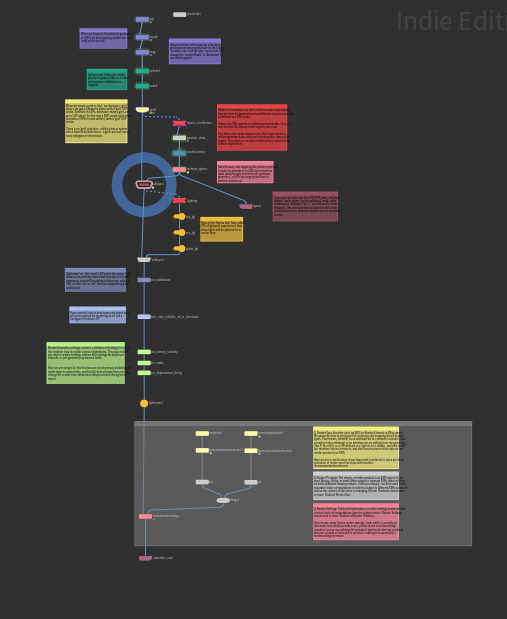
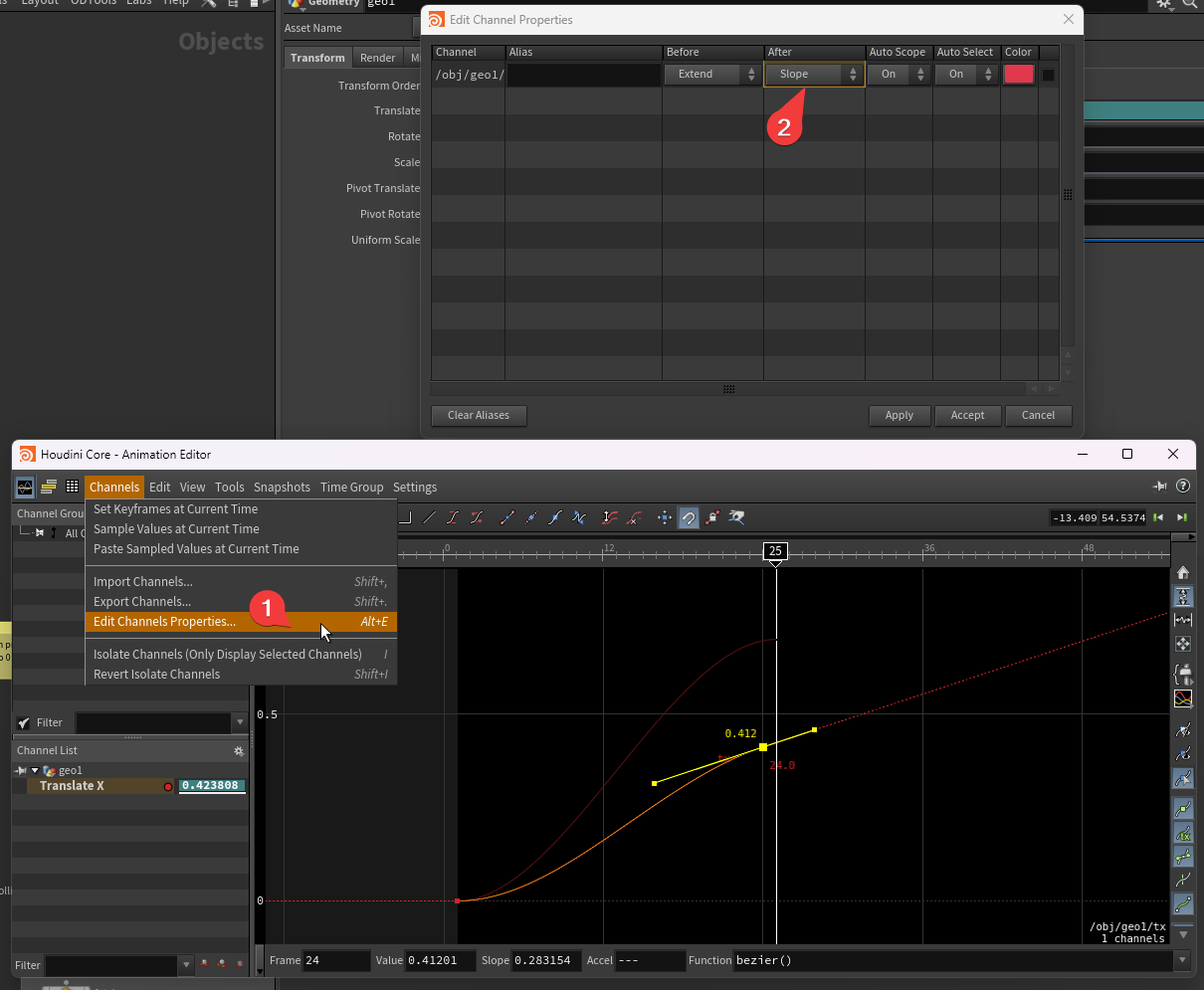
The LABS Karma LOP currently adds any render vars fed into it to the renderproduct, even if the vars are deactivated (annoying if you want to prune out render vars). To fix this, dive into the node, and then further into the karmarendersettings node, and add `& %active:true` to the renderproduct node’s Ordered Render Vars and Render Vars property expressions as shown in these images.

Attachments in this post:
http://fx-td.com/houdiniandchill/wp-content/uploads/discord/20244107/10/24/image.png

Archived post by paqwak

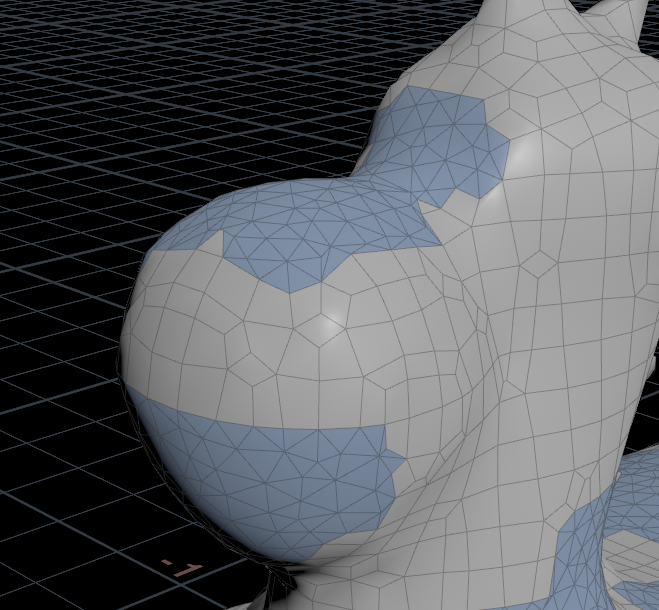
Hello, I created this quick ‘dirty’ dithering, and while it works great for the most part, I kinda have odd result when I change the HF grid spacing. By default here (1) it’s nice, and somehow a grid spacing of 3 works fine too … but many other value gives broken result, like if the voxel ordering change completely or something Oo. I must badly miss something about how access and write voxel value with a HF wrangler :S

Attachments in this post:
http://fx-td.com/houdiniandchill/wp-content/uploads/discord/20245107/08/24/image.png
http://fx-td.com/houdiniandchill/wp-content/uploads/discord/20245107/08/24/BayerDithering2.hiplc
http://fx-td.com/houdiniandchill/wp-content/uploads/discord/20245107/08/24/GIF_7-8-2024_6-25-12_PM.gif